🚀 Try pydevices-examples
August 12, 2026 · View on GitHub
Evaluate pydevices-examples without installing anything on your machine.
Choose a demo
| Path | Best for | Start here |
|---|---|---|
| Browser (PyScript) | Quick look, touch UI in the tab | Live demo hub |
| Installable PWA | Home-screen / standalone app on phone or desktop | Where PWAs run · Install the gallery |
| Wokwi simulator | ESP32 + ILI9341 without hardware | Wokwi guide · web/wokwi/ |
| Screenshot gallery | See what examples look like | Gallery below |
PyScript (browser)
Live demo (online)
Hub: PyDevices.github.io/pydevices-examples/pyscript/ — also an installable PWA (Install app in the header on Chromium; on iOS use Share → Add to Home Screen).
| Link | Description |
|---|---|
| Calculator | Pocket calculator (graphics) |
| REPL | Interactive REPL + canvas |
| Editor | mpy-editor with hidden setup + editable lesson |
| Async | Non-blocking animation with await |
| DOM | HTML button → Python via create_proxy |
| Pyodide | Modules / MIP manifests under Pyodide (dev tool) |
Run locally
--8<-- "_snippets/pyscript-local.md"
Full guide (asyncio porting, compatible examples, board config): PyScript local development.
!!! note "Browser gallery"
The live demo hub lists every example entry by default (opt out with # gallery: skip). Click Run on each page. Prefer runtime.run_forever() with callbacks so demos stay responsive. See PyScript asyncio guide.
Wokwi (simulator)
Copy web/wokwi/ main.py and diagram.json into a new ESP32-S3 MicroPython project.
Full example catalog: uncomment the two utils / examples lines in main.py (see Wokwi guide).
Screenshot gallery
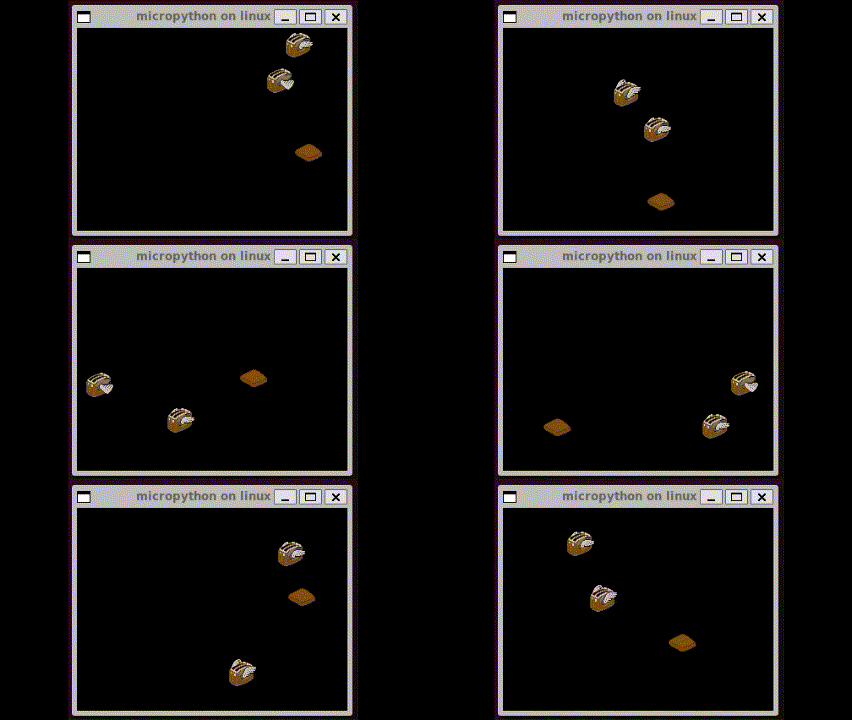 | 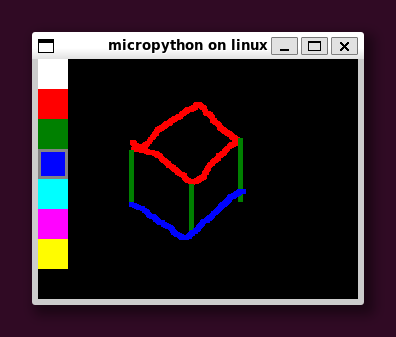 |
Full gallery (all screenshots): docs/screenshots/README.md.
Next steps
Ready to install locally?