Nuxt js 3 + Typescript + Quasar + Docker
February 21, 2026 · View on GitHub
Backend Rest Api
1 Java Springboot java-spring-boot-starter
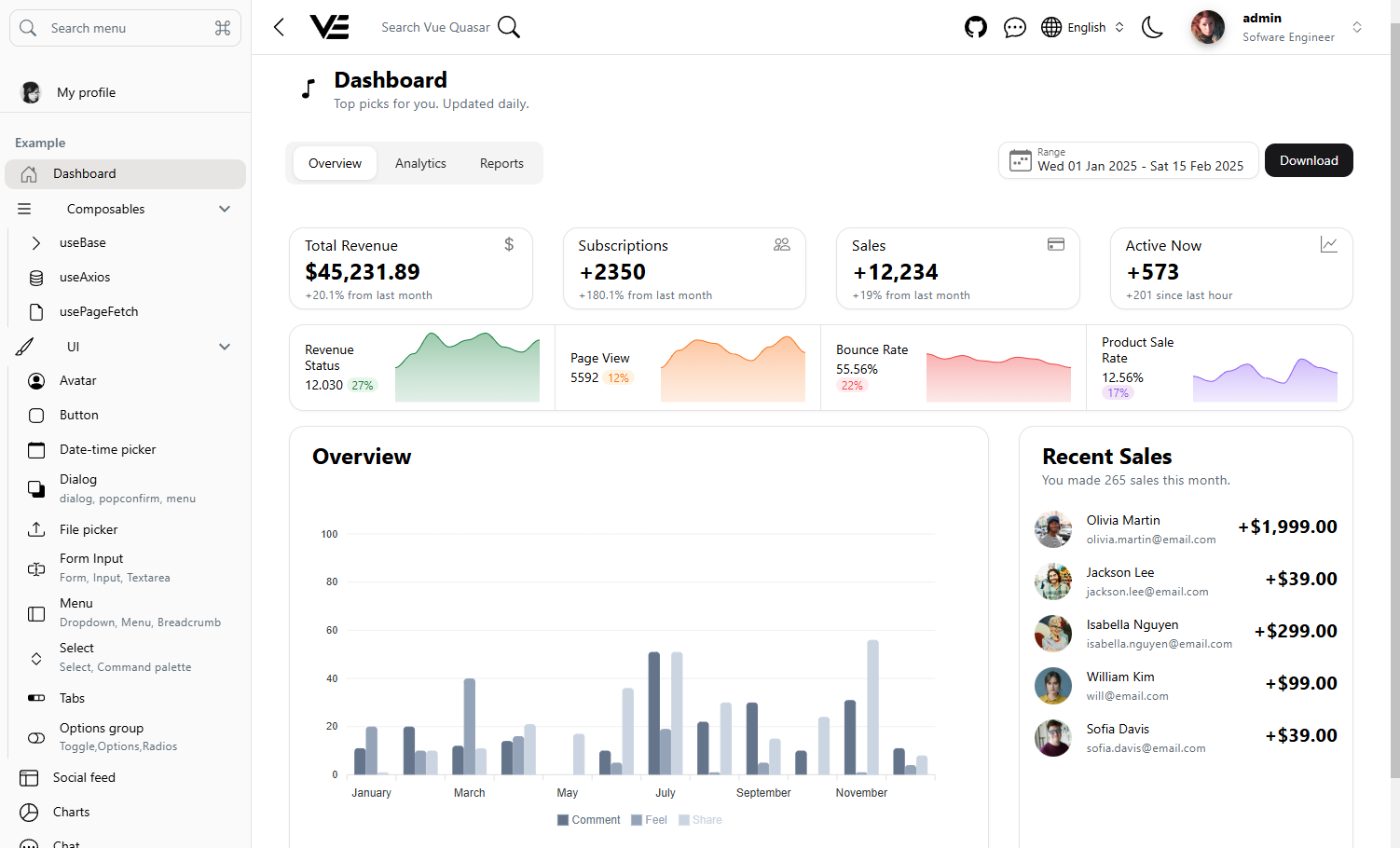
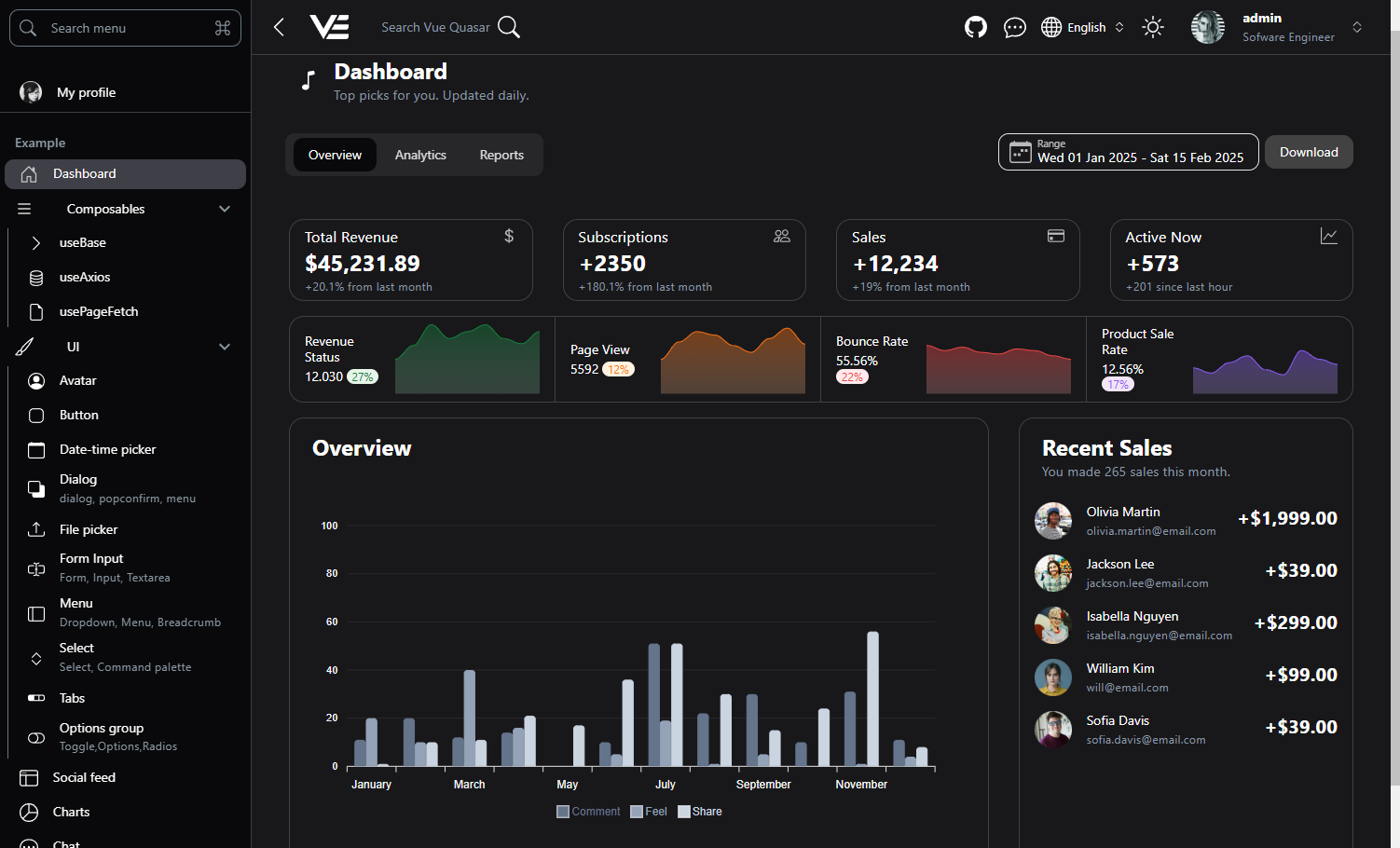
Dashboard
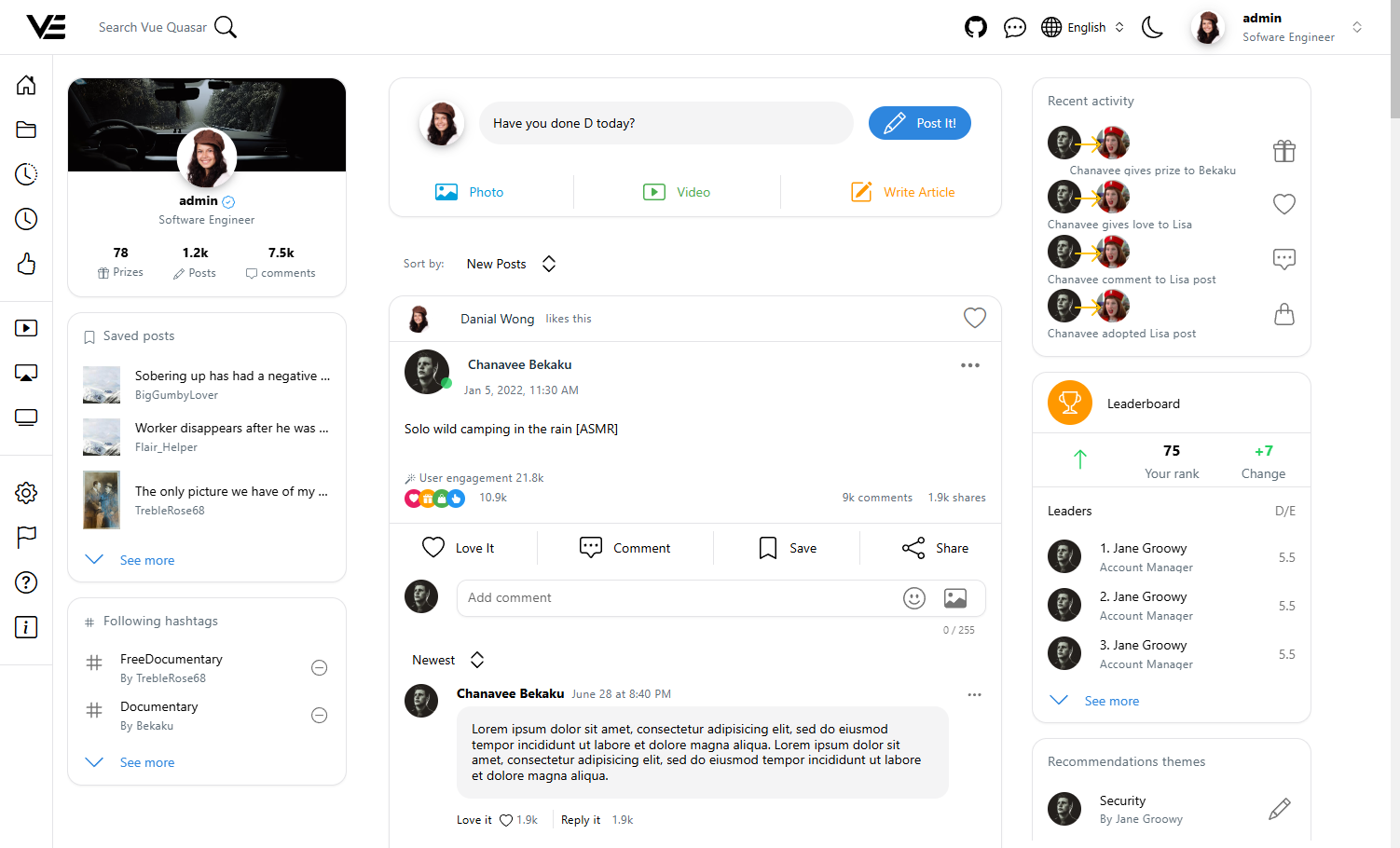
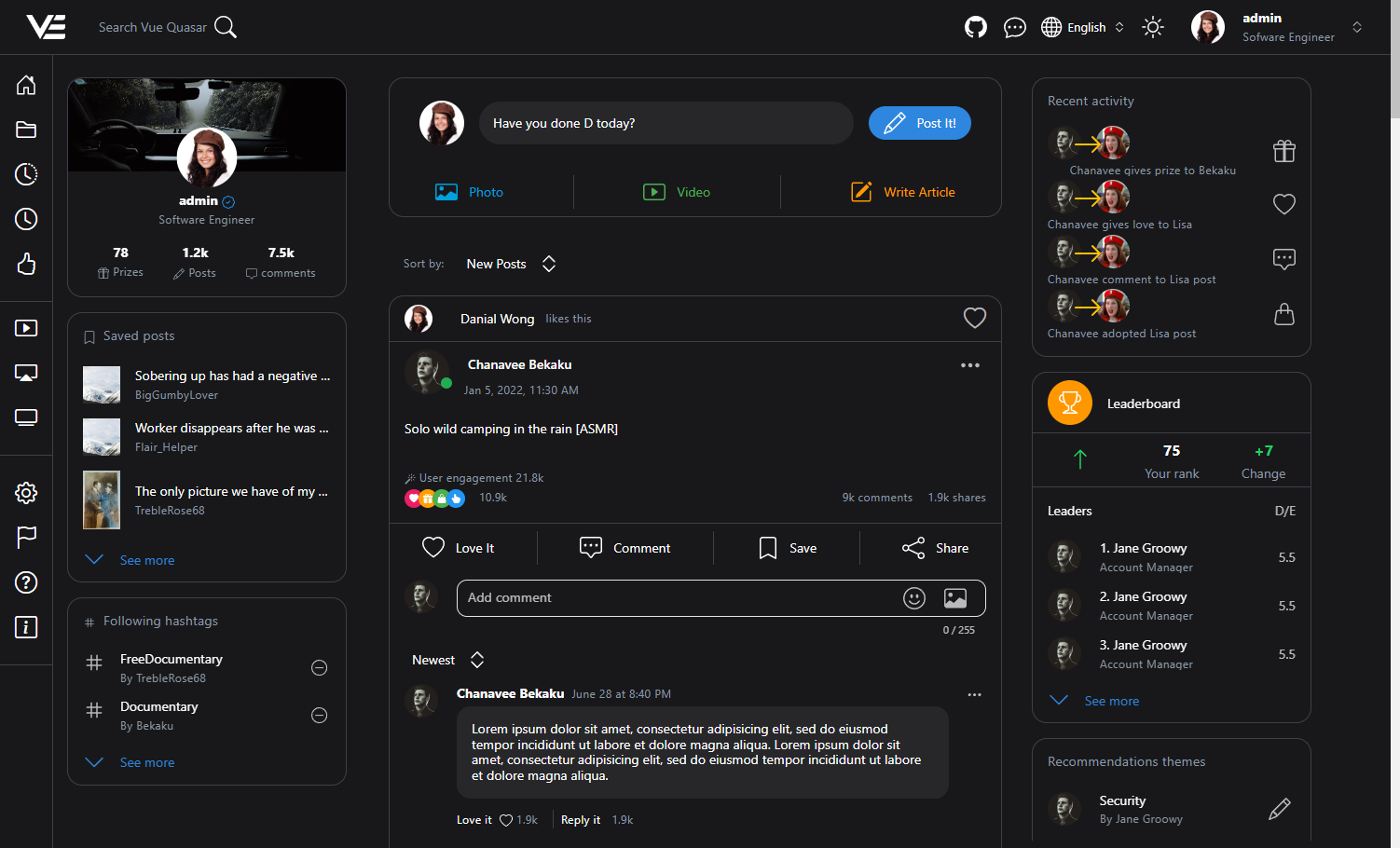
Social feed
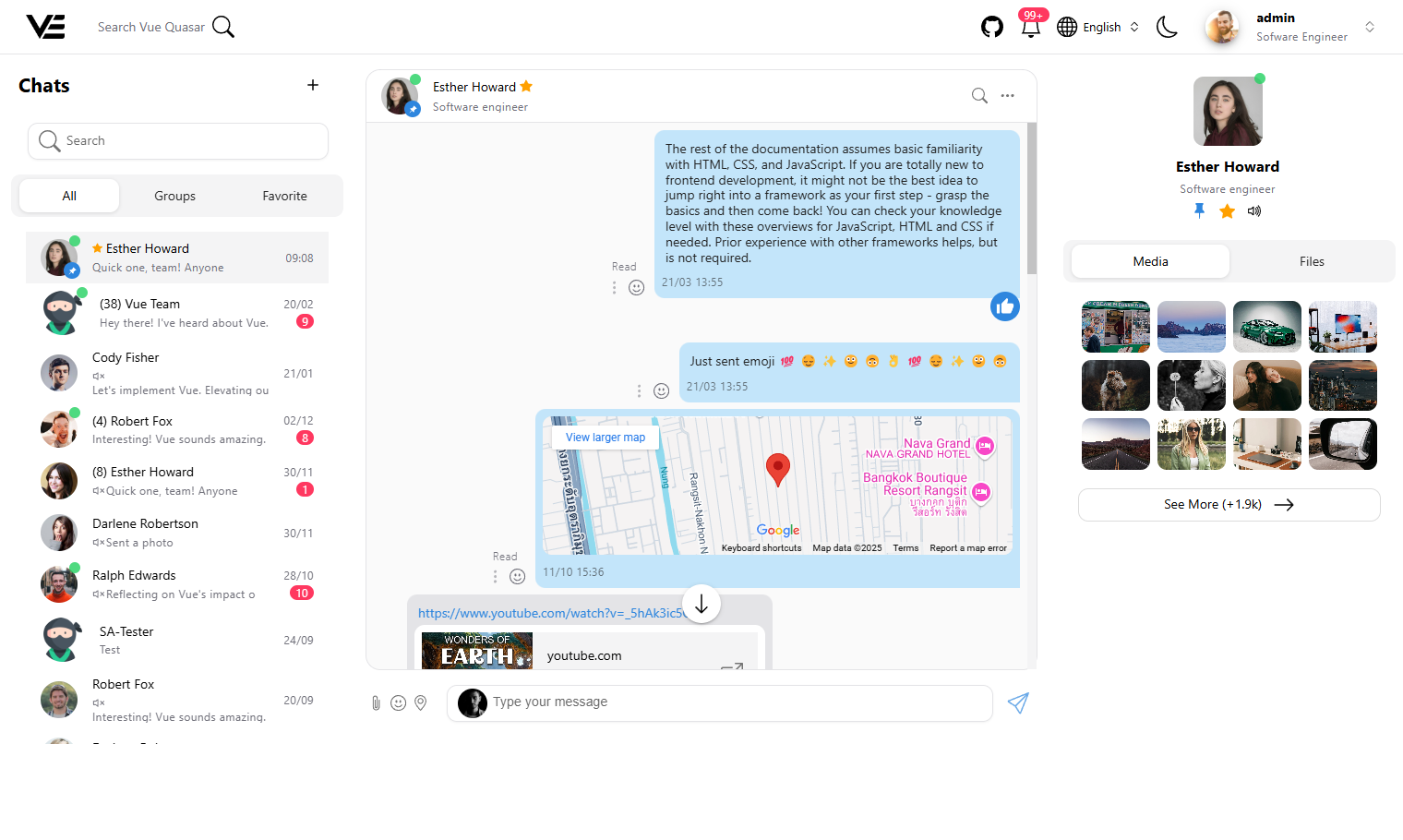
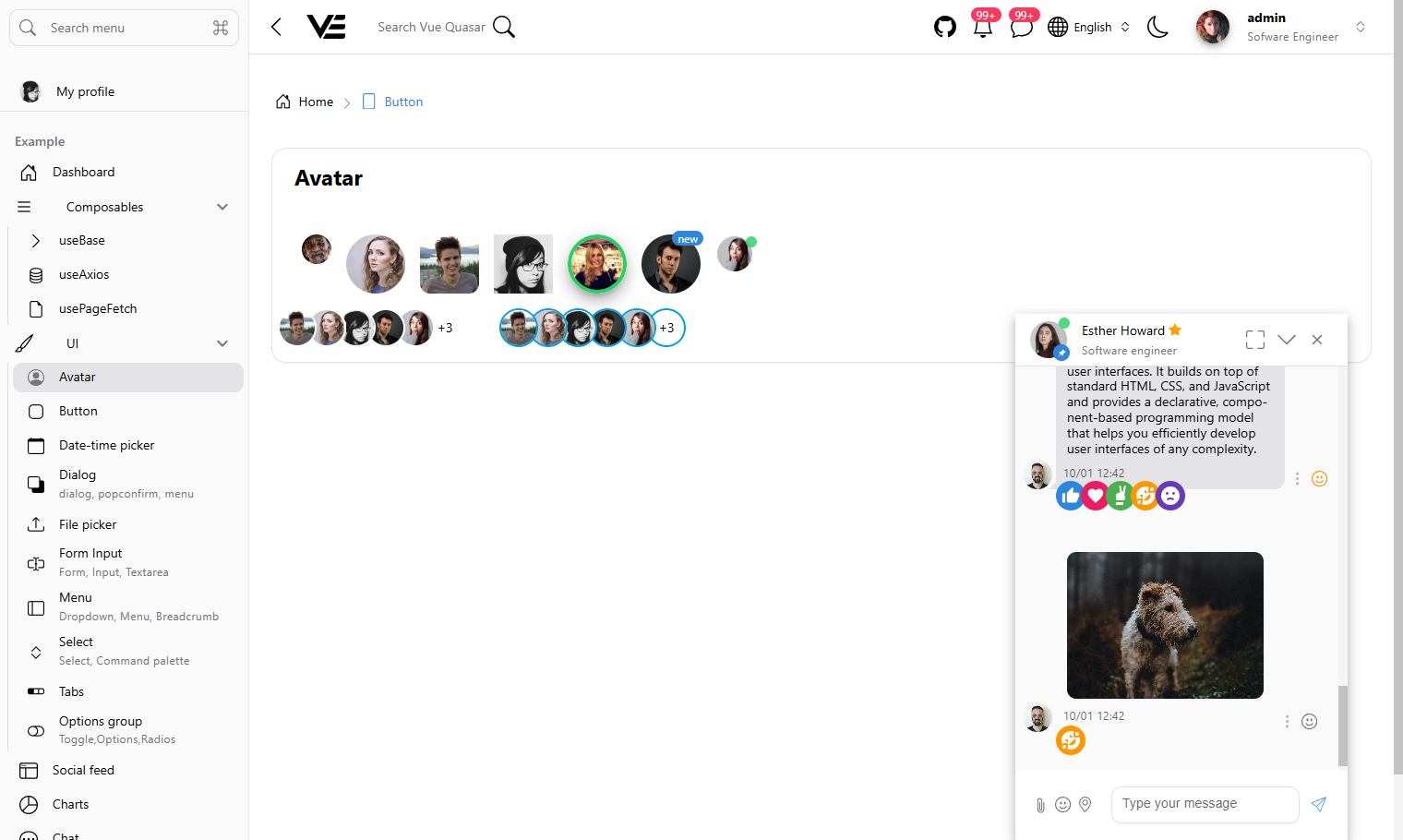
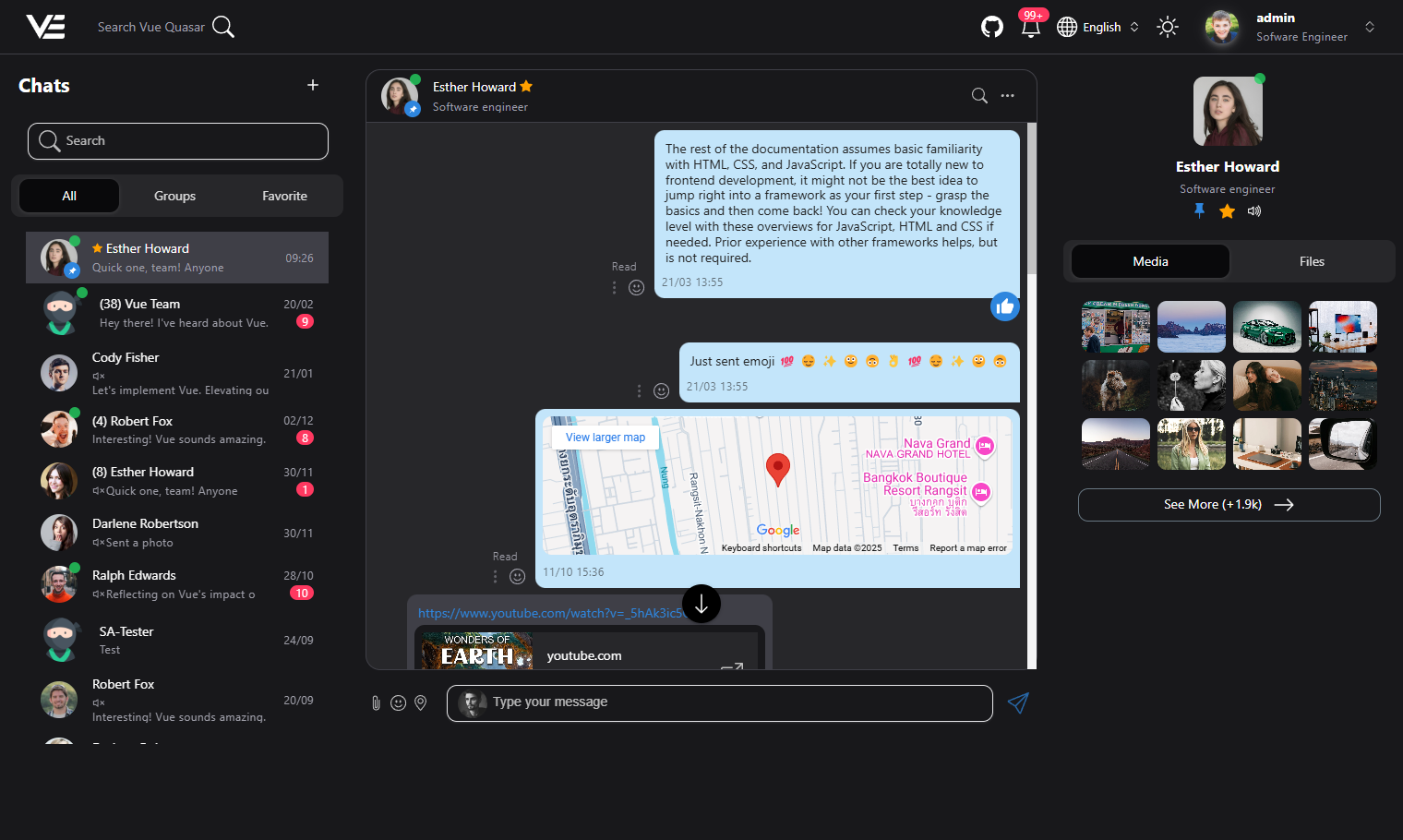
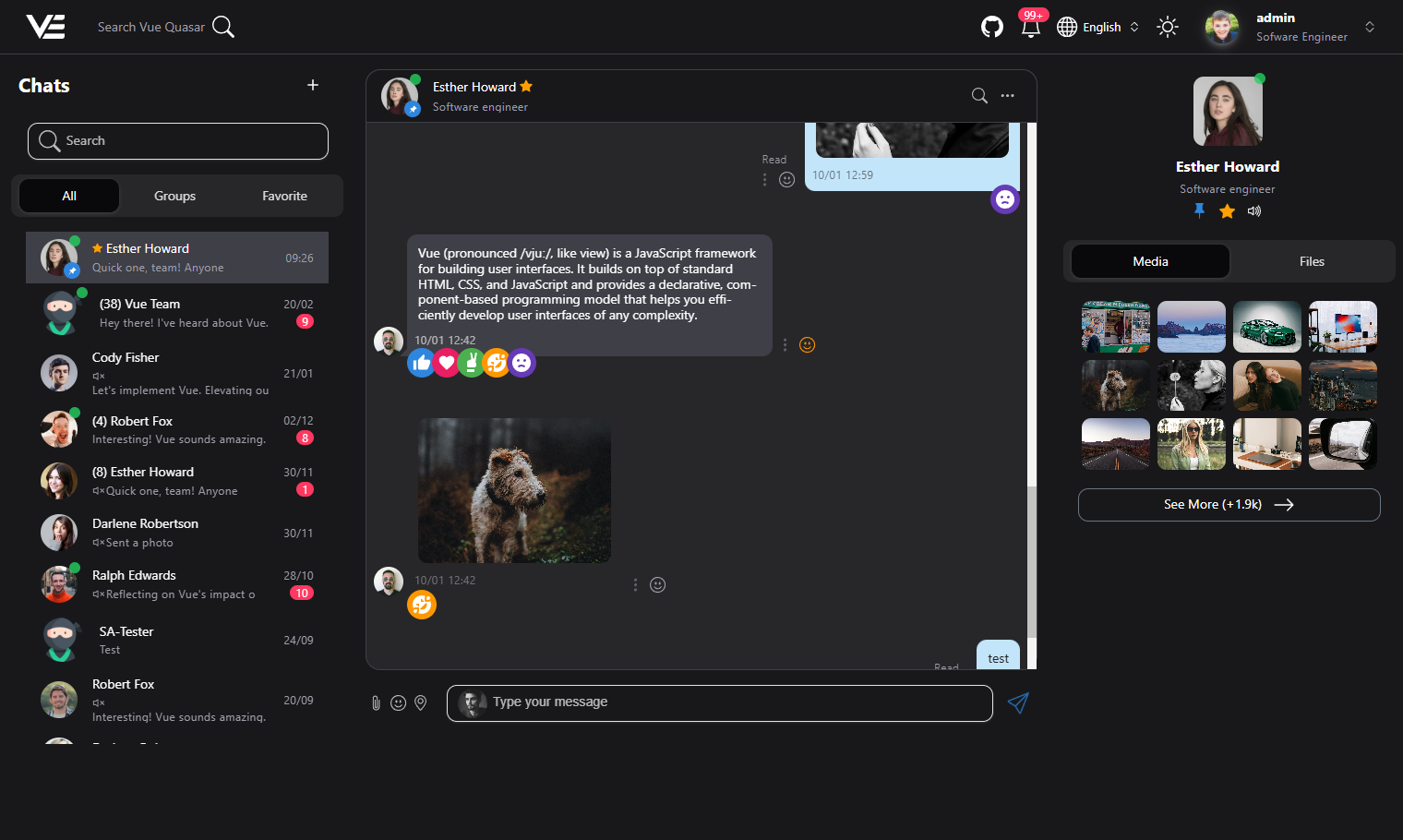
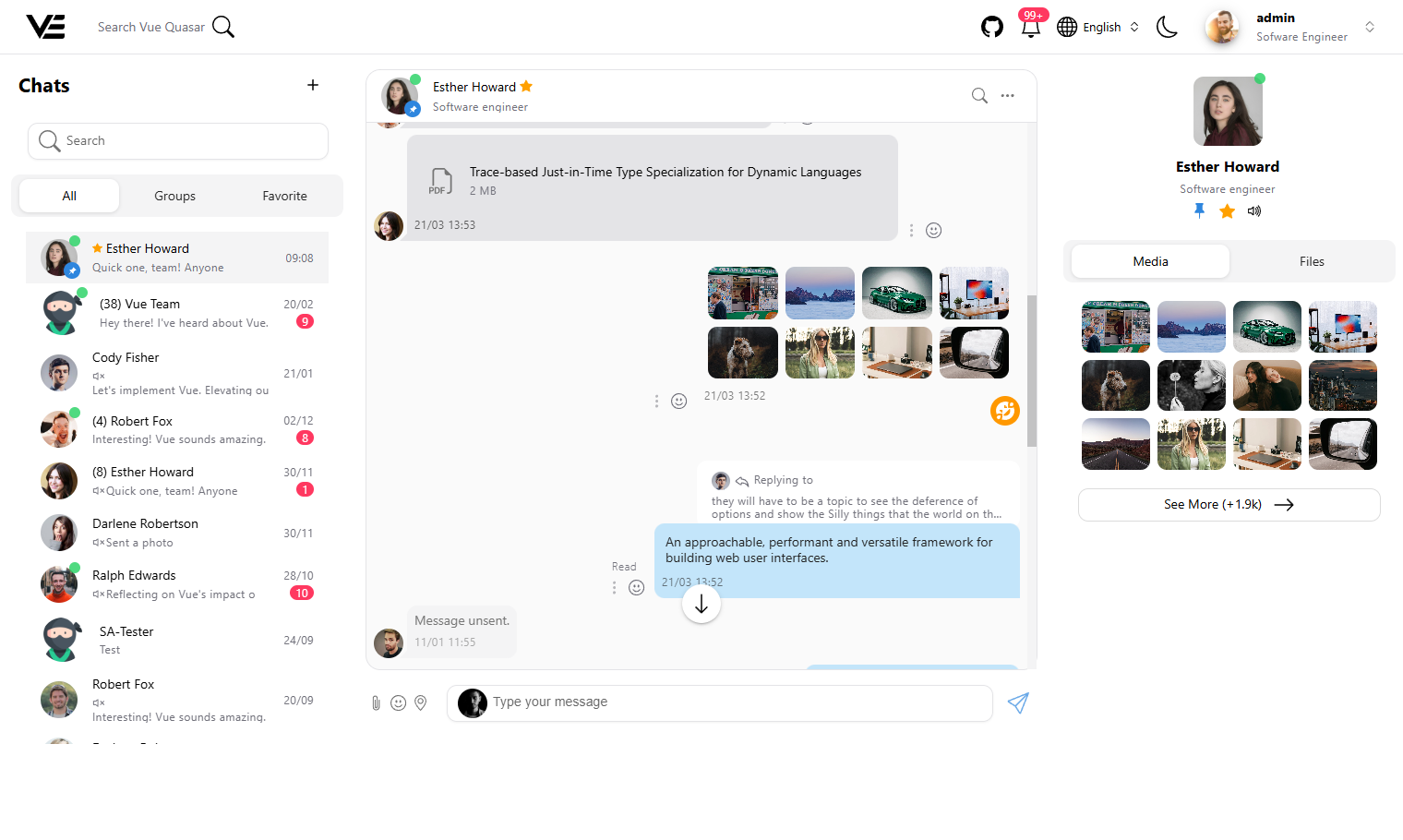
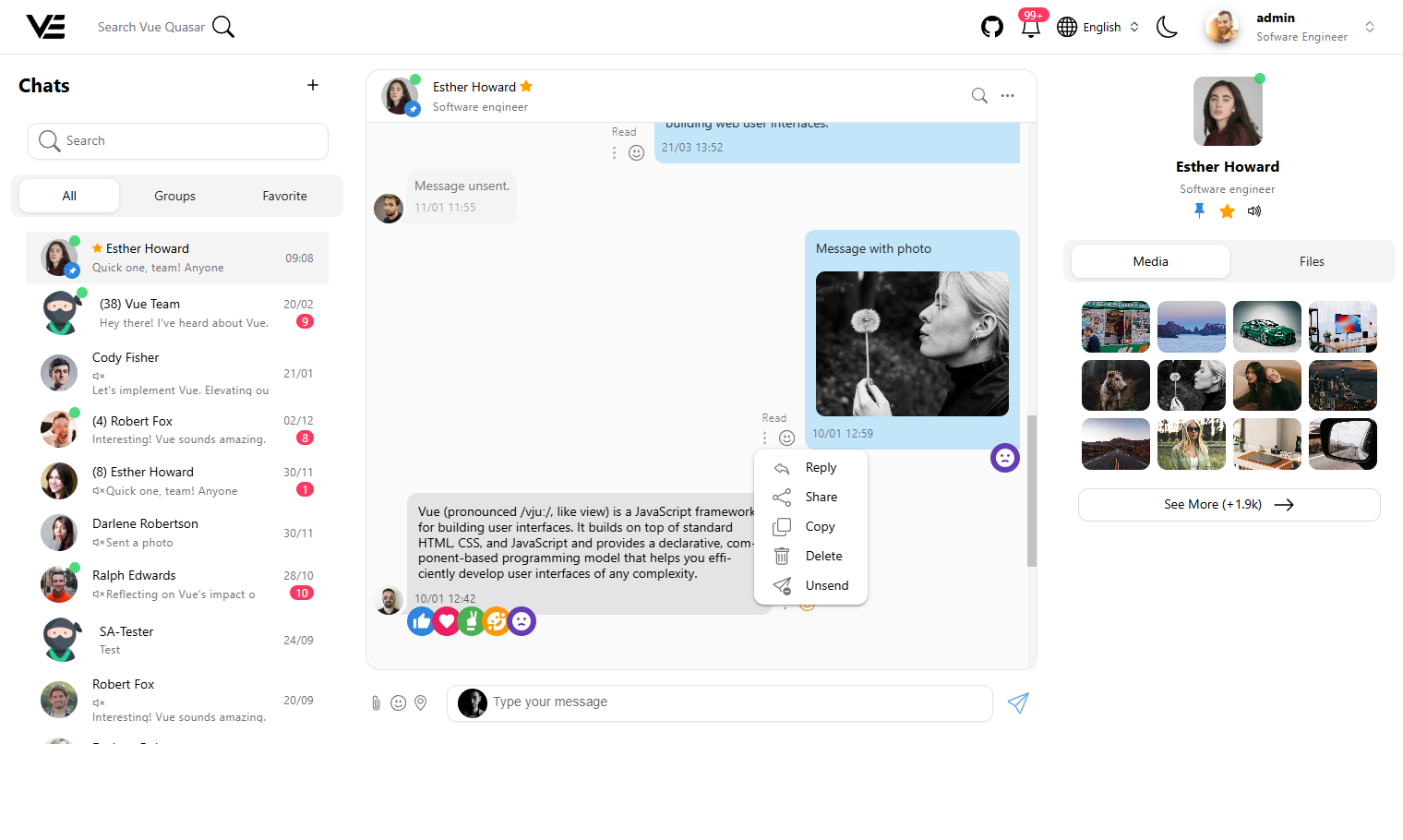
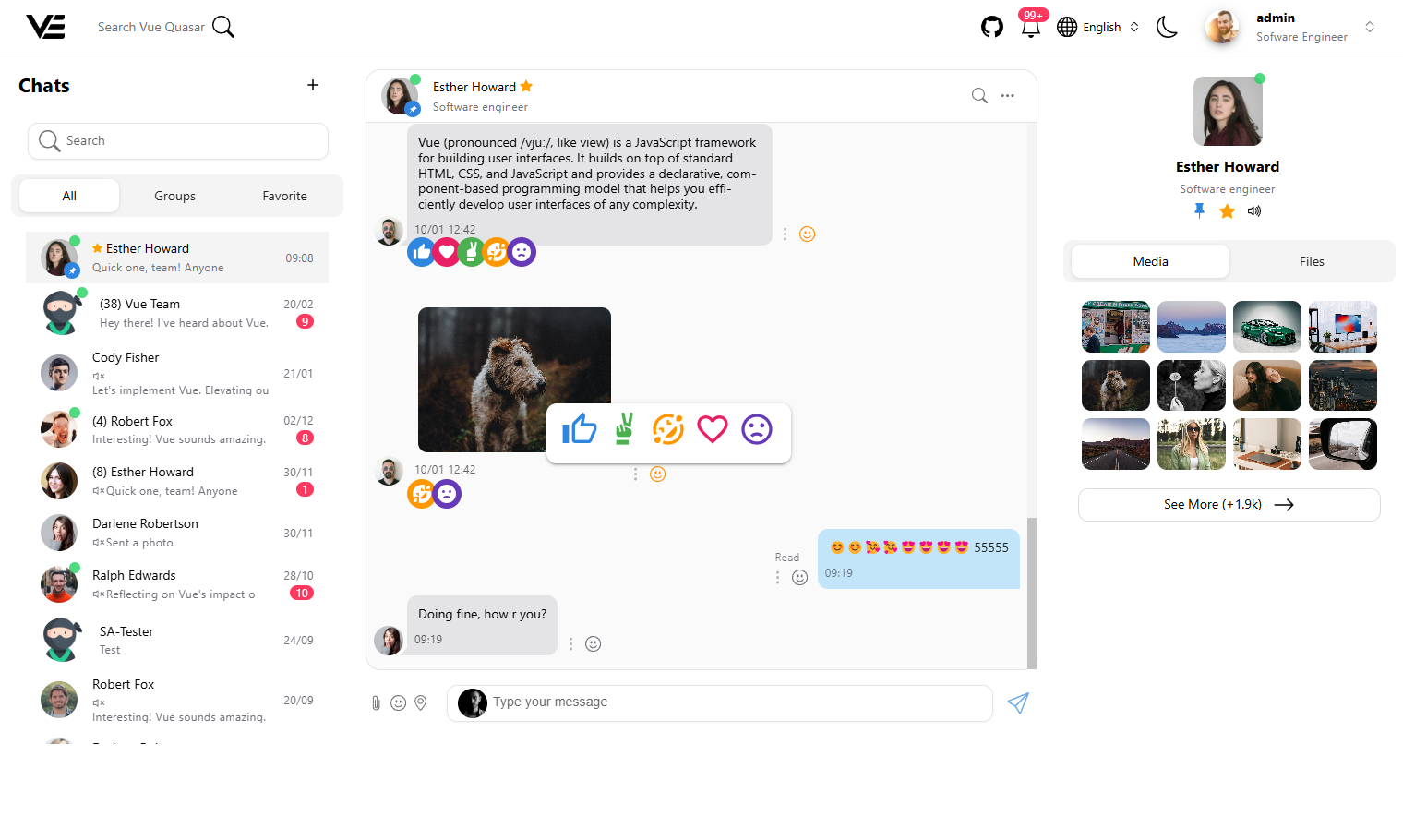
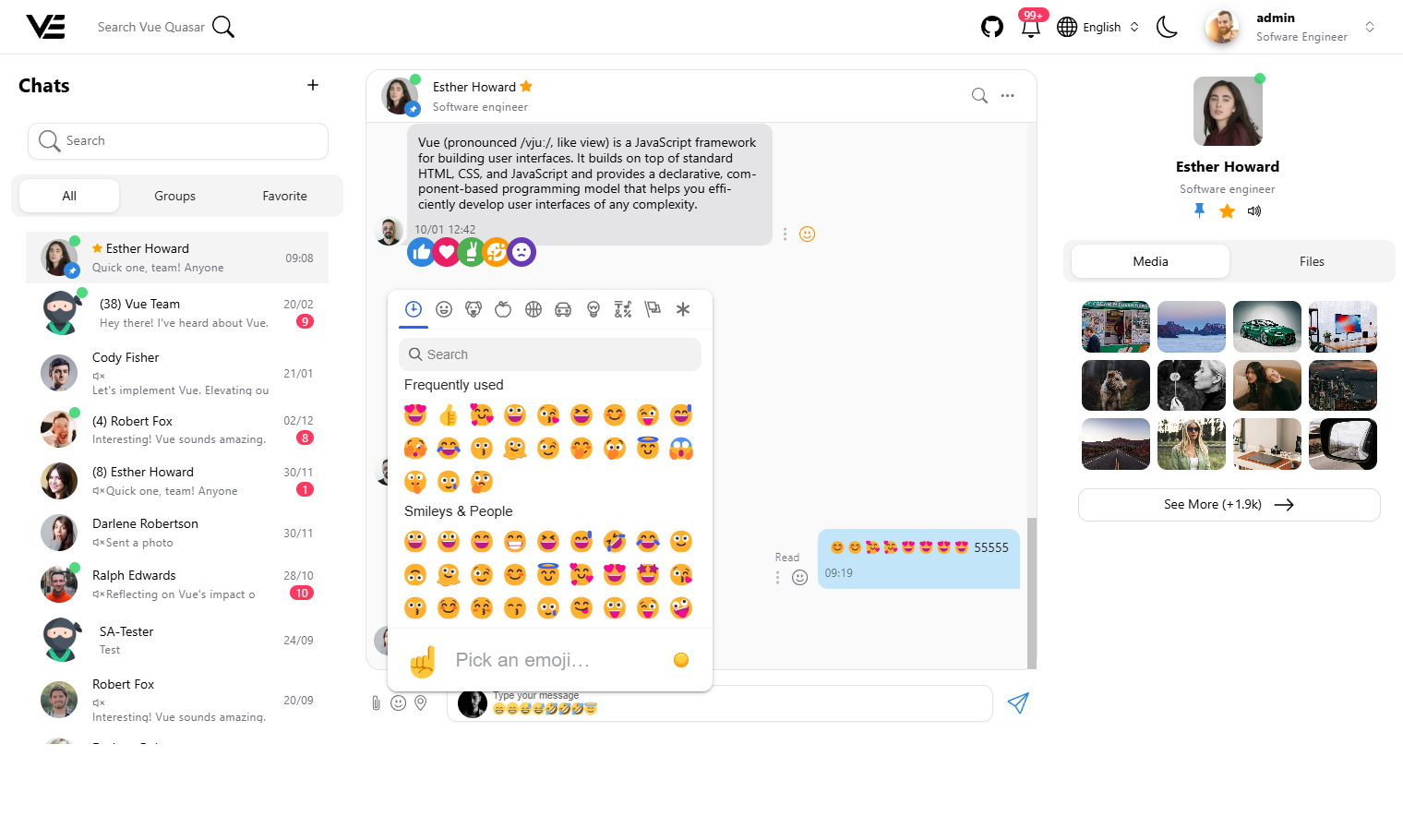
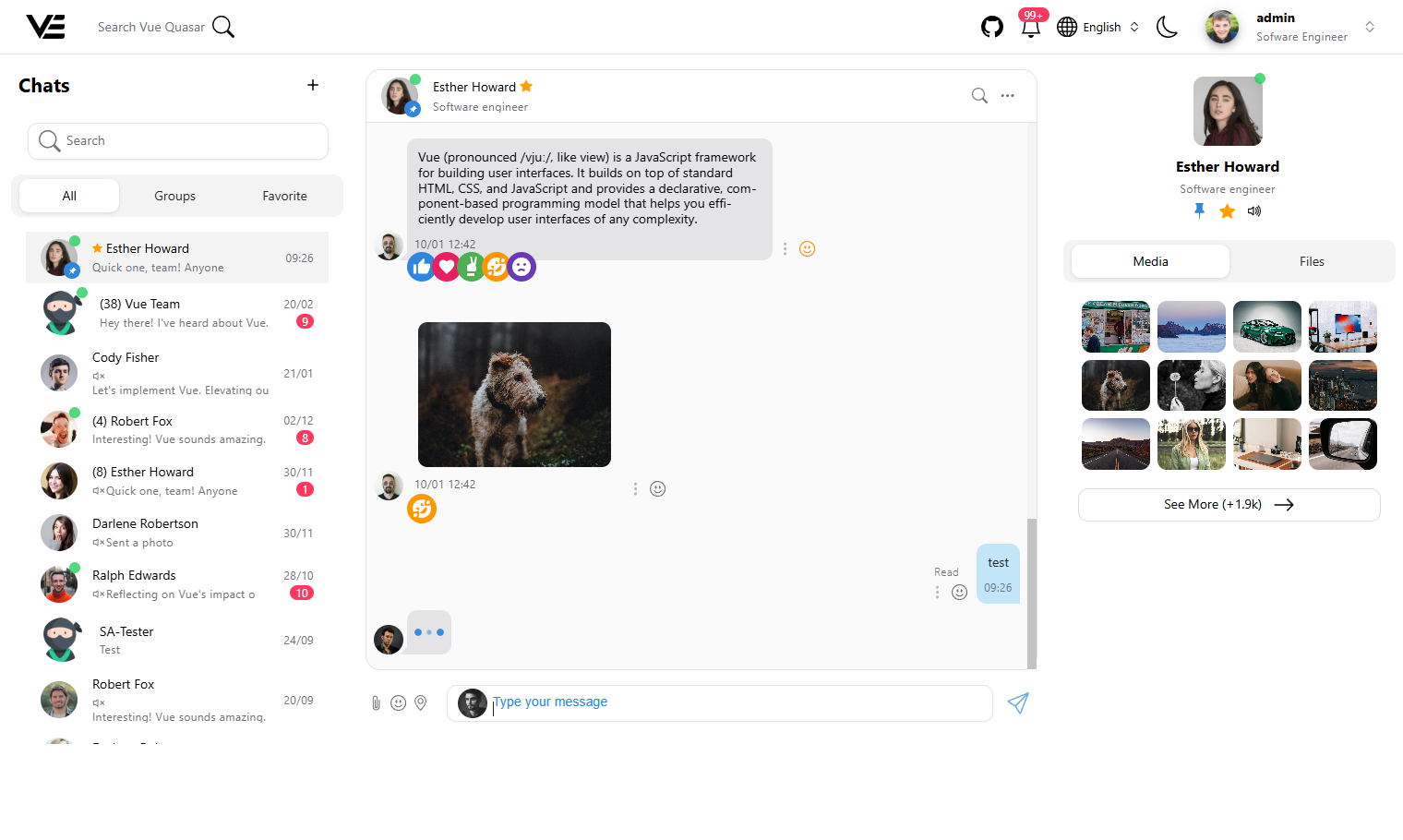
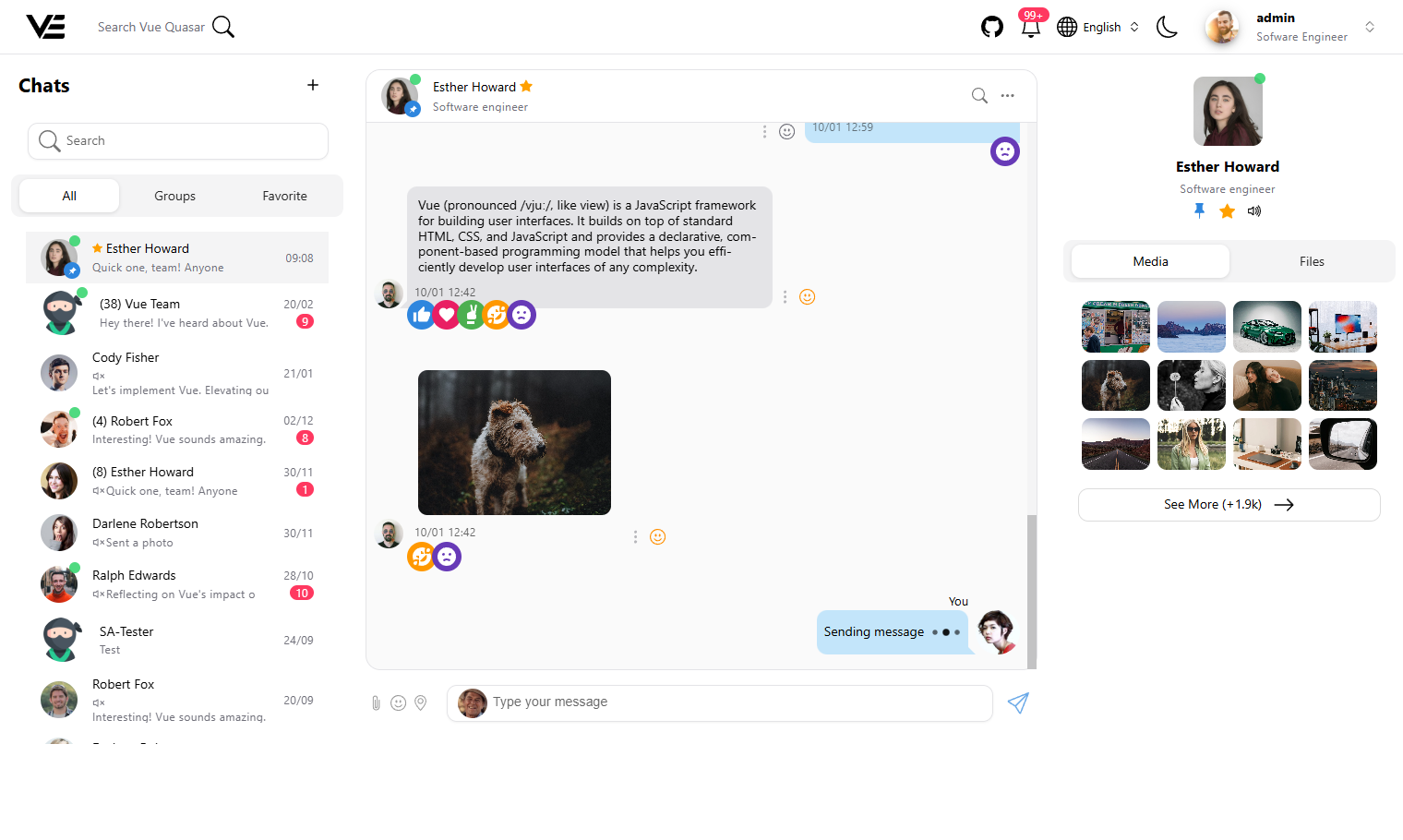
Chat layout
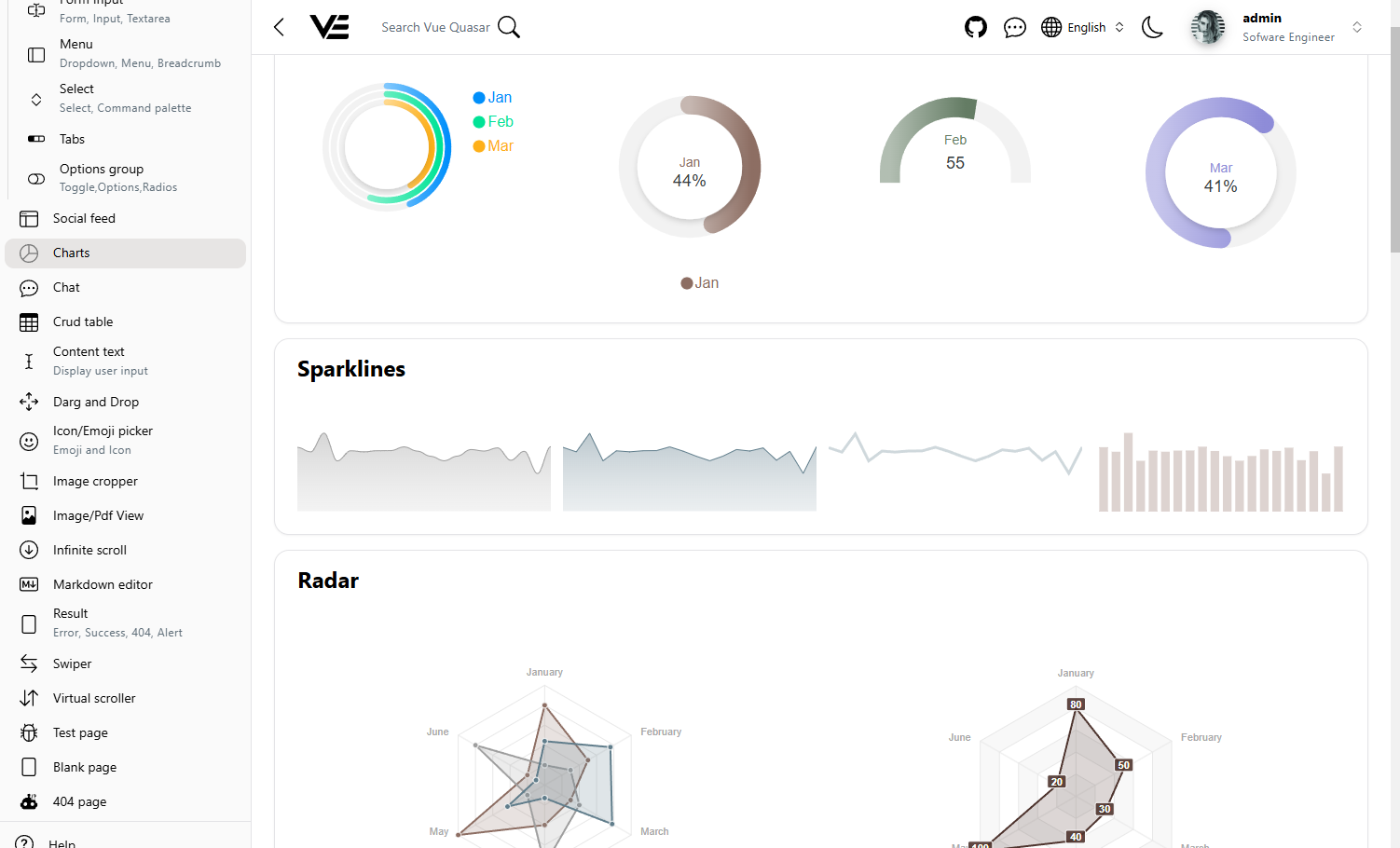
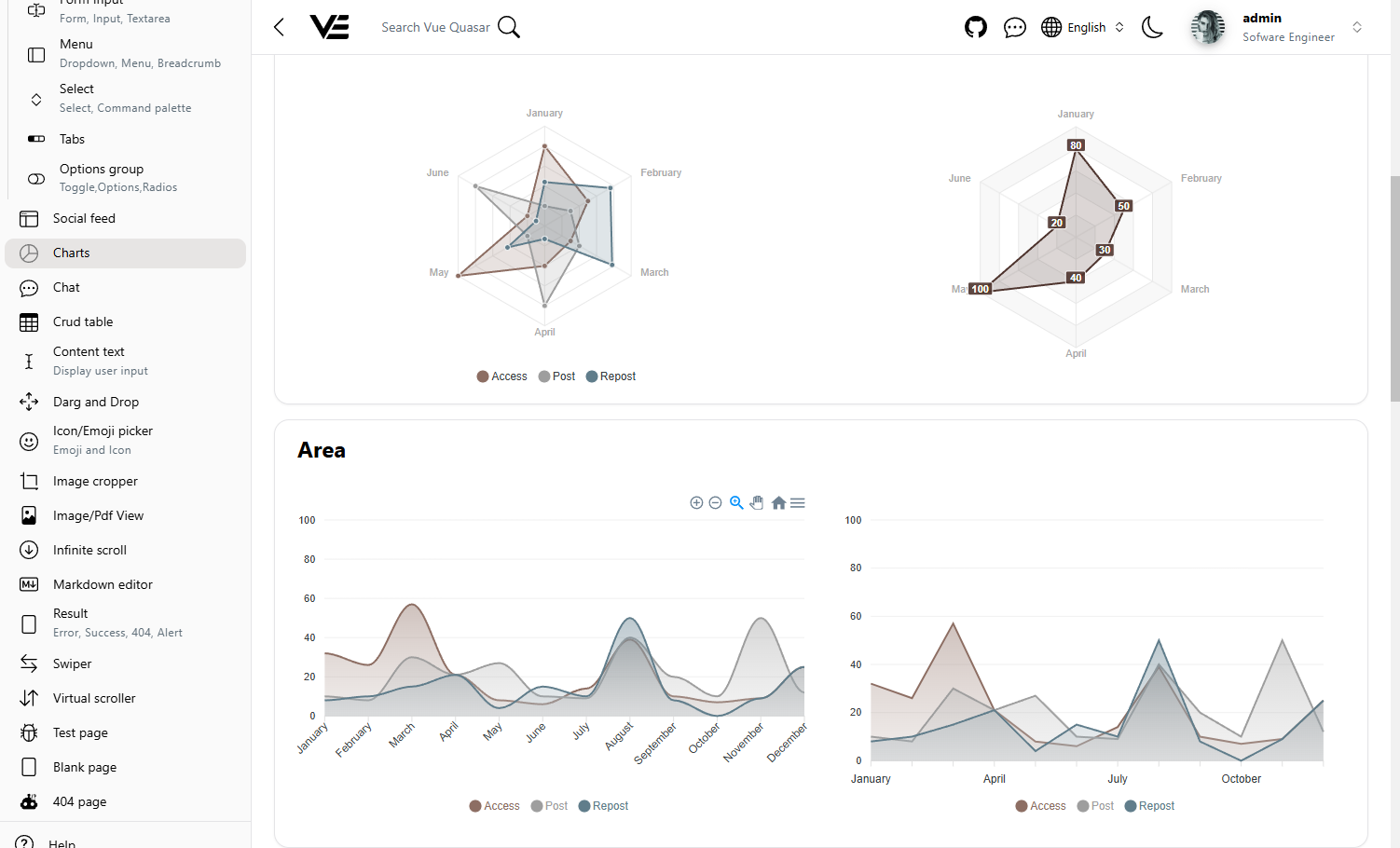
Charts
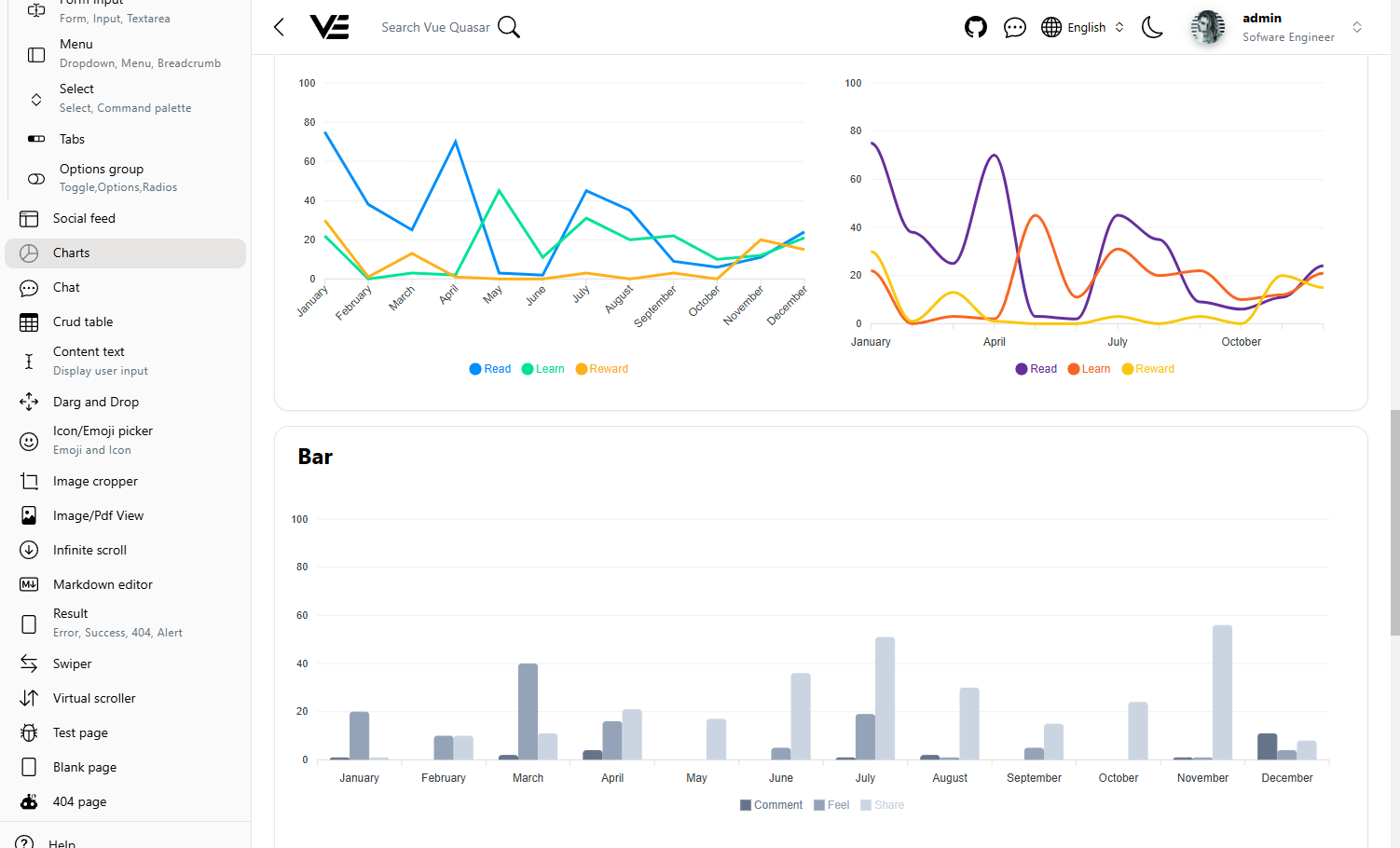
Gallery
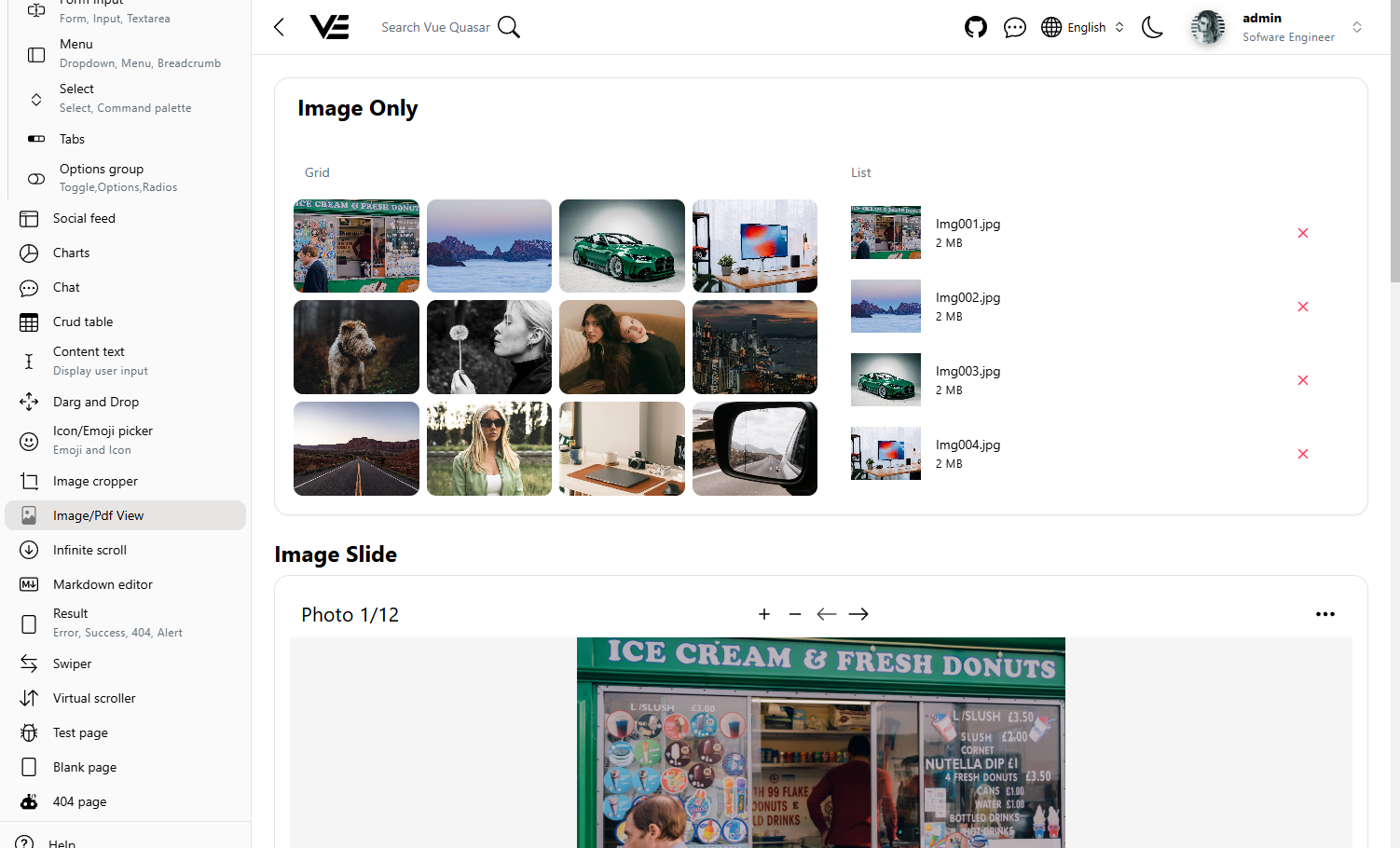
Pdf view
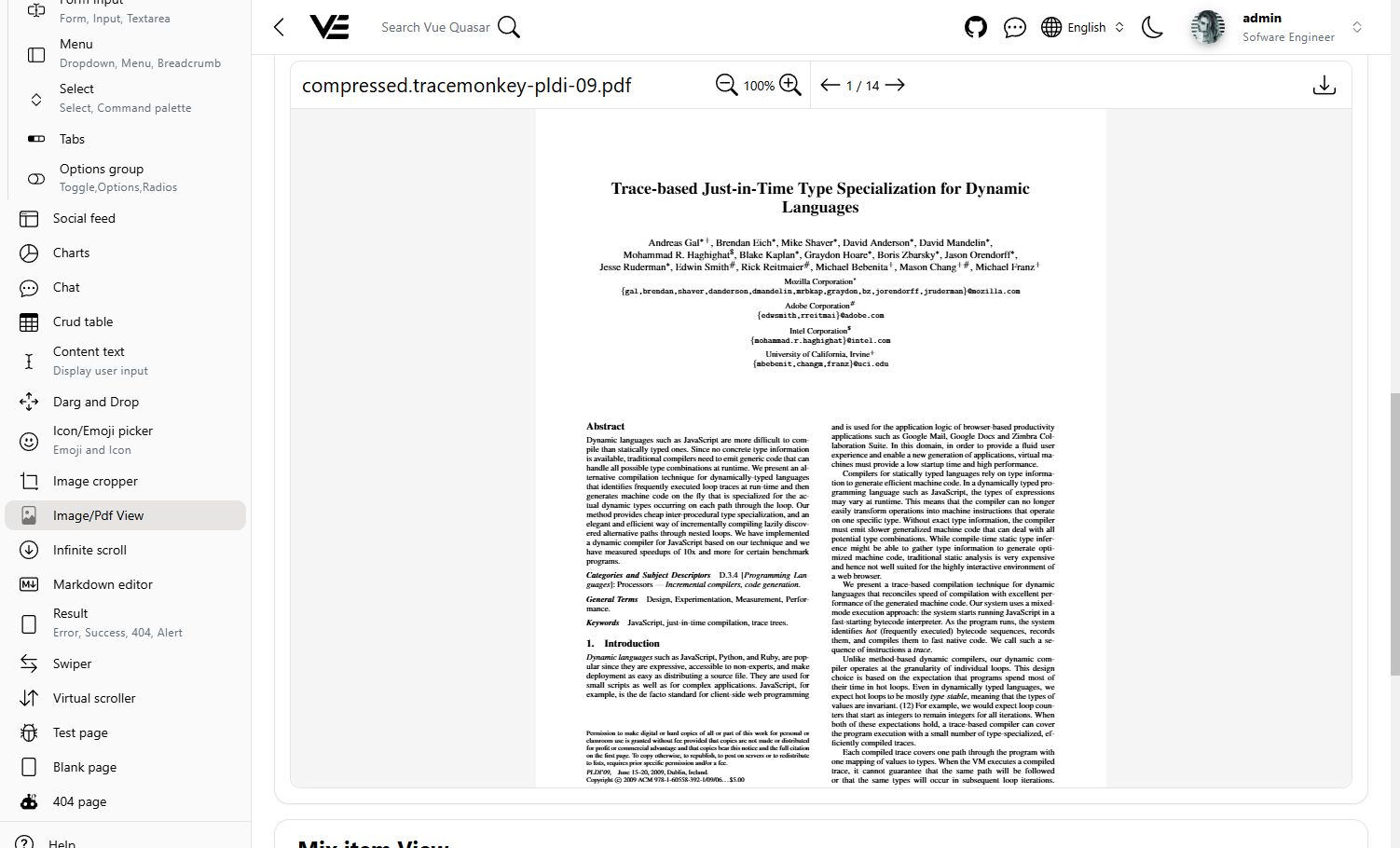
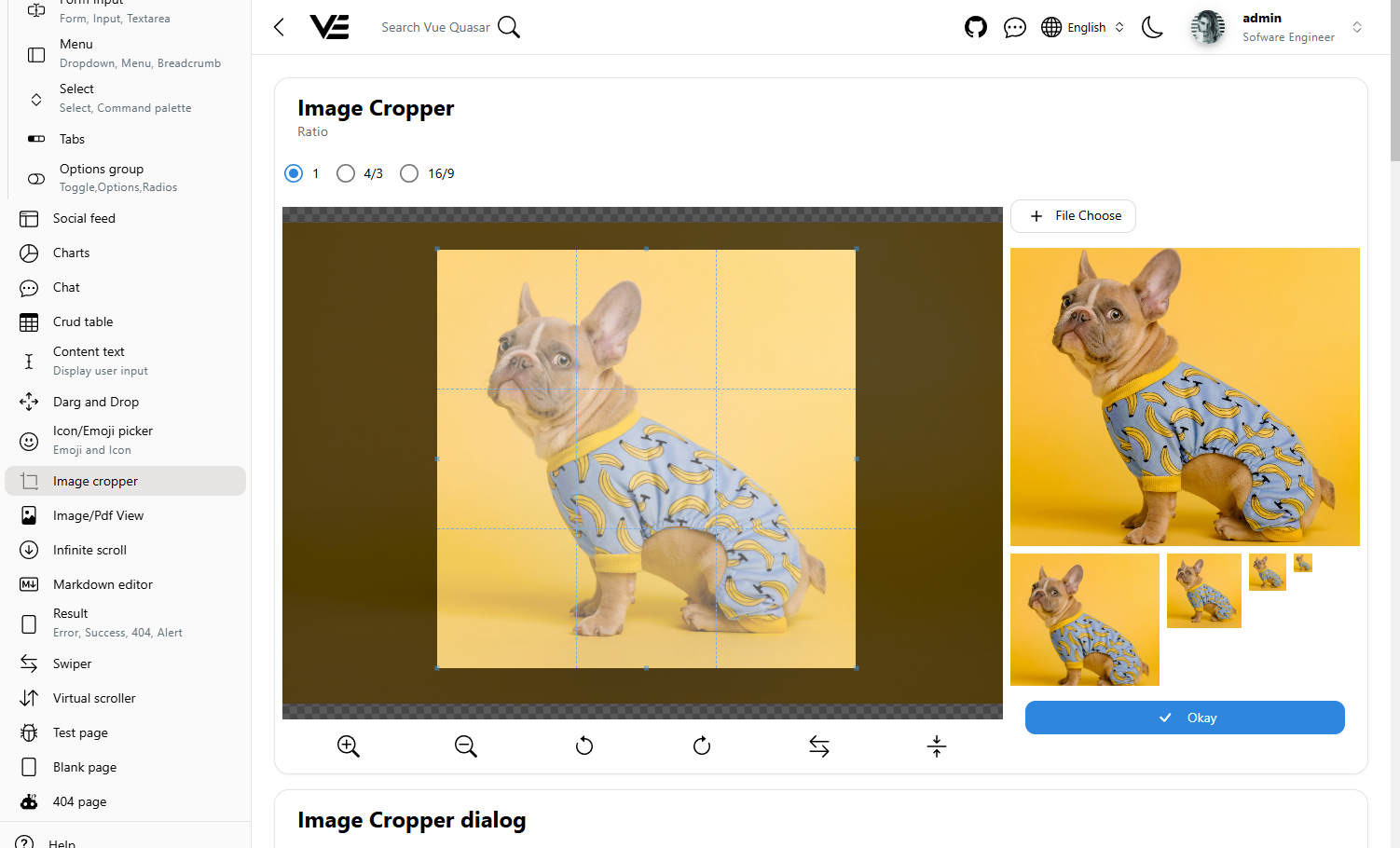
Image corpper
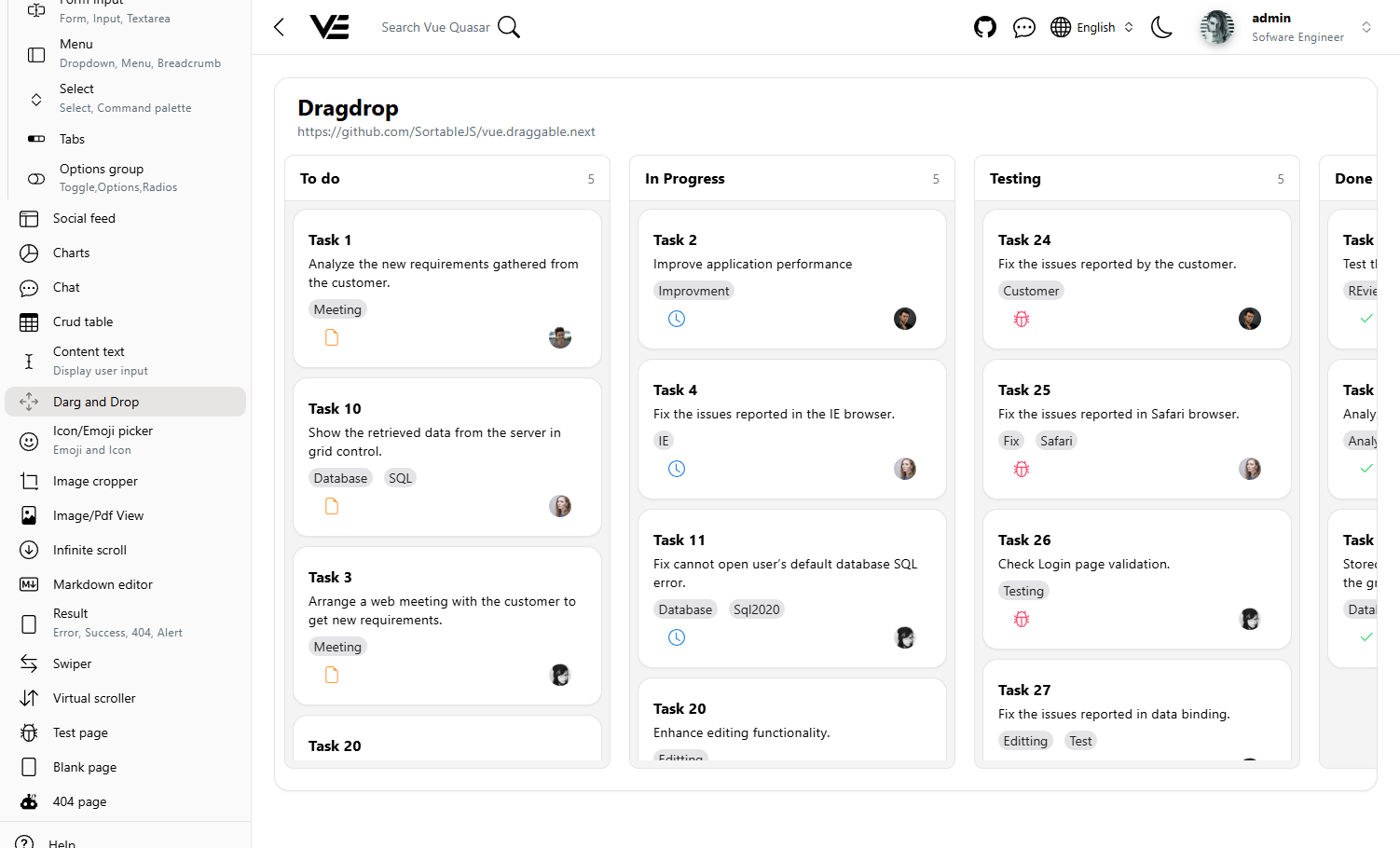
Drag drop
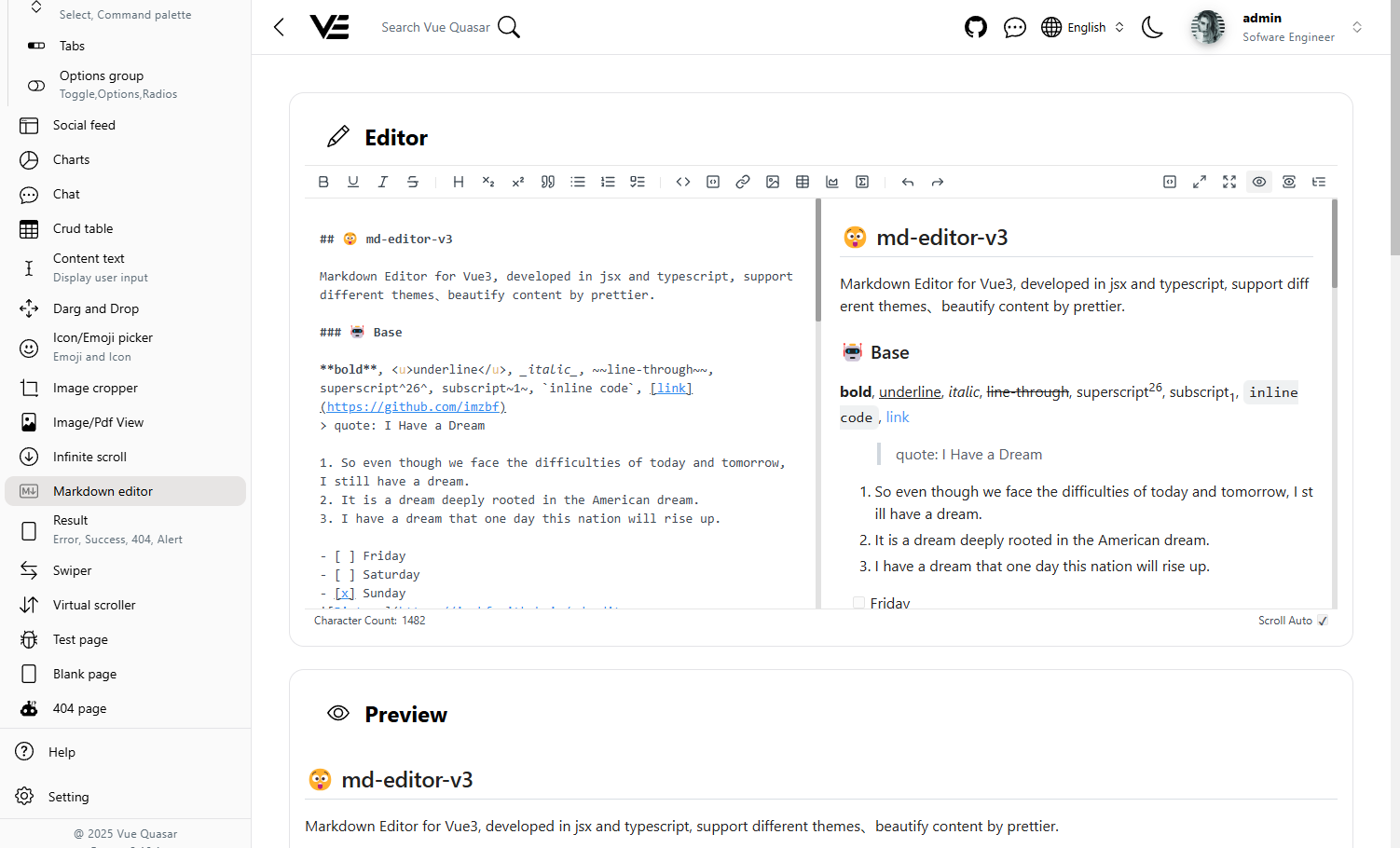
Markdown editor
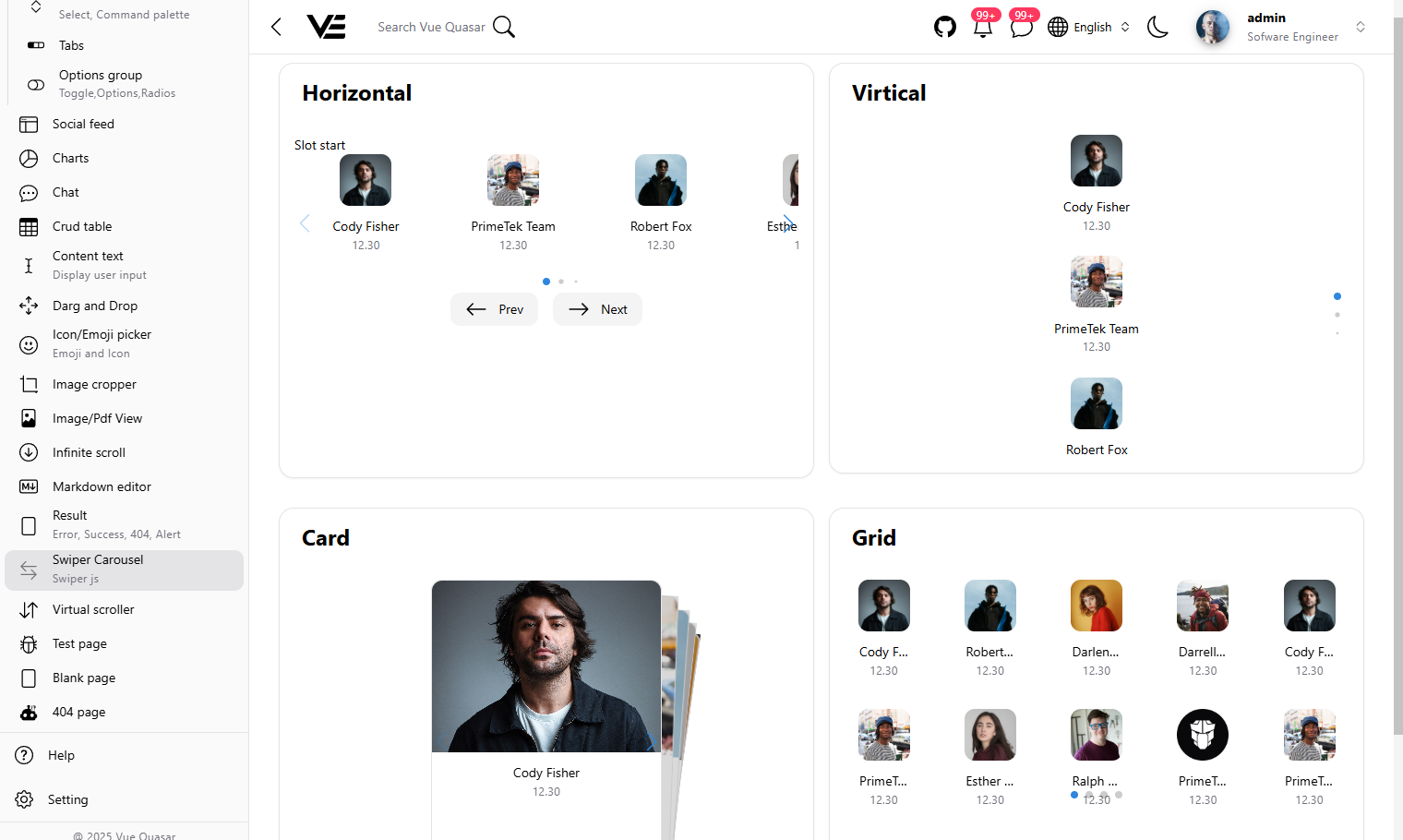
Carousel
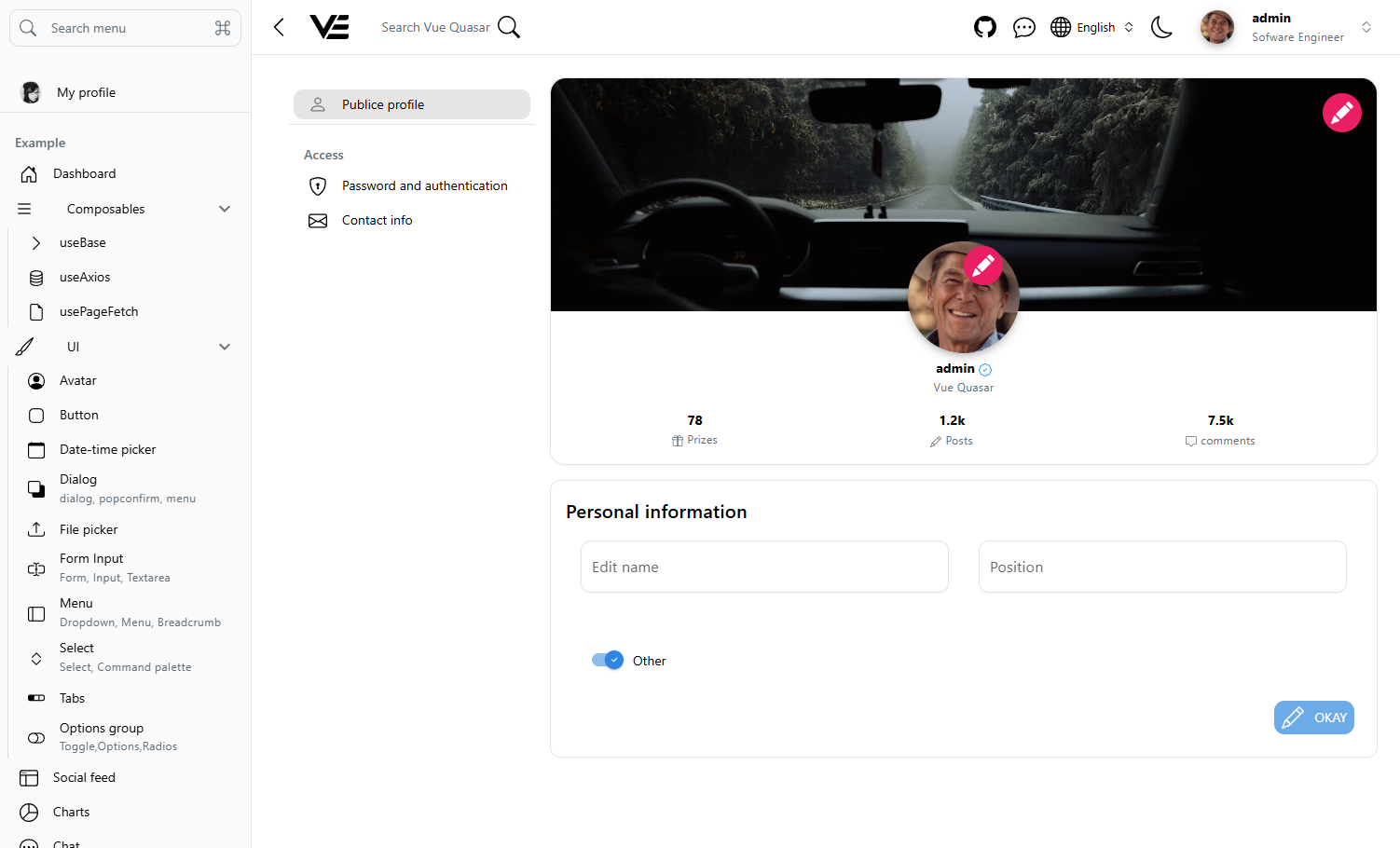
Settings
WSL Ubuntu Quick Start
- Install Node.js 20+ and enable Corepack in WSL:
node -v
corepack enable
corepack prepare pnpm@latest --activate
- Install dependencies and run environment checks:
pnpm install
pnpm wsl:doctor
- Start dev server (WSL file-watch safe mode):
pnpm dev:wsl
dev:wslenables polling watchers (CHOKIDAR_USEPOLLING,WATCHPACK_POLLING) to avoid missing file changes when your project is on a mounted Windows drive.
- If Docker Desktop + WSL integration is enabled:
./build-app.sh
Setup
API endpoint at my-app/.env or my-app/.env.dev
NUXT_PUBLIC_API_BASE = 'http://localhost:8080'
NUXT_PUBLIC_CDN_BASE = 'http://localhost:8080'
Make sure to install dependencies:
# npm
npm install

# pnpm
pnpm install
Development Server
Start the development server on http://localhost:3003:
# npm
npm run dev

# pnpm
pnpm dev
Production
Build the application for production:
# npm
npm run build

# pnpm
pnpm build
Locally preview production build:
# npm
npm run preview

# pnpm
pnpm preview
Check out the deployment documentation for more information.