BloodHound Docker Ready to Use
March 24, 2023 · View on GitHub
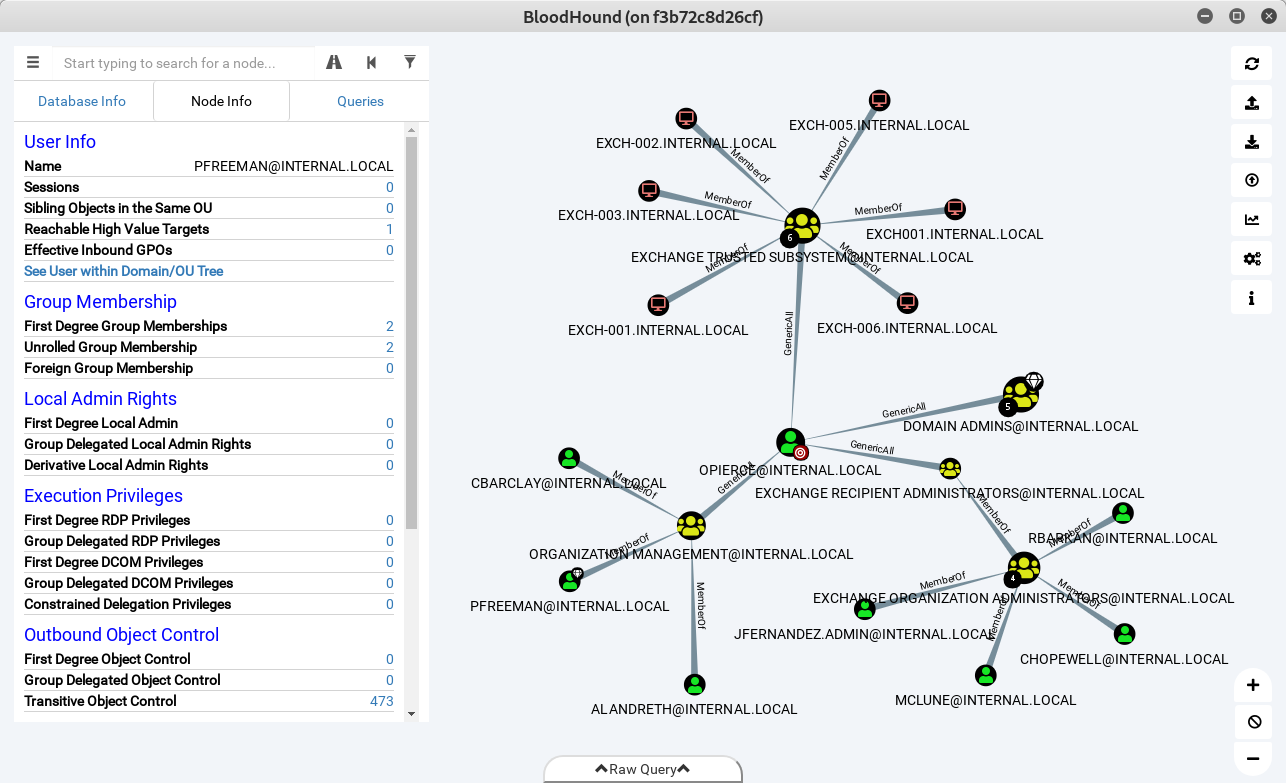
BloodHound Docker image out of the box, with collectors and tons of custom queries. It creates a bh-data folder with the Ingestors, the data folder is also mounted as a volume, use this to drop your data and load it into the BloodHound GUI.
Run from Docker Hub
docker run -it \
  -p 7474:7474 \
  -e DISPLAY=unix$DISPLAY \
  -v /tmp/.X11-unix:/tmp/.X11-unix \
  --device=/dev/dri:/dev/dri \
  -v $(pwd)/bh-data:/data \
  --name bloodhound belane/bloodhound
Warning: You may need to run xhost +local:$(id -nu) to allow the local user to access DISPLAY.
Build Image
docker build . -t bloodhound
Optional Arguments
- neo4j version
- bloodhound version
docker build . -t bloodhound --build-arg neo4j=4.4.15 --build-arg bloodhound=4.2.0
Run
docker run -it \
  -p 7474:7474 \
  -e DISPLAY=unix$DISPLAY \
  -v /tmp/.X11-unix:/tmp/.X11-unix \
  --device=/dev/dri:/dev/dri \
  -v $(pwd)/bh-data:/data \
  --name bloodhound bloodhound
Start container
docker start bloodhound
Database Login
- DB URL: bolt://localhost:7687
- DB Username: neo4j
- DB Password: blood