BaiduFM-Swift
August 11, 2026 · View on GitHub


A Baidu FM client modernized for Swift 6.2, Swift Package Manager, and iOS 15 or later. The UI supports English and Simplified Chinese; English is the development and fallback language.
Build
- Install an Xcode release that includes Swift 6.2 or later.
- Open
BaiduFM.xcodeprojin Xcode and select the sharedBaiduFMAppscheme. - Set
BAIDUFM_API_BASE_URLinConfiguration/Shared.xcconfigto an authorized HTTPS content service. - Select an iOS Simulator or connected device and run the app.
Command-line core validation is also available with swift build. A complete iOS build requires Xcode because the app uses UIKit, AVFoundation, storyboards, and asset catalogs.
The historical Baidu FM endpoint is retained only as a development default and may be unavailable. Production distribution requires explicit authorization for the API, streams, artwork, lyrics, trademarks, and downloads. See the release checklist.
API Disclaimer
- This repository is a development sample that references a historical, non-public Baidu FM API. It must not be distributed with third-party content, branding, streaming, or download access without explicit authorization from the relevant rights holders and service provider.
Features
- Download songs to local storage (with delete functionality)
- Favorite music management (add/remove favorites)
- Recently played music history (with clear functionality)
- Pull-to-refresh and load more songs
- Auto-scrolling lyrics
- Real-time playback progress display
- Play/pause control
- Previous/next track navigation
- Music category browsing
- Categorized song lists
- Background playback support
- Lock screen album artwork and song info display
- Lock screen music controls (next/previous, play/pause)
- Favorites list, recently played list, and downloaded songs list
Screenshots
-
Apple Watch Home
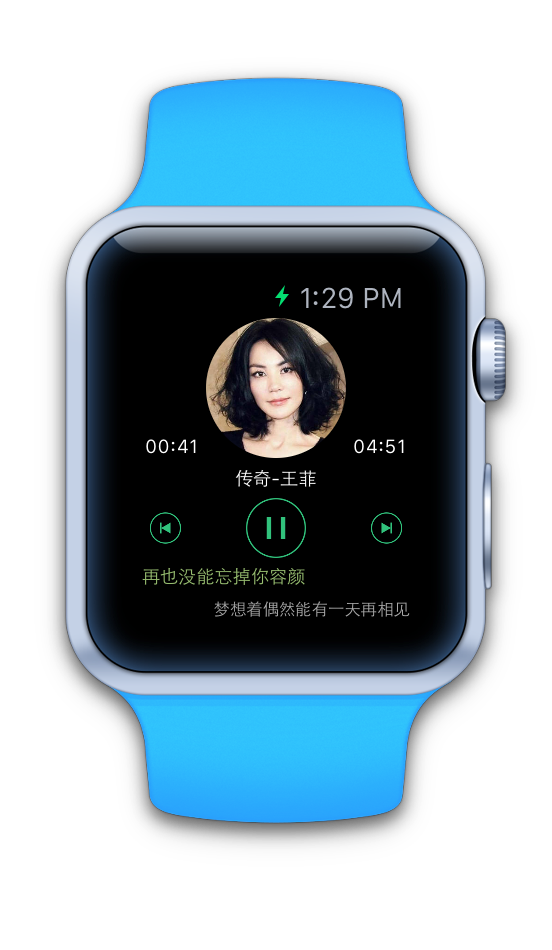
-
Apple Watch Menu
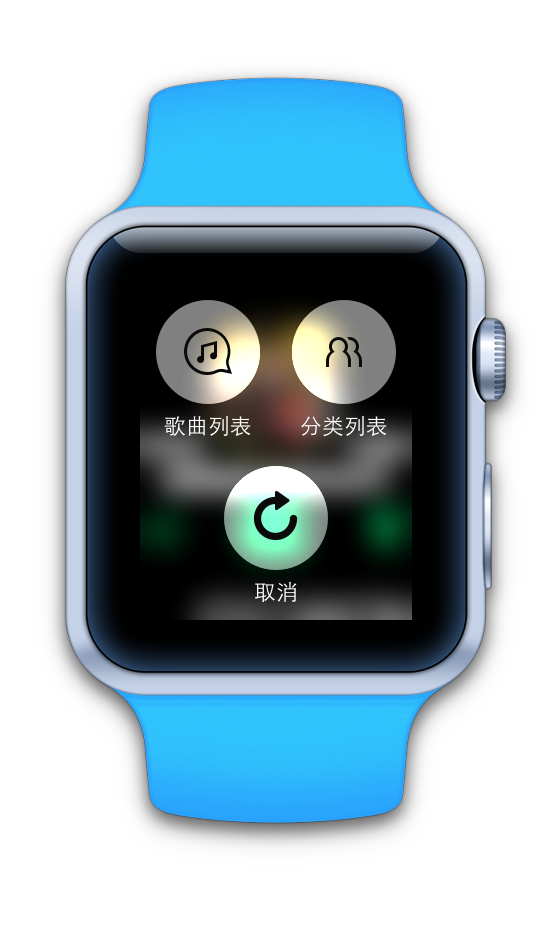
-
Apple Watch Song List
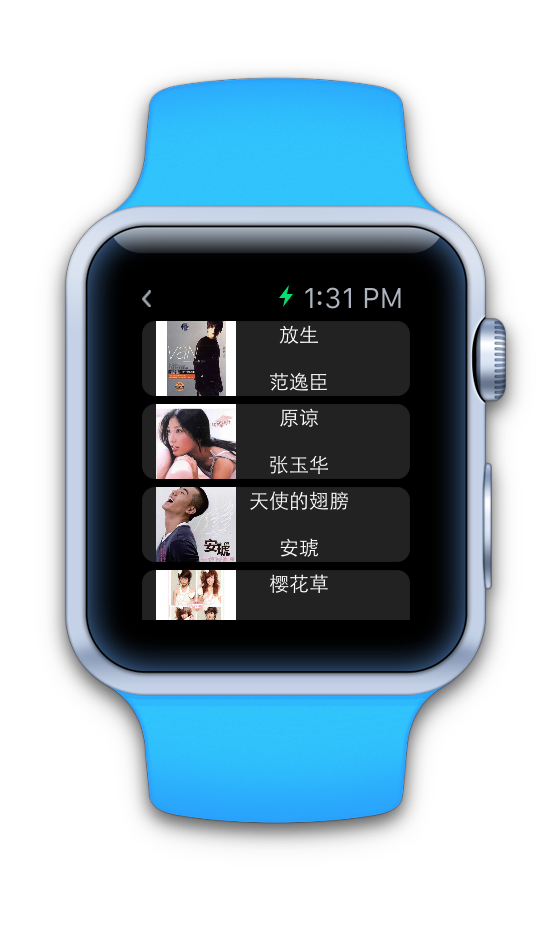
-
Apple Watch Category Selection

-
iPhone Lock Screen Display & Controls

-
iPhone Home Screen

-
iPhone Music Categories
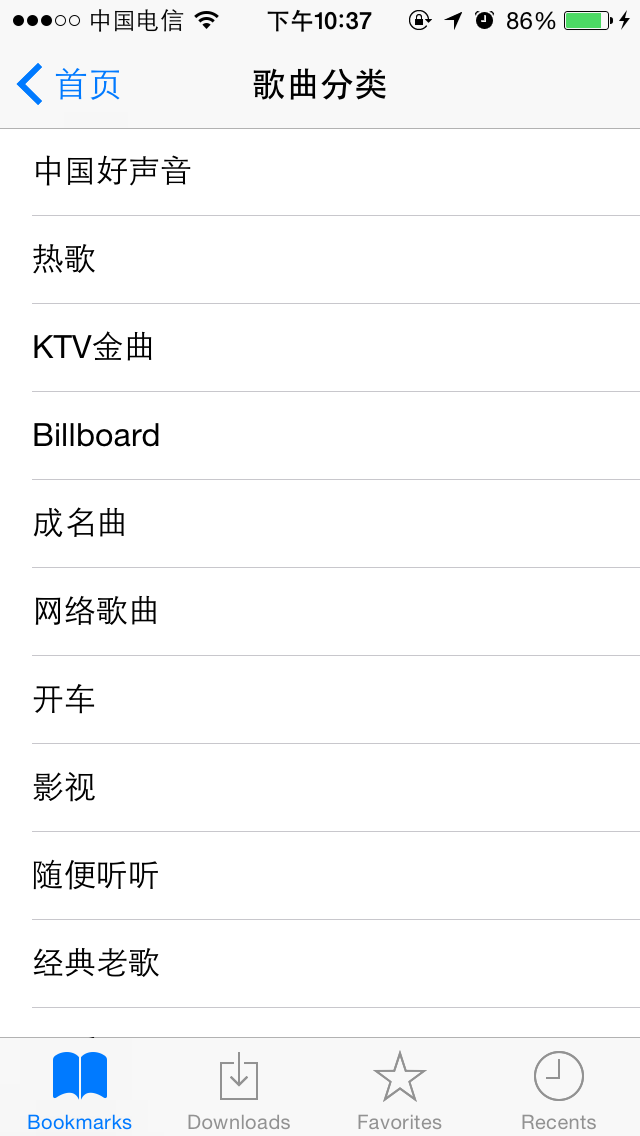
-
iPhone Song List

Third-Party Libraries
- Alamofire - Networking library
- SwiftyJSON - JSON parsing
- FMDB - SQLite database wrapper
- Kingfisher - Image caching and downloading
- RxSwift - Reactive UI and state binding
- SnapKit - Auto Layout DSL
Swift Concepts Used
- Network requests
- JSON parsing
- Swift regular expressions
- Swift singleton pattern
- Pull-to-refresh & load more with MJRefresh
- Song progress with UIProgressView
- Lyrics scrolling with UITextView
- Closures
- Property observers (get, set, didSet)
- Streaming audio playback using AVPlayer
- Typed NotificationCenter names for data passing
TODO Features
- Improve API resilience when Baidu changes its private endpoints
Contact
