CodeSchool2 Minimal
August 12, 2018 · View on GitHub
A dark theme with minimal amount of highlighting for Visual Studio Code.
Philosophicaly inspired by Alabaster Theme.
Colors inspired by CodeSchool TextMate theme from AstonJ blog.
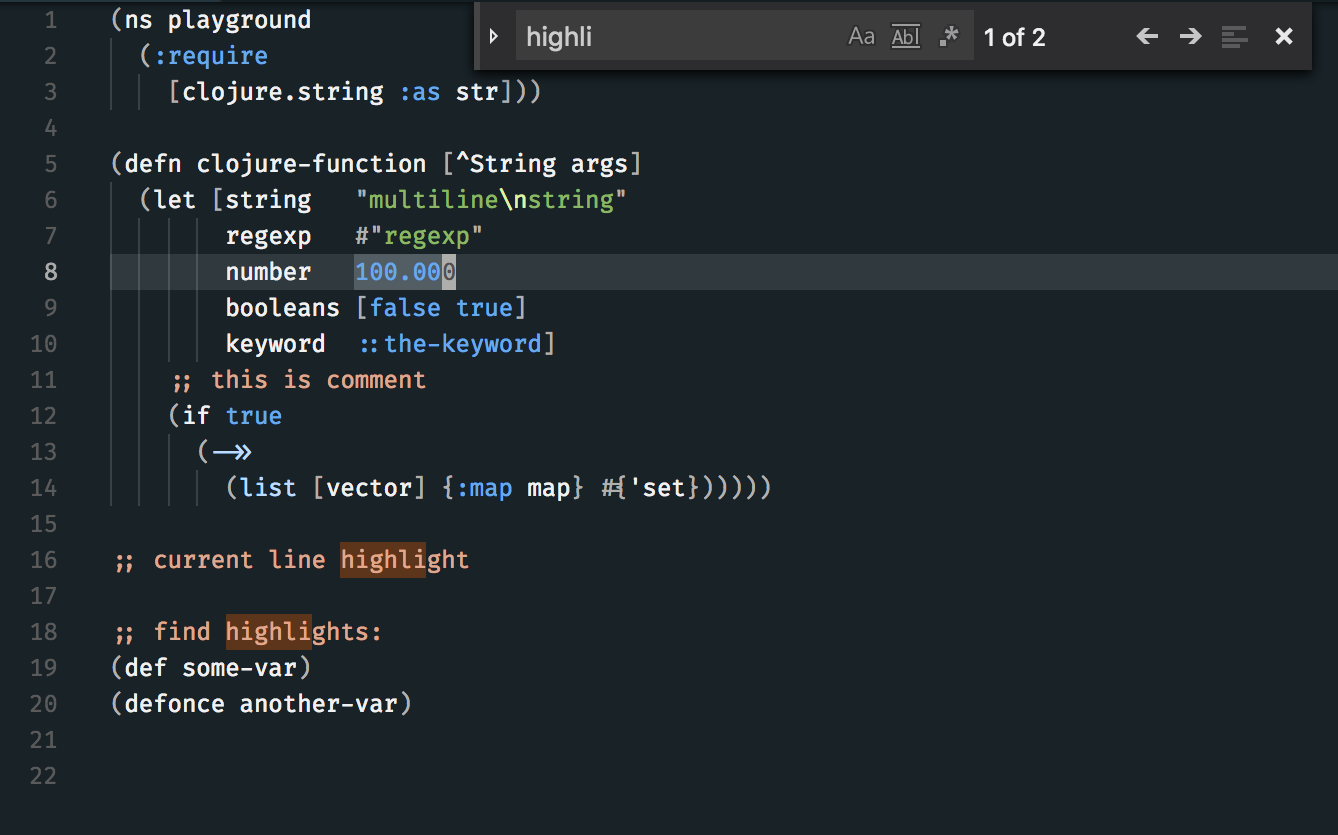
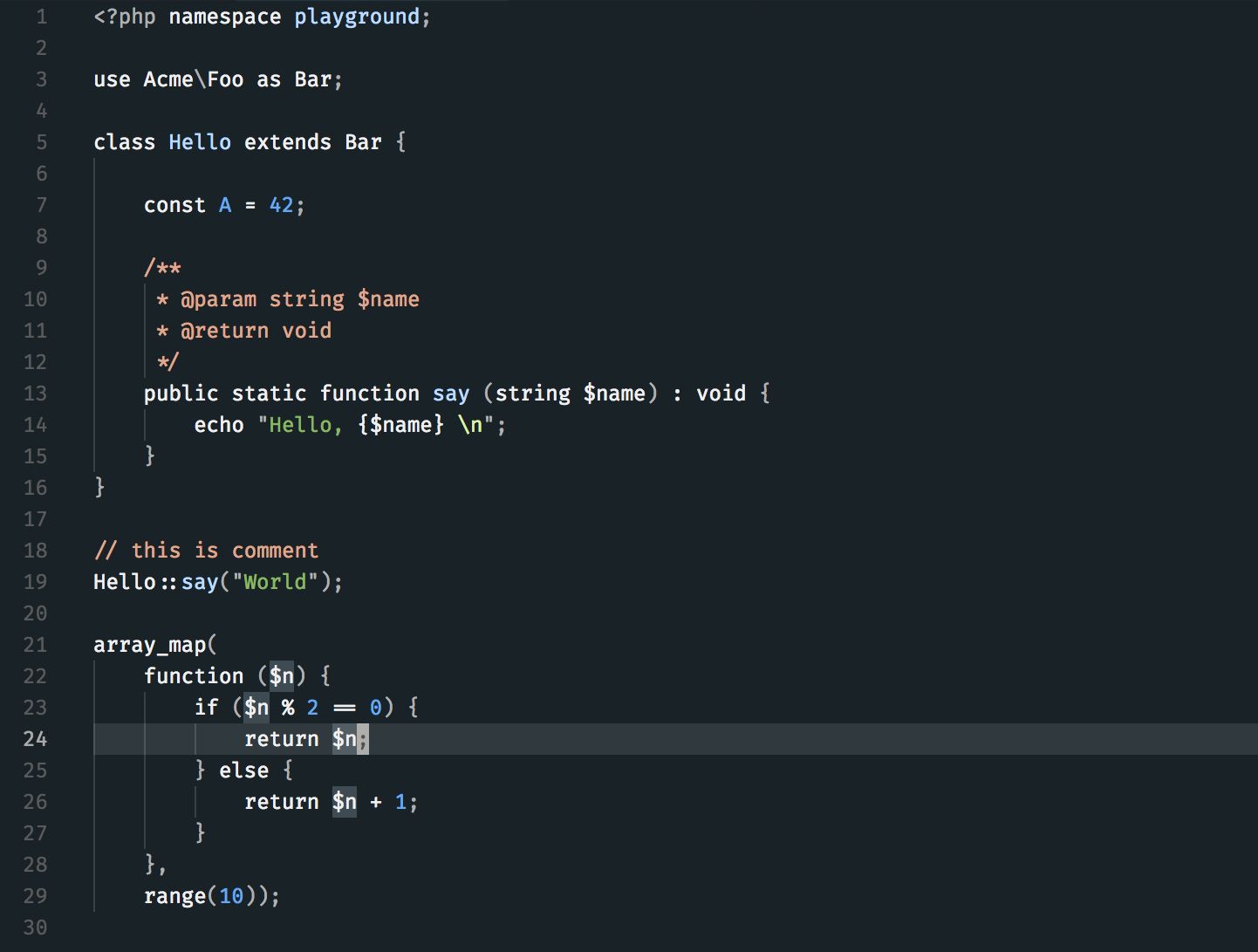
Screenshots
Install
- Go to
Extensions - Search for
codeschool2 minimal - Install
- Restart Visual Studio Code (or click
Reload window) - Go to
Preferences → Color Themeand chooseCodeSchool2 Minimal