Blogifier Themes
September 16, 2019 · View on GitHub
This project contains source code for Blogifier themes. Project uses Angular CLI to generate and build themes, then deploy to Blogifier under src/App/wwwroot/themes. If you need to check or modify any distributed with Blogifier theme, follow steps below.
Requirements
- Node Package Manager (npm)
- Angular CLI
Instructions for VS Code
- Clone or download source code
- Navigate in the file manager to any project folder, for example
box, and open it in the VS Code - Open terminal window (teminal -> new terminal) and run
npm installcommand. This will generatenode_modulesfolder. - To run application (theme) in the browser, execute
ng serve -ocommand. - To build theme for deployment, execute
ng build --prod. This will build and copy theme to../_distfolder one level up.
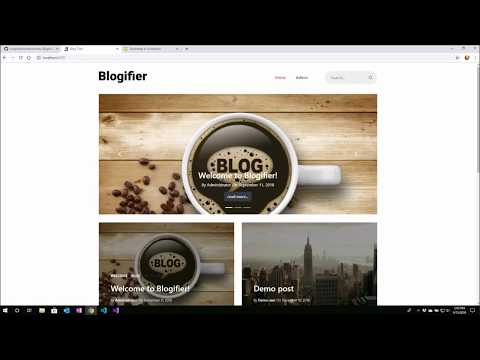
Short Video
Further help
To get more help on the Angular CLI use ng help or go check out the Angular CLI README.