README.md
May 23, 2026 · View on GitHub

md-viewer-py


Drop-in Markdown viewer for any folder
A local HTTP server that renders Markdown files in the browser with navigation, search, and editing. Install and run:
pip install md-viewer-py
mdview
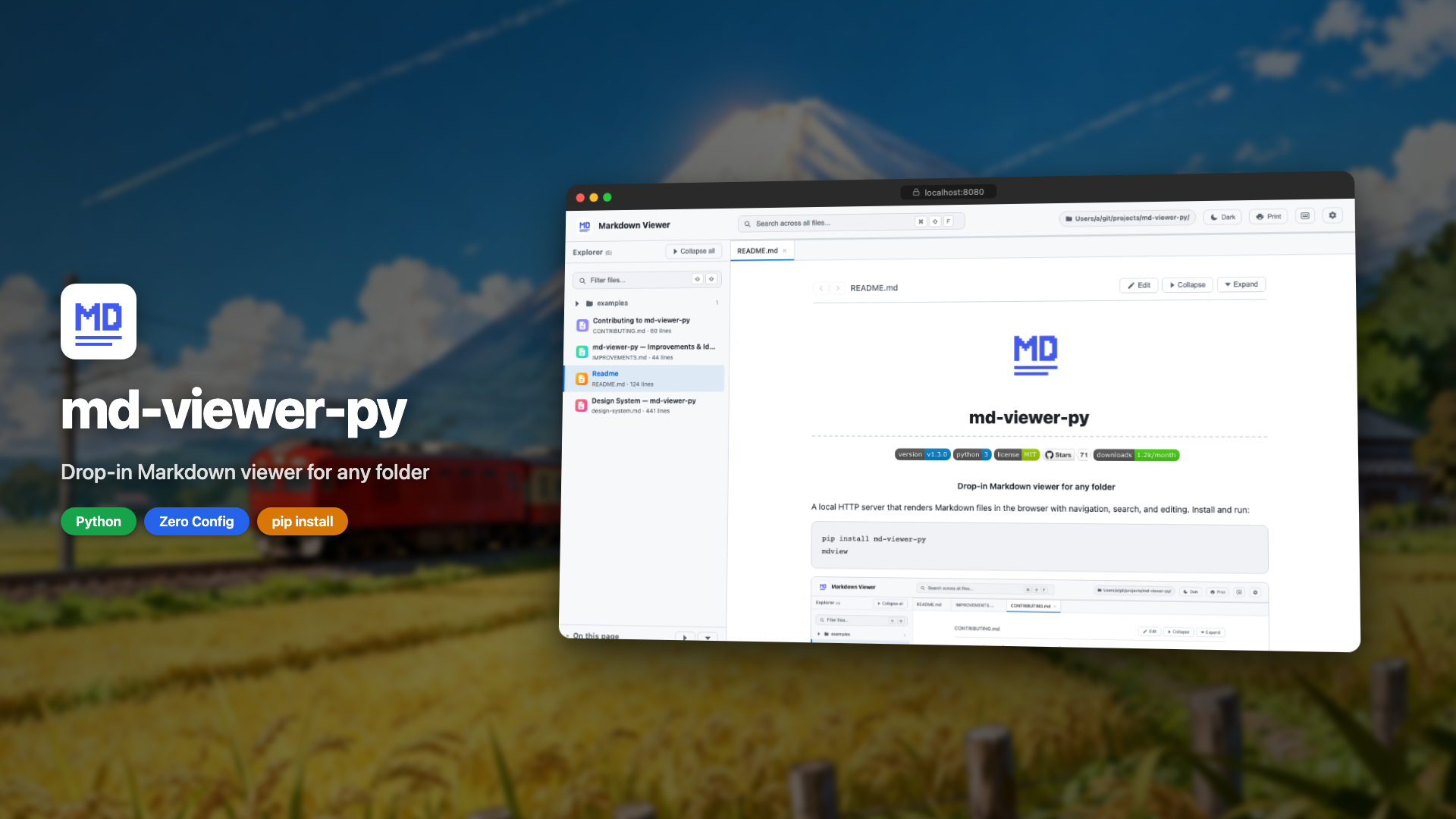
▶ Click to watch the demo
Why mdview?
Point it at any folder and instantly browse your docs - no config files, no build step, no Node.js. It comes with sidebar navigation, global search, table of contents, dark mode, Mermaid diagrams, syntax highlighting, and an in-browser editor with live preview, all powered by Python's stdlib HTTP server and a single dependency (watchdog).
mdview vs. the alternatives
| mdview | MkDocs / Docusaurus | VS Code Preview | grip | |
|---|---|---|---|---|
| Setup | pip install | Config + build + Node.js | Already installed | pip install |
| Multi-file navigation | ✅ | ✅ | ❌ | ❌ |
| Cross-file search | ✅ | ✅ | ❌ | ❌ |
| Live reload | ✅ | ✅ (with plugin) | ✅ | ❌ |
| In-browser editing | ✅ | ❌ | ✅ | ❌ |
| Config required | None | ✅ | ❌ | API token |
| Works offline | ✅ | ✅ | ✅ | ❌ |
Install
pip install md-viewer-py
uv tool install md-viewer-py
pipx install md-viewer-py
Then run from any directory:
mdview                        # serve current directory on port 8080
mdview --port 3000            # custom port
mdview /path/to/docs          # custom directory
mdview /path/to/docs -p 3000  # both
mdview --help                 # show all options
All Features
- Dashboard: grid view of folders and files, macOS Finder-style
- Dark & light themes: auto-detects OS preference, manual toggle
- File tree sidebar: collapsible directories with file name filter
- Global search: search across all files from header with dropdown results
- In-file search: Cmd/Ctrl+F to find and highlight matches
- Table of contents: right panel with scroll spy and collapsible groups
- In-browser editing: edit mode with live preview, save to disk
- Live reload: instant updates when files change on disk
- Syntax highlighting: for code blocks in all major languages
- Mermaid diagrams: rendered inline with error feedback
- LaTeX math: inline
$...$and block$$...$$rendered with KaTeX - Audio playback: inline
<audio>player for mp3, wav, ogg, m4a, aac, flac, opus - Keyboard shortcuts: full shortcut set with
?modal - Print-friendly: clean stylesheet with proper page breaks
- Proper CLI:
--help,--port,--host,--no-browser - Minimal dependencies: only
watchdog, pip-installable
Keyboard Shortcuts
| Key | Action |
|---|---|
⌘/Ctrl+F | Find in current file |
⌘/Ctrl+Shift+F | Search across all files |
Shift Shift | Filter files by name |
/ | Focus search (legacy) |
? | Show keyboard shortcuts |
← ↑ | Previous file |
→ ↓ | Next file |
Escape | Close search / modal |
Examples
- Mermaid Diagrams: flowcharts, sequence diagrams, gantt charts, and more
- LaTeX Math: inline and block equations via KaTeX
- Audio Playback: inline audio player for common formats
How It Works
md-viewer-py is a pip-installable HTTP server built on Python's http.server. It scans the directory for .md files, serves a single-page UI with dark and light themes, and renders Markdown client-side using marked.js from a CDN. No build step, no config files. Just install and run.
Built in public
Follow the development journey:
- How I Split 2,800 Lines Into 29 Files With Zero Regressions
- From Viewer to Workspace: Rebuilding md-viewer-py in 9 Days
- My Side Project Got Its First Security Vulnerability
- I Built a Zero-Dependency Markdown Viewer in Python
Contributing
Contributions are welcome! See CONTRIBUTING.md for guidelines and the improvements & ideas list for open tasks.
Feel free to open an issue to discuss ideas before starting work.
License
Install it, use it, uninstall anytime with pip uninstall md-viewer-py.