BiB-UI.md
May 7, 2017 · View on GitHub
BiB - Visual Manual
Login

Type in your account data and click Login.
To change language use the list below.
Main Screen

After a successful login this screen appears. The UI comprises of three parts:
- Sidebar Menu on the left
- Current Activity at the center
- Statistics on the right
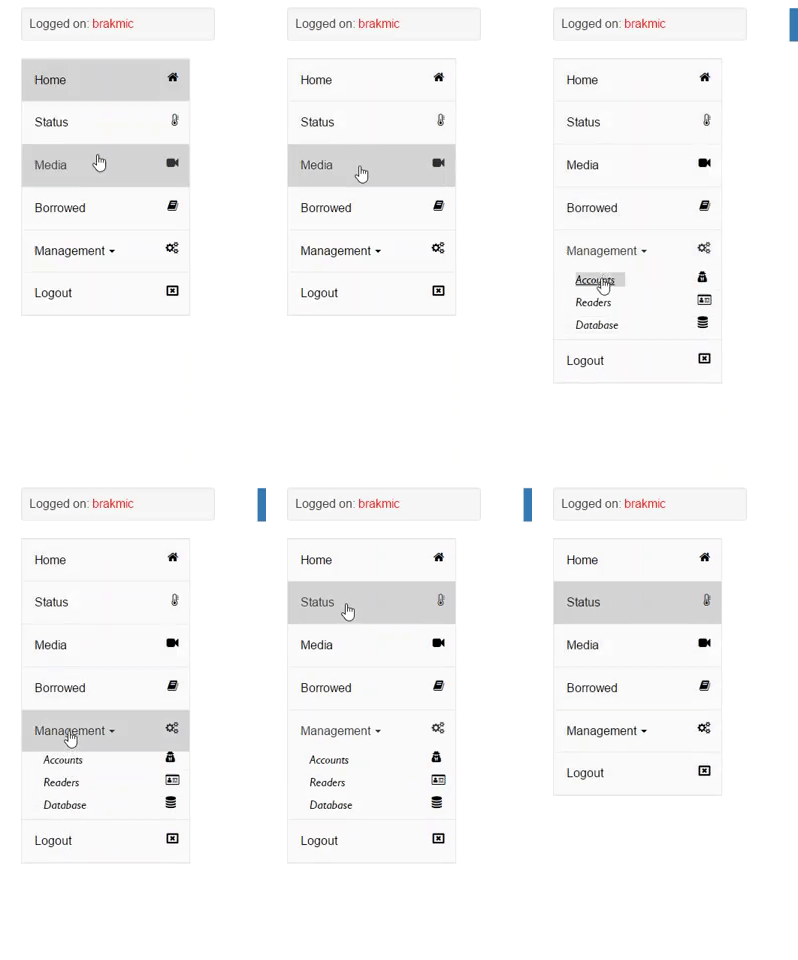
Sidebar Menu
The sidebar menu contains links to activate different activities.
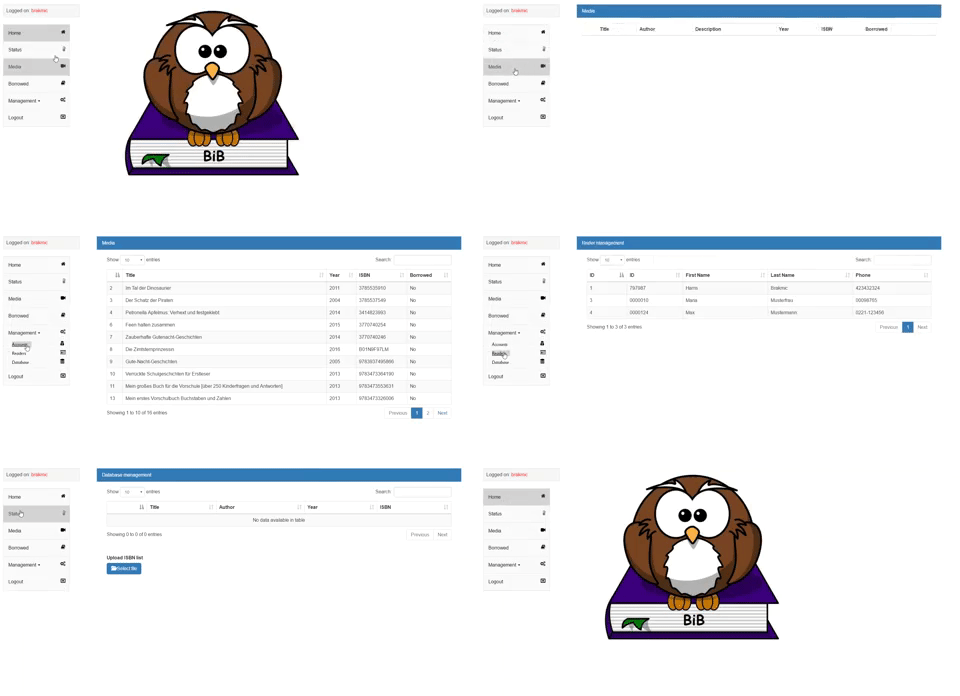
Activities
BiB offeres different views to certain aspects of the system, like media lists, lending, user management, reader management etc.
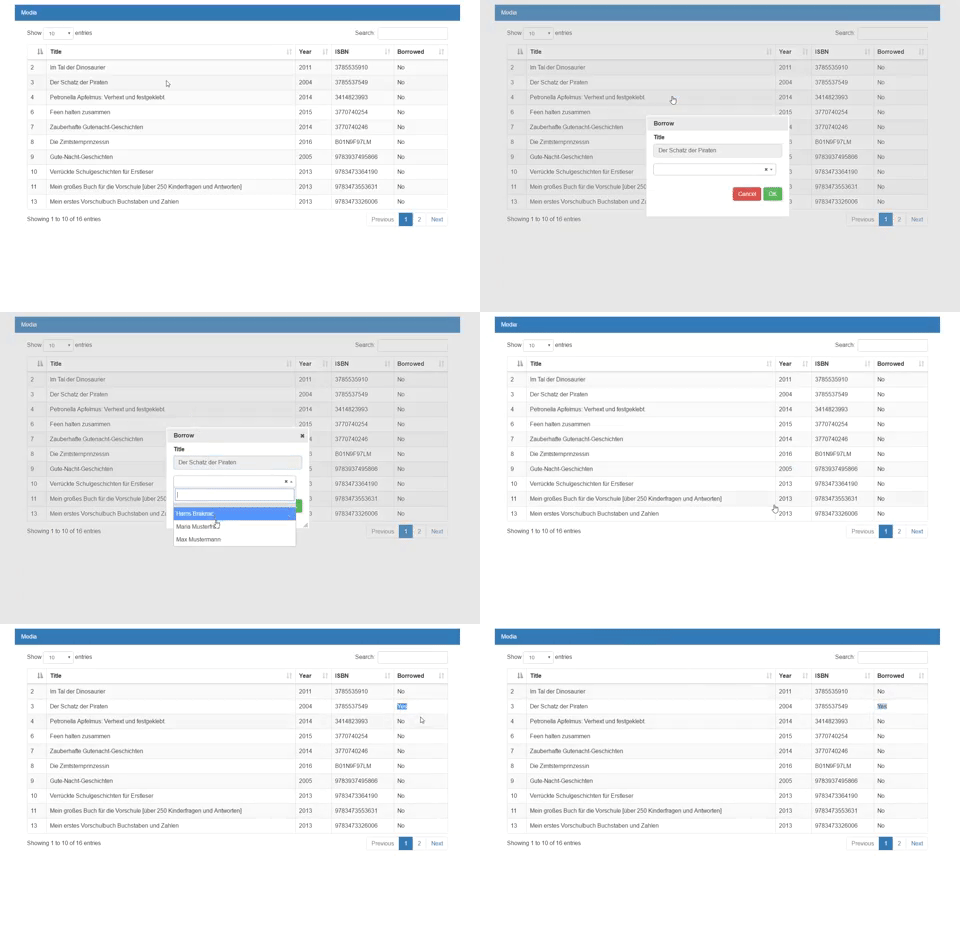
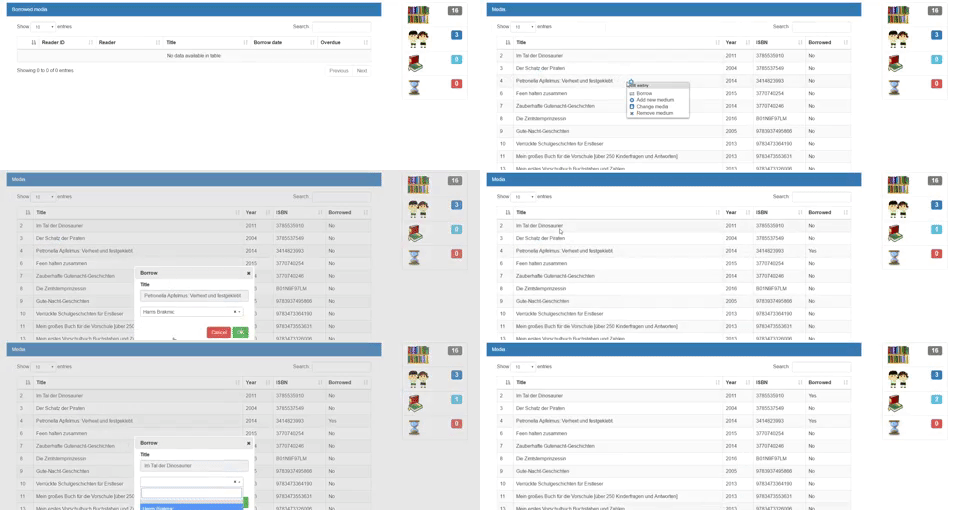
Media Lending
Everything is done via context menus, just like desktop apps.
Statistics
The statistics display on the right changes its contents in real-time.
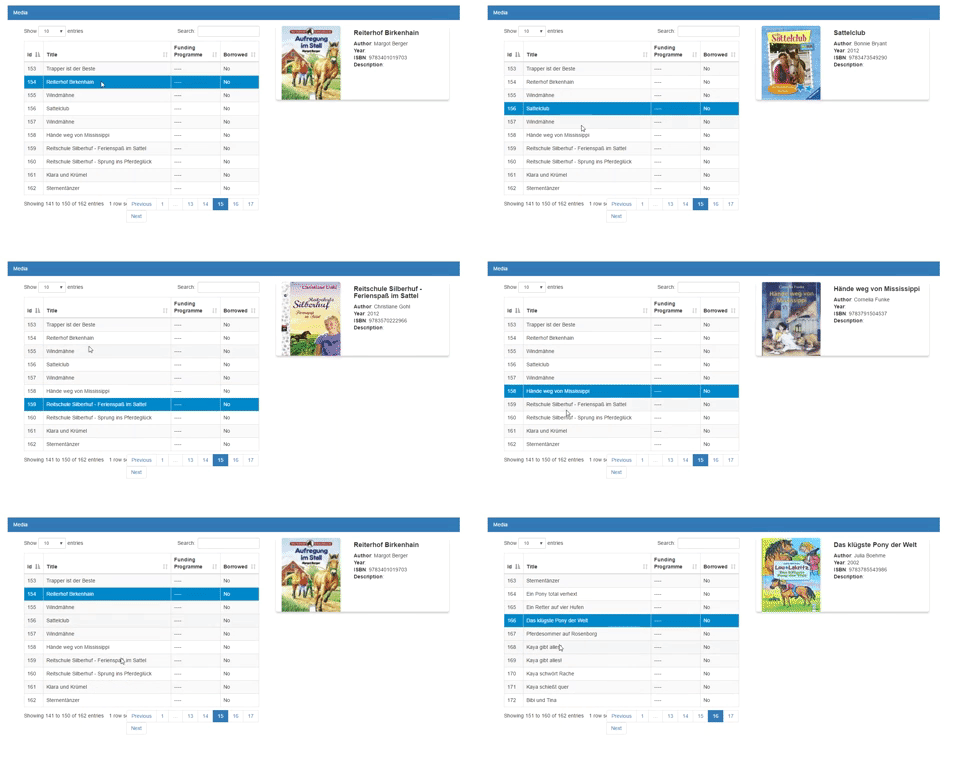
Display additional media information
Each time a media gets clicked the information block on the right will update accordingly.
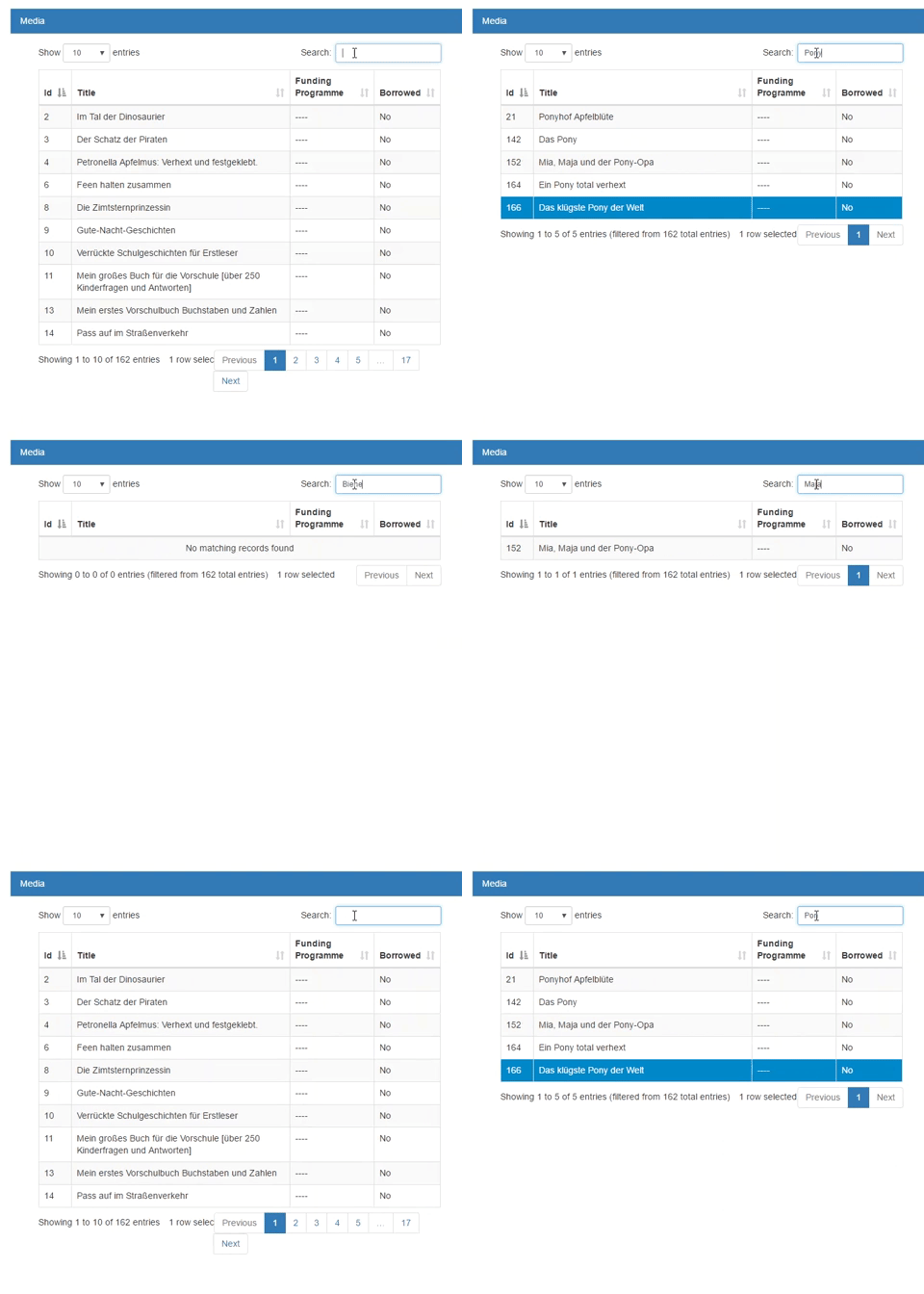
Search