README.md
May 1, 2026 · View on GitHub


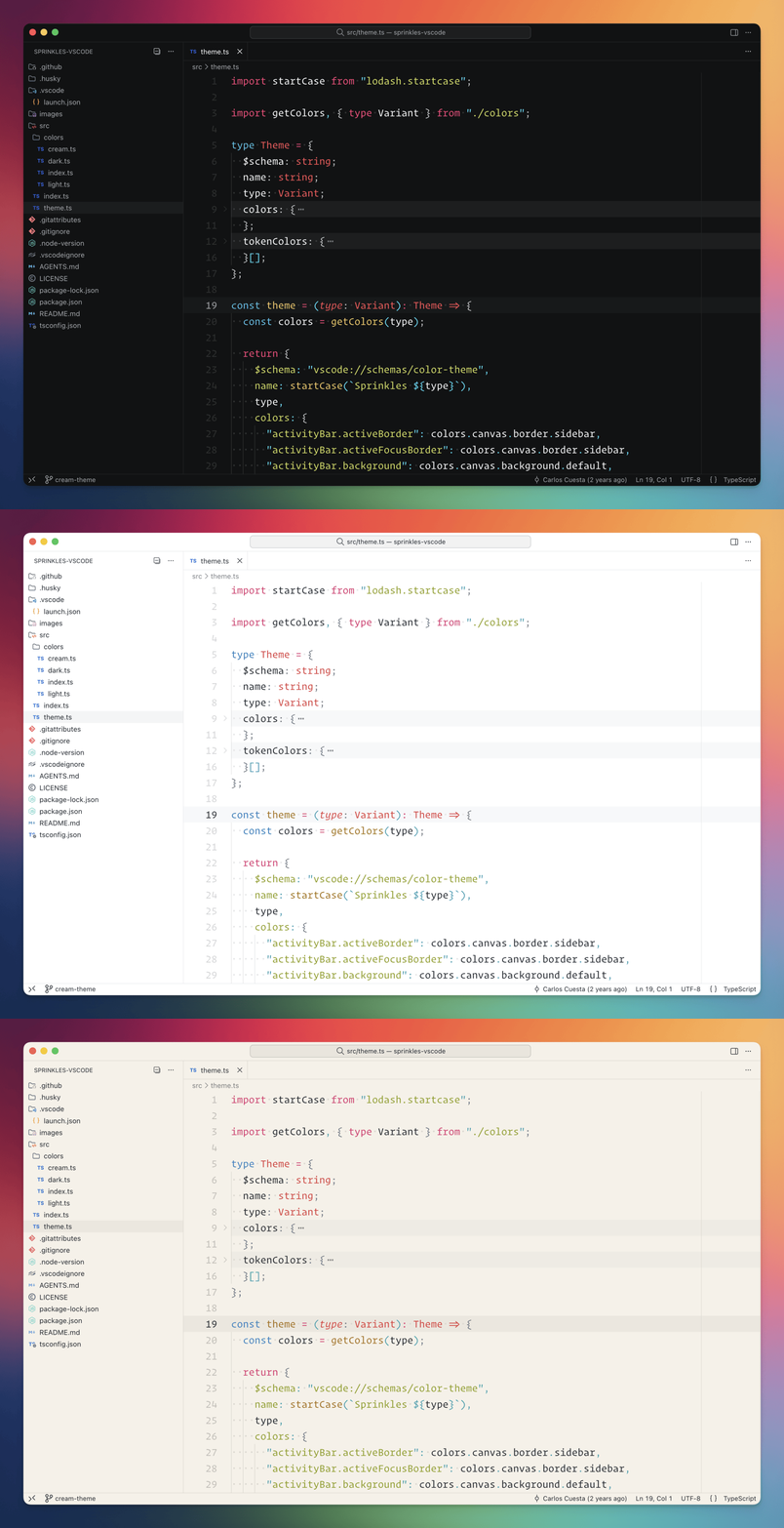
Install
VSCode
- Open Command Palette > Install Extensions
- Search for
sprinkles-themeand install
Module
You can also install the theme as a node module:
npm install sprinkles-vscode
Usage
VSCode
- Open Command Palette > Preferences: Color Theme
- Select
Sprinklesfrom the dropdown
Module
You can import the theme anywhere by installing it as a dependency:
import dark from "sprinkles-vscode/themes/sprinkles-dark.json";
import light from "sprinkles-vscode/themes/sprinkles-light.json";
import cream from "sprinkles-vscode/themes/sprinkles-cream.json";
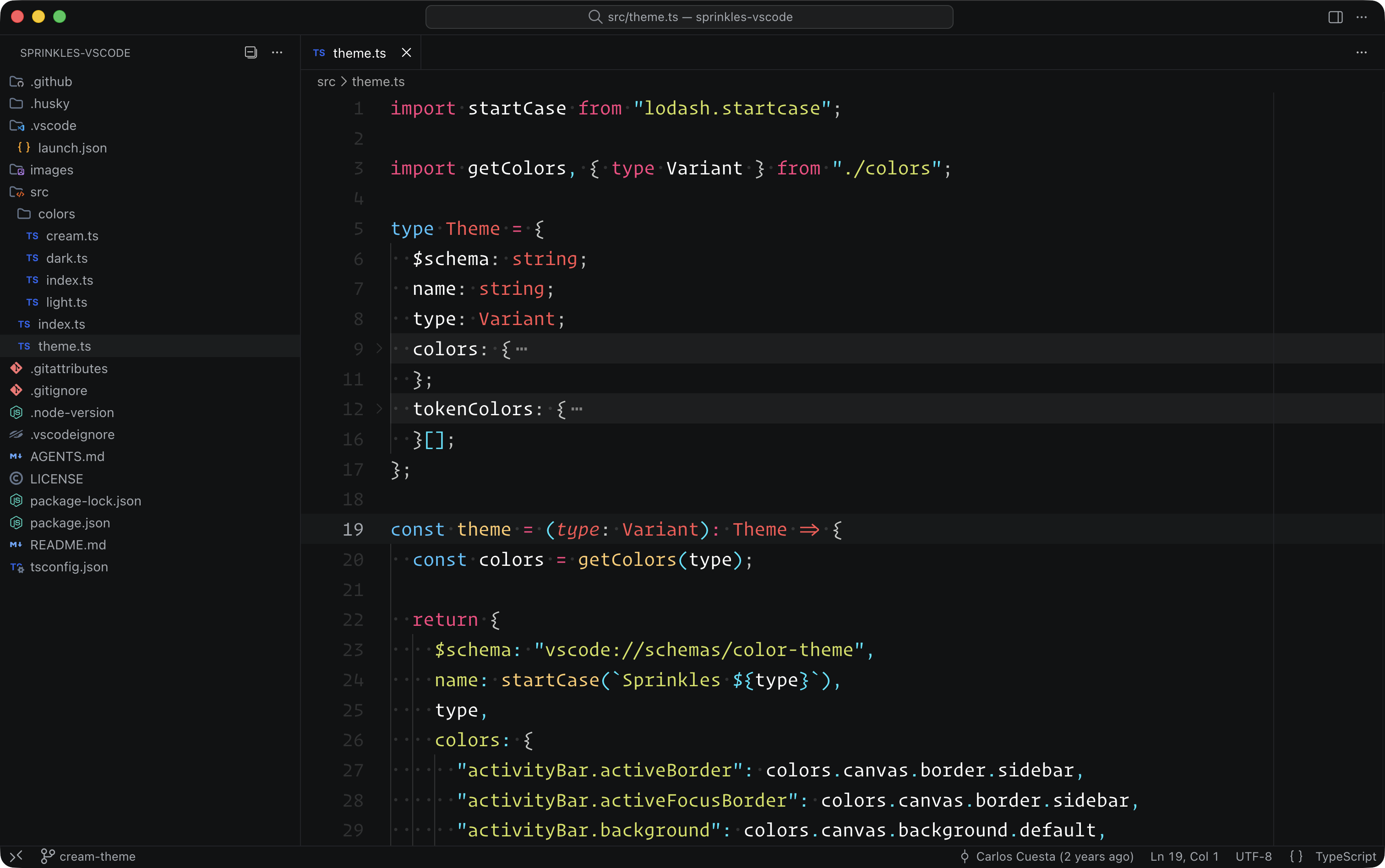
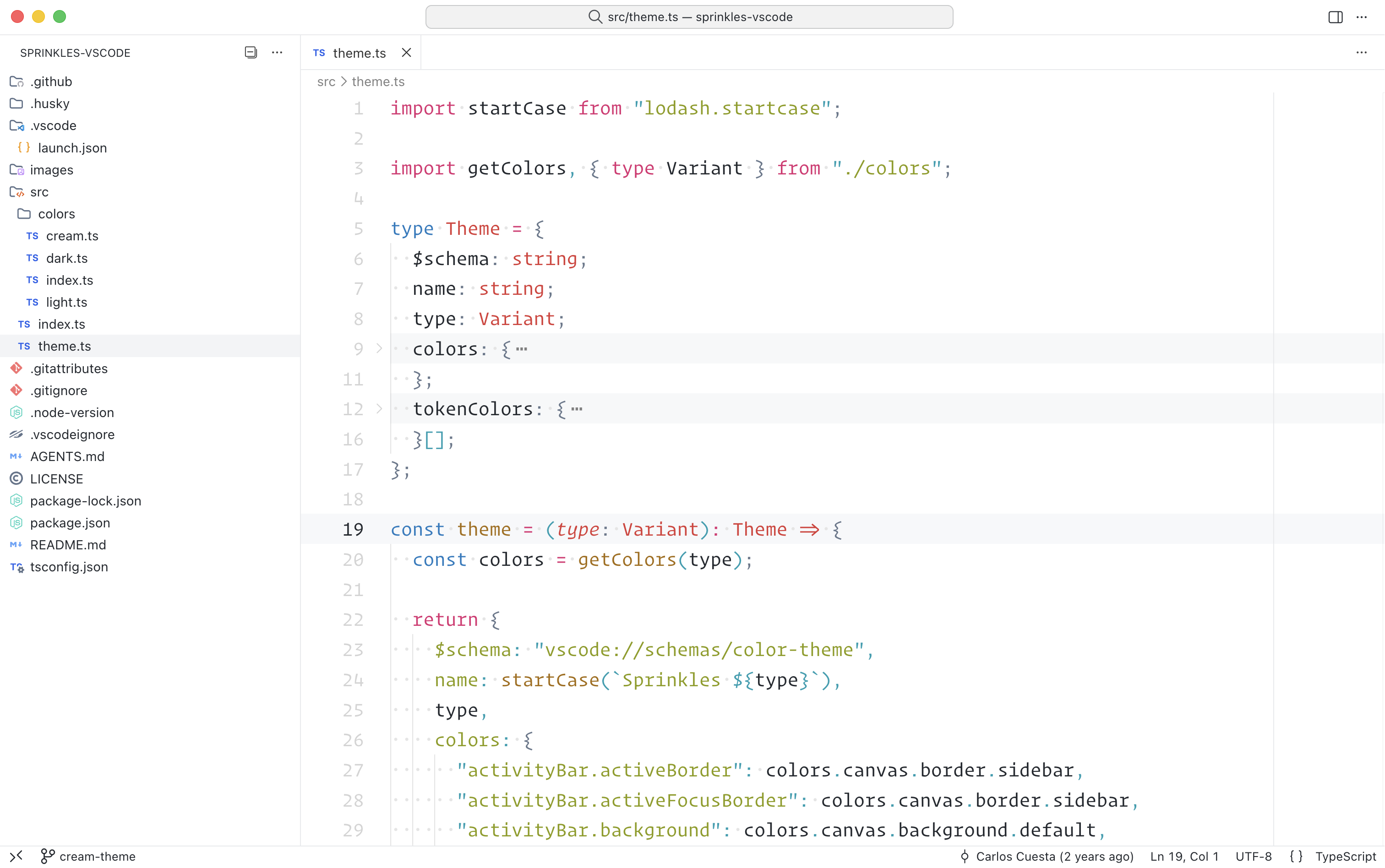
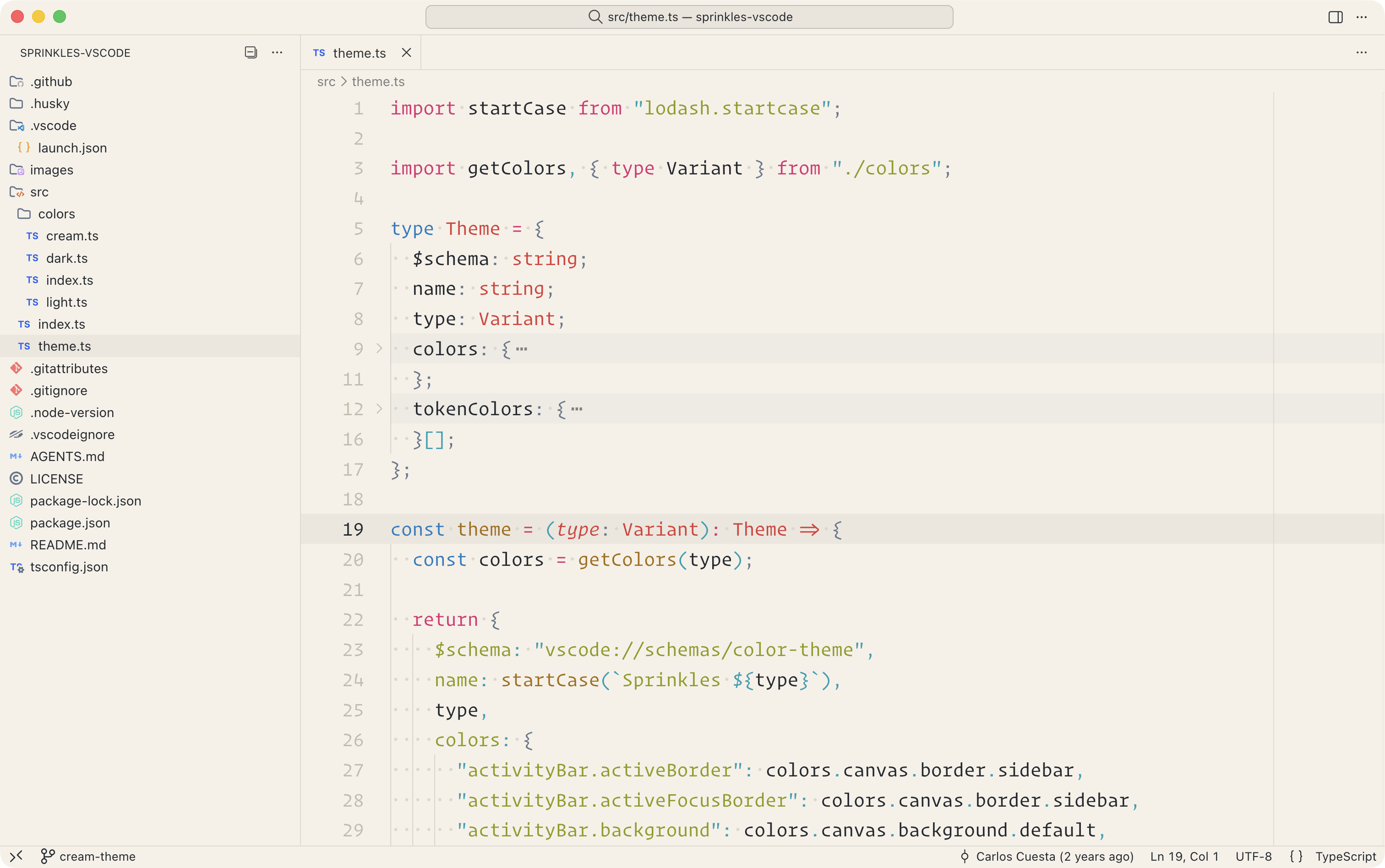
Screenshots
Dark
Light
Cream
Colors
