leptos-fmt
December 13, 2024 · View on GitHub
Open VSX | Vscode Marketplace


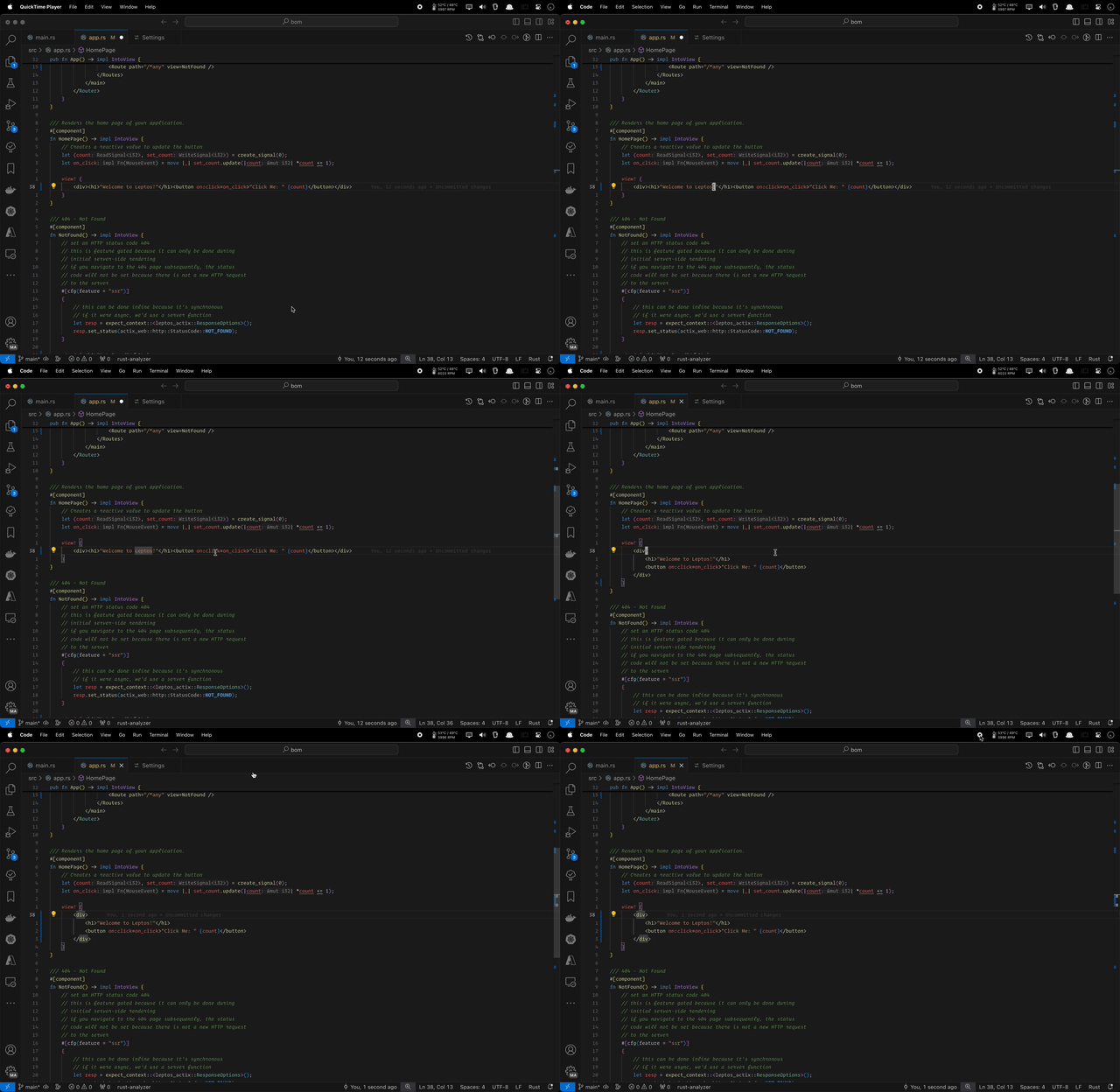
Uses the built in Rust analyzer to auto-format your Leptos code. You can invoke command palette command with Leptos Init to generate the override command on your .vscode/settings.json file.
For Complex Project , and you dont want to override fmt on workspace level, and avoid pulluting override command on other projects.
You can invoke command palette command with Format with Leptosfmt or bind it to a key.
Demo
Requirements
- Rust: Ensure you have Rust installed on your machine.
- Leptosfmt: This extension requires
leptosfmt. Install it using:
cargo install leptosfmt
Using built in Rust Analyzer (rust-lang.rust-analyzer)
- Press
Ctrl+Shift+Pto open the command palette. - Type
Leptos Initto any Leptos project.
Note: it would generate this on `.vscode/settings.json`
{
    "rust-analyzer.procMacro.ignored": {
        "leptos_macro": [
            "server"
        ]
    },
    "rust-analyzer.rustfmt.overrideCommand": [
        "leptosfmt",
        "--stdin",
        "--rustfmt"
    ],
    "rust-analyzer.cargo.features": [
        "ssr"
    ]
}
Custom Key Bindings
- Press
Ctrl+Shift+Pto open the command palette. - Type
Keyboard Shortcutsto open the keyboard shortcuts settings. - Search for
leptos-fmt.format - Bind it to a keybinding to your preference e.g. OPT + SHIFT + F
Custom Paths
- Press CMD or CTRL + , to open the settings.
- type
leptos - find
leptos-fmt.pathand set it to the path of yourleptosfmtbinary - find
leptos-fmt.cargoHomeand set it to the path of yourcargohome directory