QuickNote TUI
June 20, 2026 · View on GitHub
A simple, compact terminal-based note-taking tool.
Installation
crates.io
Install it via Rust's package manager by running:
cargo install quick-note
From source
Install quick-note's source code and compile it yourself.
- Clone this repository to your local machine by using the command:
git clone https://github.com/daniel-valencia-ts/quick-note.git
- From the cloned repository, run:
cargo run
Usage
This app is structured in several modes that let you access its features.
After having run it, you'll be in the display mode, whose purpose is to show a note on screen.
Furthermore, from here you can execute several commands based on the action you want to perform.
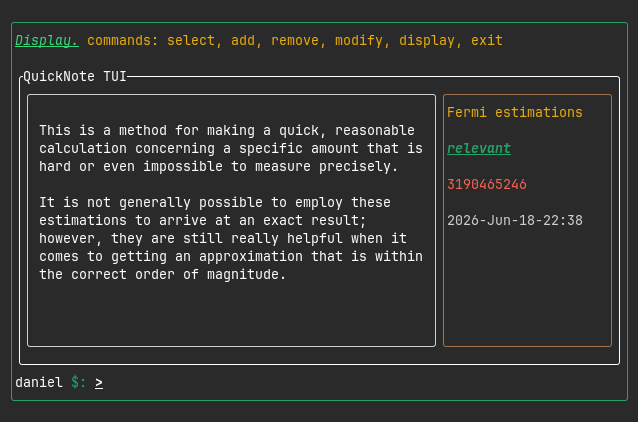
To create a new note, use the command add, which takes you to a menu in which you'll be asked
for the title of the note you're creating, its body, and how relevant it is.
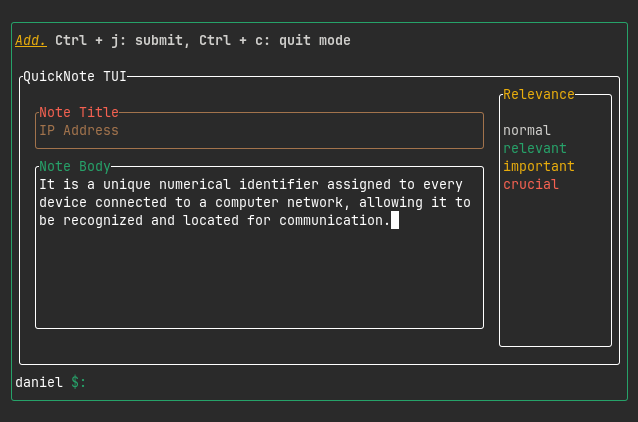
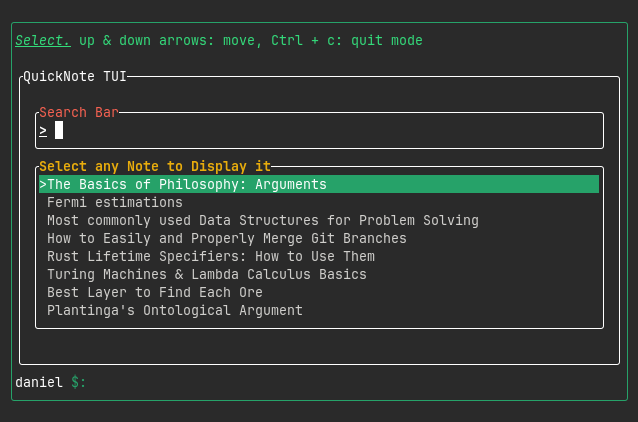
As you add more notes, the select mode will be helpful to pick the one that you want to be displayed.
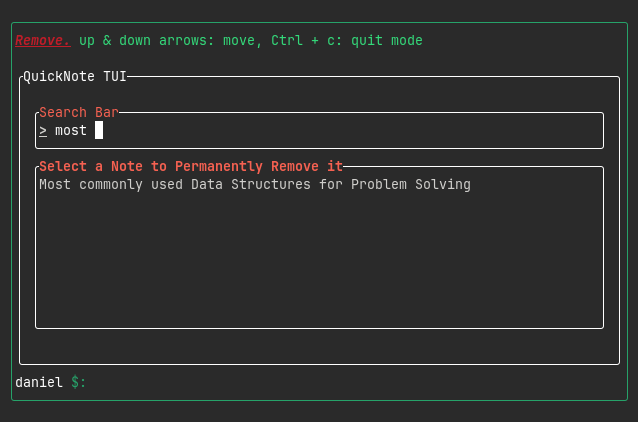
If a note isn't helpful anymore, it can be easily removed.
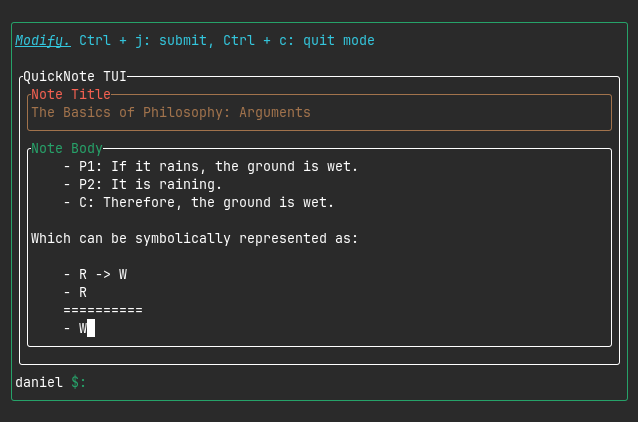
Furthermore, the content of an existing note can be modified.
License
This project is licensed under the MIT License.