textual-mandelbrot
April 22, 2025 · View on GitHub
Introduction
Note
This repository is unlikely to get future updates; I've created a from-scratch reimplementation of the application called Complexitty. I suggest installing and playing with that instead.
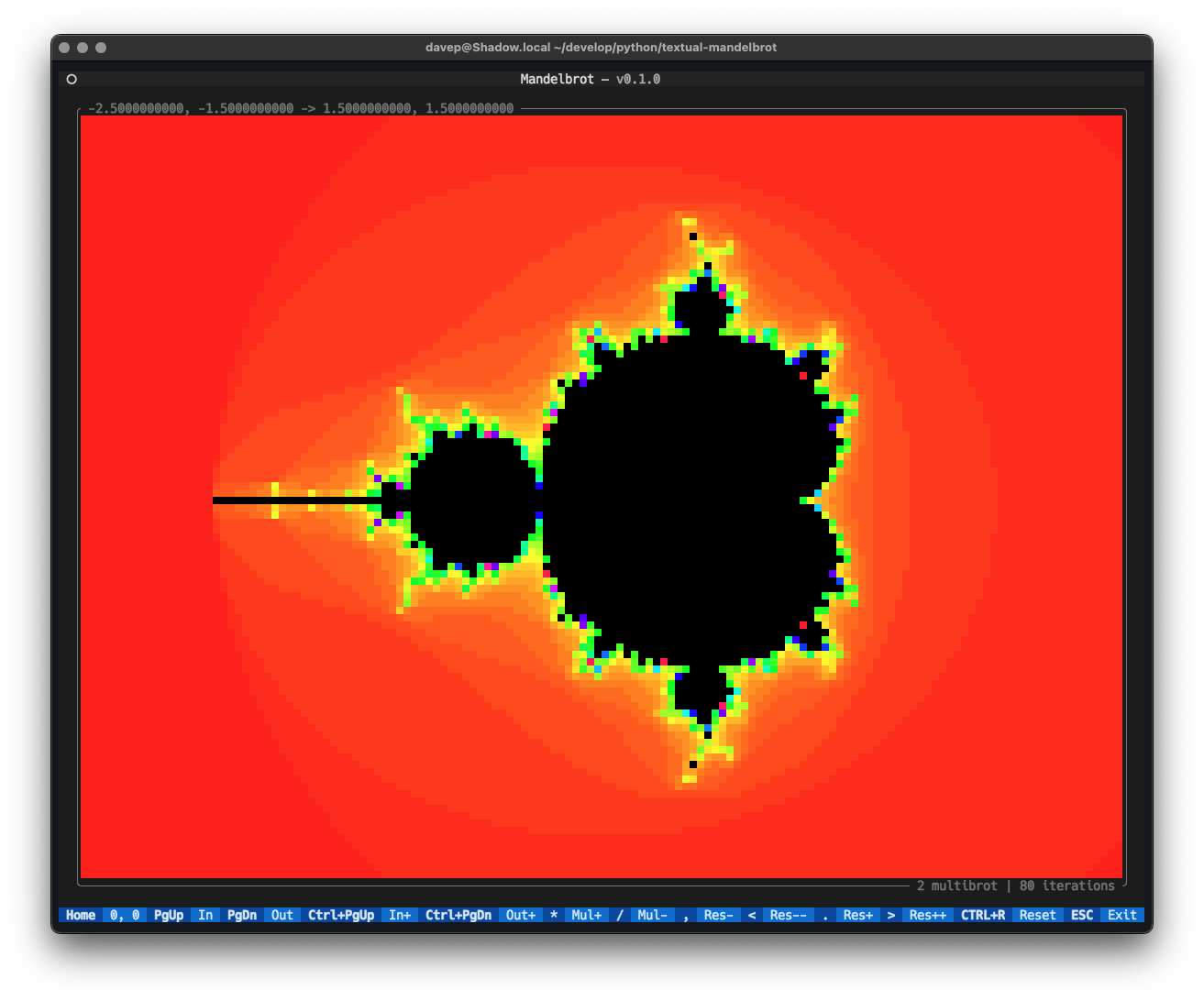
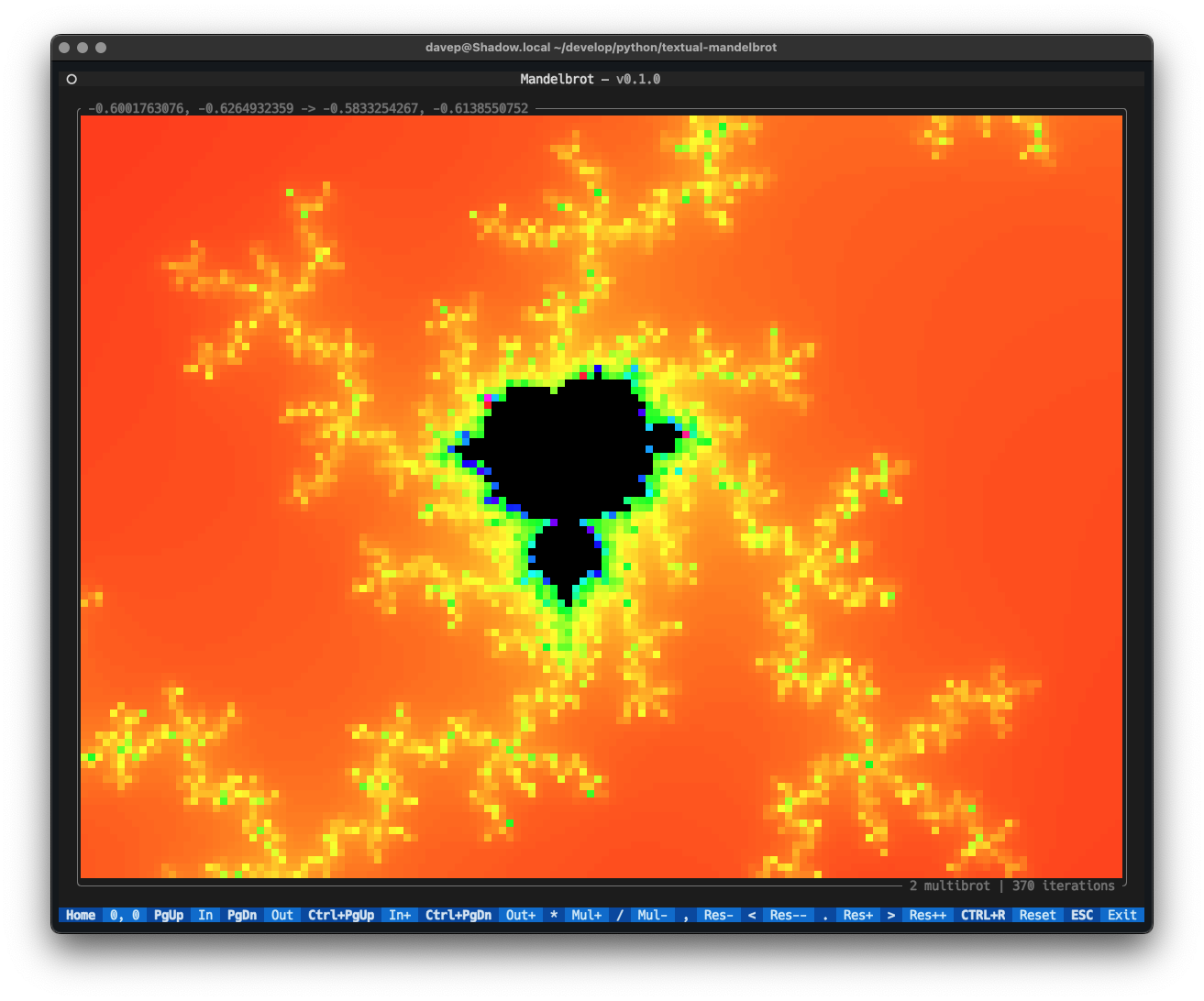
This package provides a simple Mandelbrot set widget that can be used in Textual applications, and also provides an application that can be used to explore the classic Mandelbrot set in the terminal.
Installing
pipx
The package can be installed using pipx:
$ pipx install textual-mandelbrot
Homebrew
The package is available via Homebrew. Use the following commands to install:
$ brew tap davep/homebrew
$ brew install textual-mandelbrot
Running
Once installed you should be able to run the command mandelexp and the
application will run.
Exploring
If you use mandelexp to run up the display, the following keys are
available:
| Keys | Action |
|---|---|
| Up, w, k | Move up |
| Shift+Up, W, K | Move up slowly |
| Down, s, j | Move down |
| Shift+Down, S, J | Move down slowly |
| Left, a, h | Move left |
| Shift+Left, A, H | Move left slowly |
| Right, d, l | Move right |
| Shift+Right, D, L | Move right slowly |
| PageUp, ] | Zoom in |
| PageDown, [ | Zoom out |
| Ctrl+PageUp, } | Zoom in deeper |
| Ctrl+PageDown, { | Zoom out wider |
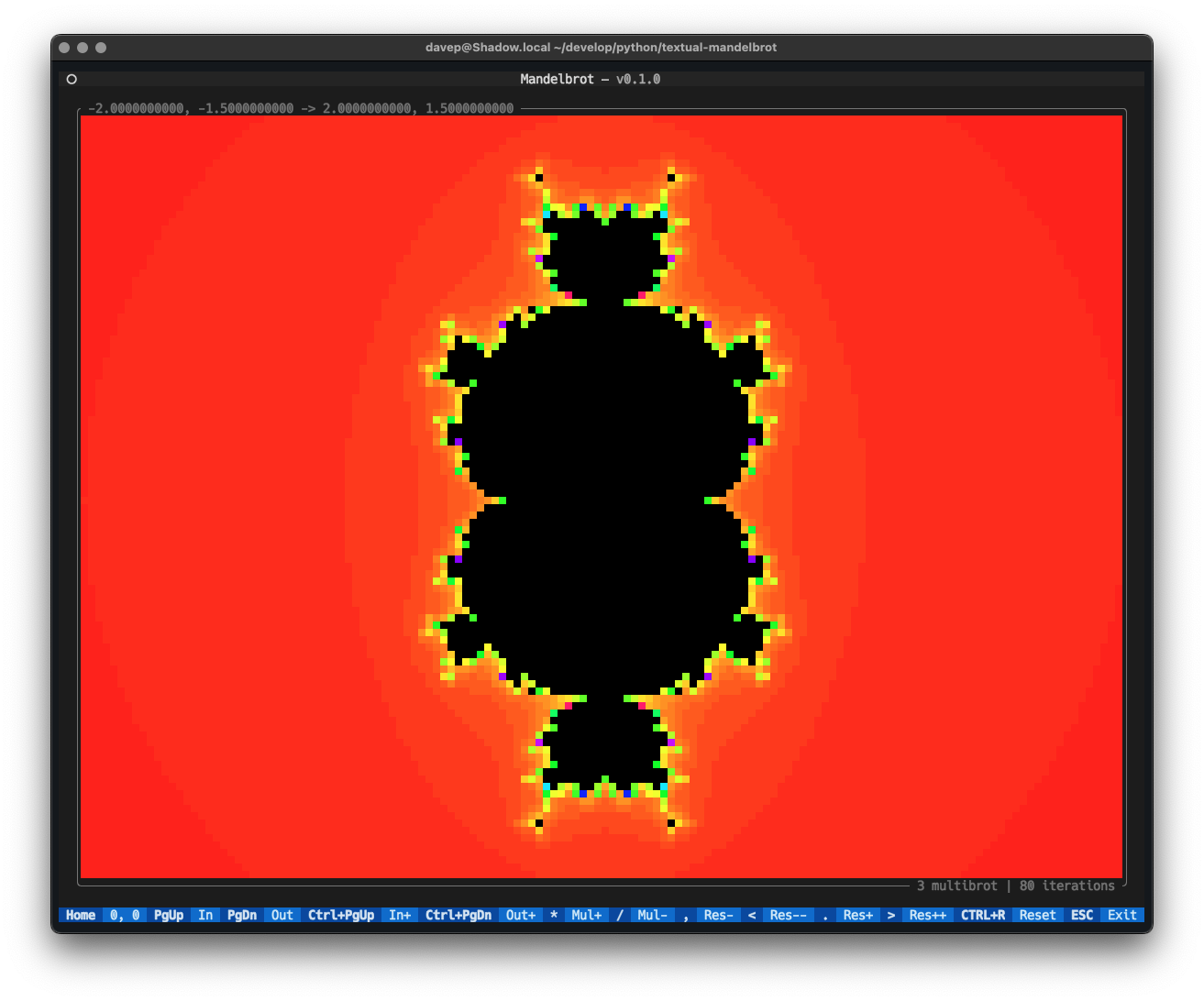
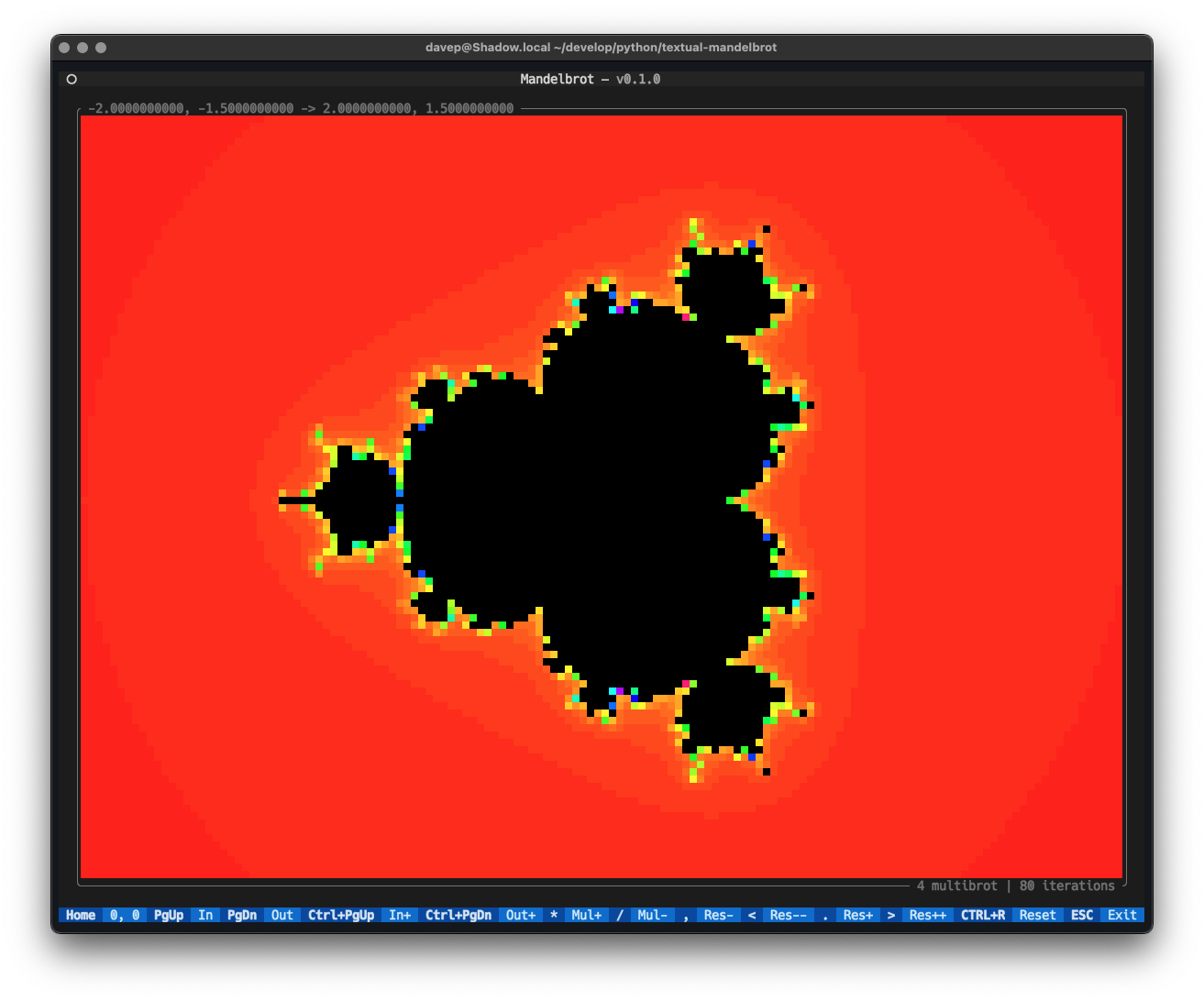
| *, Ctrl+Up | Increase "multobrot" |
| /, Ctrl+Down | Decrease "multibrot" |
| Ctrl+Shift+Up | Increase "multibrot" in smaller steps |
| Ctrl+Shift+Down | Decrease "multibrot" in smaller steps |
| Home | Center 0,0 in the display |
| , | Decrease iterations by 10 |
| < | Decrease iterations by 100 |
| . | Increase iterations by 10 |
| > | Increase iterations by 100 |
| Ctrl+r | Reset to initial state |
| Escape | Quit the application |
| 1 | Colour set 1 |
| 2 | Colour set 2 |
| 3 | Colour set 3 |