⚠️ DEPRECATION NOTICE ⚠️
January 15, 2026 · View on GitHub
This library was created to address iOS-only keyboard issues (e.g., the keyboard covering inputs) by integrating IQKeyboardManager.
With Android moving to edge-to-edge by default, similar “keyboard covering inputs” problems can now happen on Android as well. Because of that, maintaining a library that only targets iOS no longer makes sense.
For this reason, this project is now in maintenance mode: bug fixes and small PRs are welcome, but no new features are planned.
Thank you for all the partnership and collaboration over these 9 years of this project’s journey, it truly made a difference.
Recommended alternatives:
- KeyboardAvoidingView (React Native)
- An edge-to-edge approach with react-native-keyboard-controller (cross-platform): https://github.com/kirillzyusko/react-native-keyboard-controller
React-Native Keyboard Manager



Library to prevent issues of keyboard sliding up and cover inputs on React-Native iOS projects ⚛. Thanks to awesome IQKeyboardManager ❤️.
This is only for iOS, Android no needed. For Android just add android:windowSoftInputMode="adjustResize" to your activity.
Screenshots
| Enabled | Disabled |
|---|---|
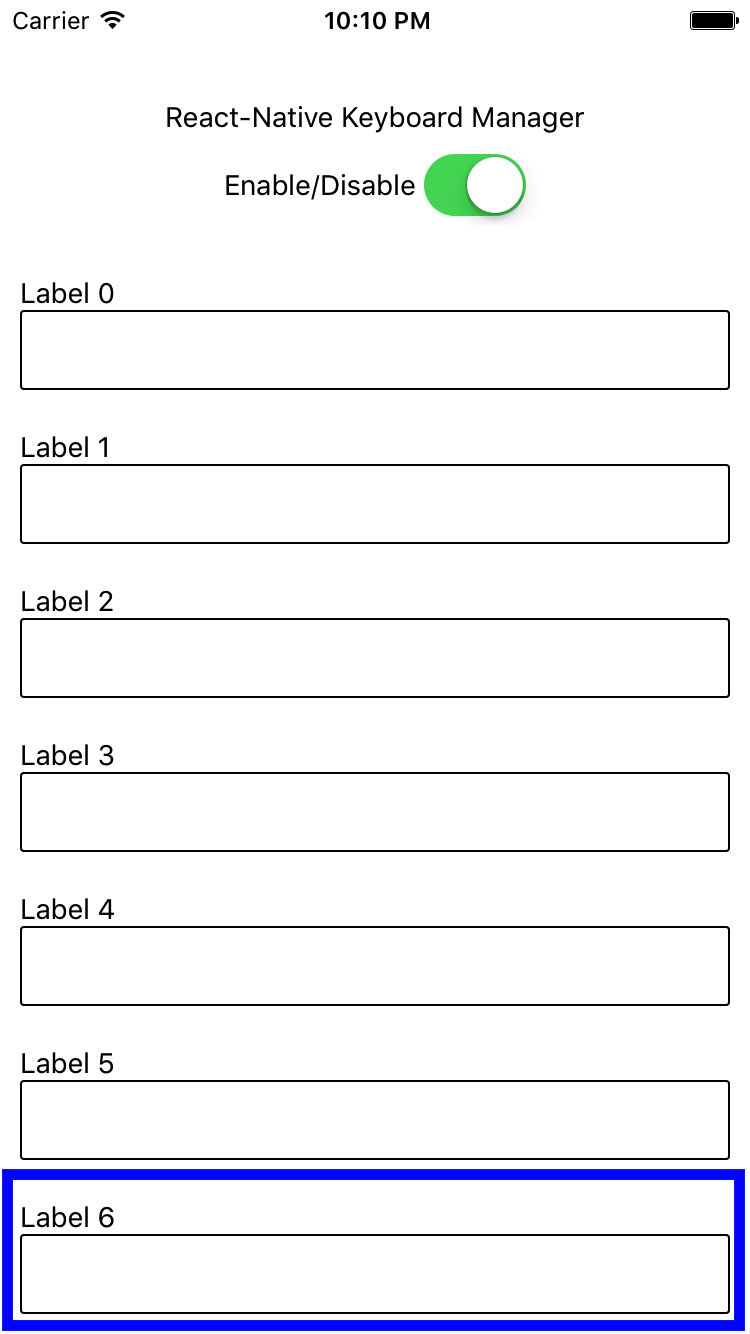 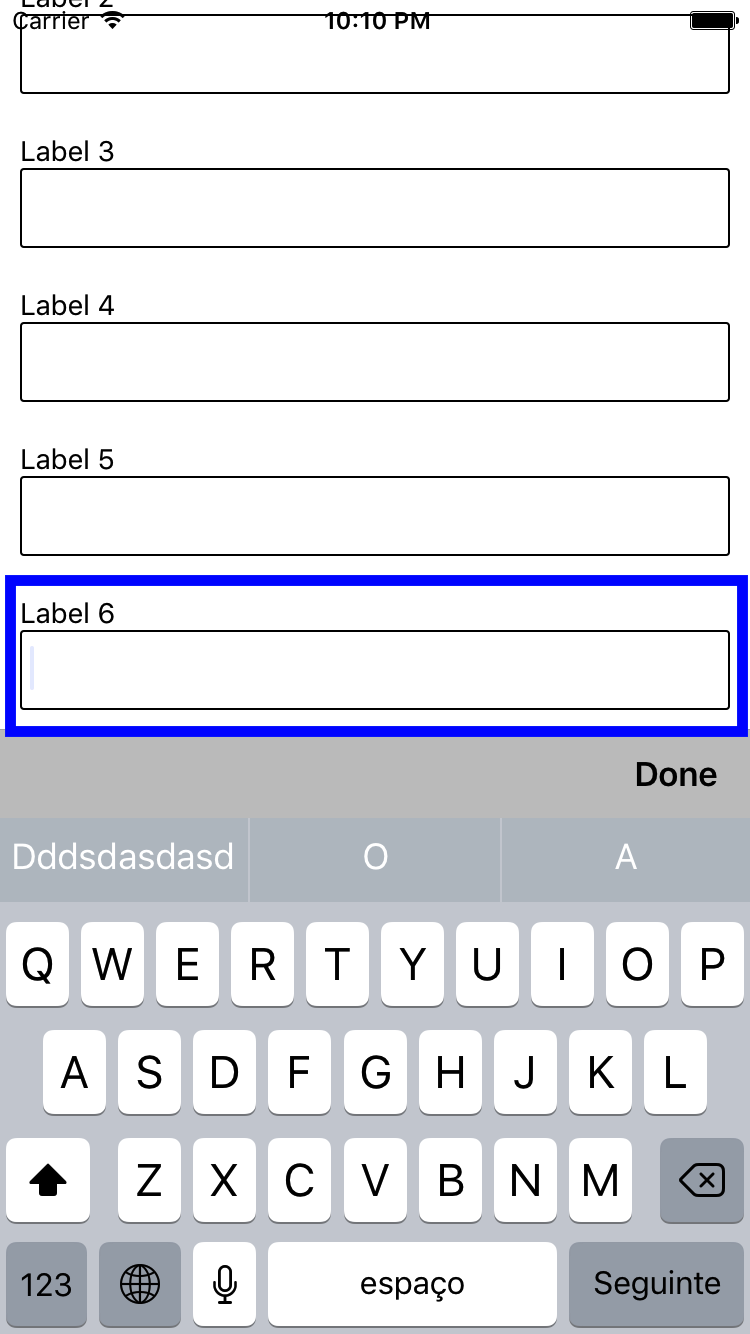 | 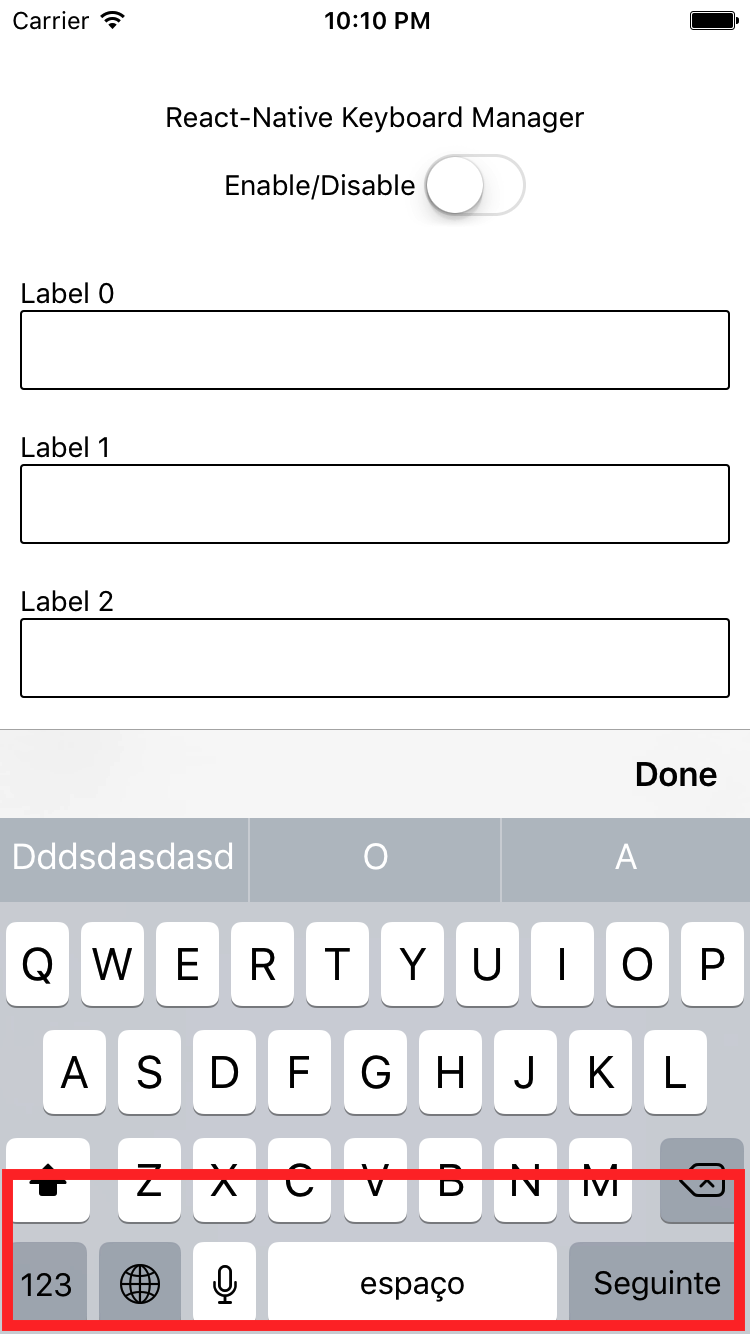 |
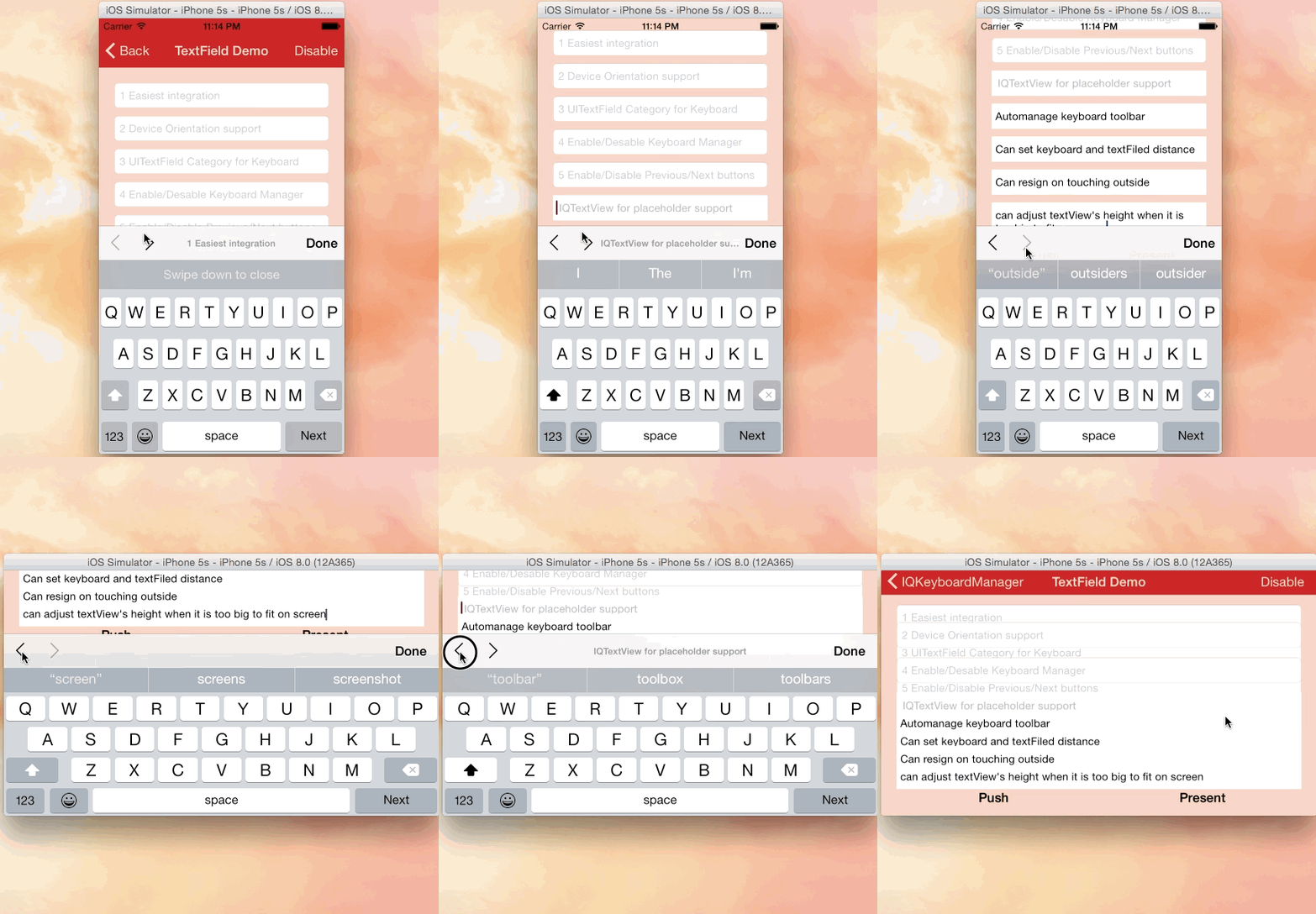 |
|---|
| Credits: IQKeyboardManager |
NOTES:
- for RN 0.72.0 or later use
react-native-keyboard-manager@latest - for RN 0.60.0 ... 0.71.X, use
react-native-keyboard-manager@6.5.11-2 - for RN 0.53.0 ... 0.59.10, use
react-native-keyboard-manager@4.0.13-12 - for RN 0.47.0 ... 0.52.2, use
react-native-keyboard-manager@4.0.13-5 - for RN 0.40.0 ... 0.46.4, use
react-native-keyboard-manager@4.0.13-1
Install
-
Install the JavaScript dependency:
yarn add react-native-keyboard-managerOr
npm i -S react-native-keyboard-manager -
Add the CocoaPods dependency to your
ios/Podfile:# Add temporary IQKeyboardManagerSwift fork to solve problems with PrivacyInfo.xcprivacy pod 'IQKeyboardManagerSwift', :git => 'https://github.com/douglasjunior/IQKeyboardManager.git', :branch => 'react-native-keyboard-manager'To automate this process on Expo you may need to create a plugin, see https://github.com/douglasjunior/react-native-keyboard-manager/issues/111#issuecomment-2153101561
-
Run the CocoaPods installation:
cd ios pod install -
(optional) To force
IQKeyboardManagerSwiftupdate with the latest commit:cd ios pod update IQKeyboardManagerSwift
Done! 🎉
Post install
Because IQKeyboardManager is written in Swift, you need to enable Swift on your native Xcode project.
- Open
ios/YourAppName.xcworkspacein Xcode - Right-click on
YourAppNamein theProject Navigatoron the left, and clickNew File. - Create a single empty
Swiftfile to the project (make sure thatYourAppNametarget is selected when adding) - When Xcode asks, press Create Bridging Header and do not remove
Swiftfile then. - Re-run your build.
Usage
It does not need any extra library setup to work, just install and go.
But, if you need some configuration, there are some options available.
import { Platform } from 'react-native';
import KeyboardManager from 'react-native-keyboard-manager';

if (Platform.OS === 'ios') {
    KeyboardManager.setEnable(true);
    KeyboardManager.setEnableDebugging(false);
    KeyboardManager.setKeyboardDistanceFromTextField(10);
    KeyboardManager.setLayoutIfNeededOnUpdate(true);
    KeyboardManager.setEnableAutoToolbar(true);
    KeyboardManager.setToolbarDoneBarButtonItemText("Done");
    KeyboardManager.setToolbarManageBehaviourBy("subviews"); // "subviews" | "tag" | "position"
    KeyboardManager.setToolbarPreviousNextButtonEnable(false);
    KeyboardManager.setToolbarTintColor('#0000FF'); // Only #000000 format is supported
    KeyboardManager.setToolbarBarTintColor('#FFFFFF'); // Only #000000 format is supported
    KeyboardManager.setShouldShowToolbarPlaceholder(true);
    KeyboardManager.setOverrideKeyboardAppearance(false);
    KeyboardManager.setKeyboardAppearance("default"); // "default" | "light" | "dark"
    KeyboardManager.setShouldResignOnTouchOutside(true);
    KeyboardManager.setShouldPlayInputClicks(true);
    KeyboardManager.resignFirstResponder();
    KeyboardManager.isKeyboardShowing()
      .then((isShowing) => {
          // ...
      });
}
For more details, see the Sample Project and the official IQKeyboardManager documentation.
Enable Next/Previous buttons
If you want to use Next/Previous buttons, enable it.
if (Platform.OS === 'ios') {
    KeyboardManager.setToolbarPreviousNextButtonEnable(true);
}
And if you want to use Next/Previous buttons inside a Modal, you need to wrap the fields in a PreviousNextView.
import { PreviousNextView } from 'react-native-keyboard-manager';

class App extends Component {
  render() {
      return (
          <View {...} >
              // others views
              <Modal {...} >
                  // others views
                  <PreviousNextView style={...} >
                      // all TextInput
                  </PreviousNextView>
              </Modal>
          </View>
      );
  }
}
Mock with jest
jest.mock('react-native-keyboard-manager', () => require('react-native-keyboard-manager/jest/mock'));
Known issues
- If your project is managed by Expo, you will need to eject.
- Pod install failed on M1 machines: https://github.com/douglasjunior/react-native-keyboard-manager/issues/104
Problem with "@react-navigation/native-stack" and "IQKeyboardManager" on iOS: https://github.com/douglasjunior/react-native-keyboard-manager/issues/89- Seems to be fixed in version
6.5.16-0
- Seems to be fixed in version
Contribute
New features, bug fixes and improvements are welcome! For questions and suggestions use the issues.


Star History
License
The MIT License (MIT)

Copyright (c) 2017 Douglas Nassif Roma Junior
See the full license file.
IQKeyboardManager License
The MIT License (MIT)

Copyright (c) 2013-16 Iftekhar Qurashi
See the full IQKeyboardManager license file.