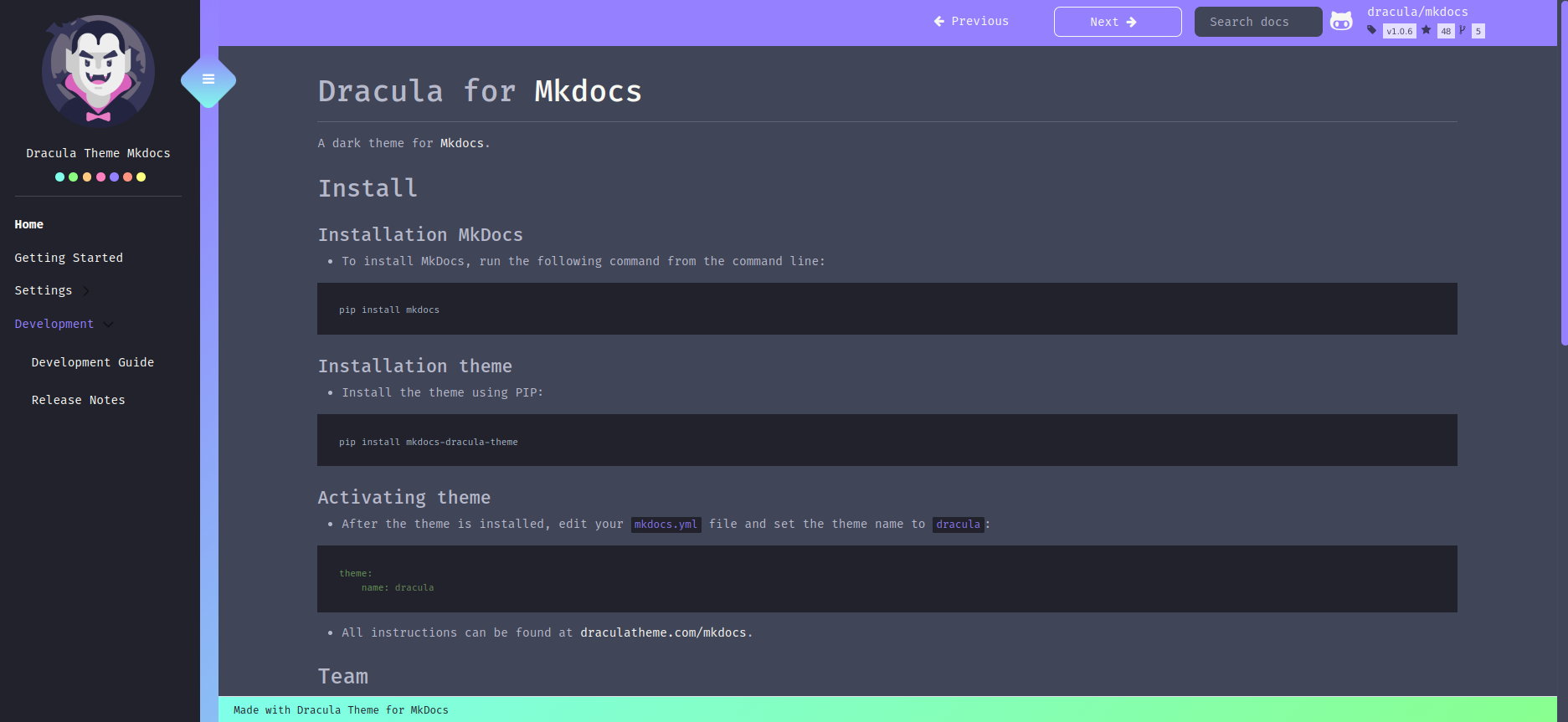
Dracula for Mkdocs
August 4, 2025 · View on GitHub
A dark theme for Mkdocs.
Install
Installation MkDocs
To install MkDocs, run the following command from the command line:
pip install mkdocs
Installation theme
Install the theme using PIP:
pip install mkdocs-dracula-theme
Activating theme
After the theme is installed, edit your mkdocs.yml file and set the theme name to dracula:
theme:
    name: dracula
All instructions can be found at draculatheme.com/mkdocs.
Changing the favicon
theme:
  favicon: assets/favicon.ico
Team
This theme is maintained by the following person(s) and a bunch of awesome contributors.
 |  |
|---|---|
| Fernando Celmer | Lautaro Linquimán |
Community
- Twitter - Best for getting updates about themes and new stuff.
- GitHub - Best for asking questions and discussing issues.
- Discord - Best for hanging out with the community.
Getting Help
We use GitHub issues for tracking bugs and feature requests and have limited bandwidth to address them. If you need anything, I ask you to please follow our templates for opening issues or discussions.
Commit Style
- ⚙️ FEATURE
- 📝 PEP8
- 📌 ISSUE
- 🪲 BUG
- 📘 DOCS
- 📦 PyPI
- ❤️️ TEST
- ⬆️ CI/CD
- ⚠️ SECURITY