Image Viewer for Windows
June 16, 2026 · View on GitHub
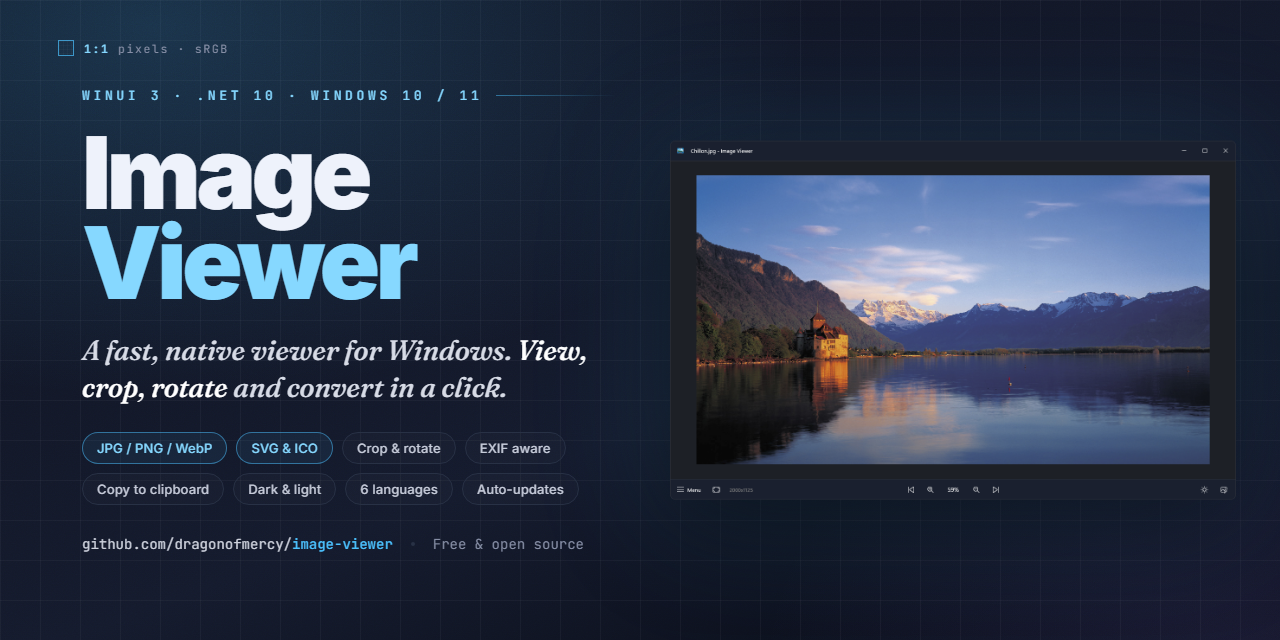
Image Viewer for Windows



Simple image viewer for Windows.
Image extensions supported: jpg, jpeg, bmp, png, gif, tif, tiff, tga, ico, webp and svg

How to build
Requirements: Windows 10 22H2 / Windows 11, .NET 10 SDK, and the Windows App SDK build tools (Microsoft docs).
dotnet build ImageViewer.sln -c Release
For a self-contained, runnable folder that needs no .NET runtime installed on the target machine:
dotnet publish ImageViewer\ImageViewer.csproj -c Release -r win-x64 -o publish
How to install
Requirements: Windows 10 22H2 or Windows 11 (x64). The app is self-contained, no .NET or Windows App SDK runtime install needed.
- Download
Setup.exefrom the latest release. - Run
Setup.exe. Windows SmartScreen will warn that the file is not signed - click More info then Run anyway. - The installer is silent (no wizard). It places the app in
%LOCALAPPDATA%\Dragon.ImageViewer\, adds a Start Menu shortcut, and launches the app when done. - Updates are downloaded and applied automatically from within the app (toast notification when a new version is available, plus a Check for updates button in the About dialog).
To uninstall, use Settings → Apps & features → Image Viewer → Uninstall.
How to release (maintainer only)
One-time setup: dotnet tool install -g vpk
Bump <Version> in ImageViewer\ImageViewer.csproj first, then from the repo root:
.\Build-Release.ps1
The helper script reads the version from the csproj (so it always matches the binary), then wraps dotnet publish (self-contained, win-x64) and vpk pack with the standard arguments (--packId Dragon.ImageViewer, --shortcuts StartMenuRoot, etc.). Output goes to Releases\.
For deltas across releases, run vpk download github --repoUrl https://github.com/dragonofmercy/image-viewer before the script so the previous .nupkg is available.
Then upload the contents of Releases\ to a new GitHub Release.
Credits
This project stands on the shoulders of these open-source libraries:
- ImageSharp by SixLabors - image decoding, encoding and processing
- Windows Community Toolkit - the
ImageCroppercontrol - SVG - SVG rasterization
- Velopack - installer and auto-updates
- WinUIEx - WinUI window helpers
Support
If this project helps to increase your productivity, you can give me a cup of coffee :)
