Touch dragging
June 5, 2019 · View on GitHub
react-beautiful-dnd supports dragging on touch devices such as mobiles and tablets.
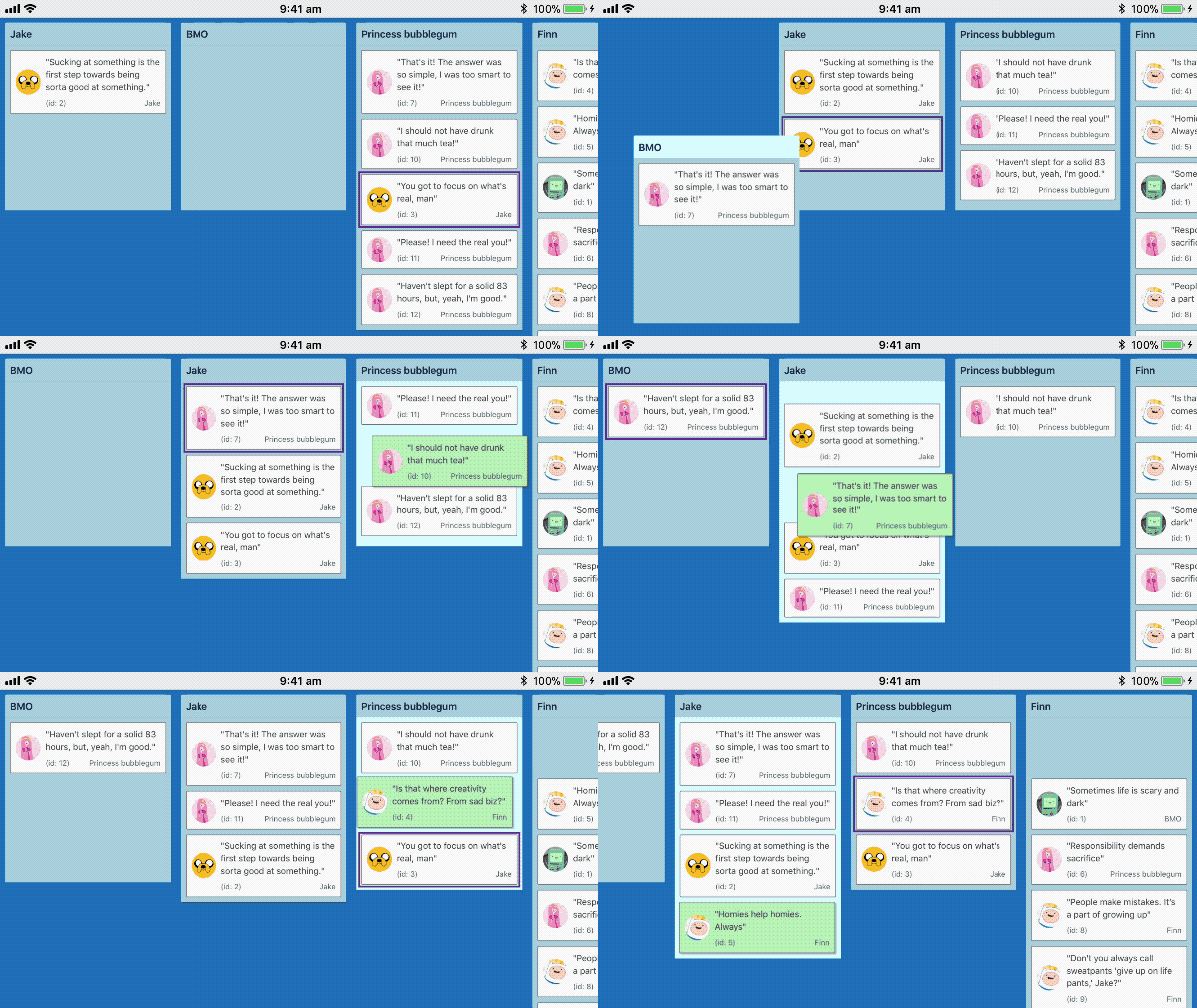
Recorded on iPhone 6s
Understanding intention: tap, force press, scroll and drag
When a user presses their finger (or other input) on a <Draggable /> we are not sure if they where intending to tap, force press, scroll the container or drag. As much as possible react-beautiful-dnd aims to ensure that a users default interaction experience remains unaffected.
To see more indepth information about how we impact standard browser events see our how we use DOM events guide
Starting a drag: long press
A user can start a drag by holding their finger 👇 on an element for a small period of time 🕑 (long press)
Tap support
If the user lifts their finger before the timer is finished then we release the event to the browser for it to determine whether to perform the standard tap / click action. This allows you to have a <Draggable /> that is both clickable such as a anchor as well as draggable. If the item was dragged then we block the tap action from occurring.
Native scrolling support
If we detect a touchmove before the long press timer expires we cancel the pending drag and allow the user to scroll normally. This means that the user needs to be fairly intentional and precise with their grabbing. Once the first touchmove occurs we have to either opt in or out of native scrolling.
- If the long press timer has not expired: allow native scrolling and prevent dragging
- If the long press timer has expired: a drag has started and we prevent native scrolling
Force press support
See our force press guide
Vibration
This is merely an idea - it is up to you to add this if you want this behavior.
If you like you could also trigger a vibration event when the user picks up a <Draggable />. This can provide tactile feedback that the user is doing something. It currently is only supported in Chrome on Android.
class App extends React.Component {
  onDragStart = () => {
    // good times
    if (window.navigator.vibrate) {
      window.navigator.vibrate(100);
    }
  };
  /*...*/
}