volto-slate-dataentity
July 14, 2026 · View on GitHub

Volto add-on
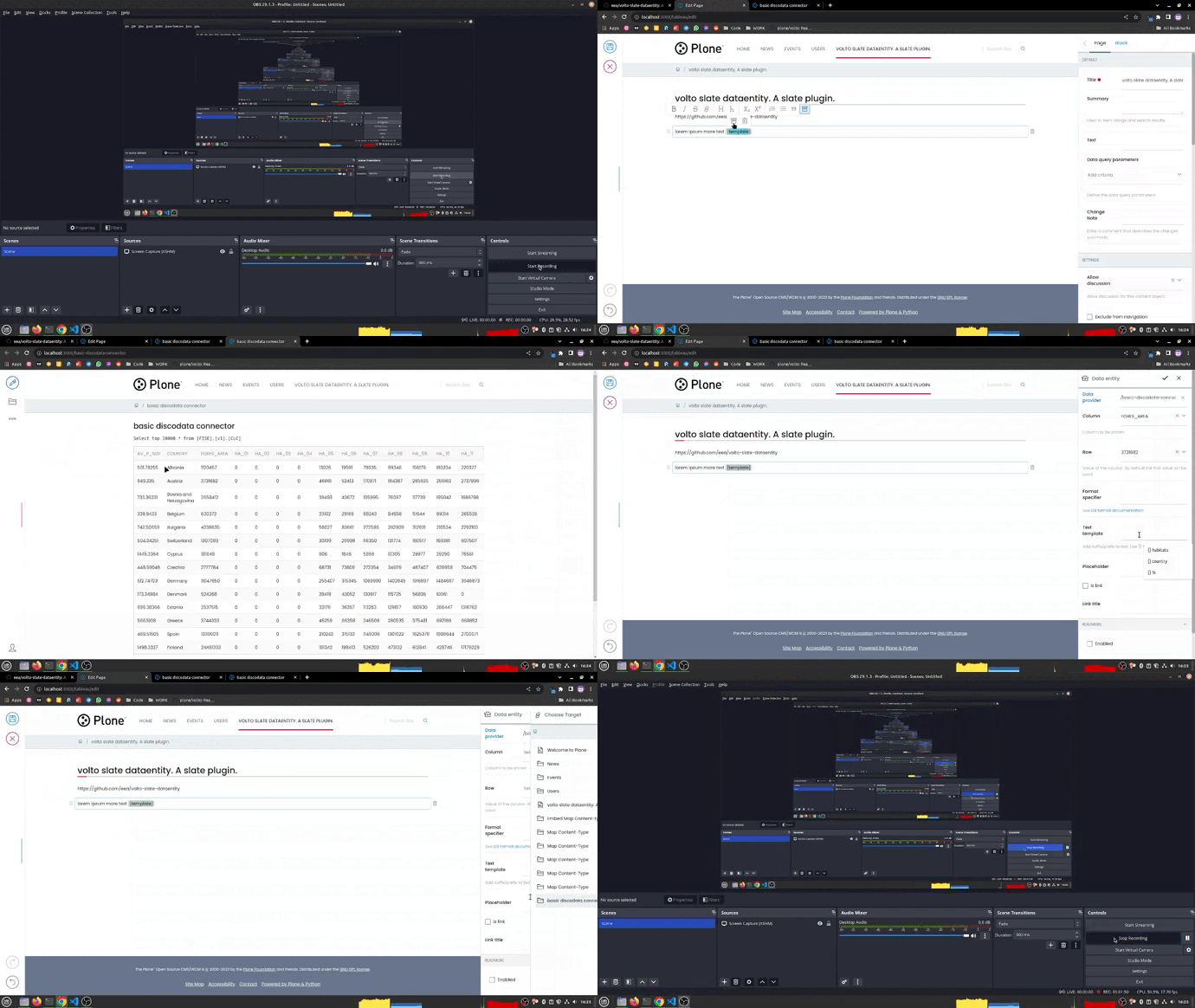
Features
Getting started
Try volto-slate-dataentity with Docker
-
Get the latest Docker images
docker pull plone docker pull plone/volto -
Start Plone backend
docker run -d --name plone -p 8080:8080 -e SITE=Plone -e PROFILES="profile-plone.restapi:blocks" plone -
Start Volto frontend
docker run -it --rm -p 3000:3000 --link plone -e ADDONS="@eeacms/volto-slate-dataentity" plone/volto -
Go to http://localhost:3000
Add volto-slate-dataentity to your Volto project
-
Make sure you have a Plone backend up-and-running at http://localhost:8080/Plone
docker compose up backend -
Start Volto frontend
-
If you already have a volto project, just update
package.json:"addons": [ "@eeacms/volto-slate-dataentity" ], "dependencies": { "@eeacms/volto-slate-dataentity": "^1.0.0" } -
If not, create one:
npm install -g yo @plone/generator-volto
yo @plone/volto my-volto-project --addon @eeacms/volto-slate-dataentity
cd my-volto-project
-
Install new add-ons and restart Volto:
yarn yarn start -
Go to http://localhost:3000
-
Happy editing!
Release
See RELEASE.md.
How to contribute
See DEVELOP.md.
Secret Scanning
This repository uses the Betterleaks GitHub Action to scan the current
repository content on every push and pull request. The scan uses the rules in
.gitleaks.toml and uploads a betterleaks-report artifact when a finding is
detected.
If the optional SMTP secrets are configured, failed scans also send an email to the last commit committer. The workflow expects these repository or organization secrets:
SMTP_URLSMTP_PORT(optional, defaults to25)SMTP_EMAILSMTP_PASSWORD(optional if the SMTP server does not require authentication)
Port 465 is sent with direct TLS; other ports use the default SMTP handshake.
The email includes a short finding summary from the redacted Betterleaks report,
including the redacted matched line from each finding.
There are three common outcomes:
-
Everything is OK. The
Betterleaks / Scan for secretscheck is green and no action is needed. Regular references to runtime values are OK, for example:const tokenFromCookie = req.universalCookies.get('auth_token'); -
A real secret was found. The check is red and the workflow log asks you to download the
betterleaks-reportartifact. Open the artifact from the GitHub Actions run and check the reported file, line and rule. Remove the committed value, move it to the proper secret store, and rotate it if it was exposed. A report entry looks like this:{ "RuleID": "secret-literal-assignment", "File": "src/config.js", "StartLine": 12, "Secret": "[REDACTED]" } -
The finding is a false positive. Keep the value only if it is clearly not sensitive, such as a test fixture, placeholder, or public example. Add
betterleaks:allowon the same line and include a short explanation in the pull request.const testPassword = 'admin'; //betterleaks:allowpassword: "admin" #betterleaks:allow
Do not add betterleaks:allow to real credentials.
Copyright and license
The Initial Owner of the Original Code is European Environment Agency (EEA). All Rights Reserved.
See LICENSE.md for details.