TKSwarmAlert
May 30, 2016 · View on GitHub



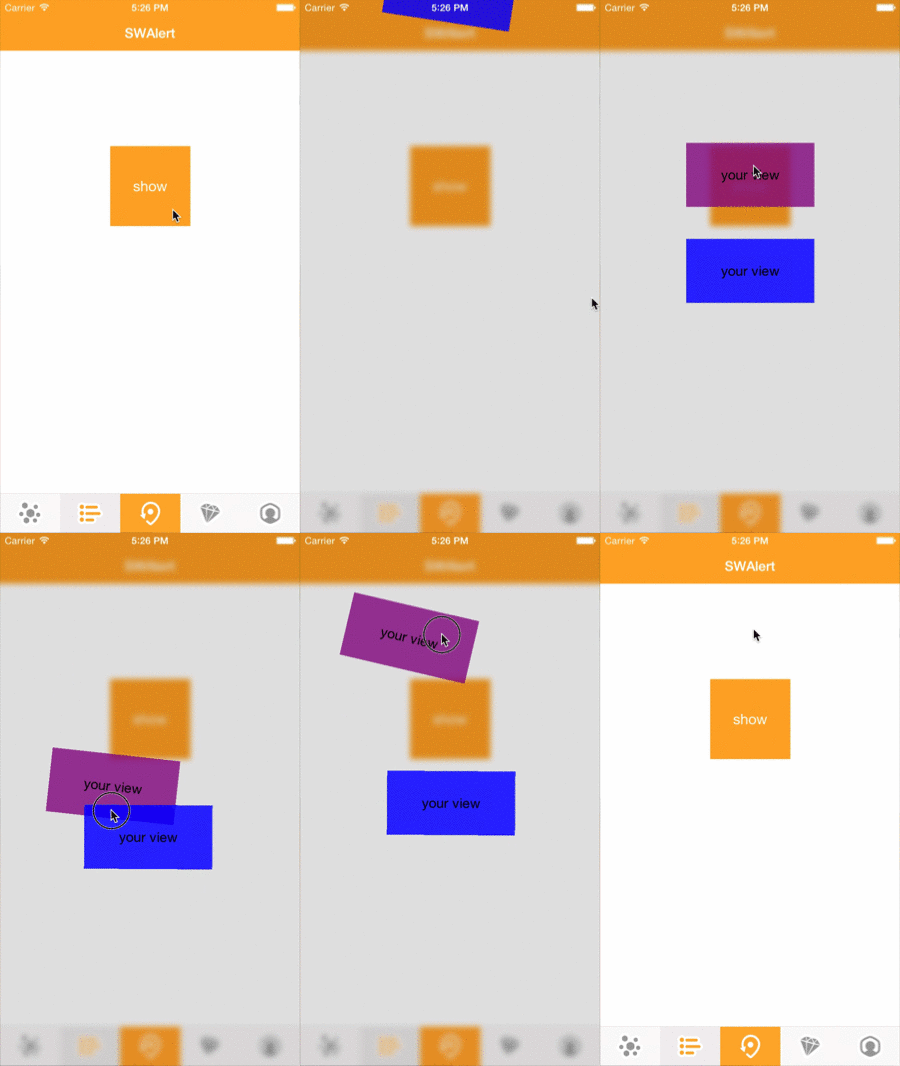
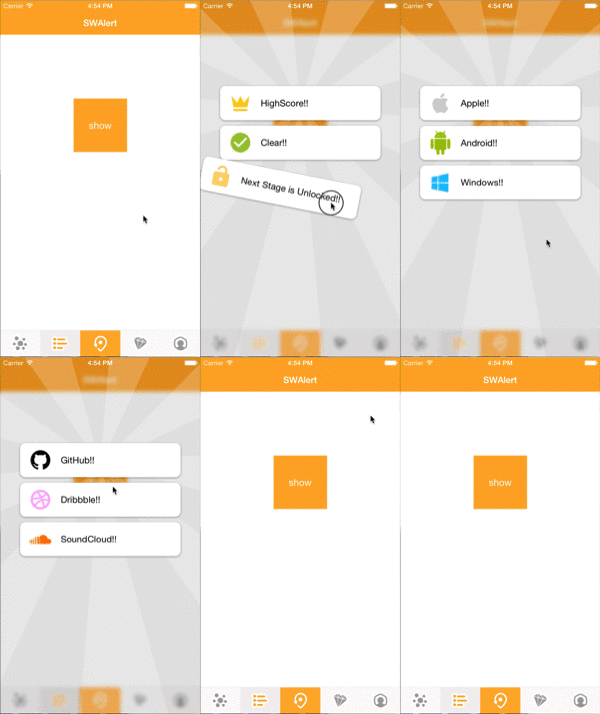
Animation Tool for Alert like Swarm app.
ScreenShot
Installation
CocoaPods
You can use CocoaPods to install TKSwarmAlert by adding it to your Podfile:
platform :ios, '8.0'
use_frameworks!
pod 'TKSwarmAlert'
To get the full benefits import TKSwarmAlert wherever you import UIKit
import UIKit
import TKSwarmAlert
Carthage
Create a Cartfile that lists the framework and run carthage bootstrap. Follow the instructions to add $(SRCROOT)/Carthage/Build/iOS/YourLibrary.framework to an iOS project.
github "entotsu/TKSwarmAlert"
Manually
- Download and drop
YourLibrary.swiftin your project. - Congratulations!
Usage
import TKSwarmAlert
Show
let alert = TKSwarmAlert()
alert.show(type: .BrightBlur, views: [yourViews1, yourViews2, yourViews3])
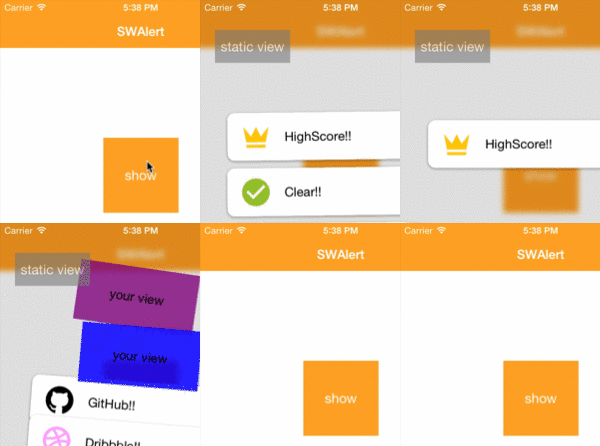
Static Views
You can also add non-animated views to alert view. Please use this method before "show".
alert.addSubStaticView(yourStaticView)
Event Handler
alert.didDissmissAllViews = {
    println("didDissmissAllViews")
}
TKSWBackgroundType
.TransparentBlack
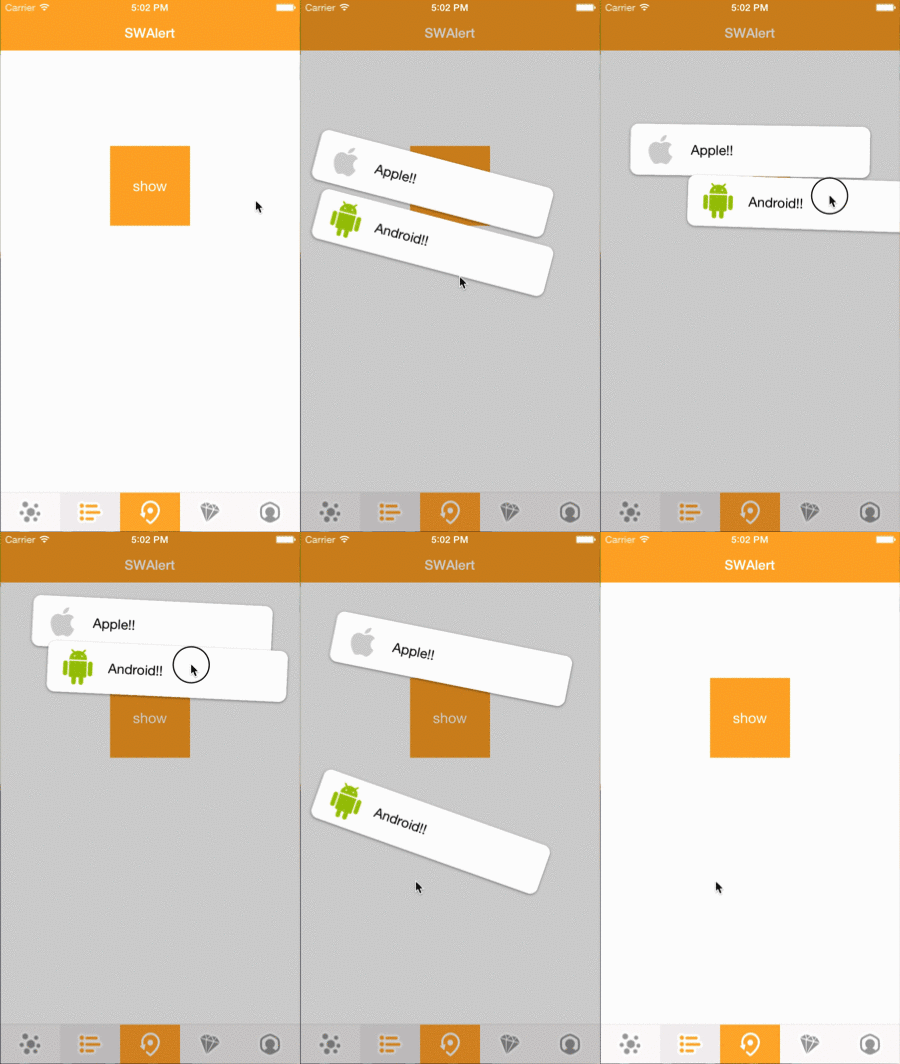
.Blur
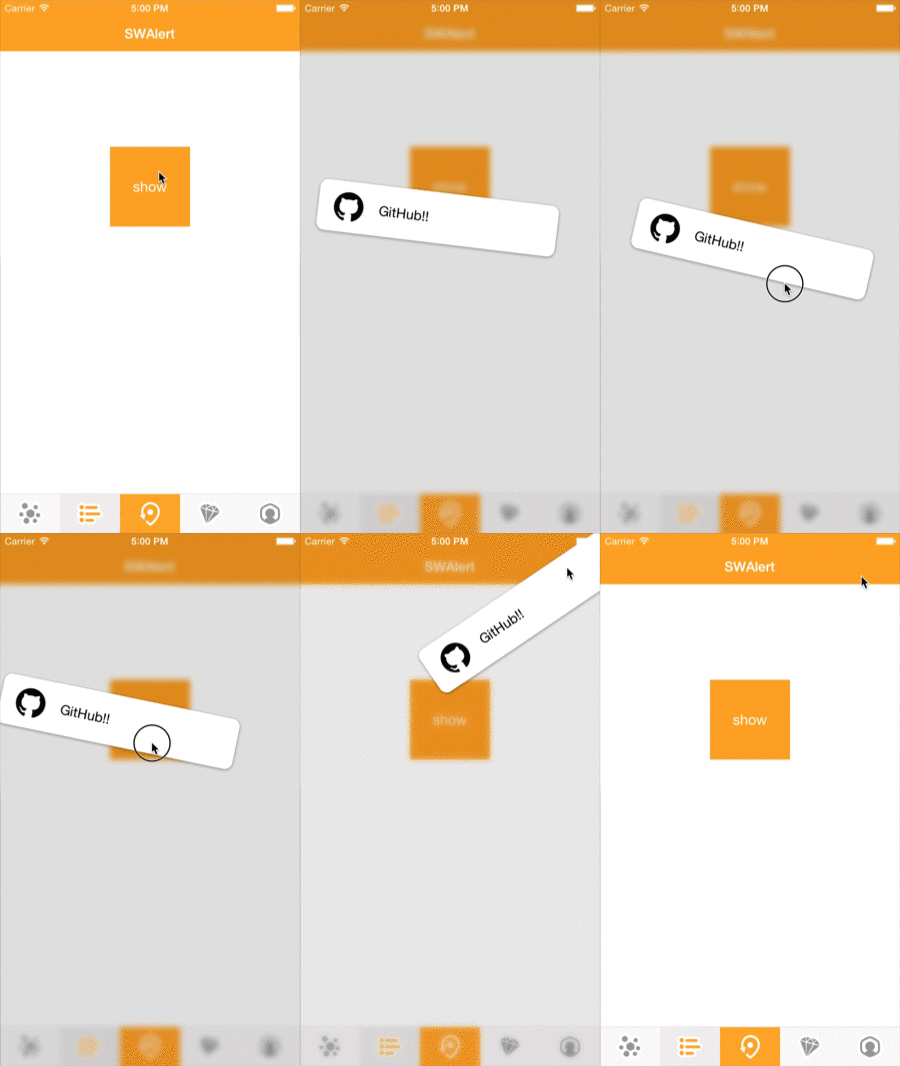
.BrightBlur
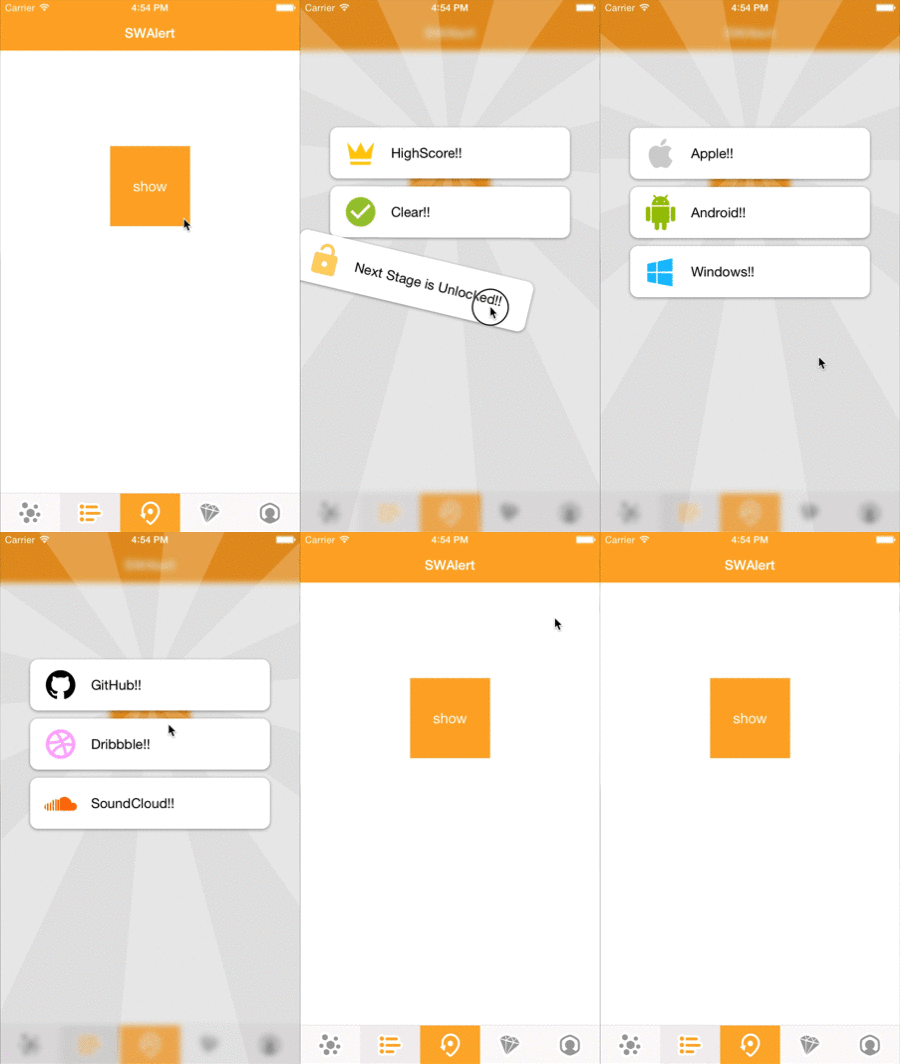
Kind of Blur
- branch
master-> UIVisualEffectView - branch
DynamicBlur-> DynamicBlurView (beautiful but unstable)
Popup view is just a UIView.
So, you can add original view.