Code Together
February 26, 2025 · View on GitHub
Formerly known as DevGPT, rebranded due to OpenAI policy changes.
Latest Updates
- New ML-Focused Version: Discover our enhanced version for building machine learning projects and pipelines here.
- OpenWebUI Prompt: Access the OpenWebUI prompt here, compatible with models like Stable-Code-3B, Llama-3-8B, WizardLM2-7B, Mistral, GPT3.5, and GPT4o.
Try It Now
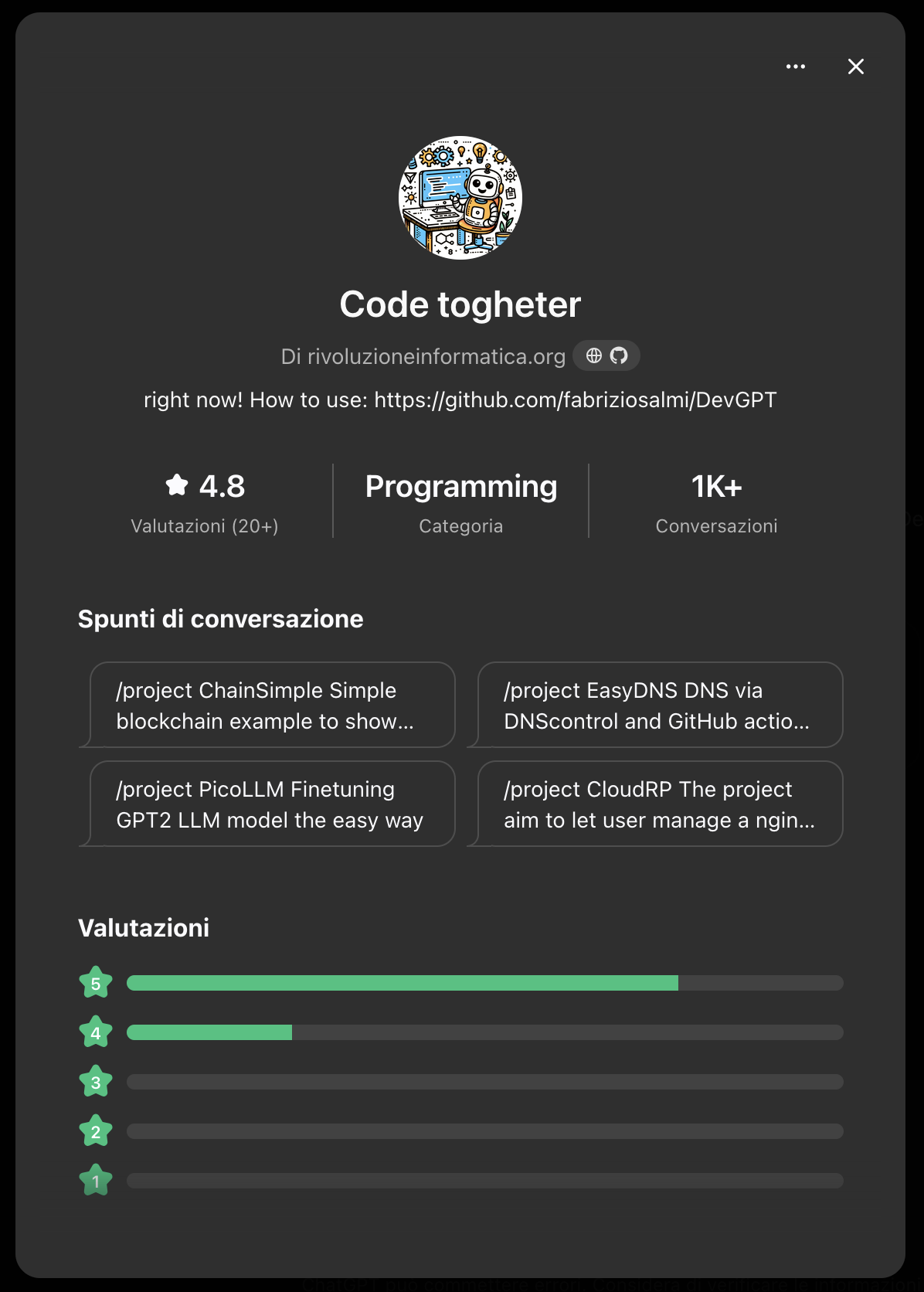
How to Use
Follow this guide to get started with Code Together:
- Initialize a Project: Use the
/projectcommand followed by the project name and description.
Example:/project MyApp "My application is a simple chatbot using the GPT2 Italian model" - Complete Your Files: Review the project structure and use
/complete filenameto generate the necessary files. - Finish and Refine: Use additional commands like
/improve,/logs,/debug, or/dimto enhance and finalize your project.
Additional Tips
- Improve a File: Type
/improvefollowed by the file content to enhance a specific file. - Add Logging: Use
/logsto insert logging and debugging snippets. - Resource Estimation: Estimate compute resources required with
/dim. - Generate a README: Create a project README with
/repo.
...and much more! Code Together is continuously evolving to meet all your development needs.
Full Command List
| Command | Description | Example Use |
|---|---|---|
/project | Initialize a new project with a name and description. | /project MyApp "My application is a simple chatbot" |
/list | List all needed files for the project in a Linux environment. | /list |
/setup | Propose main and requirements.txt files with full code. | /setup |
/env | List required imports, libraries, and environment setup steps (Linux only). | /env |
/dim | Calculate the minimum RAM and HDD space required to run the project. | /dim |
/split | Modularize a single code snippet or file into multiple files. | /split (after providing a large code block) |
/log | Add logging to the existing code. | /log (after selecting or providing code) |
/docs | Explain the functions and libraries used in the latest code snippet. | /docs (after providing code) |
/debug | Add debugging code to troubleshoot issues. | /debug (after selecting or providing code) |
/exec | Simulate running the code and display the output. | /exec (after setting up the required files and env.) |
/improve | Optimize and enhance the existing code. | /improve (after selecting or providing code) |
/complete | Generate a complete script for a specific file. | /complete my_file.py |
/order | Provide the order of file execution to test the project. | /order |
/adapt | Update all existing files to accommodate recent changes. | /adapt (after modifying one file) |
/use | Explain how to run, use, or test the project. | /use |
/repo | Generate a README.md file for GitHub with all necessary project information. | /repo |
/fix | Attempt to make the script work using an alternative approach. | /fix (when existing code doesn't work) |
/thanks | Encourage users to support the project by starring the GitHub repository. | /thanks |
Example Uses
Share your creations! I love to feature them in the "Wall of Fame" 😊
Starter Apps:
- Create a Simple Blockchain
- Manage DNS with DNSControl and GitHub Actions
- Fine-Tune GPT2 LLM Model
- ScamTracker: Pattern Matching in the Stock Market (PoC)
- HTML Bootstrap Skeleton for Beginners
- AI-Enhanced Real Estate Valuation (AIREV)
Built in Minutes with DevGPT:
Contributing
Contributions are welcome! Please read the contributing guidelines for more details on how to get involved.
License
This project is licensed under the MIT License - see the LICENSE file for details.
Contact
For questions, issues, or feedback, please open an issue.