README.md
April 10, 2022 · View on GitHub
FanIDE
Netbeans plugin to support the Fanx Language.
It forked from tcolar's FantomIDE (http://fantomide.colar.net/)
Features
- Syntax Highlighting
- Semantic Error
- Completion with Doc
- Go to declaration
- Debugging
- Outline view
Screenshot
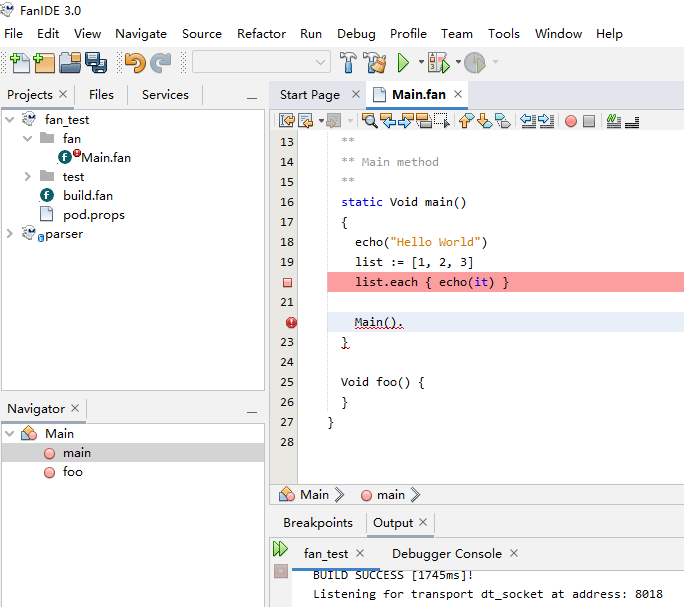
Installing
Download
release with fanx : https://github.com/fanx-dev/fanx/releases
Install Apache Netbeans(at least 11.3)
https://netbeans.apache.org/download/index.html
Install as plugin
Apache Netbeans > Tools > Plugins > Downloaded > Add Plugins
Config Fanx/Fantom Env Path
Apache Netbeans > Tools > Preferences > Fantom
Set the theme
Apache Netbeans > Tools > Options > Appearance > Look and Feel > FlatLaf Light.
Build from Source
clone 'https://github.com/fanx-dev/fanx.git'.
cd fanx/compiler/compilerx
sh build.sh