RepoFlow
April 16, 2026 · View on GitHub
RepoFlow is a Visual Studio Code extension that brings an interactive Git history graph directly into your editor — with native diff integration, worktree manager and Git actions built in, so you never have to leave VS Code.
Features
Interactive Git Graph
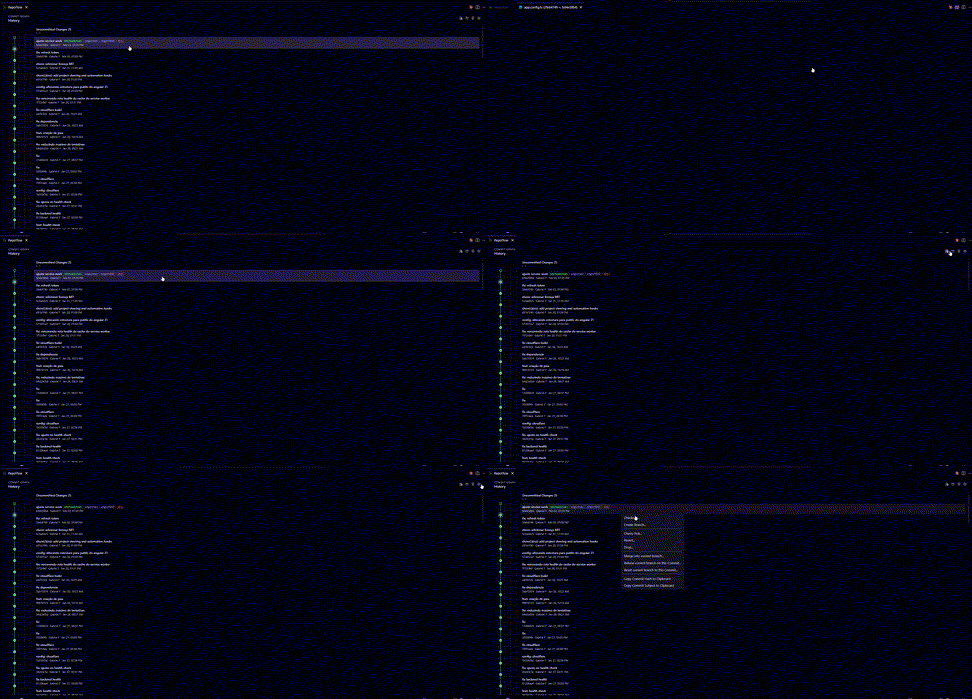
Visualize your entire commit history as a branching graph. Each node shows the commit hash, author, date and refs (local branches, remote branches and tags).
Native Diff Integration
Click any file in a commit to open a native VS Code diff tab, labeled as file (commitA ↔ commitB). No external tools required.
Commit Details
Select any commit to see a full breakdown: changed files, additions/deletions per file, total stats and the full commit message.
Branch Management
Create, delete, checkout and merge branches directly from the graph — no terminal needed.
Remote Actions
Fetch, pull and push directly from the RepoFlow panel or using the Command Palette.
Working Tree Panel
Stage, unstage and discard individual files. View staged, unstaged and conflicted files side by side. Commit with a message without leaving the panel.
Worktree Manager
Manage multiple simultaneous checkouts of the same repository without switching branches. Open the Worktree Manager from the graph toolbar to:
- List all linked worktrees with their branch, HEAD hash and path.
- Add a worktree by checking out an existing branch or creating a new one — the target directory path is pre-filled with a sensible default and is fully editable.
- Open in new window — opens any linked worktree as a separate VS Code workspace in a new window instantly.
- Remove a worktree with inline confirmation. If the worktree has uncommitted changes, a force-remove prompt is shown inline before proceeding.
Search & Filters
Filter the graph by commit message, hash, author, branch or date range.
Commit Context Menu
Right-click any commit to: checkout, cherry-pick, create a branch from it, copy the hash or open it in the terminal.
Requirements
- Git must be installed and available in
PATH. - A folder with a valid Git repository must be open in VS Code.
Commands
| Command | Description |
|---|---|
RepoFlow: Open Graph | Opens the RepoFlow panel |
RepoFlow: Refresh | Reloads the graph |
RepoFlow: Fetch | Fetches from remote |
RepoFlow: Pull | Pulls from remote |
RepoFlow: Push | Pushes to remote |
RepoFlow: Create Branch | Creates a new branch |
RepoFlow: Commit Changes | Commits staged changes |
All commands are also accessible from the Command Palette (Ctrl+Shift+P).
Getting Started
- Open a Git repository in VS Code.
- Click the RepoFlow icon in the Source Control title bar, or run
RepoFlow: Open Graphfrom the Command Palette. - Browse commits, click to see details, and use the toolbar for branch and remote actions.
Privacy
RepoFlow uses the local Git CLI only. No data is sent to any remote service and no credentials are stored or read by the extension.