FullstacksJS VSCode Theme
August 17, 2025 · View on GitHub
A minimal, comprehensive dark theme for Visual Studio Code and Cursor based on FlatRemix design principles.
Screenshots
Dark
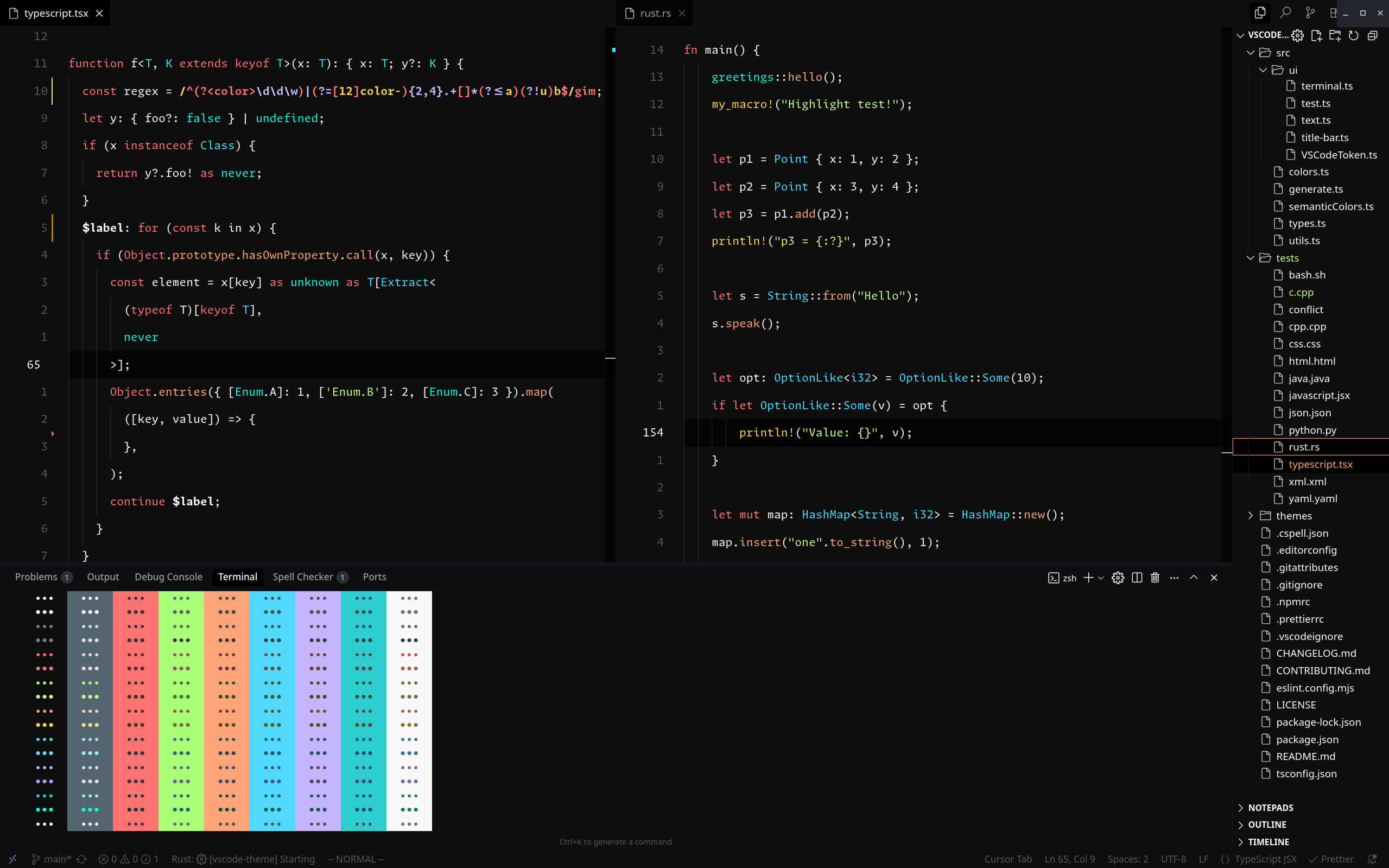
Main
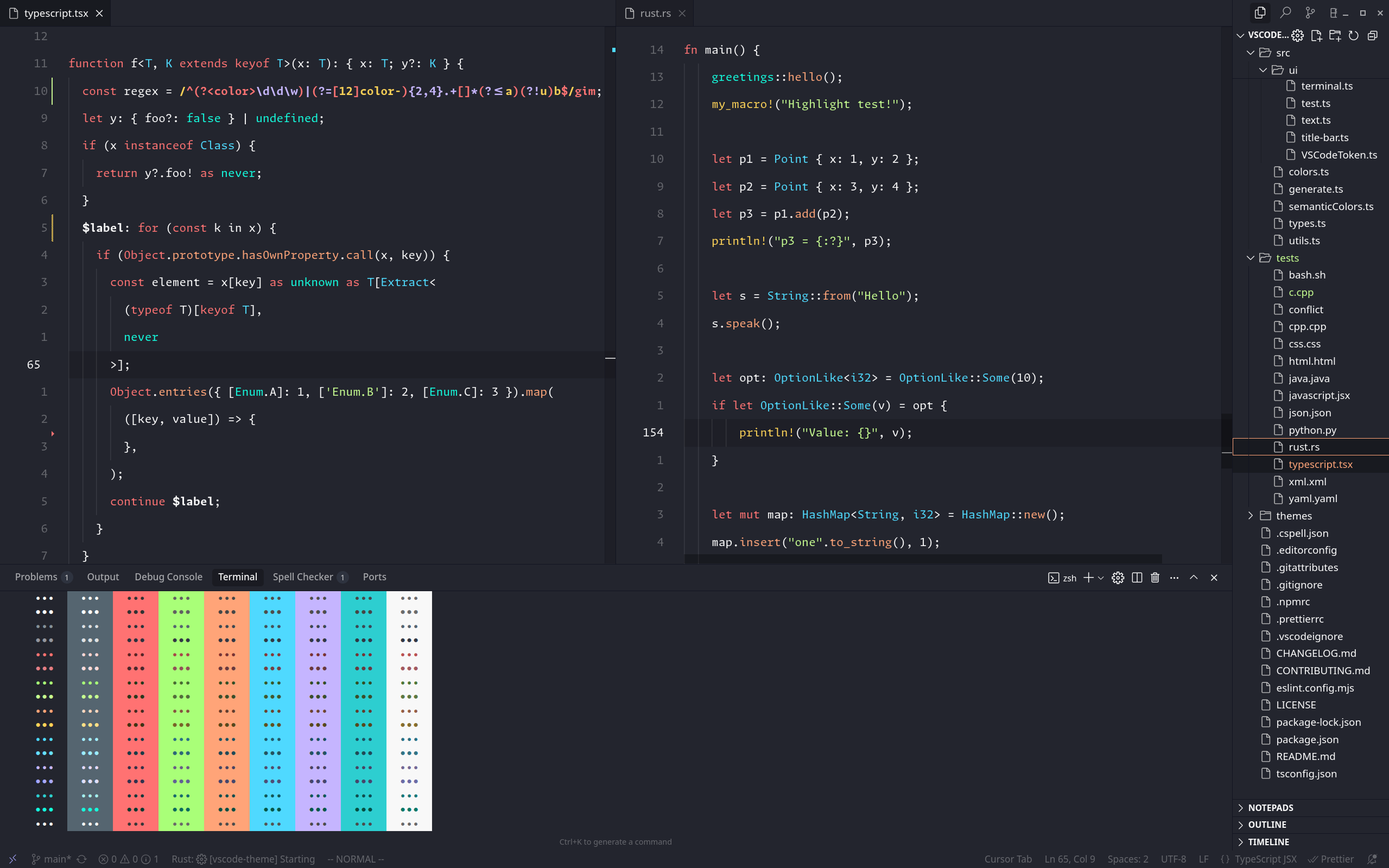
Warm
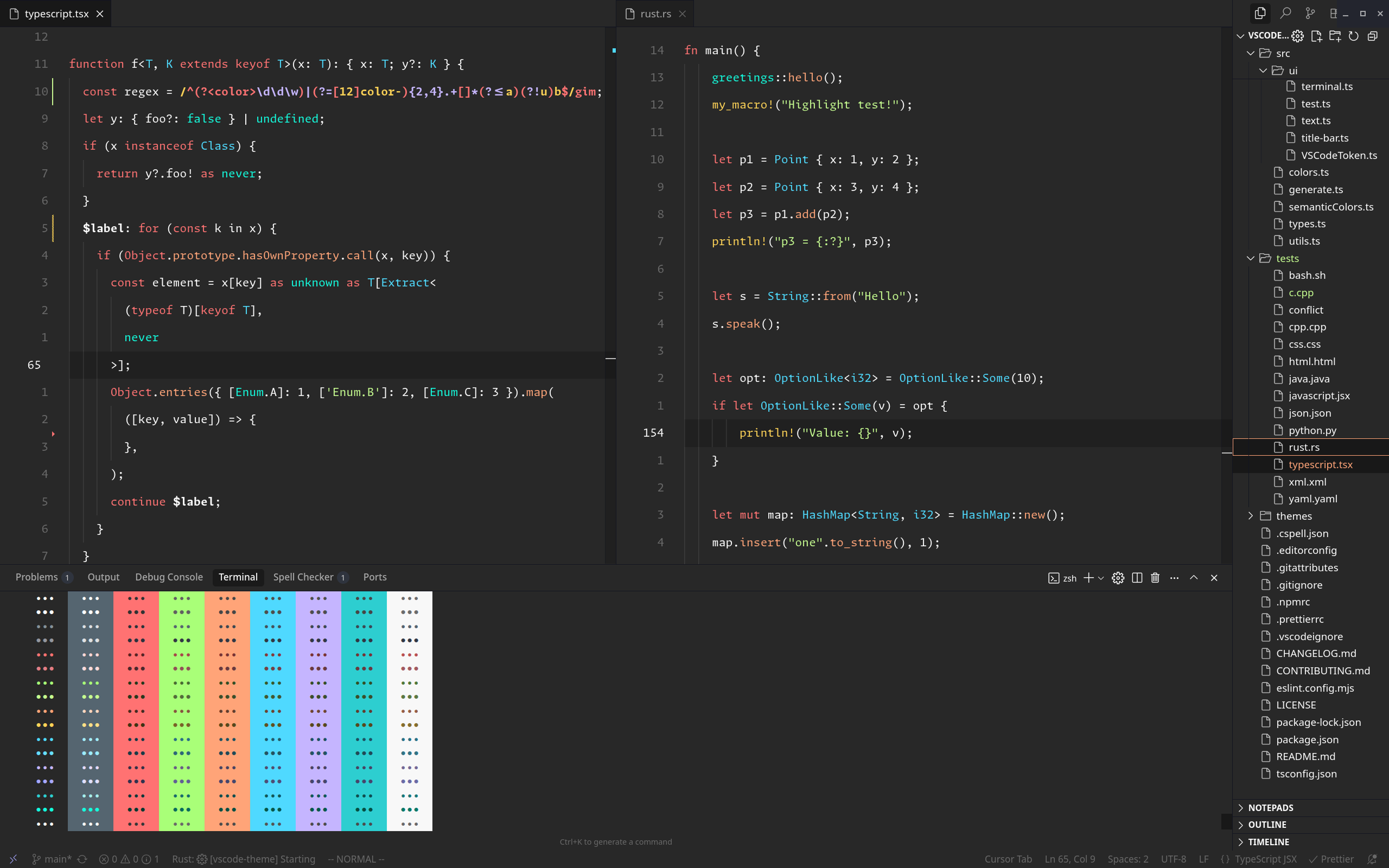
Install
From VS Code Marketplace
- Open VS Code
- Go to Extensions (Ctrl+Shift+X)
- Search for "FullstacksJS Theme"
- Click Install
From VSIX File
- Download the
.vsixfile from releases - In VS Code, go to Extensions
- Click the "..." menu and select "Install from VSIX..."
- Select the downloaded file
Contributing
We welcome contributions! Please see our Contributing Guide for details.
Support
- Issues: GitHub Issues
- Discussions: Telegram Goup
Made with ❤️ by the FullstacksJS community