README.md
September 23, 2025 · View on GitHub

Picture and file upload tool for macOS. - A native, powerful, beautiful and simple






👬Chat: Telegram, Twitter, Weibo
☕️Donate: Paypal, Alipay, WechatPay


📱uPic for iOS: 
📑 Introduction
uPic(upload Picture) is a image(file) hosting client for Mac.
💡 Tips: They can automatic uploading local file and screenshot, meanwhile the menu bar shows the uploading progress constantly. File's link will automatically copied to the clipboard when finish upload, make you insert pictures quickly when you are blogging or chatting. Link’s format can be a normal URL, HTML or Markdown, it's totally up to you.
🔋 Support image hosting:smms, UPYUN USS, qiniu KODO, Aliyun OSS, TencentCloud COS, BaiduCloud BOS, Weibo, Github, Gitee, Amazon S3, Imgur, custom upload api, ...
🚀 How to install
1. AppStore(Recommend):
Only AppStore is the latest version. Other installations stay at `v0.21.1'.and you can pull the code to compile and package by yourself.
2.Homebrew
brew install bigwig-club/brew/upic --cask
3. Download from github
Click release to download.
If you have difficulty accessing Github in mainland China, you can download it from Gitee release.
Check System Share Permission
-
- Run uPic
-
- Make sure the app has Full Disk Access permission, which can be authorized in
Preferences-Advanced

- Make sure the app has Full Disk Access permission, which can be authorized in
🕹 How to use it
| Upload method | Description | Preview |
|---|---|---|
| 🖥 Select files | Select the file to upload from Finder. Can set global shortcuts | 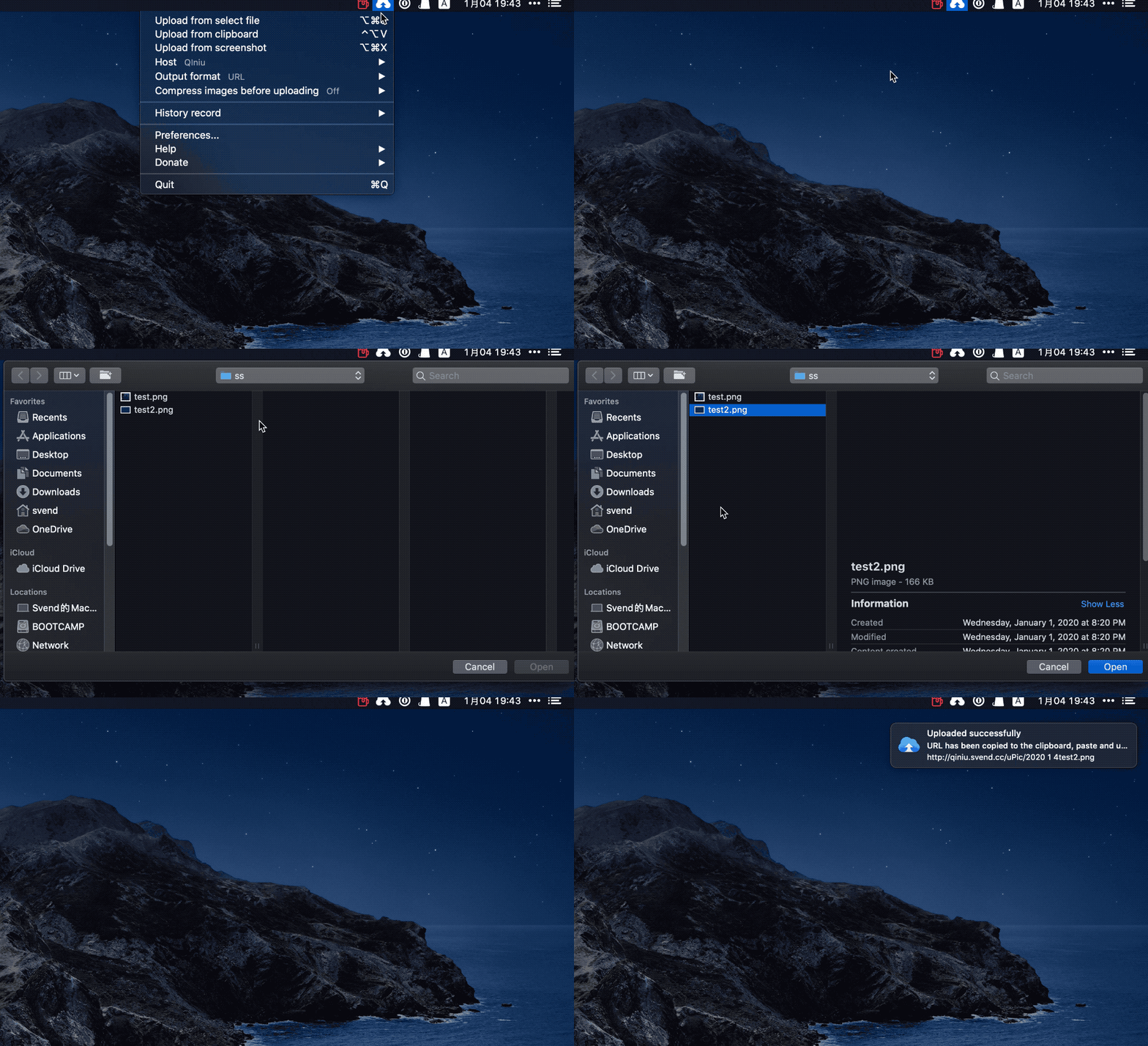 |
| ⌨️ Copy file upload | Upload a file that has been copied to the clipboard. Can set global shortcuts | 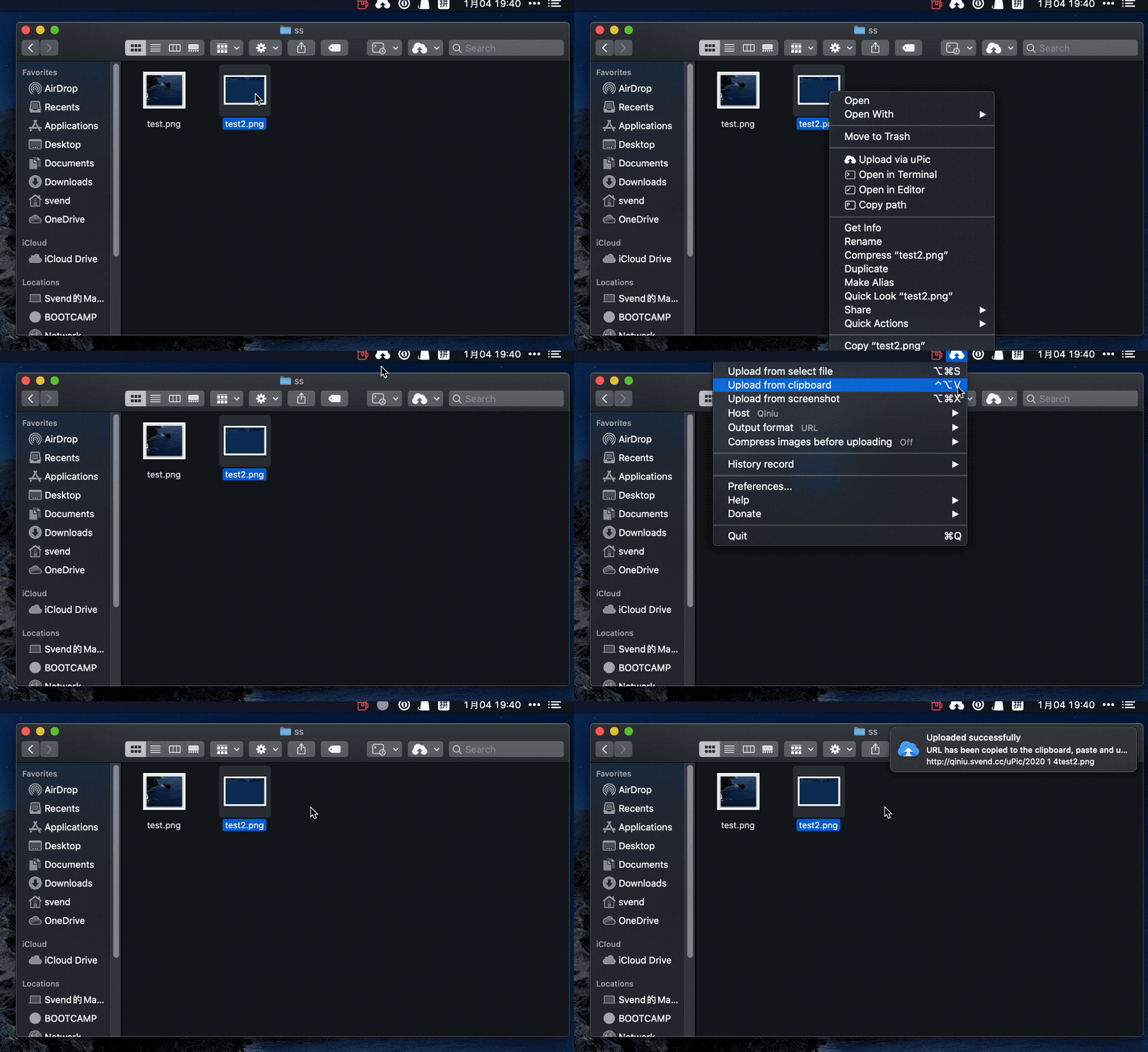 |
| 📸 Screenshot upload | Directly pull frame screenshot upload. Can set global shortcuts | 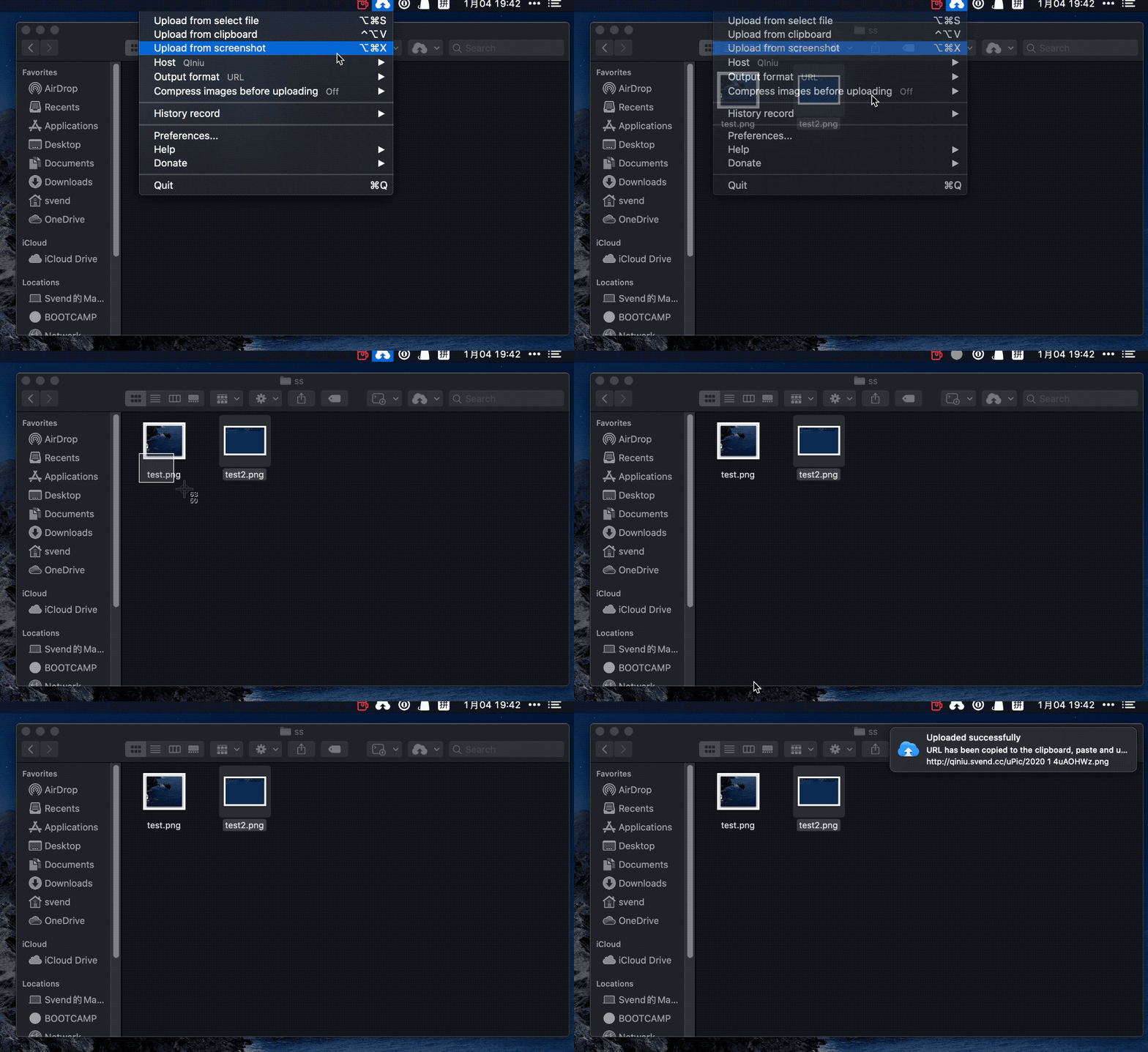 |
| 🖱 Drag and drop local file upload | Drag and drop files to the status bar to upload | 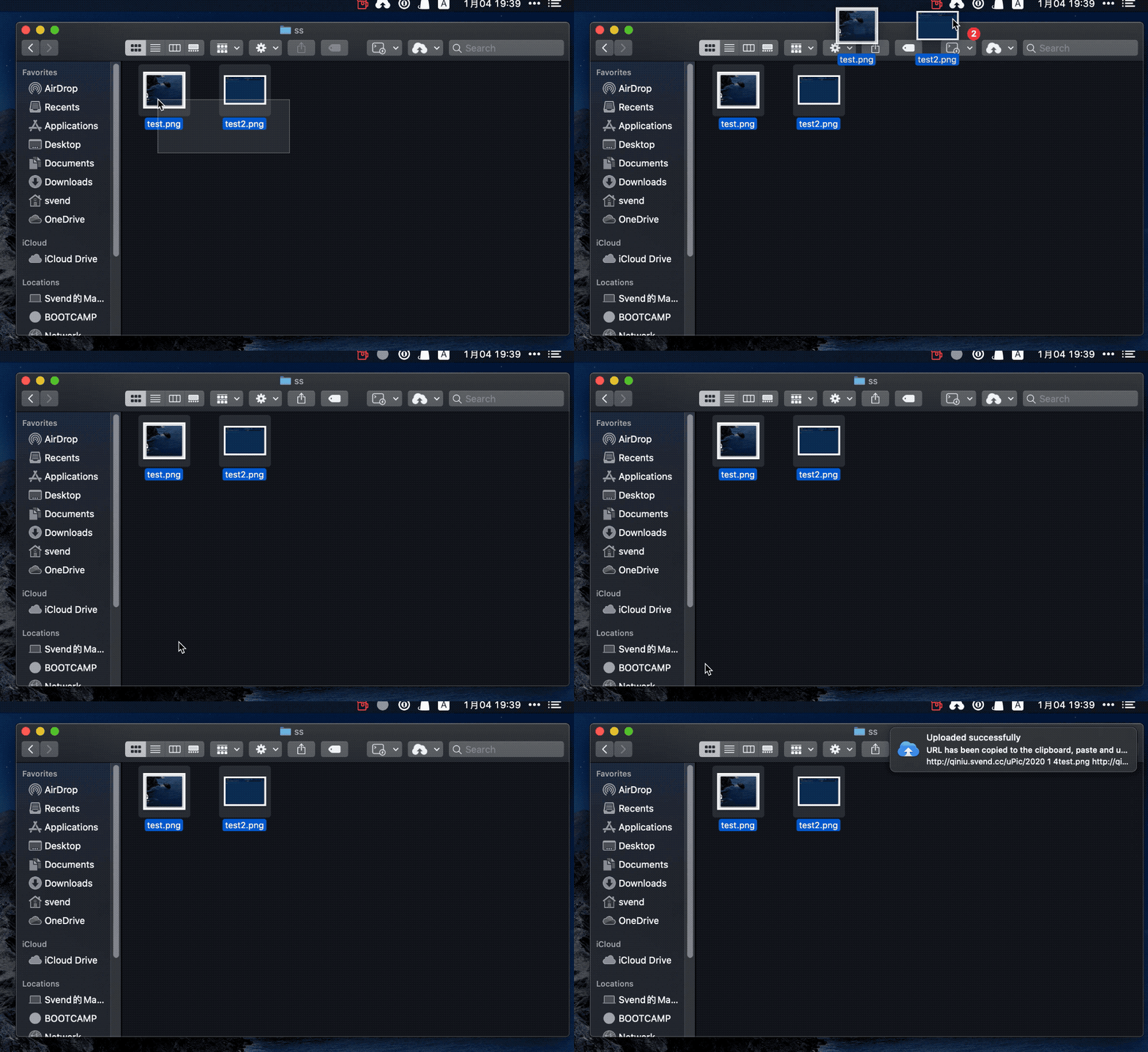 |
| 🖱 Drag and drop browser image upload | Drag image from browser to status bar to upload |  |
| 📂 Share Extension upload | Right click on file and share to uPic |  |
| ⌨️ Command line upload | Invoke uPic to upload files by executing commands | 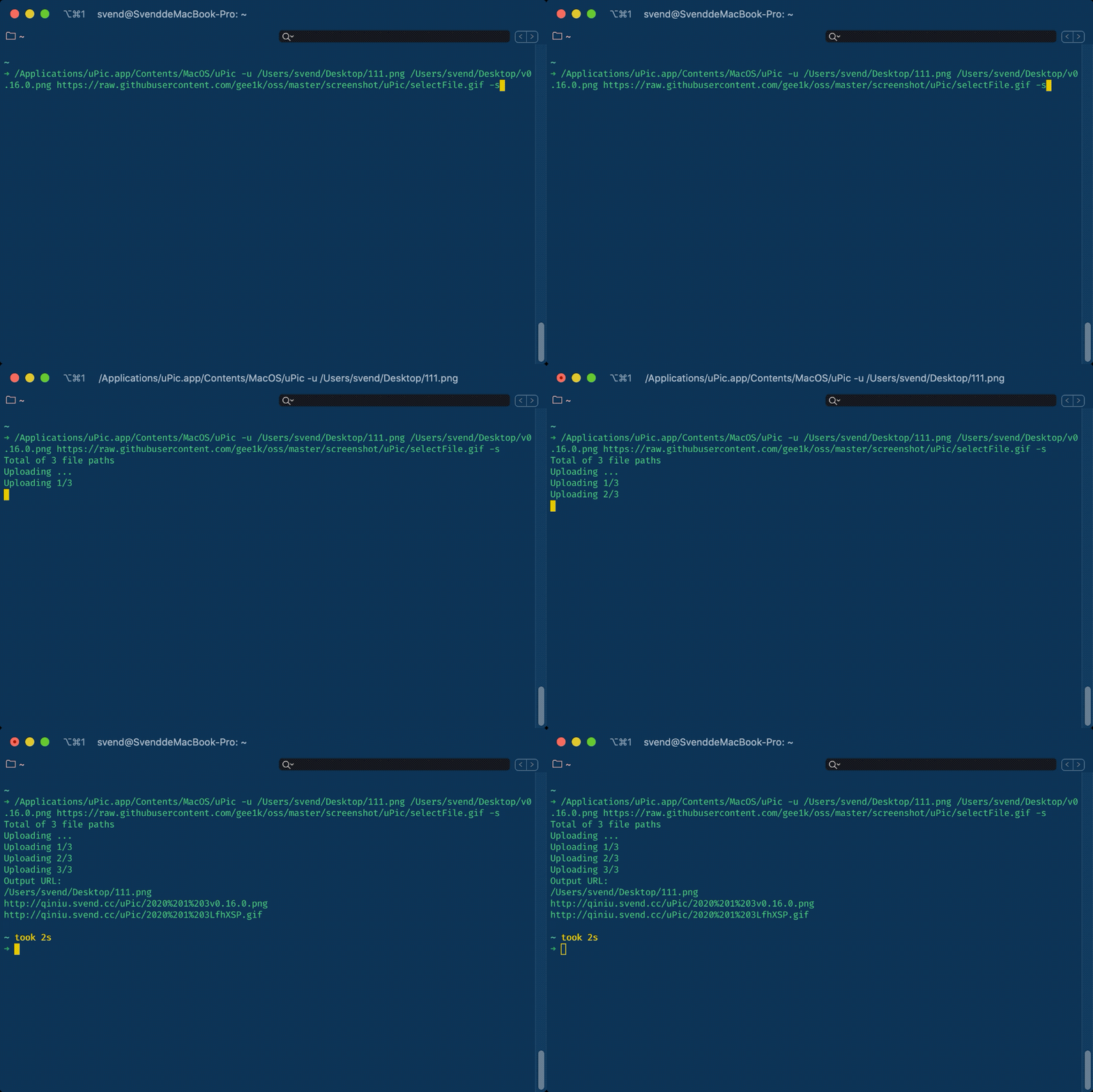 |
🧰 More features
1. Global shortcut key
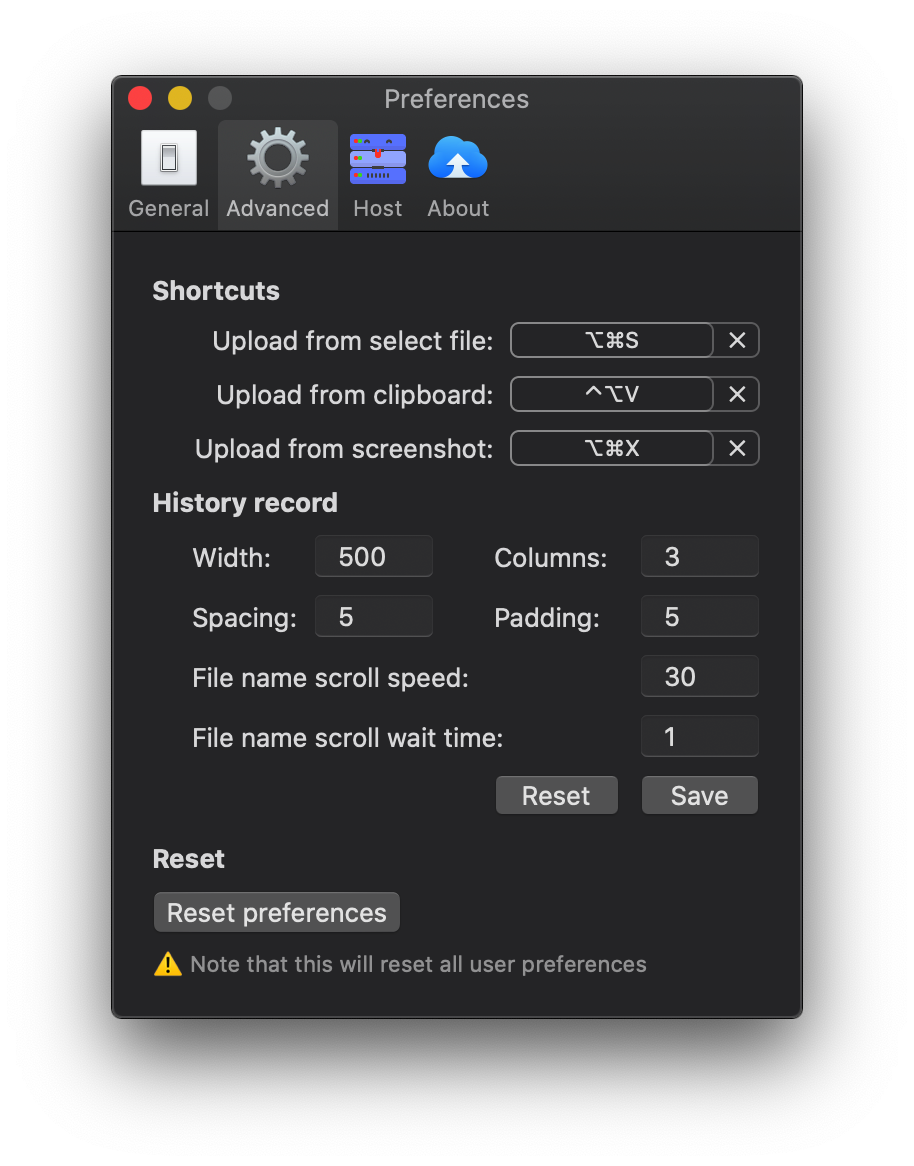
2. Upload history
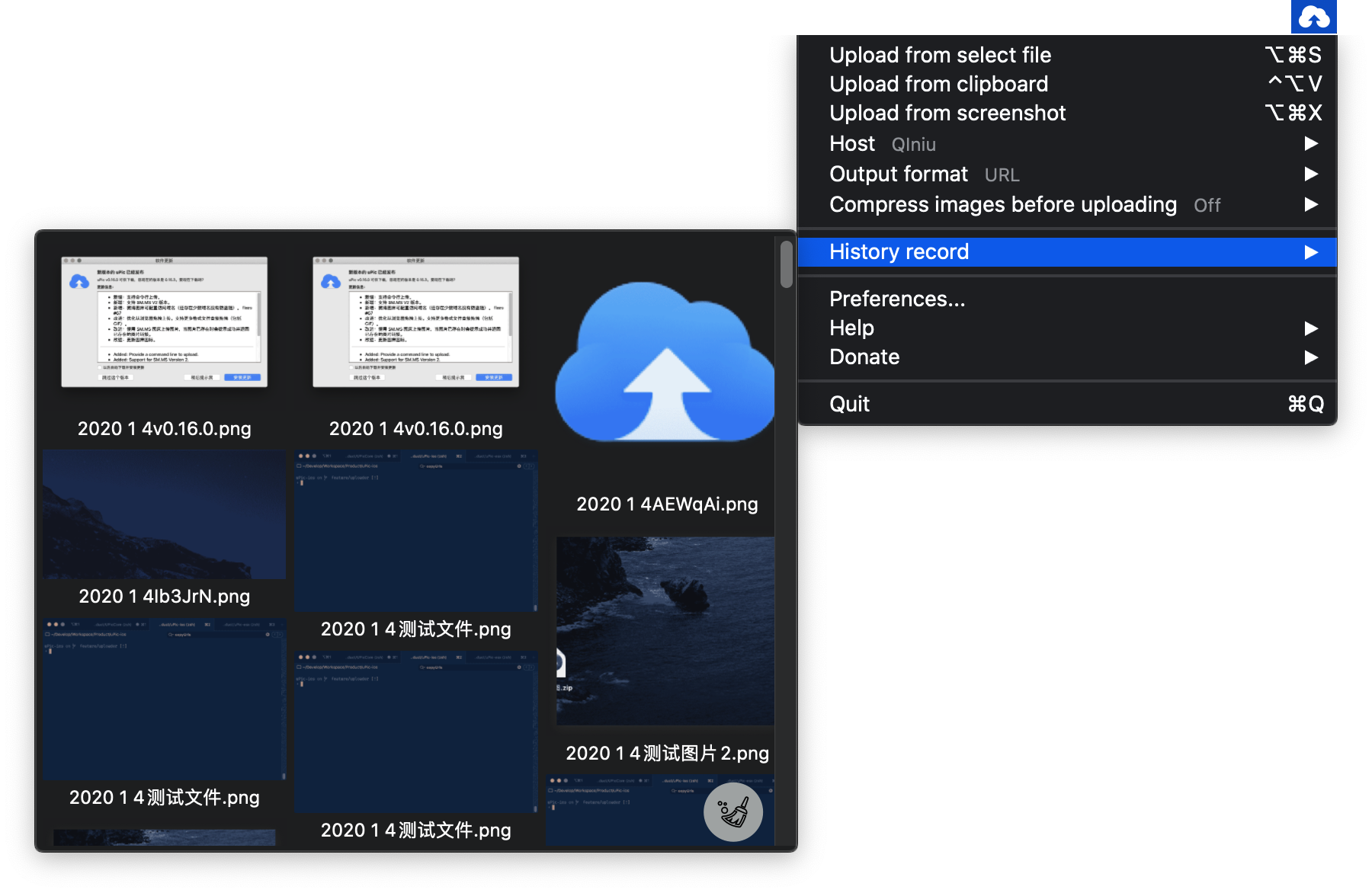
Software recommendation
✨ Contributors
Code Contributors
This project exists thanks to all the people who contribute. [Contribute].

Other Contributors
Thanks goes to these wonderful people (emoji key):
 alley 🌍 |
 Jackxun123 🌍 |
 eleven 🌍 |
 zhucebuliaomax 🎨 |
uPic © Svend, Released under the MIT License.
Authored and maintained by Svend with help from contributors (list).