README.md
July 27, 2021 · View on GitHub

A powerful, customisable, Suspense-like
<img>component that (optionally) simulates a shimmer effect while loading. (with zero dependencies!).



Live Demo

Install
npm i react-shimmer
or
yarn add react-shimmer
Usage
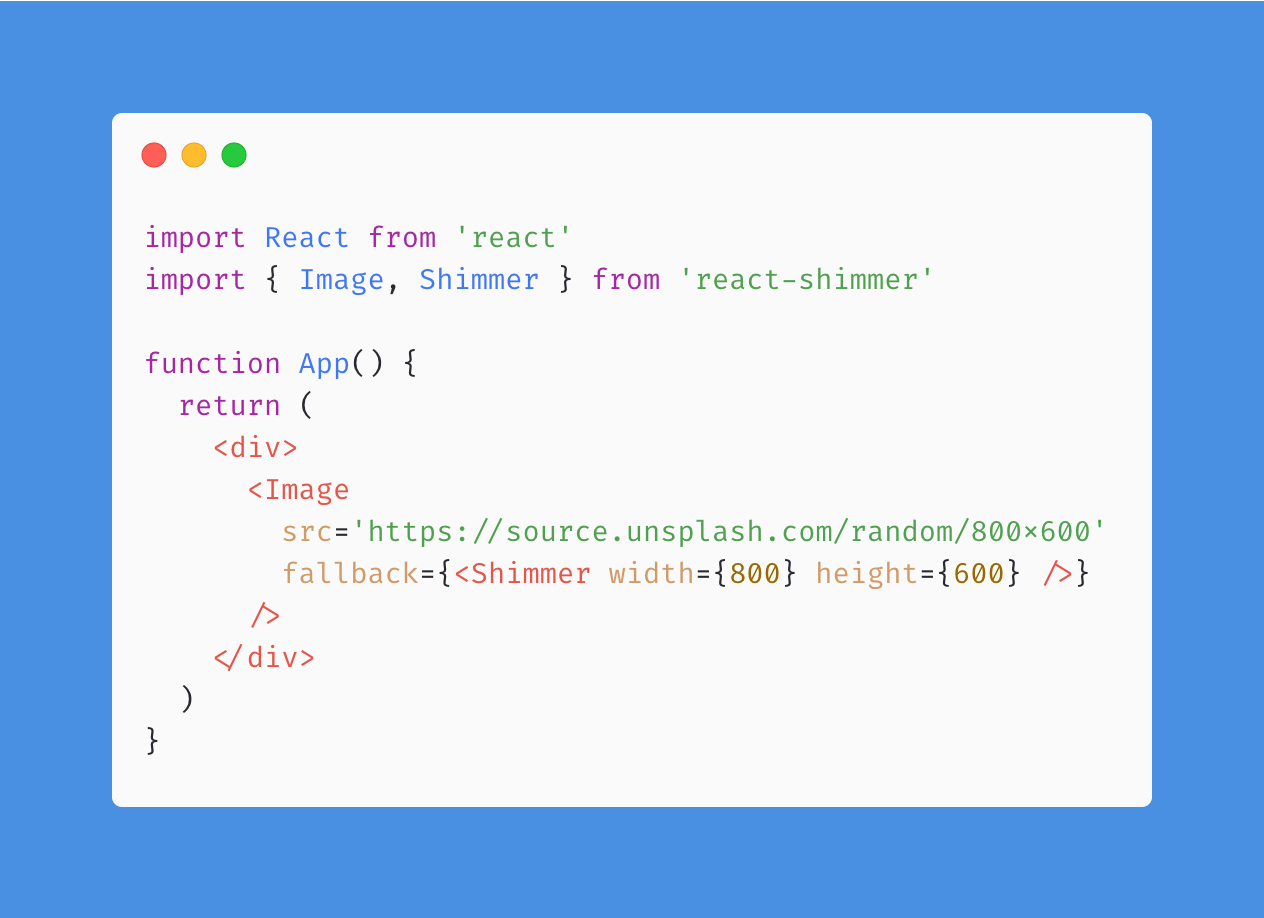
import React from 'react'
import { Image, Shimmer } from 'react-shimmer'

function App() {
  return (
    <div>
      <Image
        src='https://source.unsplash.com/random/800x600'
        fallback={<Shimmer width={800} height={600} />}
      />
    </div>
  )
}
import React from 'react'
import { Image, Breathing } from 'react-shimmer'

function App() {
  return (
    <div>
      <Image
        src='https://source.unsplash.com/random/800x600'
        fallback={<Breathing width={800} height={600} />}
      />
    </div>
  )
}
or you can use your custom React component as a fallback:
import React from 'react'
import { Image } from 'react-shimmer'

import Spinner from './Spinner'

function App(props) {
  return (
    <div>
      <Image
        src="https://example.com/test.jpg"
        fallback={<Spinner />}
      />
    </div>
  )
}
Properties
| Property | Type | Required | Default value | Description |
|---|---|---|---|---|
src | string | yes | ||
fallback | ReactNode | yes | ||
errorFallback | func | no | ||
onLoad | func | no | ||
delay | number | no | Delay in milliseconds before showing the fallback | |
fadeIn | bool | no | false | Use built-in fade animation on img |
NativeImgProps | React.ImgHTMLAttributes | no |
Contributing
Feel free to send PRs.
License
MIT © gokcan