Codebattle
March 22, 2026 · View on GitHub


Codebattle - is an open source game being developed by the Hexlet community. The current version of the application is available at codebattle.hexlet.io.
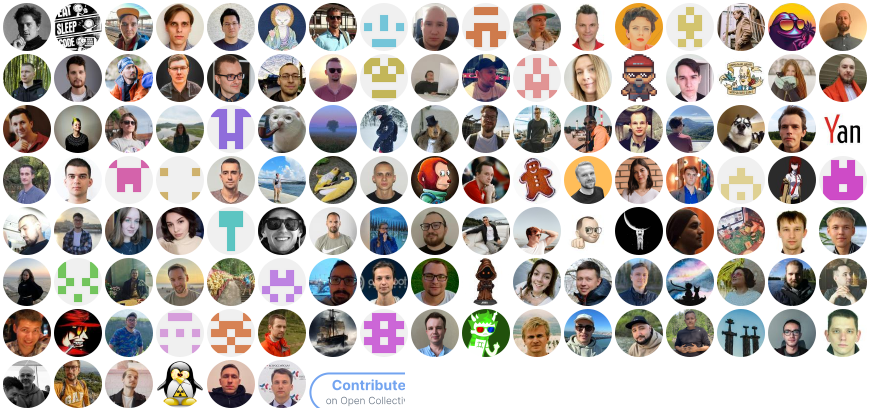
This project exists thanks to all the people who contribute. Contribute guideline.
Requirements
- Mac / Linux
- Docker
Install
$ git clone git@github.com:hexlet-codebattle/codebattle.git
$ cd codebattle
$ make setup
Start Server
$ make compose
Run Tests
$ make compose-test
Lint
$ make compose-lint

# To run specific
$ make compose-mix-format
$ make compose-mix-credo
$ make compose-lint-js-fix
Useful
$ mix upload_langs

$ mix images.push # all
$ mix images.push elixir

$ mix images.build # all
$ mix images.build elixir

$ mix images.pull # all
$ mix images.pull elixir

#If you use images in dev env, run commands in make compose-bash
Profile js bundle
Support
- https://t.me/hexletcommunity channel: codebattle
Troubleshooting
macOS
- Install Docker
Make sure you have installed Docker Desktop for macOS.
brew install --cask docker
Or download Docker Desktop directly from: https://www.docker.com/products/docker-desktop
- Start Docker Desktop
Launch Docker Desktop from your Applications folder. The Docker icon will appear in your menu bar when it's running.
If you encounter issues, try restarting Docker Desktop from the menu bar icon or your Applications folder.
Docker Desktop will start automatically on boot by default. You can change this in Docker Desktop preferences if needed.
Linux
- Install Docker
Make sure you have installed Docker Engine for your Linux distribution.
Follow the official installation guide: https://docs.docker.com/engine/install/
- Start Docker service
Make sure Docker is running. You can start the Docker service manually by typing:
sudo systemctl start docker
or you can add it to startup by typing:
sudo systemctl enable docker
- Add your user to the docker group
To run Docker without sudo, add your user to the docker group:
sudo usermod -aG docker $USER
Then log out and log back in for the changes to take effect, or run:
newgrp docker
Star History

This repository is created and maintained by the team and the community of Hexlet, an educational project. Read more about Hexlet.
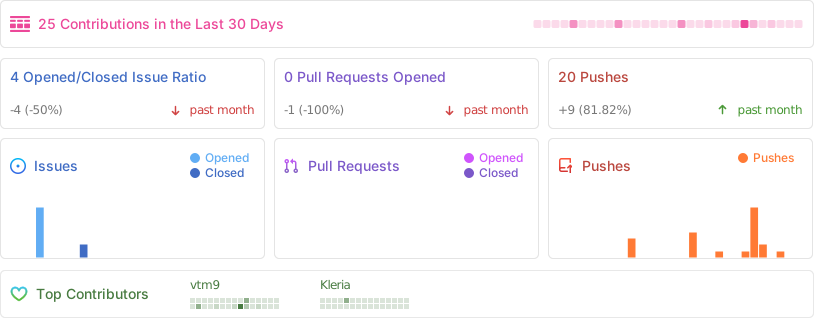
See most active contributors on hexlet-friends.