Docker
December 17, 2023 · View on GitHub
[!NOTE] Docker Image A public docker image is available at hub.docker.com/r/holtwick/briefing.
With a Docker Engine installed use it like this:
docker run -d -p 8080:8080 holtwick/briefing
If running locally, you can now access it via http://localhost:8080.
For production installation I recommend using a proxy and consider making a docker-compose.yml.
Important! If not running locally in order to get camera and audio access working, an SSL connection is required!
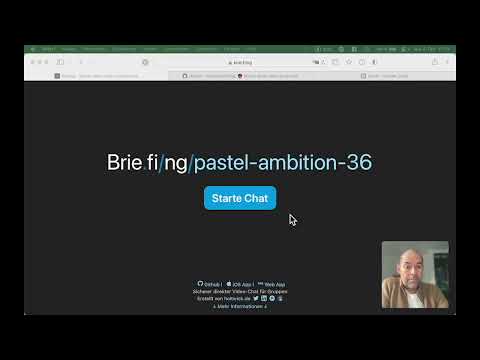
Video with a quick walkthrough:
Configuration
Fine tuning by setting environment variables. See → configuration
Alternative: Build locally
The easiest way to install Briefing is by using Docker.
- Run
npm run build:dockerto create all files needed. - Copy the newly generated folder
dockerto the server. - On the server go inside the
dockerfolder - Run
docker compose up -d --build
Debug
To stop run docker compose down.
In case of problems try to start without the -d flag to see logs, like docker compose up --build.
Once built, you can also leave out the --build flag.
All dynamic data goes into the data folder. Currently, only a log file of the signal server is available.
Proxy
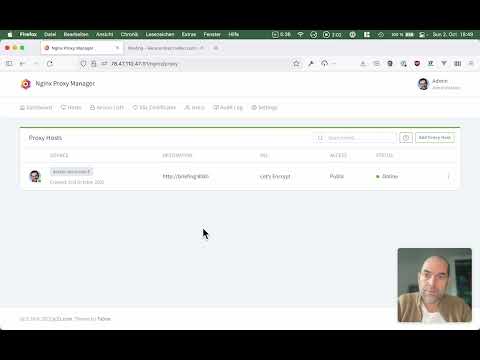
We recommend using a proxy to easily support safe https, which is required to get the camera and audio working on client side.
A good proxy is nginxproxymanager.com.
You can find the required docker-compose.yml files in the examples folder.
See this video for details step by step: