README.md
April 20, 2026 · View on GitHub
shortcode-asciinema | FixIt
一个带有 asciinema-embed shortcode 的 Hugo 主题组件。
Demo
要求
适用于所有 Hugo 主题。
安装组件
安装方式与 安装主题 相同,有多种安装方式,任选一种即可,这里介绍两种主流方式。
作为 Hugo 模块安装
首先确保你的项目本身是一个 Hugo 模块。
然后将此主题组件添加到你的 hugo.toml 配置文件中:
[module]
  [[module.imports]]
    path = "github.com/hugo-fixit/FixIt"
  [[module.imports]]
    path = "github.com/hugo-fixit/shortcode-asciinema"
在 Hugo 的第一次启动时,它将下载所需的文件。
要更新到模块的最新版本,请运行:
hugo mod get -u
hugo mod tidy
作为 Git 子模块安装
将 FixIt 和此 git 存储库克隆到你的主题文件夹中,并将其作为网站目录的子模块添加。
git submodule add https://github.com/hugo-fixit/FixIt.git themes/FixIt
git submodule add https://github.com/hugo-fixit/shortcode-asciinema.git themes/shortcode-asciinema
接下来编辑项目的 hugo.toml 并将此主题组件添加到你的主题中:
theme = ["FixIt", "shortcode-asciinema"]
记录终端
你可以使用 asciinema 命令记录终端并将其上传到 asciinema.org。
asciinema rec demo.cast
# press <ctrl-d> or type "exit" when you're done
asciinema upload demo.cast
使用 Shortcode
以下是一个使用示例:
{{< asciinema-embed 697494 >}}
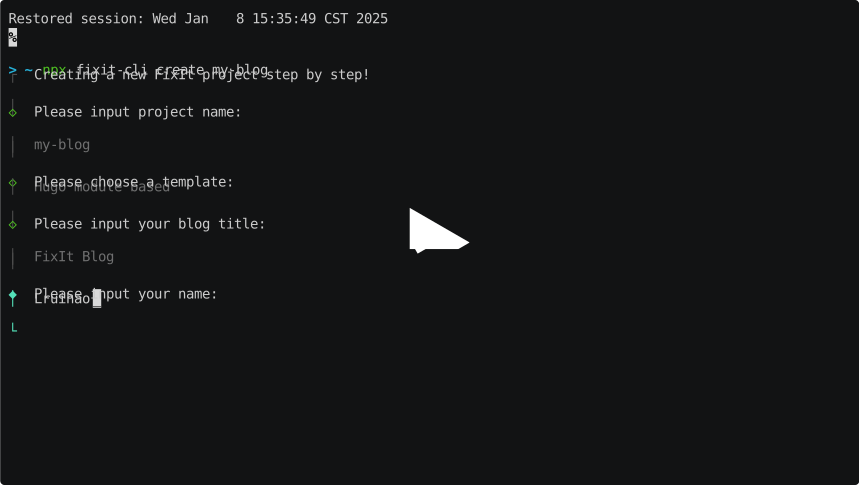
呈现效果如下: