react-native-view
June 17, 2018 · View on GitHub
A lightweight View component that can be styled quickly.

Installation
$ npm install react-native-view --save
then
import View from 'react-native-view';
/*...*/
<View vcenter hcenter>
/*...*/
</View>
Usage
Align content
Example
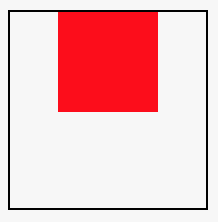
<View hcenter>
/*...*/
</View>
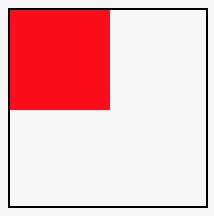
<View hstart>
/*...*/
</View>
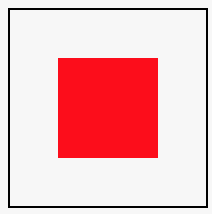
<View vcenter hcenter>
/*...*/
</View>
Available props:
| prop | description |
|---|---|
| hstart | Align children to the left |
| hcenter | Center children horizontally |
| hend | Align children to the right |
| vstart | Align children to the top |
| vcenter | Center children vertically |
| vend | Align children to the bottom |
| flex | Apply flex: 1 |
| row | Becomes a row (column by default) |
| stretch | Stretch the view to fill parent |
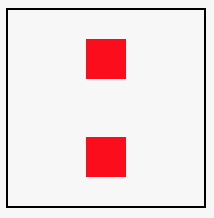
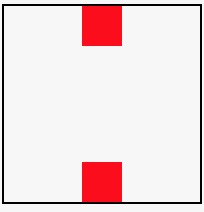
| spread | Spread children evenly along the orientation with padding |
| push | Spread children evenly along the orientation without padding |
More examples:
<View spread hcenter>
/*...*/
</View>
<View push hcenter>
/*...*/
</View>
Padding
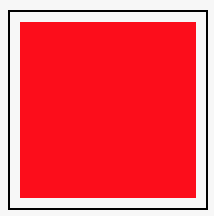
By default paddings can be set using breakpoints:
| name | value in px |
|---|---|
| sm | 5 |
| md | 15 |
| lg | 30 |
| xl | 45 |
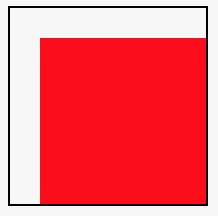
Also, you can specify where paddings are applied using directional suffixes: l - left | r - right | t - top | b - bottom:
Example
<View mdpt mdpl>
</View>
<View smp>
</View>
License
MIT