Logazmic
June 14, 2026 · View on GitHub


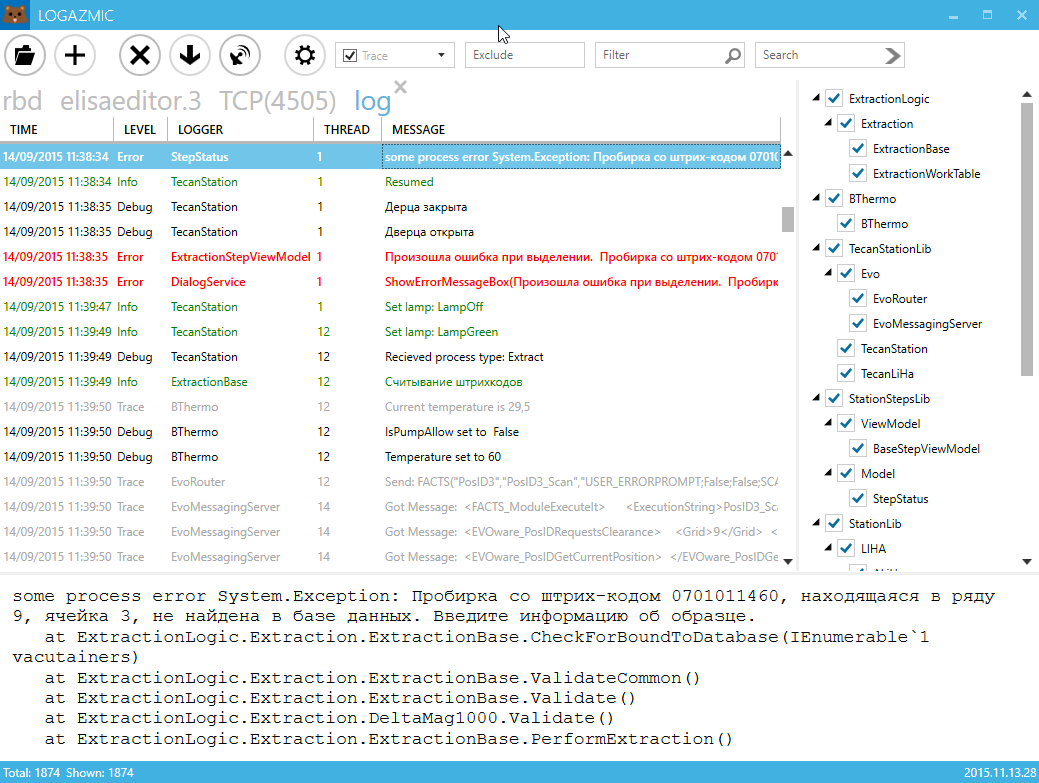
Minimalistic log viewer for nlog. Supports only log4j xml layout yet. Core is based on Log2console. UI is rewritten in WPF with usage of MahApps.Metro
Supports:
- Listening on tcp/udp
- Opening *.log4j files
- Drag-and-drop files
Download
https://github.com/ihtfw/Logazmic/releases/latest/
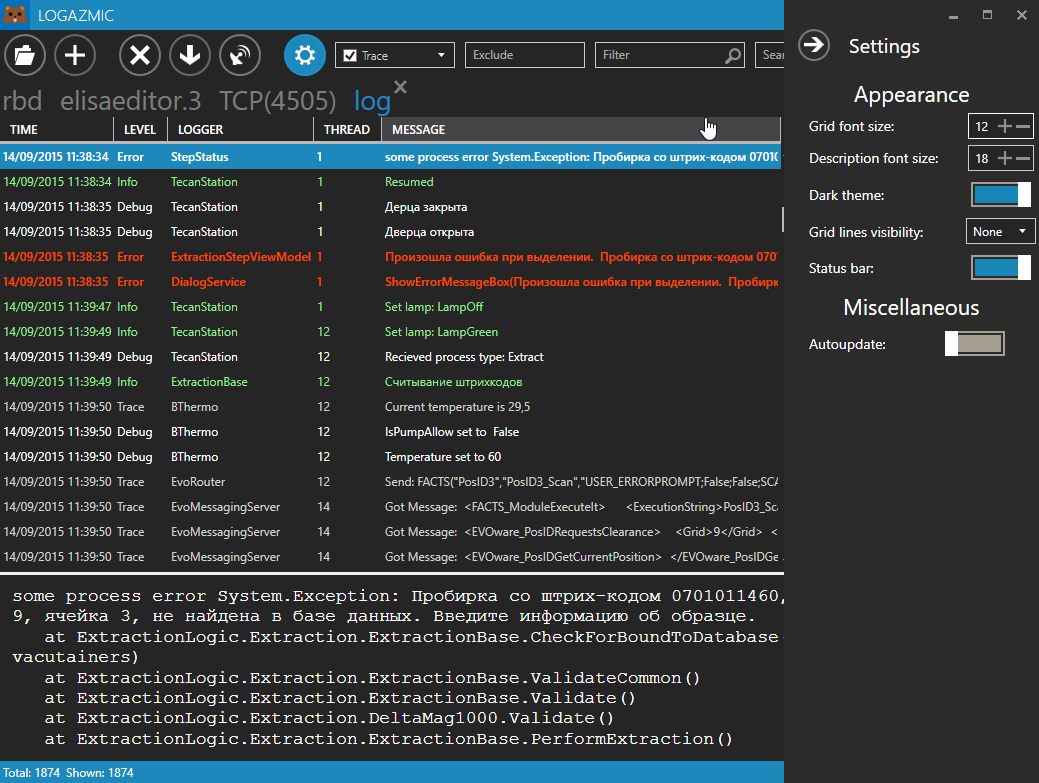
Screenshots:
Setup
NLog (http://nlog-project.org/):
Xml configuration
<?xml version="1.0" encoding="utf-8" ?>
<nlog xmlns="http://www.nlog-project.org/schemas/NLog.xsd"
      xmlns:xsi="http://www.w3.org/2001/XMLSchema-instance">
    <targets>
        <target name="logfile"  layout="${log4jxmlevent}"  xsi:type="File" fileName="file.txt" />
    </targets>

    <rules>
        <logger name="*" minlevel="Info" writeTo="logfile" />
    </rules>
</nlog>
Code configuration
var config = new LoggingConfiguration();

#region file
var ftXml = new FileTarget
                        {
                            FileName = XmlLogPath,
                            Layout = " ${log4jxmlevent}",
                            Encoding = Encoding.UTF8,
                            ArchiveEvery = FileArchivePeriod.Day,
                            ArchiveNumbering = ArchiveNumberingMode.Rolling
                        };

var asXml = new AsyncTargetWrapper(ftXml);
var ruleXml = new LoggingRule("*", LogLevel.Trace, asXml);
config.LoggingRules.Add(ruleXml);
#endregion

#region tcp
var tcpNetworkTarget = new NLogViewerTarget
                                   {
                                       Address = "tcp4://127.0.0.1:4505",
                                       Encoding = Encoding.UTF8,
                                       Name = "NLogViewer",
                                       IncludeNLogData = false
                                   };
var tcpNetworkRule = new LoggingRule("*", LogLevel.Trace, tcpNetworkTarget);
config.LoggingRules.Add(tcpNetworkRule);
#endregion

LogManager.Configuration = config;
Logazmic.Integration
Install nuget package Logazmic.Integration. In your code to install, run and open log file
 var runner = new Logazmic.Integration.Runner();
 runner.Run(pathToLogFile);