LibreOffice-appimage
March 28, 2026 · View on GitHub
Unofficial Archimages of LibreOffice, without libfuse2 dependency and full support for AppImageUpdate tools.
NOTE: This wrapper is not verified by, affiliated with, or supported by LibreOffice.
Motivation
The official AppImages are the result of an old script left as a legacy by Antonio Faccioli, and left there, after years, to still produce packages that depend on the old and obsolete FUSE2.
The official AppImages are also not compatible with AppImageUpdate specifications.
NOTE: As of March 28, 2026, this repository no longer handles the conversion of official AppImages to modern AppImages. Builds are now built from scratch and based on Antoni Faccioli's method, with improvements to overcome the limitations of upstream AppImages.
See https://github.com/Portable-Linux-Apps/LibreOffice-appimage
This repository is oriented towards Archimage only.
MUSL
Both the official AppImages and those converted from the originals do not support MUSL. For those systems rely on the unofficial Archimages present in the "releases" section and marked as "pre-release".
How to create a single-language Archimage
This repository distributes LibreOffice in Italian (my language) for reference.
To create a package with your own language, for example, if you want an AppImage in Spanish:
- Change the value of this line https://github.com/ivan-hc/LibreOffice-appimage/blob/c71b16778c70a4f786372f093510eab44db80bc2/libreoffice-languages-junest.sh#L13 (the variable name doesn't matter, just its value) to that of a LibreOffice language package in the Arch Linux repositories, of your choice. From
add_italian="libreoffice-it"
to
add_italian="libreoffice-es"
- Add a new line between these two https://github.com/ivan-hc/LibreOffice-appimage/blob/c71b16778c70a4f786372f093510eab44db80bc2/libreoffice-languages-junest.sh#L20-L21
LOLP=your-languageto change the default value of $LOLP. (currentlyitalian) and add your reference value in the AppImage name and delta update info. From
elif [ "$LOLP" = italian ]; then
	DEPENDENCES="$add_italian"
to
elif [ "$LOLP" = italian ]; then
	LOLP="spanish"
	DEPENDENCES="$add_italian"
- At this point, you can optionally disable all subsequent releases. Remove https://github.com/ivan-hc/LibreOffice-appimage/blob/c71b16778c70a4f786372f093510eab44db80bc2/.github/workflows/fresh-CI.yml#L43-L56 and https://github.com/ivan-hc/LibreOffice-appimage/blob/c71b16778c70a4f786372f093510eab44db80bc2/.github/workflows/still-CI.yml#L43-L56 from your workflows.
- Make sure your fork has permissions to create releases, then start the workflow you prefer, and disable the ones you don't.
Installing your fork via AM/AppMan
Use the -e or extra option to install your AppImage, allowing updates and all the benefits AM/AppMan can offer.
In the previous example, we used Spanish as the reference language. So, here's how to install your own fork of LibreOffice Archimage via "AM", system wide...
am -e https://github.com/YOUR-USER/LibreOffice-appimage libreoffice spanish
...or locally
am -e --user https://github.com/YOUR-USER/LibreOffice-appimage libreoffice spanish
...or via AppMan
appman -e https://github.com/YOUR-USER/LibreOffice-appimage libreoffice spanish
Install and update them all with ease
"AM" Application Manager
Package manager, database & solutions for all AppImages and portable apps for GNU/Linux!
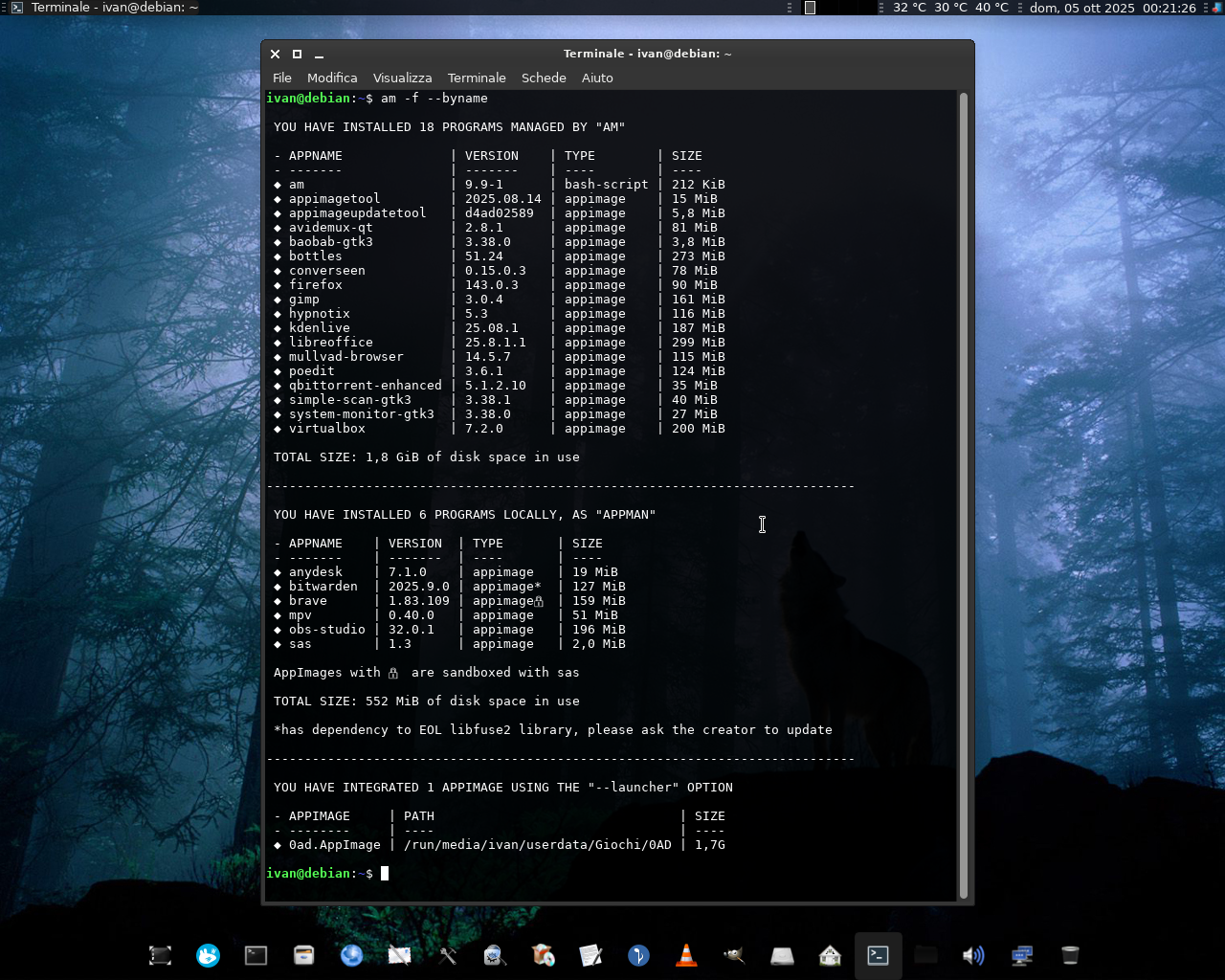


"AM"/"AppMan" is a set of scripts and modules for installing, updating, and managing AppImage packages and other portable formats, in the same way that APT manages DEBs packages, DNF the RPMs, and so on... using a large database of Shell scripts inspired by the Arch User Repository, each dedicated to an app or set of applications.
The engine of "AM"/"AppMan" is the "APP-MANAGER" script which, depending on how you install or rename it, allows you to install apps system-wide (for a single system administrator) or locally (for each user).
"AM"/"AppMan" aims to be the default package manager for all AppImage packages, giving them a home to stay.
You can consult the entire list of managed apps at portable-linux-apps.github.io/apps.
Go to https://github.com/ivan-hc/AM for more!
| Install "AM" | See all available apps | Support me on ko-fi.com | Support me on PayPal.me |
|---|