Git Bridge extension for Burp Suite Pro
April 22, 2015 · View on GitHub
The Git Bridge plugin lets Burp users store Burp data and collaborate via git. Users can right-click supported items in Burp to send them to a git repo and use the Git Bridge tab to send items back to their respective Burp tools.
How to Use
Load the extension
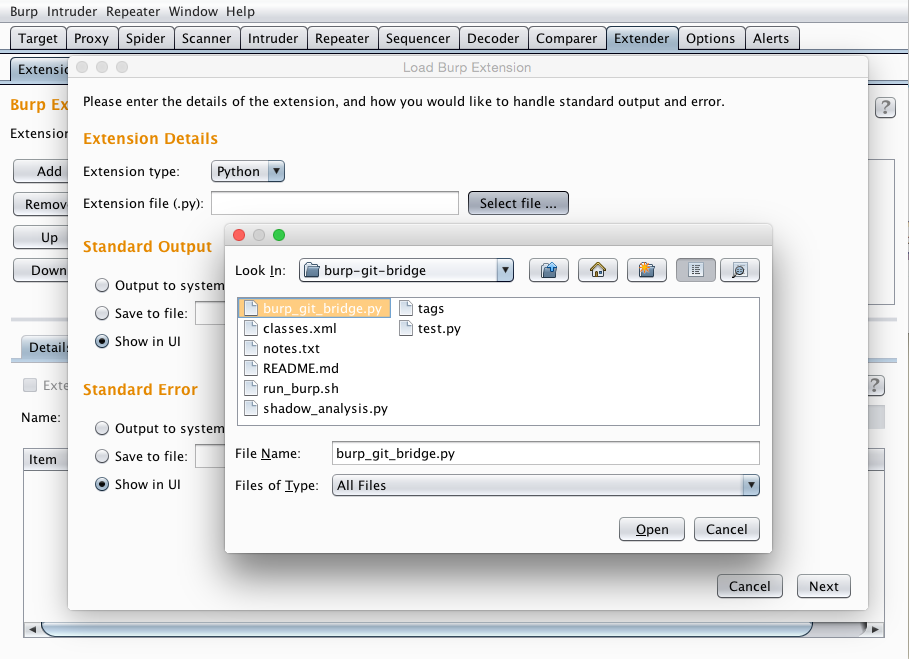
Download burp_git_bridge.py and load the plugin via the "Extender" tab as usual. Note: This plugin is written in Python so you'll need follow the steps to setup Jython in Burp if you haven't already.
Git Bridge creates a git repo at ~/.burp_git_bridge.
Store Revisions Locally
Right click on an interesting Scanner or Repeater item and choose Send to Git Bridge

Share (or Create a Remote Backup of) Burp data
Open a shell, change directories to the Burp git bridge repo and git it.
$ cd ~/.burp_git_bridge
$ git remote add origin ssh://git@github.com/jfoote/burp-git-bridge-test.git
$ git push -u origin master
$ git branch my_findings

PSA: Only interact with git servers you trust, especially when dealing with sensitive data.
Load Shared Burp data
Open a shell, change directories to the Burp git bridge repo and issue a pull.
$ cd ~/.burp_git_bridge
$ git pull
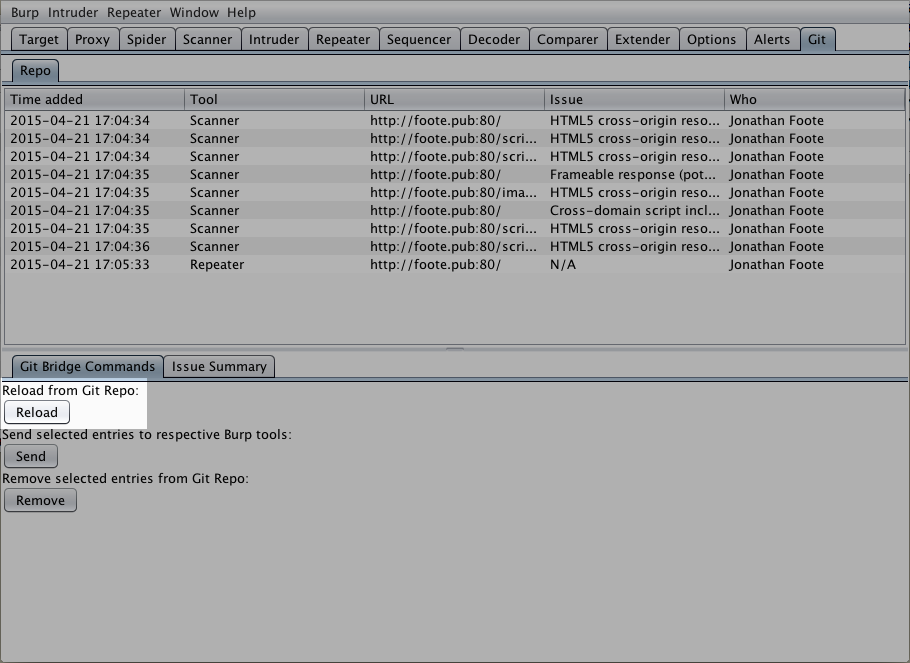
Back in Burp, flip to the "Git Bridge" tab and click "Reload"
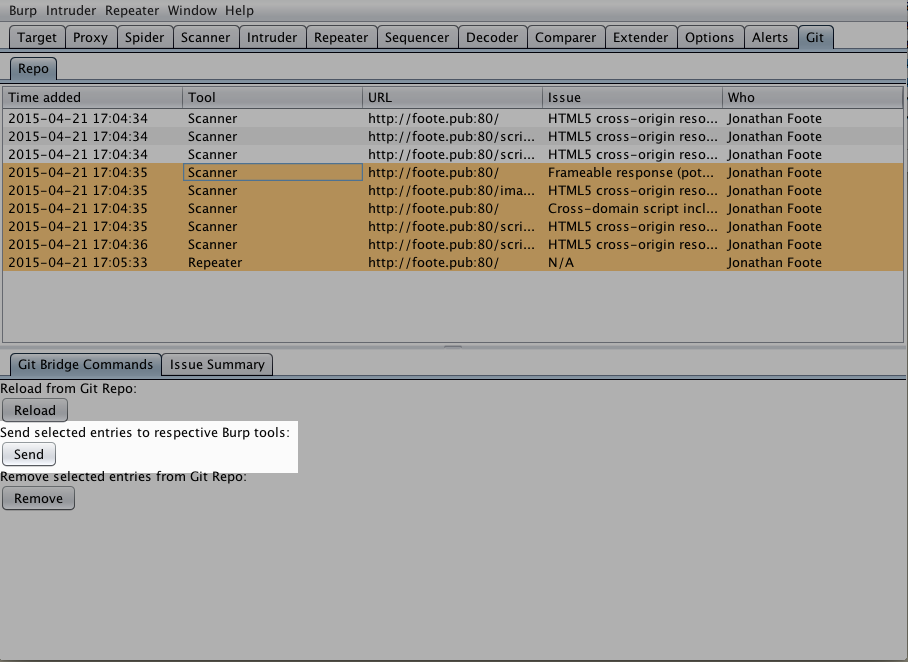
Then send items to their respective tools
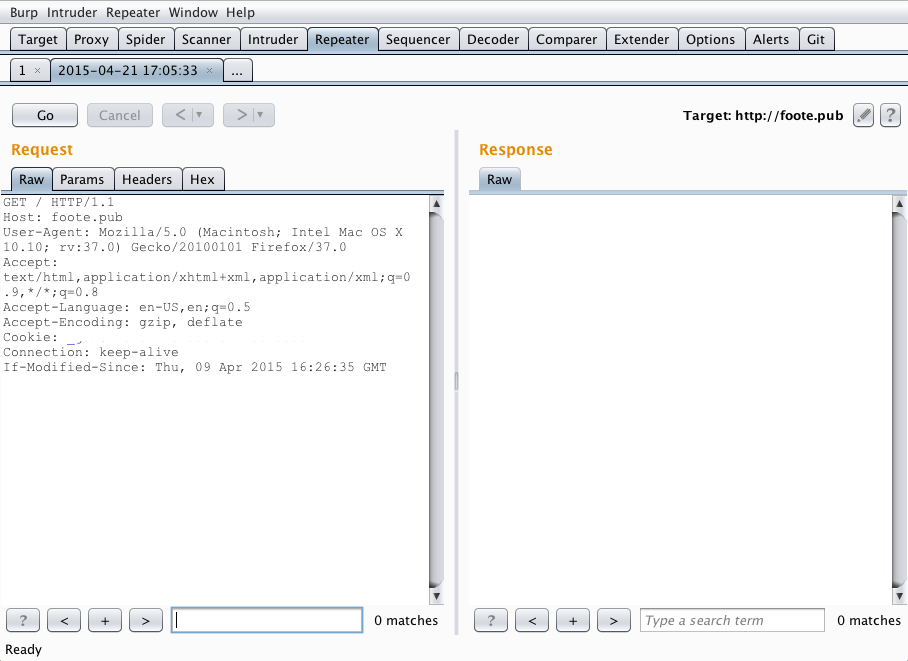
Burp away
Notes
This extension is a PoC. Right now only Repeater and Scanner are supported, and the code could use refactoring. If you're interested in a more polished version or more features let me know, or better yet consider sending me a pull request.
Thanks for checking it out.
Jonathan Foote
jmfoote@loyola.edu
2015-04-21