esri-choo-example
October 3, 2018 · View on GitHub
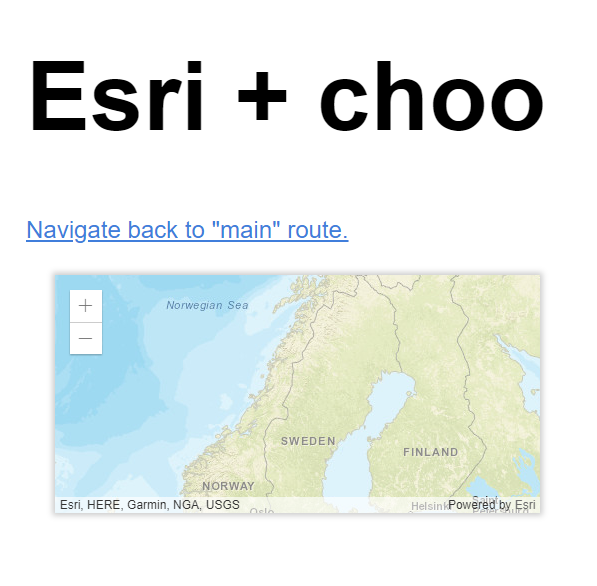
An example Choo application that shows how to use esri-loader to create a custom map view.
This approach demonstrates how to build a Choo-focused application with the ArcGIS API for JavaScript. Using esri-loader makes the whole development process straightforward and enjoyable.
This project was originally started and scaffolded out with the help of create-choo-app (v1.11). Then esri-loader was added as an additional project dependency, which allows us to glue together an instance of an ArcGIS API MapView inside of a Choo application view.
TODO: Maybe use nanocomponent in the /esri-map-view Choo route to allow us to properly wait until the component is mounted on the DOM by hooking into Nanocomponent.prototype.load(el).
PROOF:
Routes
| Route | File | Description |
|---|---|---|
/ | views/main.js | The main view |
/esri-map-view | views/esri-map-view.js | Display an Esri MapView with the help of esri-loader |
/* | views/404.js | Display unhandled routes |
Commands
| Command | Description |
|---|---|
$ npm start | Start the development server |
$ npm test | Lint, validate deps & run tests |
$ npm run build | Compile all files into dist/ |
$ npm run create | Generate a scaffold file |
$ npm run inspect | Inspect the bundle's dependencies |