readme.md
July 2, 2019 · View on GitHub
Microsoft Sticky Notes

App available in the MS Store
- Application folder:
C:\Users%username%\AppData\Local\Packages\Microsoft.MicrosoftStickyNotes_8wekyb3d8bbwe - Database:
C:\Users%username%\AppData\Local\Packages\Microsoft.MicrosoftStickyNotes_8wekyb3d8bbwe\LocalState\plum.sqlite - Media folder:
C:\Users%username%\AppData\Local\Packages\Microsoft.MicrosoftStickyNotes_8wekyb3d8bbwe\LocalState\media - SQLite query for Plum.sqlite
Note: the query gets only a few of the possible data for each note. You should manually examine the following fiels of the 'Note' table:
-
Text (Showing entries like):
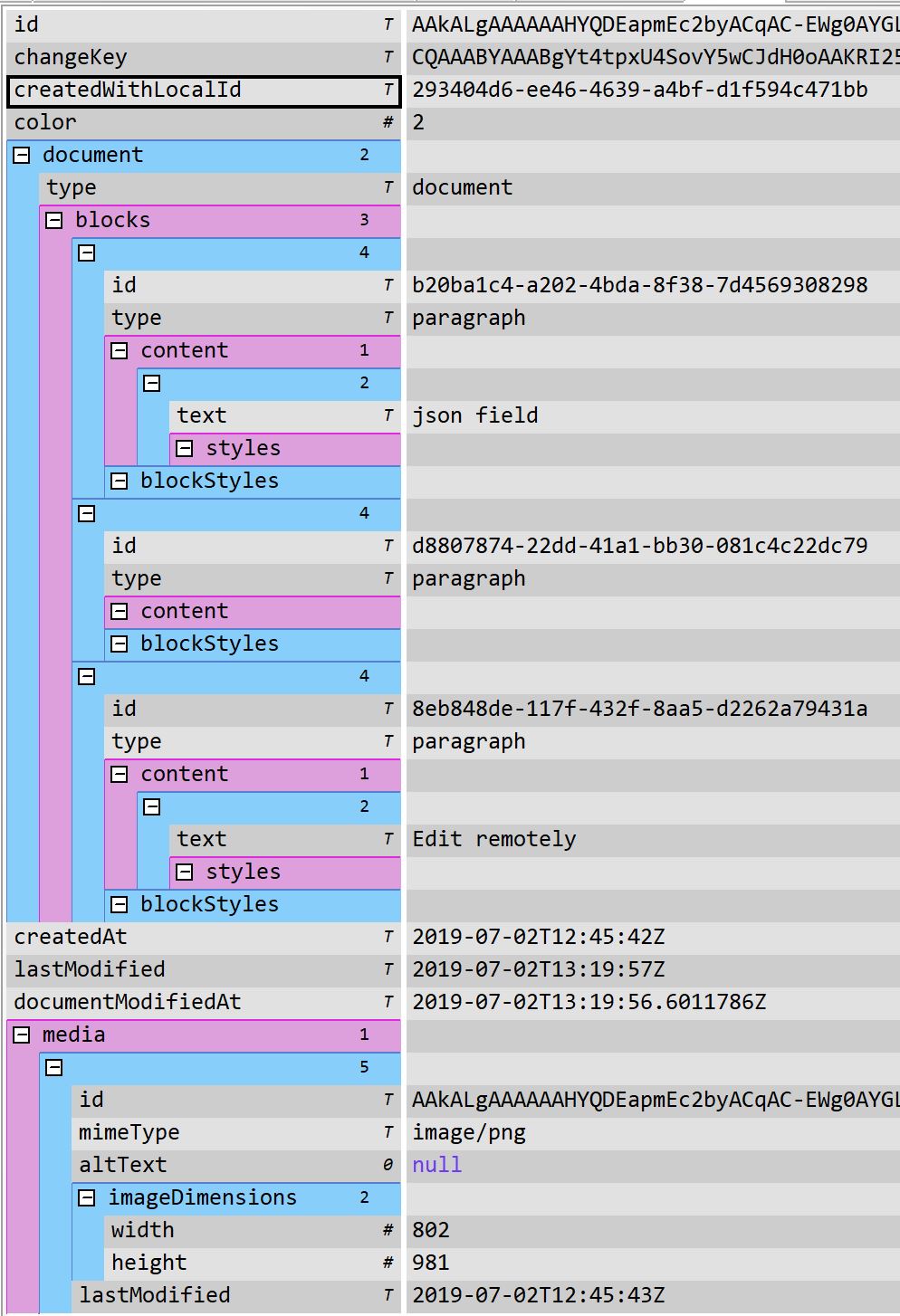
\id=b20ba1c4-a202-4bda-8f38-7d4569308298 json field
\id=d8807874-22dd-41a1-bb30-081c4c22dc79
\id=8eb848de-117f-432f-8aa5-d2262a79431a Edit remotely -
LastServerVersion (which has a json with the full note data):