SQL/DuckDB Data Explorer
April 3, 2026 · View on GitHub
This feature is currently undergoing development. Stay tuned for updates!
The new SQL data explorer provides a DuckDB instance where you can use SQL to transform and add data to the map.
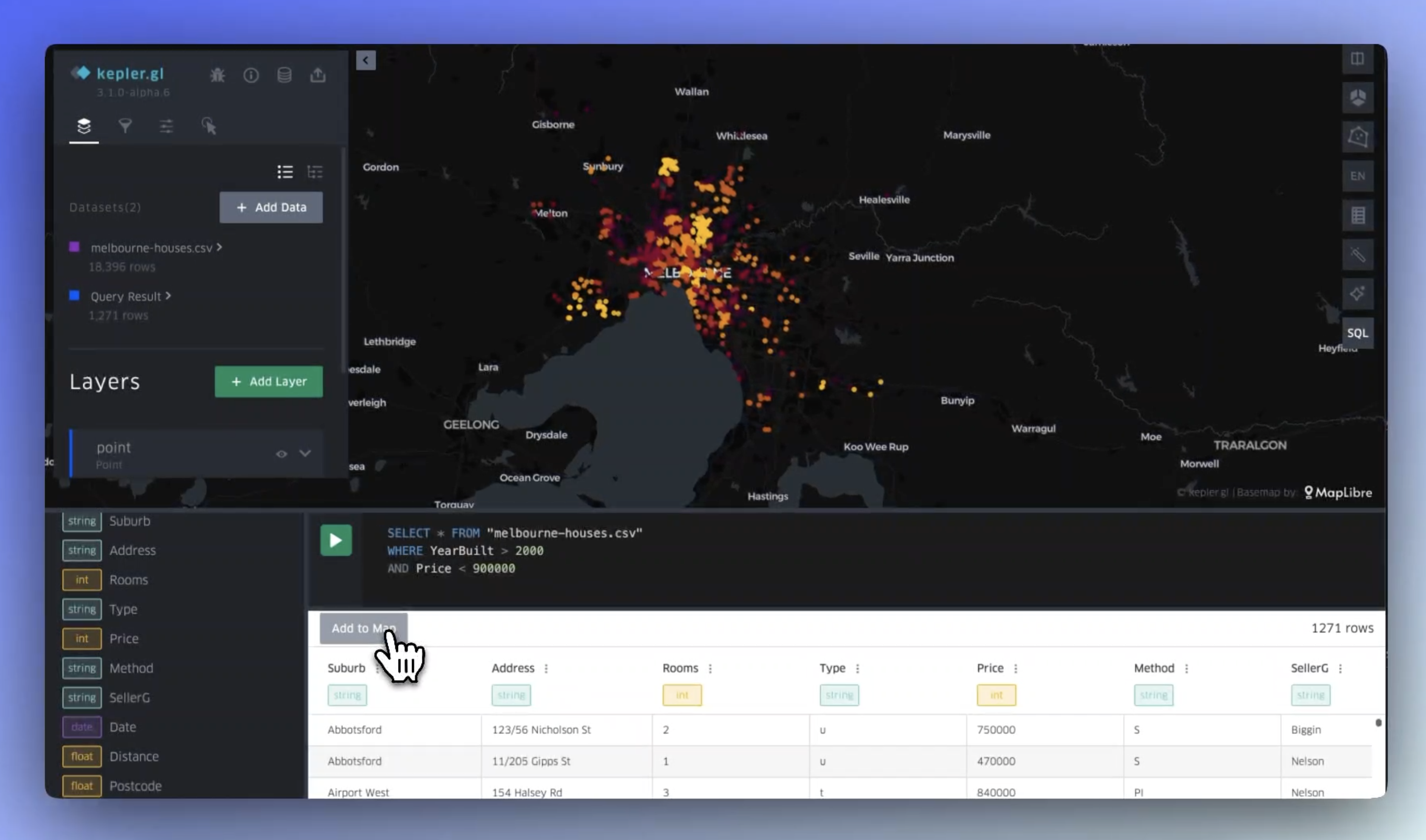
You will need local data (i.e. data upload for your machine) or data accessible via a remote URL.
Any dataset already added to kepler can be accessed via SQL editor by selecting it via its name in kepler. For instance, if your dataset is named world-cities.csv, you can select the entire dataset by writing SELECT * FROM 'world-cities.csv'.
The data does not need to be pre-loaded to kepler -- you may also select data remotely via SQL. The following example loads earthquake data from our sample data repository:
SELECT * FROM 'https://raw.githubusercontent.com/keplergl/kepler.gl-data/refs/heads/master/earthquakes/data.csv'
Once you have a data selection you are satisfied with, click Add to Map. Your new dataset will be added to kepler. If you have a column that contains recognizable geography data, (i.e. lat/lng columns or polygon geometries), layers will automatically be created.