💡 HOWTO: Debug your server-side Remix code using VSCode
April 7, 2022 · View on GitHub
✨ New in Remix v1.3.5
The latest release of Remix fixes sourcemaps so you no longer need to use any hacks to set breakpoints in your route modules. Simply start the debugger and Remix will hit the breakpoint in your loaders and actions.
Debugging session even survives edits and Live Reload.
🐛 Launch VSCode debugger
There are a couple of options. You can use one of the launch configuration listed below, or simply open
the Command Pallete and type: debug npm script. Then select the one you want to run. NOTE: Since this will
relaunch your app, make sure you've stopped any running servers.
Debugging npm script

Attaching to a process
Pick the node process that is running the ./server/index.js file

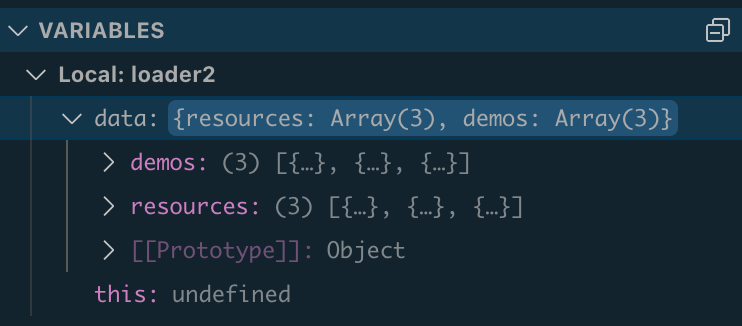
👀 View local variables