WSL setup
December 17, 2017 · View on GitHub
Terminal and bash

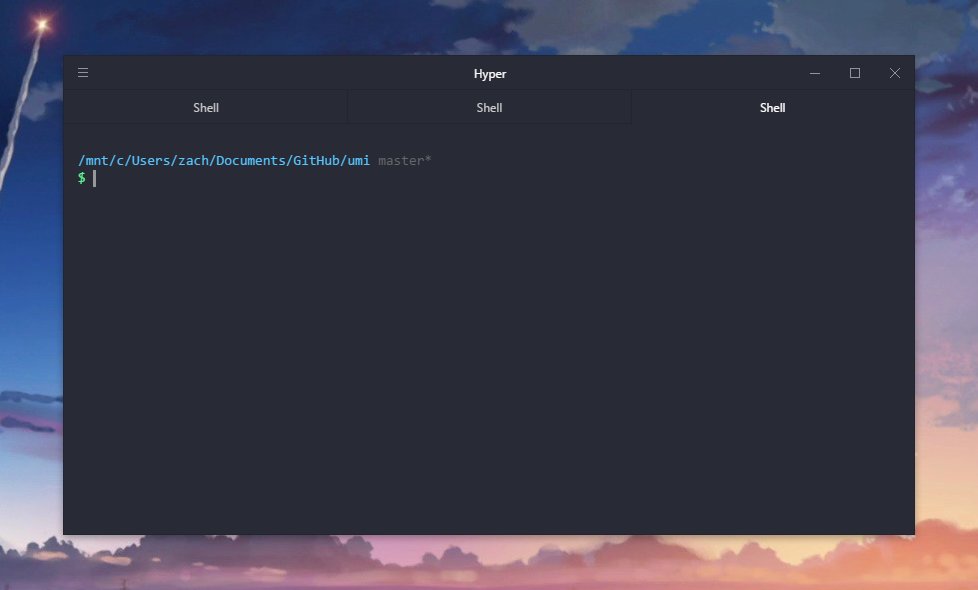
Terminus (shown above) and Hyper are feature-packed and look amazing, BUT they have a noticable delay when typing and scrolling in an editor like vim. Thankfully, Bash on Ubuntu on Windows does not have any of these perf issues.
Bash on Ubuntu on Windows uses the new WSL (Windows Linux Subsystem) to get an almost first-class bash on Windows.
Note that ~, or /home/<username>, is your home for the subsystem. If you want to go to your Windows file home (typically on the C:\ drive), go to /mnt/c/Users/<username>. This did confuse me at first. See this for more.
Git
Already installed, I think.
Set up your Github keys (even if you've already set them up in non-WSL land): Generating a new SSH key and adding it to the ssh-agent - User Documentation
Node
curl -sL https://deb.nodesource.com/setup_9.x | sudo -E bash -
sudo apt-get install -y nodejs
from Installing Node.js via package manager | Node.js
Not sure why, but I had to fix my `npm' permissions: Fixing npm permissions | npm Documentation
Non-WSL
WSL is nice for when you're able to stay in non-GUI unix-land, but eventually you'll probably need to use native windows apps like intellij, vs code, etc that will need windows-native git, node, etc.
Git
Install from Git - Downloading Package. I prefer to not deal with Github Desktop
Set up github keys (even if you've already set them up in WSL land): Generating a new SSH key and adding it to the ssh-agent - User Documentation
Then add it to your account: Adding a new SSH key to your GitHub account - User Documentation
Node
coreybutler/nvm-windows: A node.js version management utility for Windows. Ironically written in Go.
Familiar to MacOS
- Essential apps for switching from Mac to Windows - Charged
- Spotlight
- Add An OS X Like File Preview Feature To Windows 10
- "People switching to Windows 10 from MacOS: Install this and bind it to ctrl + space. You're welcome. https://t.co/rWAHHsflAF" - Jason Miller
- OS-level emacs keybinds (like MacOS)
- usi3/emacs.ahk: An autohotkey script that allows you to use emacs-like key bindings on Windows environment
- or the easier to configure fujieda/xkeymacs (be sure to use the snapshot version). Problem with this one is that it doesn't affect some system level inputs, like the
winkey search orExploreraddress bar.
- Spaces
- Virtual Desktops exist in Windows 10 now!
- But, for whatever reason, there isn't a keybind to jump directly to a Space (
ctrl 1by default to jump to Space 1,ctrl 5to jump to Space 5) - Use win-10-virtual-desktop-enhancer to get the jump hotkeys. Also a nice little display to tell you what Space you jumped to.
- Hot Corners
- WinXCorners — Hot Corners for Windows 10
- I like my bottom-left corner to lock screens, so I use the custom action to
rundll32.exe user32.dll,LockWorkStationand set to bottom-left.- Found that command from Command-line (cmd) command to lock a windows machine - Super User
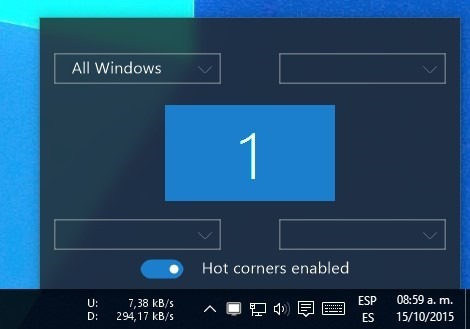
- How to Get Hot Corners in Windows 10 - Make Tech Easier for a nice write-up
Window Management
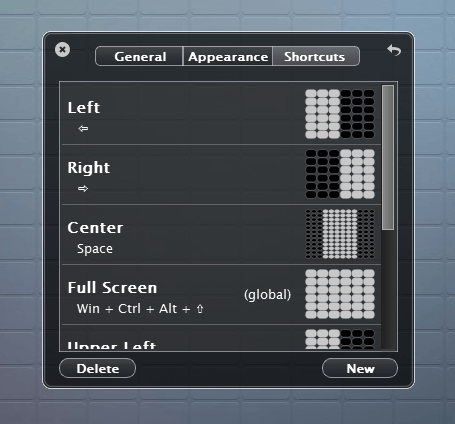
- use WinDivvy to move/position windows with your keyboard. Closest Windows app I could find to Moom.
- How to pin an app to a Virtual Desktop?
win tabto see task view- right click window ->
Show this window on all desktops 
- eXtra Buttons: utility buttons in the title of the window
- Adds buttons to titlebar to
Always on Top,Roll Up/Down,Send to Back,Opacity, etc.
- Adds buttons to titlebar to
Utils
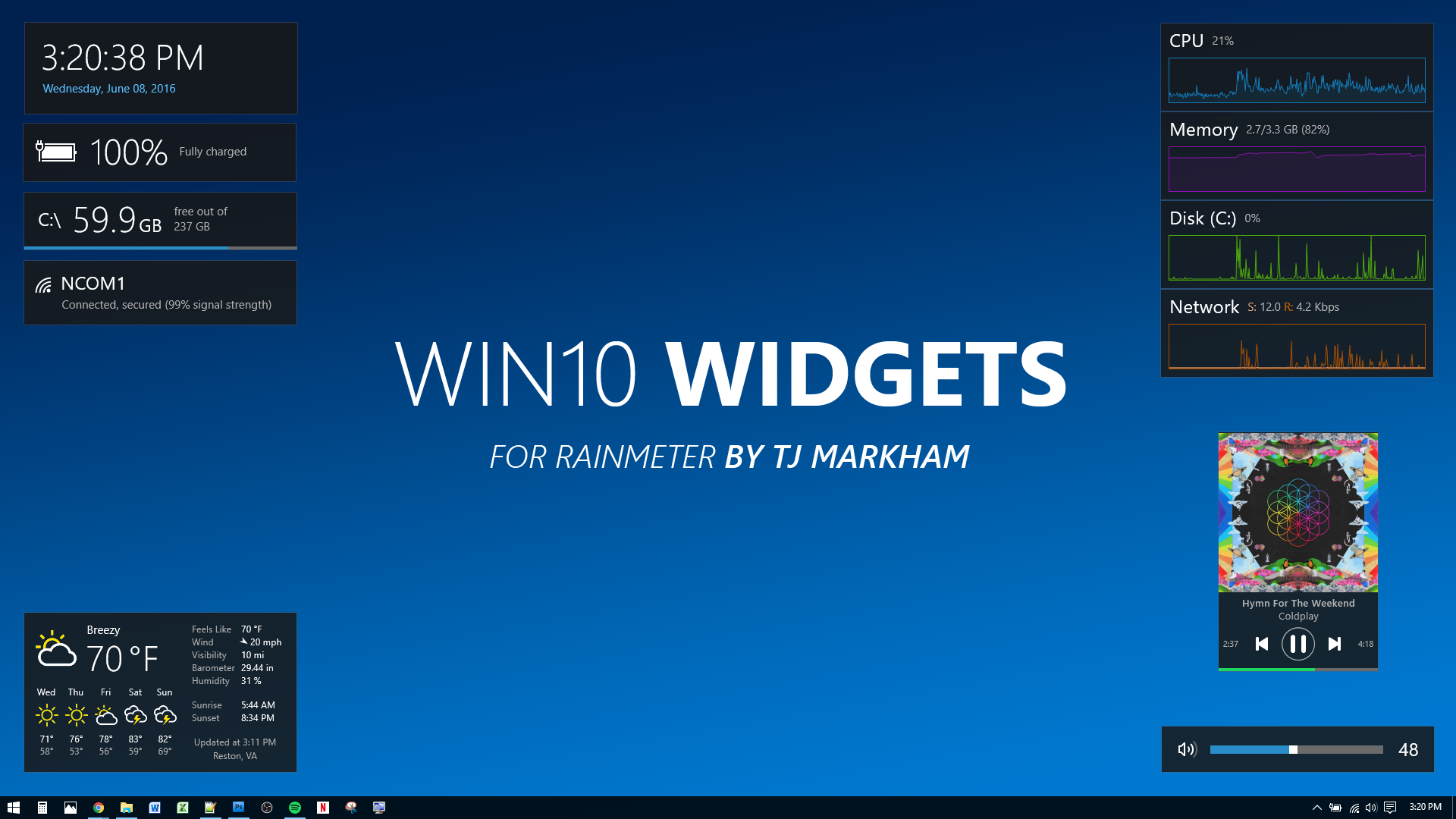
- Desktop Widgets
- Remap keys with sharpkeys: SharpKeys is a utility that manages a Registry key that allows Windows to remap one key to any other key.
- I use it to replace:
caps_lock->winleft_alt->left_ctrlleft_win->right_alt
- I use it to replace:
- Custom Hotkeys with AutoHotkey
- Focus of active window
- More prominent border
- Or remove it entirely
Settings
- How To Reverse Scroll Direction In Windows 10
- How to Show Hidden Files in Windows 10 - Winaero
- How to Disable Animations in Windows (and Make It Feel Faster)
- Audit and Optimize your Windows 10 Search Indexing Options - Scott Hanselman
- How to Disable All of Windows 10’s Built-in Advertising
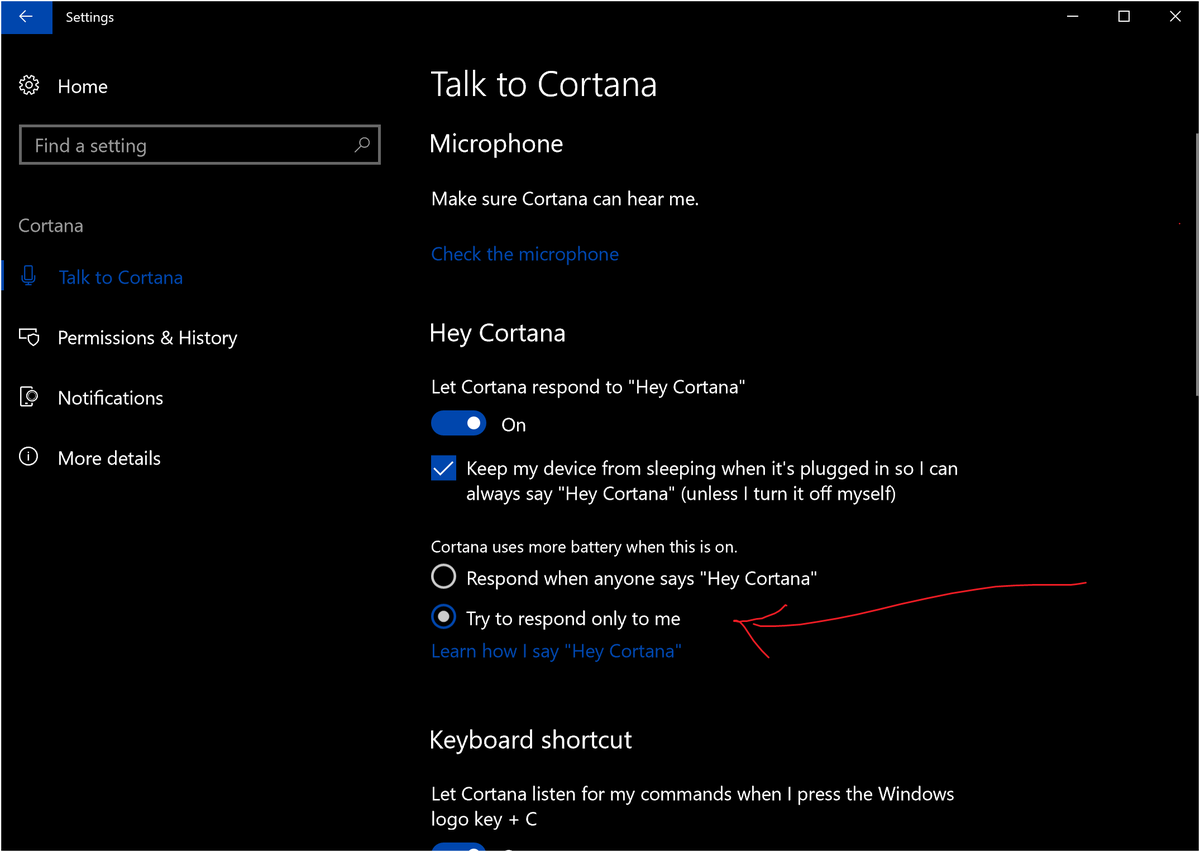
- "If you haven't already, I highly recommend you configure Hey Cortana to respond only to your voice" - Jen Gentleman 🌺 on Twitter
Tools
Other Reads
- How to set up the perfect modern dev environment on Windows
- My Bash on Windows Dev Environment - daverupert.com
- Setting up a Shiny Development Environment within Linux on Windows 10 - Scott Hanselman
- Everything You Can Do With Windows 10’s New Bash Shell
- Setting up Ubuntu on Windows 10
- Jessie Frazelle's Blog: Windows for Linux Nerds
- Zach Bruggeman on Twitter: "i've been using the latest WSL for a bit, could see this replacing my mac for dev work. @zeithq's hyper is a great terminal for windows https://t.co/PYFKdoEWFY"
- Max Stoiber on Twitter: "@yosefdurr If anybody has tips for must-have Windows apps (Mac/Rocket-like emoji keyboard?!) please let me know! #maxgoeswindows"