Atom
June 10, 2017 · View on GitHub
._____           _
|_   _|__   ___ | |___
  | |/ _ \ / _ \| / __|
  | | (_) | (_) | \__ \
  |_|\___/ \___/|_|___/
Atom
Tips
- Want to open multiple projects in one Atom session?
atom -a ~/otherProject- Especially useful when editing two React Native roots

- Follow Atom's blog
- "preserve last search" option in Command Palette package
- cmd-shift-b to see git modified buffers
- Fuzzy Finder - ensure Search All Panes is not toggled
- toggle Use Custom Titlebar in Core Settings
- cmd-k cmd-w to close pane
Other Links
The Ultimate Atom Editor Setup (+for JS/React) – Productivity Freak – Medium
Plugins - Generic
advanced-open-file
Pretty crucial for me, coming from vim. This allows me to easily switch between open tabs without ctr-tabbing or clicking. Also has an omni search.
open-recent
Surprisingly, this is missing by default. Very helpful for if your flow is to open Atom, then open the project you'd like, instead of opening Atom from cli in the project you want.
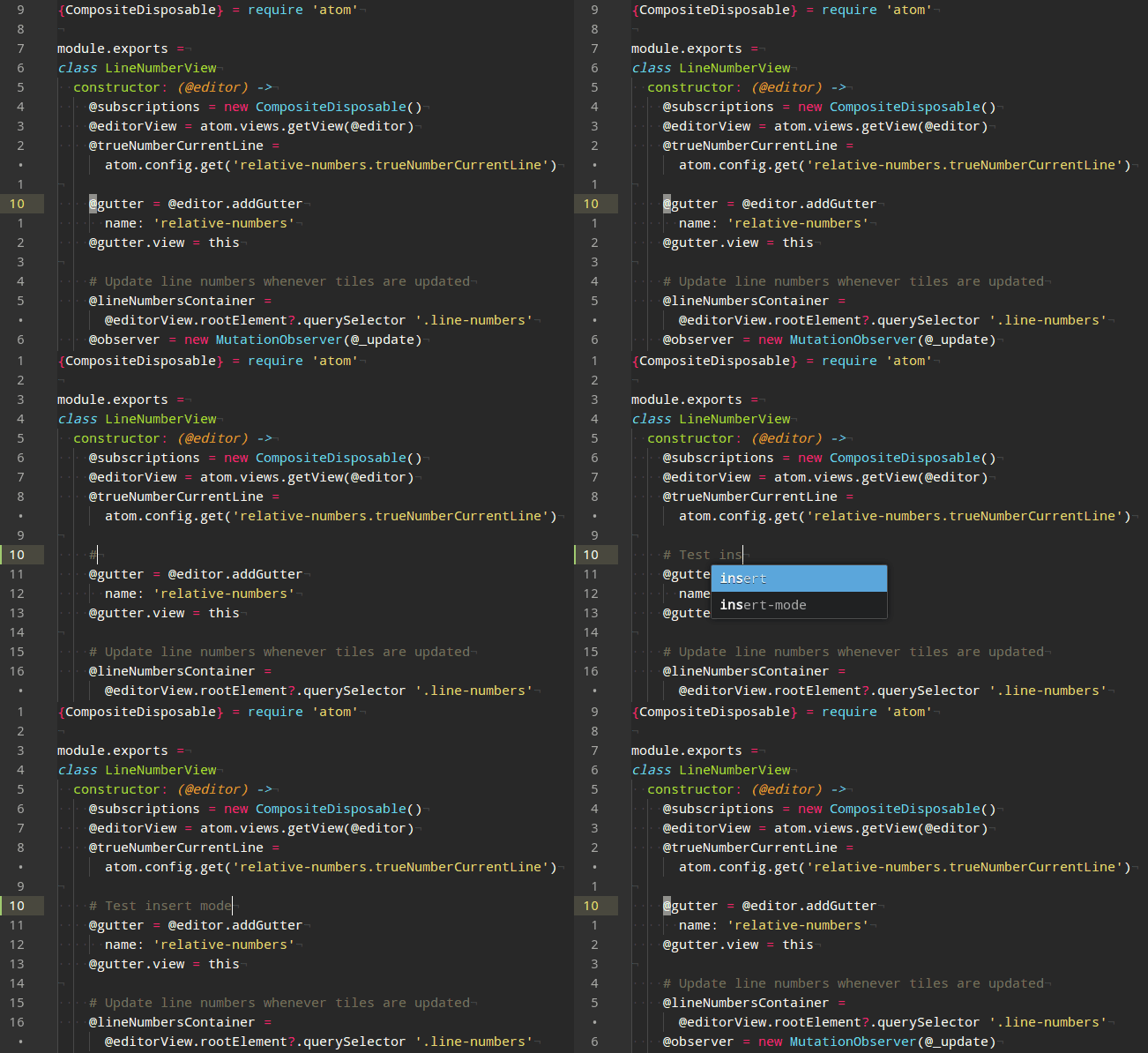
clipboard-plus
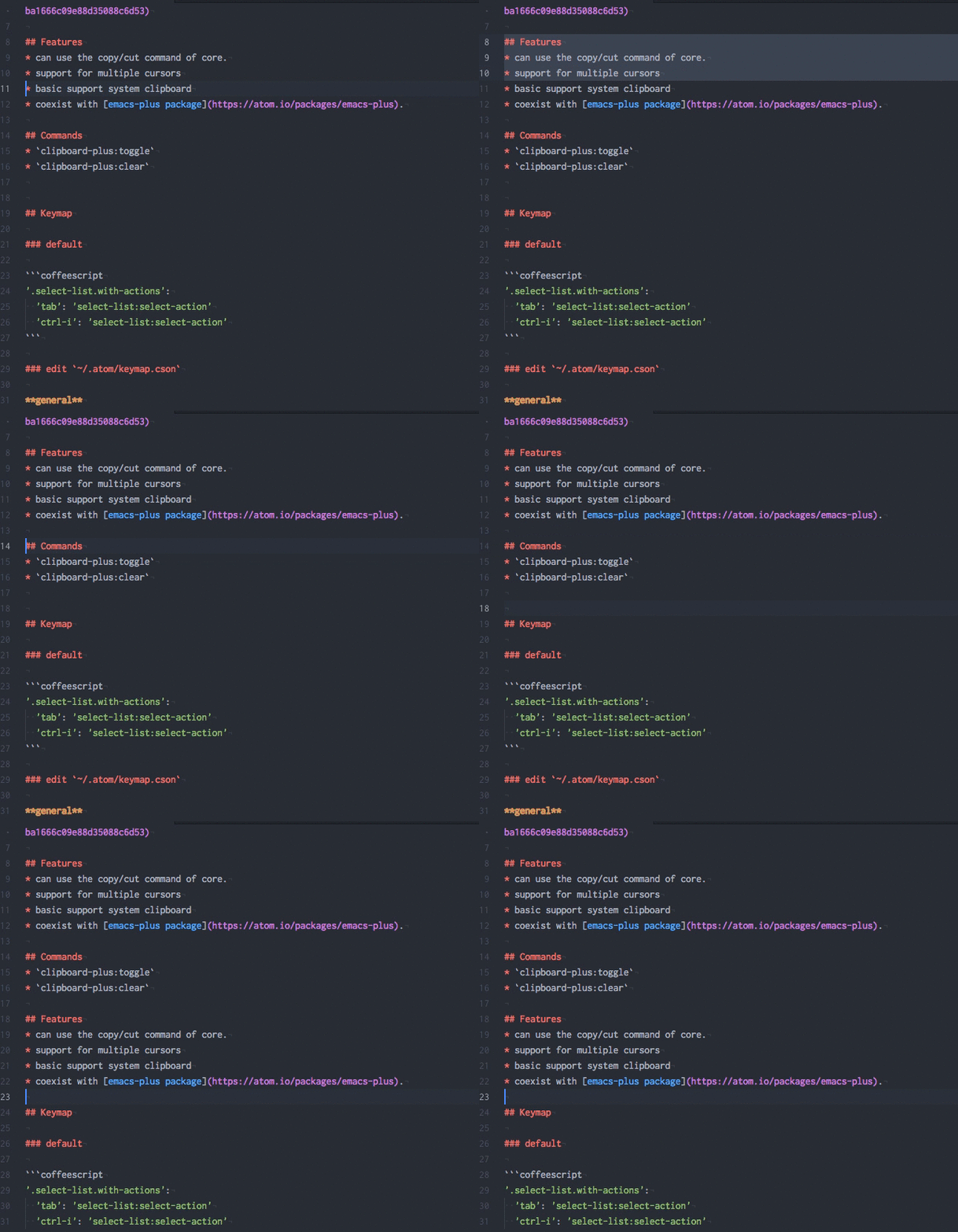
quick-highlight
(Works nicely with vim-mode-plus, too)
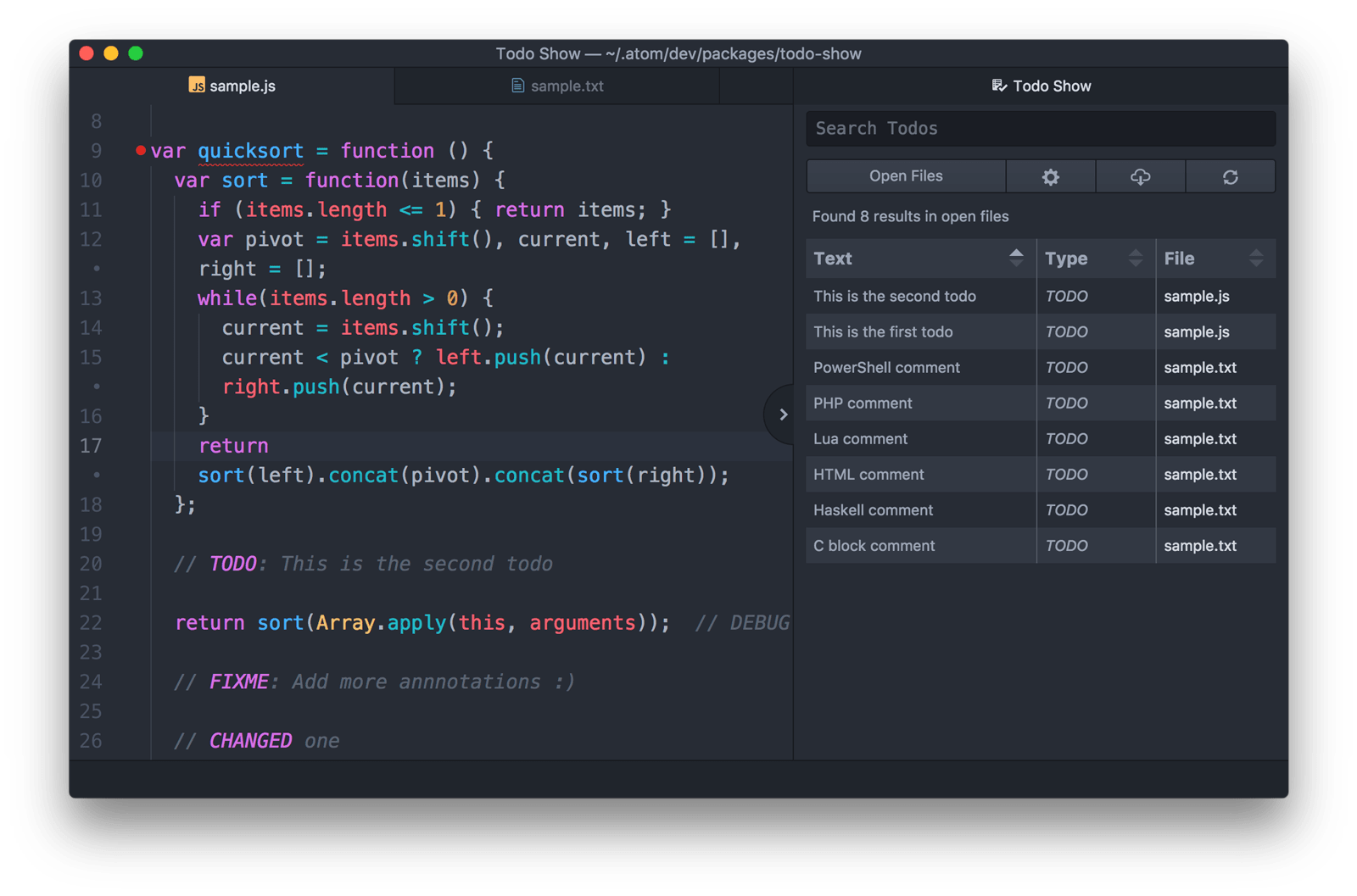
todo-show
Finds all the TODOs, FIXMEs, HACKs, etc. in your project.
pigments
A package to display colors in project and files.

file-icons
Assigns icons to file types (seen in tree view and tab title)
linter-eslint
If you use eslint. Also works with Nuclide's Diagnostics window.
atom-ternjs
Intellisense for js
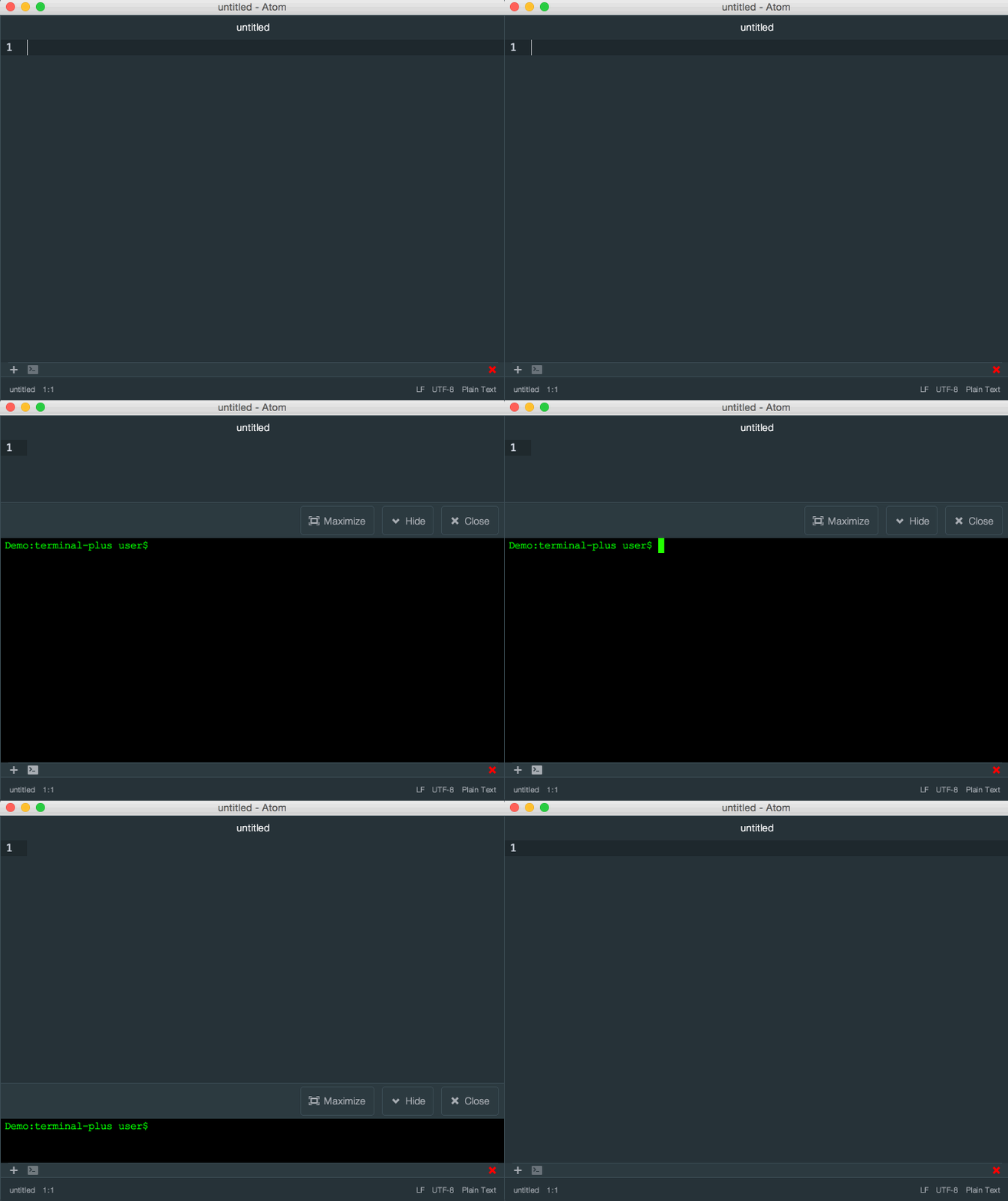
terminal-plus
Terminals in your Atom editor
smalls
Rapid cursor positioning across any visible chars with search and jump. SO GOOD!
Settings: Jump Trigger Input Length: 2
Plugins - git
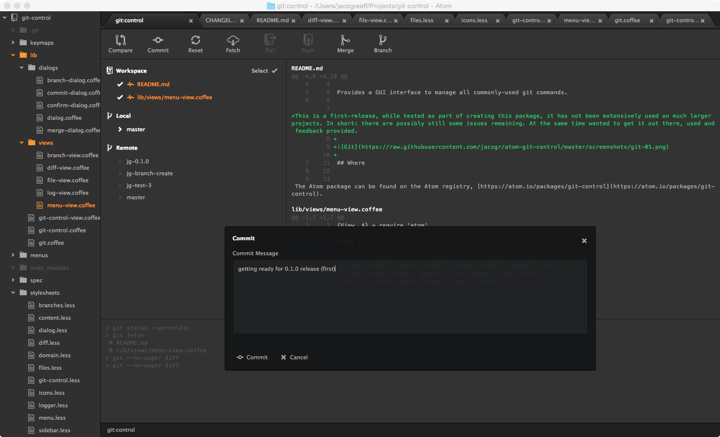
git-control
- A comprehensive GUI to interacting with git.
- git-flow button makes it easy
git-blame

merge-conflicts

Plugins - React-specific
nuclide
Built-in tooling for React Native and Flow
Settings: Be sure to read through the Use section and disable what you don't need. Like Hack and hg features, for example.
file-explorer
Your primary tool to navigate up and down a component tree. Better tool than the left Tree View that comes with Atom.
Settings: Disable the Exclude Active File to ensure index.js can be seen.
smart-tab-name
Gives more context to the file you are looking at. Especially useful when viewing index.js.

atom-react-native-autocomplete
Add Intellisense completion for RN components (not for your custom ones though)
less-than-slash
Easily create the ending tag of a component in your jsx. Particularly helpful when you convert a self-closing tag into a wrapping one.
atom-wrap-in-tag
Plugins - Vim
vim-mode-plus
- Cool feature demos: https://github.com/t9md/atom-vim-mode-plus/wiki/GIFs
- Example keymap (from creator)
- All commands
- TIPS
- YouDontKnowVimModePlus
- AdvancedTopicTutorial
vim-mode-plus-move-to-symbols
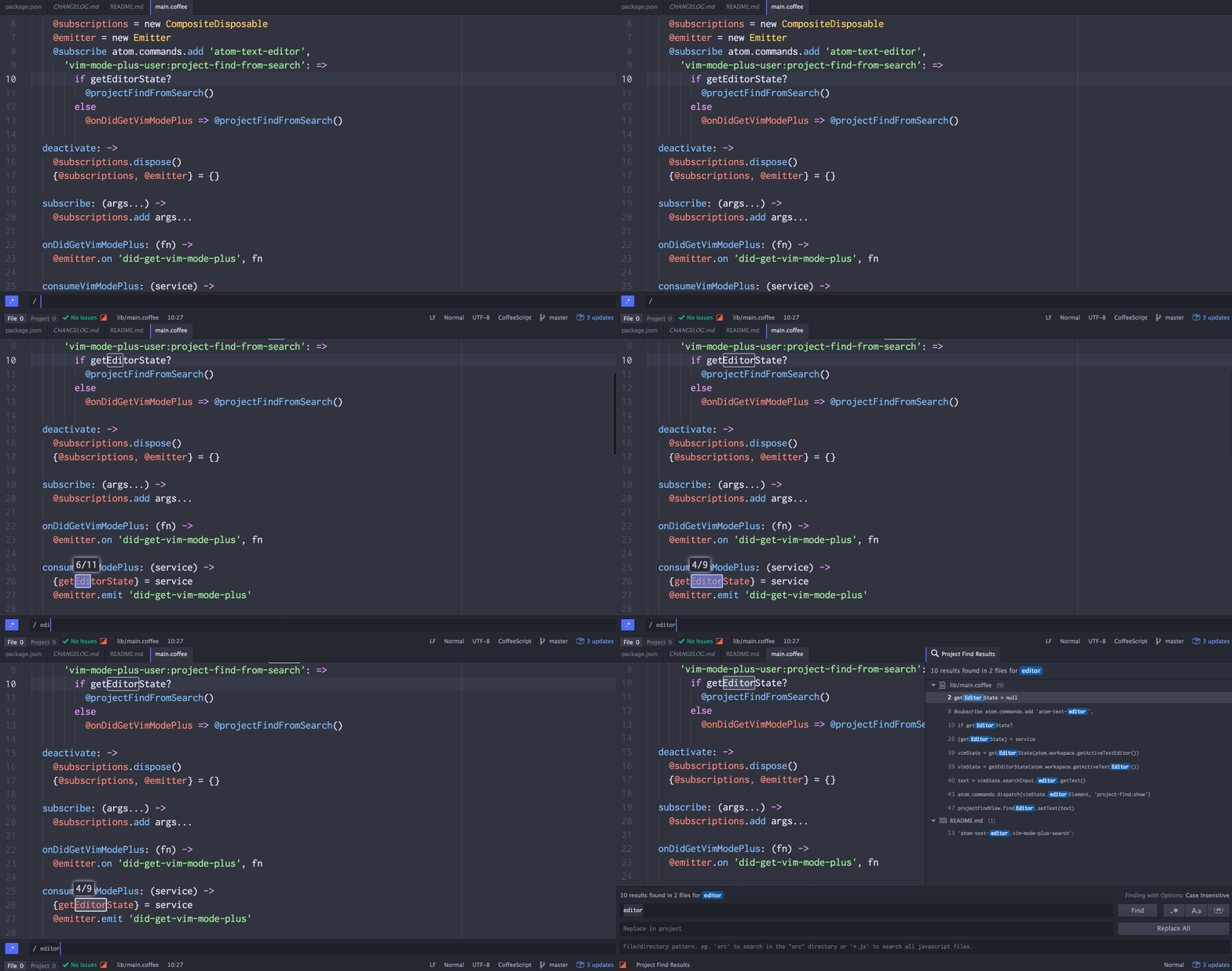
vim-mode-plus-project-find-from-search
vim-mode-plus-subword-movement

cursor-history
vim-mode-clipboard-plus
(Requires clipboard-plus)
relative-numbers