Webstorm.md
June 14, 2018 · View on GitHub
WIP
Hotkeys
Be sure to start with a Keymap that you like. I prefer Emacs.
No Tabs in IntelliJ IDEA – Hadi Hariri
- Hide tabs
- use ctrl-tab to switch buffers
- Recent Positions:
cmd [to go back,cmd ]to go forward - Recent Files
- use the Navigation Bar
Customize syntax highlighting to support template literals (I think) - Webstorm, IntelliJ 등의 JetBrains IDE에서 styled-components 사용하기
Settings
Format on save
From 7 reasons this Android Code Style improves your productivity
- Select Edit > Macros > Start Macro Recording
- Select Code > Optimize Imports
- Select Code > Reformat Code
- Select Code > Rearrange Code
- Select File > Save All
- Select Edit > Macros > Stop Macro Recording and give it a name (mine is OptimizeImportsReformatRearrangeSave)
- Go to Preferences > Keymap
- Find the Macro section
- Add ⌘ + S shortcut for the new macro
Smart Keys
- Enable
Use "CamelHumps"to jump by word (instead of whole text) when navigating in camelcase - Enable
Surround selection on typing quote or brace
Windows-specific
Use git's terminal: How to open a terminal on WebStorm? - Stack Overflow
Someday we might be able to use WSL in terminal like VS Code. See this issue.
Plugins
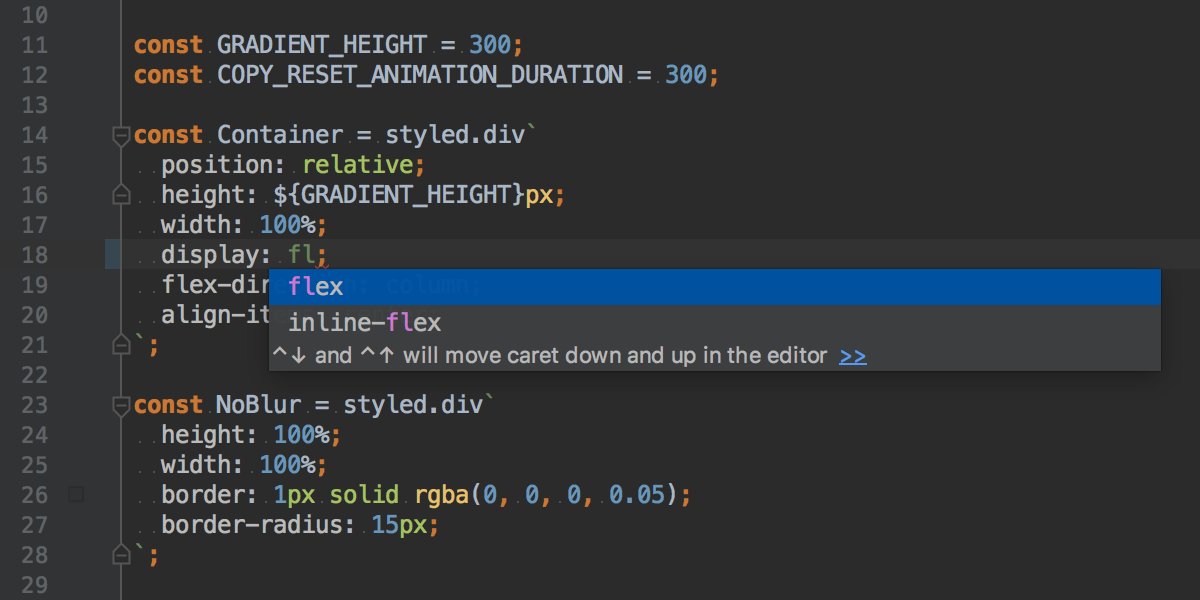
Styled Components
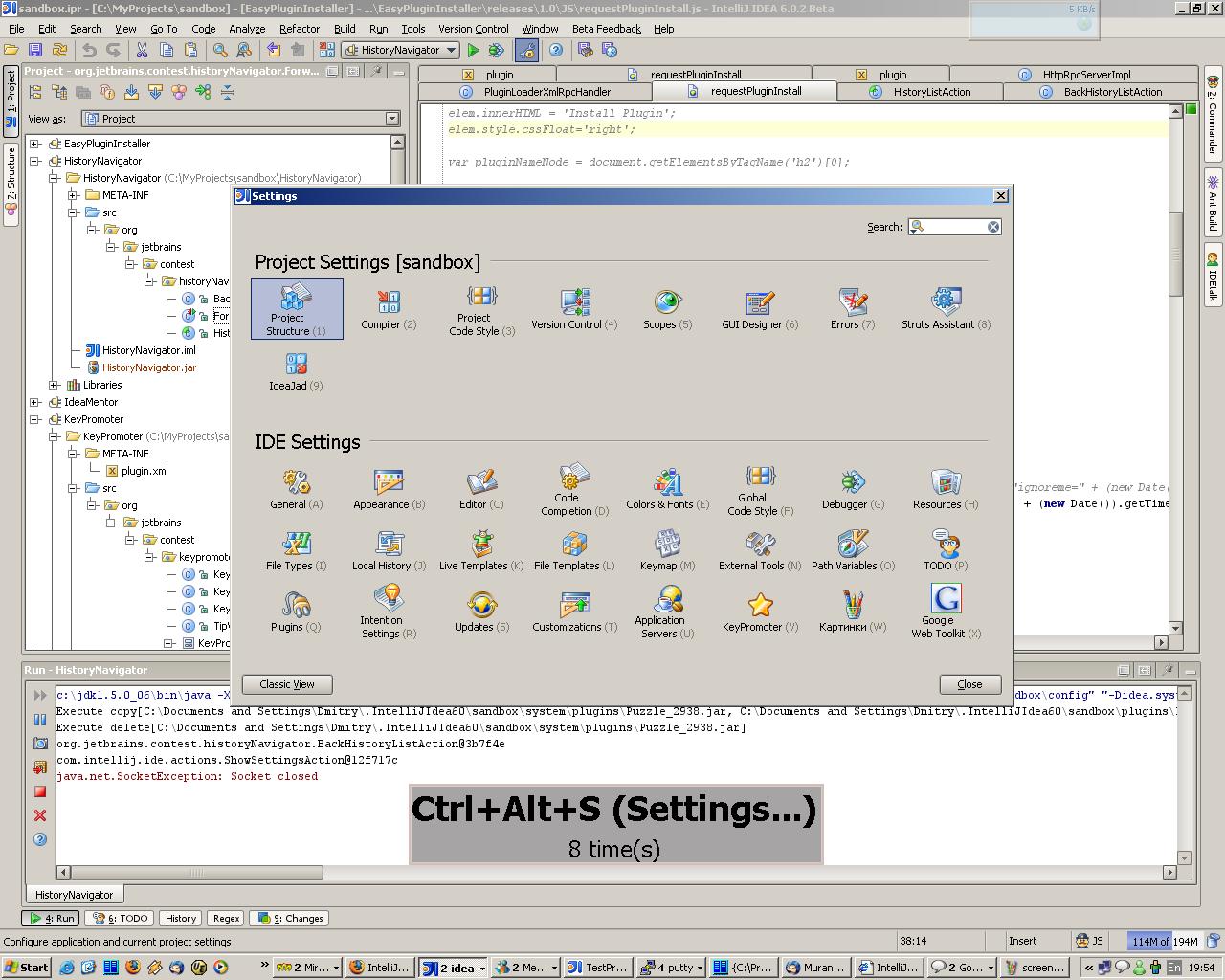
Key promoter
Developing Plugins
- Dig in to source code of styled-components/webstorm-styled-components for a plugin built with Kotlin
- JetBrains/gradle-intellij-plugin: Plugin for building plugins for IntelliJ IDEs
- Creating Your First Plugin / IntelliJ Platform SDK DevGuide
- Reference - Kotlin Programming Language