PasteMemo
April 1, 2026 · View on GitHub

PasteMemo
A smart clipboard manager for macOS.
Copy once, access anywhere, paste instantly.



⬇️ Download Latest | 🌐 Website
Screenshots
Highlights
- Copy → File, Instantly — Paste copied text as a
.txtfile, paste screenshots as image files. Drag directly into Finder or any file dialog. - AI Terminal Ready — Seamlessly paste images and files into AI terminals. Built for developers who live in the command line.
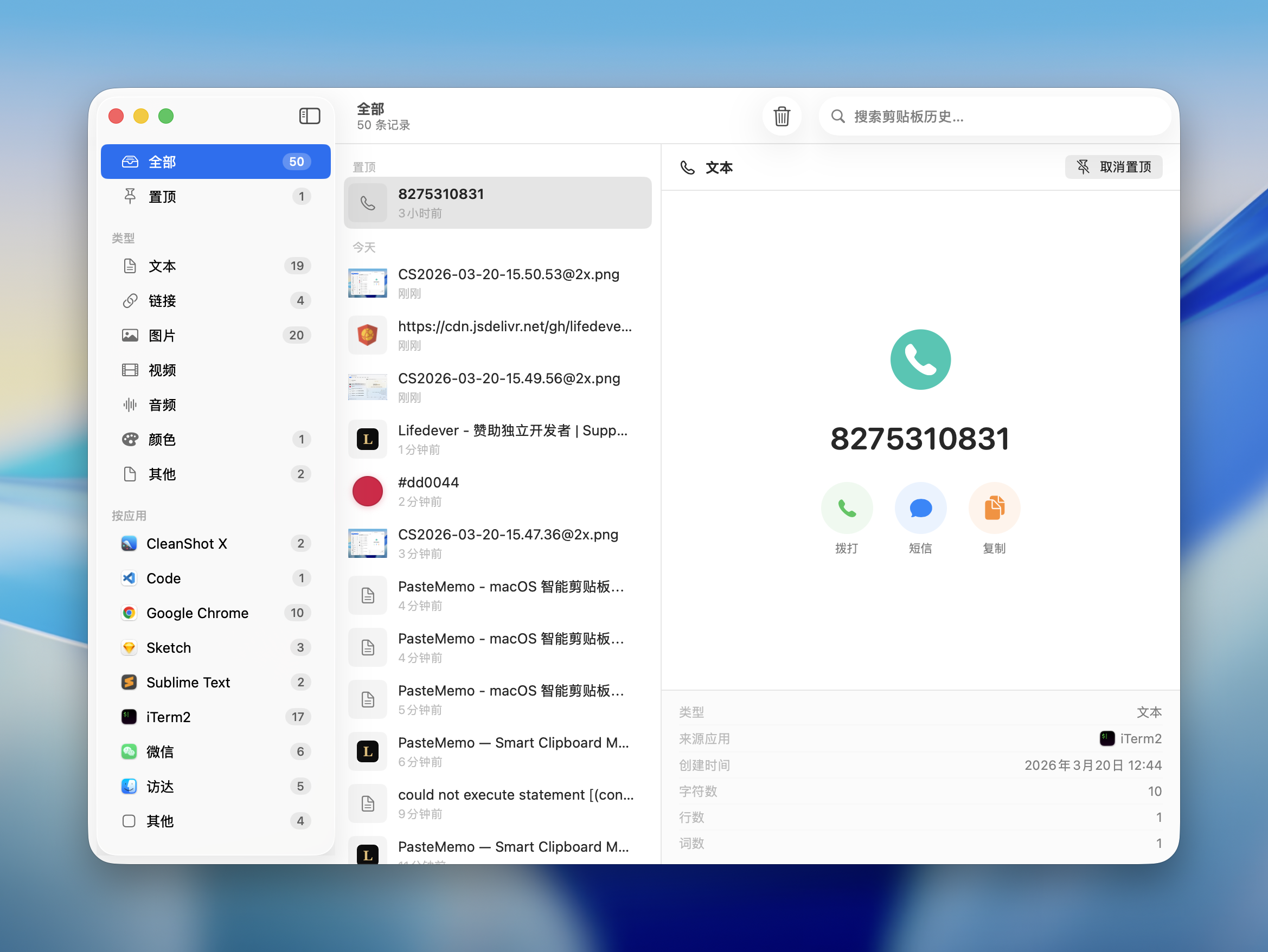
- Smart Recognition — Automatically detects content type — links with favicons, code snippets, colors, phone numbers, files — with intelligent previews.
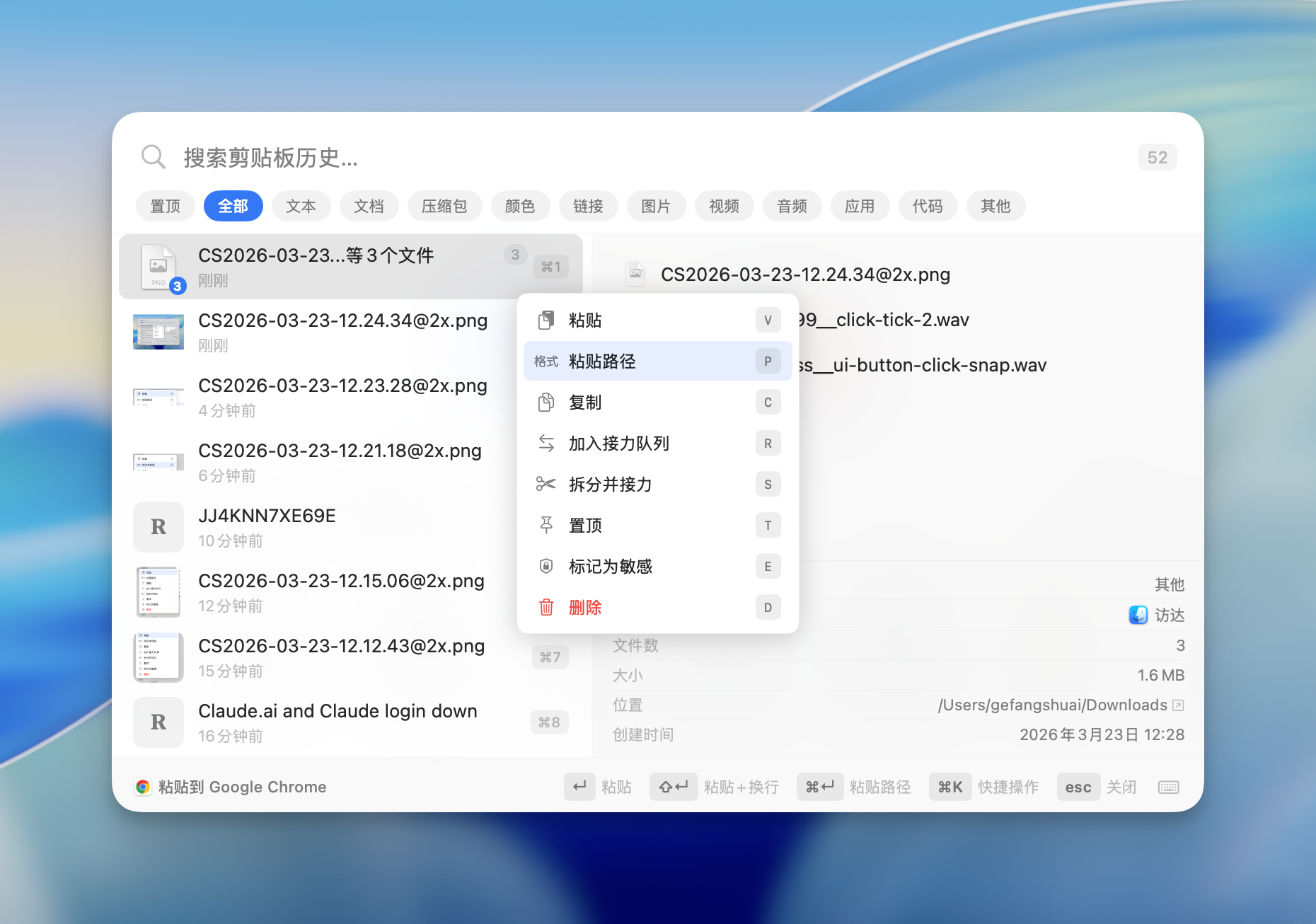
- Beyond Copy-Paste — Paste file paths, filenames, save to folders, or paste-and-enter for terminal commands. Every clip is a multi-tool.
Features
Clipboard Management
- Automatic Capture — Monitors the system clipboard in real-time. Text, images, files, links, code — everything is saved.
- Content Type Detection — Automatically classifies content: text, links, images, code, colors, phone numbers, files, documents, archives, audio, video, and more.
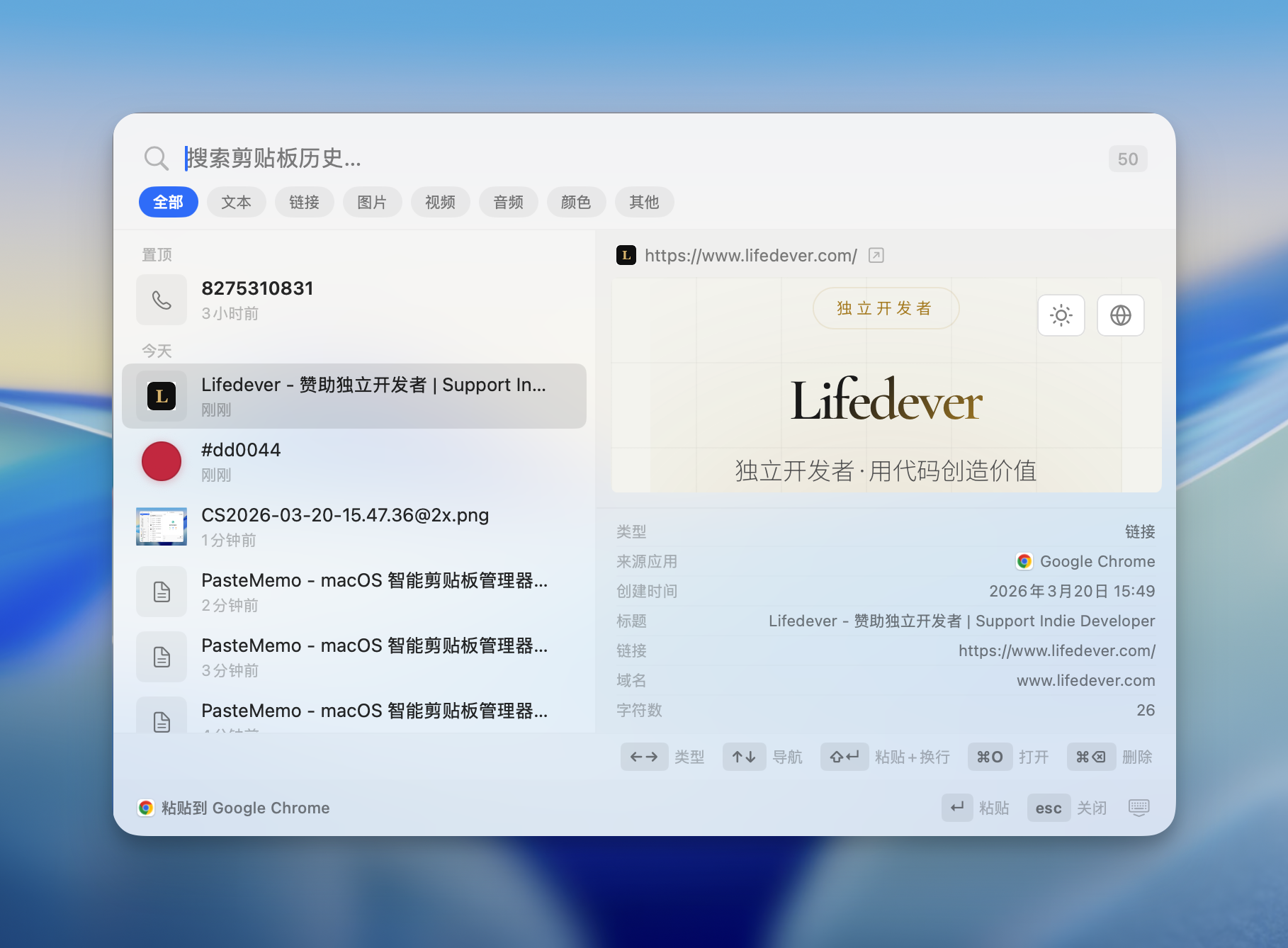
- Rich Preview — Links show live web previews with favicons. Code gets syntax highlighting. Colors display swatches. Phone numbers show action buttons.
- Pin to Top — Pin frequently used clips so they're always at the top of the list.
- Search — Full-text search across all clipboard history. Find anything instantly.
- Filter by Type — Filter by content type: text, links, images, code, colors, files, etc.
- Filter by App — See which app each clip came from. Filter by source — Chrome, VS Code, Figma, Slack, etc.
- History Retention — Configure how long to keep history: forever, or auto-delete after 1–365 days.
Quick Paste Panel
- Global Hotkey — Press ⌘⇧V (customizable, supports F1–F12) from anywhere to open the Quick Paste panel.
- Keyboard Navigation — ⌘1–⌘9 to paste directly. Arrow keys to navigate. Enter to paste. Full keyboard workflow.
- Quick Actions (⌘K) — Command palette for paste, copy, pin, delete, and more — all without leaving the keyboard.
- Paste + Enter — ⇧↵ pastes and presses Enter. Perfect for terminal commands and chat apps.
- Web Preview Toggle — Enable or disable live web previews. When off, shows a clean static card with a browser-open button.
Relay Mode
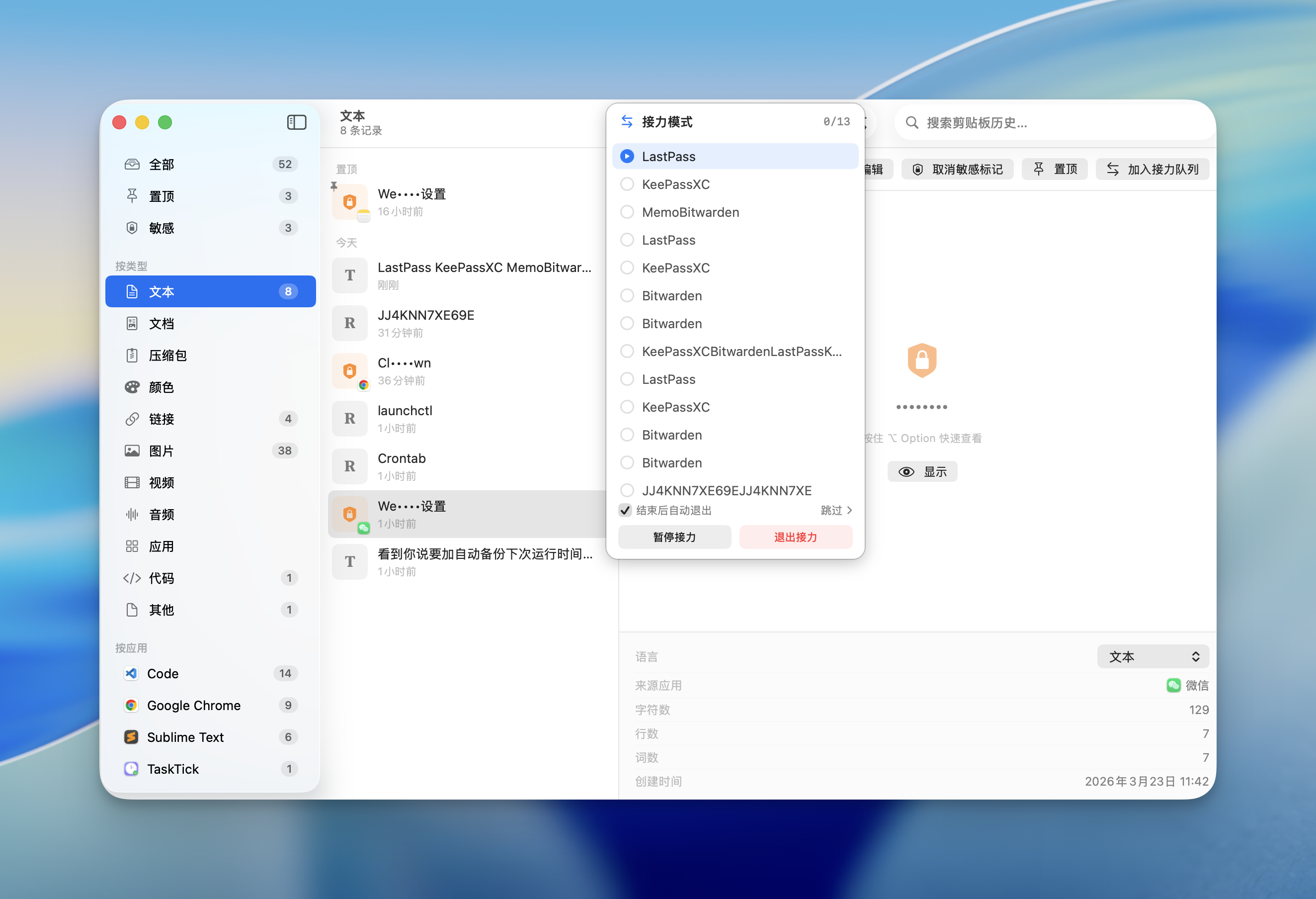
- Batch Paste — Copy multiple items, then paste them one by one in order. Ideal for filling forms, data entry, or repetitive workflows.
- Text Splitting — Split text by a delimiter (comma, newline, etc.) to quickly build a relay queue.
- Visual Queue — See your relay queue with a clear list. Current item is highlighted. Progress is tracked.
Smart Content Actions
- Copy as File — Paste text as
.txt, screenshots as.png— directly into Finder or file dialogs. - Paste File Path — Paste the file path instead of the file itself.
- Paste Filename — Paste just the filename.
- Save to Folder — Save clipboard content to a specific folder.
- Phone Actions — Detected phone numbers get call, message, and copy buttons.
- Open in Browser — Links can be opened directly in your default browser.
- Open in Finder — File clips can be revealed in Finder.
Privacy & Security
- Fully Offline — Zero network connections. Your clipboard data never leaves your Mac.
- No Account Required — No sign-up, no cloud, no tracking, no analytics.
- Sensitive Detection — Automatically detects passwords and sensitive data, masks them in the UI.
- Ignored Apps — Exclude specific apps (e.g., password managers) from clipboard monitoring.
Customization
- Themes — System, Light, or Dark mode.
- Sound Effects — Customizable copy and paste sounds, or disable them entirely.
- Link Display — Choose to show page titles or raw URLs in the history list.
- 11 Languages — English, 简体中文, 繁體中文, 日本語, 한국어, Deutsch, Français, Español, Italiano, Русский, Bahasa Indonesia
Keyboard Shortcuts
| Shortcut | Action |
|---|---|
| ⌘⇧V (customizable) | Open/close Quick Paste panel |
| ⌘1 – ⌘9 | Paste the Nth item directly |
| ↑ / ↓ | Navigate history |
| ↵ | Paste selected item |
| ⇧↵ | Paste and press Enter |
| ⌘K | Open Quick Actions |
| ⌘F | Focus search |
| Esc | Close panel |
Requirements
- macOS 14 (Sonoma) or later
- Apple Silicon or Intel Mac
Install
Homebrew (Recommended)
brew tap lifedever/tap
brew install --cask pastememo
Update to the latest version:
brew upgrade --cask pastememo
Download
Grab the latest .dmg from Releases:
| File | Architecture |
|---|---|
PasteMemo-x.x.x-arm64.dmg | Apple Silicon (M1/M2/M3/M4) |
PasteMemo-x.x.x-x86_64.dmg | Intel Mac |
On first launch: Right-click PasteMemo.app → Open → Open
Or run:
xattr -cr /Applications/PasteMemo.app
Feedback
Found a bug or have a suggestion? Open an issue.
License
Copyright © 2026 lifedever. All rights reserved.