Tmux Command Palette
May 13, 2025 · View on GitHub
Features
Tmux Command Palette is actually Keybinding Palette despite its name.
- Pressing
prefixthen?shows the palette for key table prefix. - Pressing
prefixthenBSpaceshows the palette for key table root. - Pressing
?incopy-modeshows the palette for key table copy-mode. - Pressing
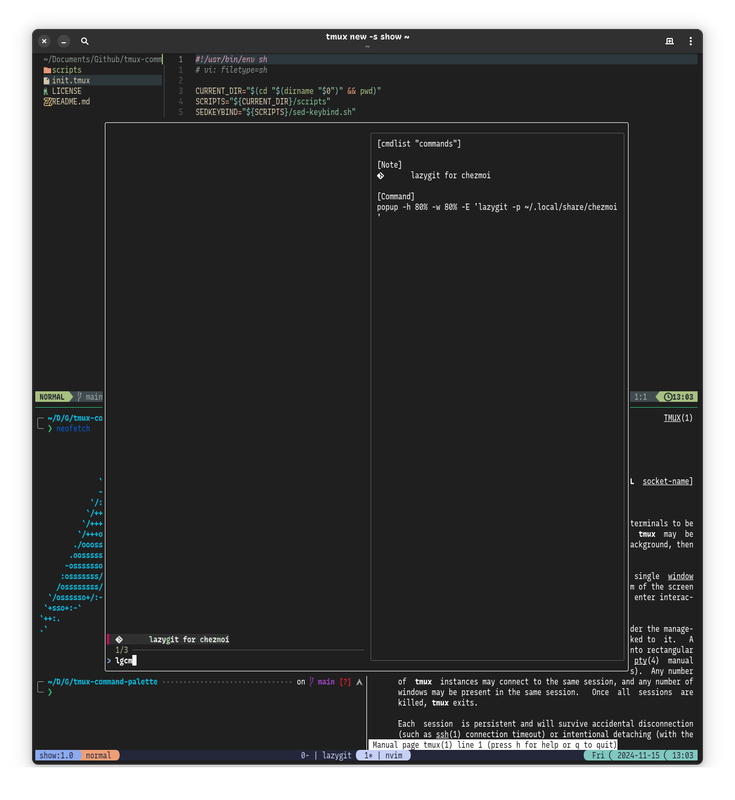
prefixthenM-mshows the palette for a custom command list.
Screenshots
Keybinding Palette
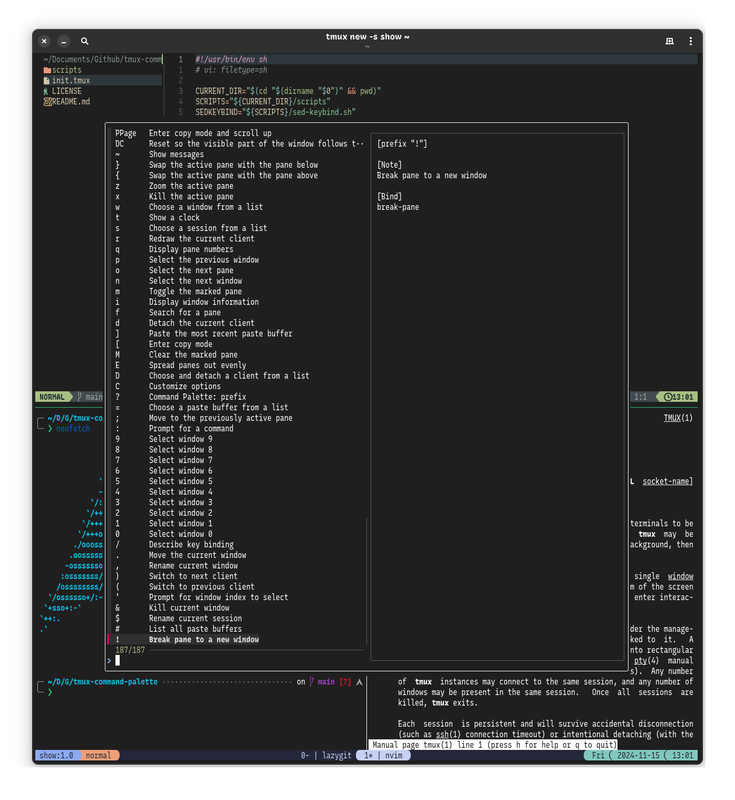
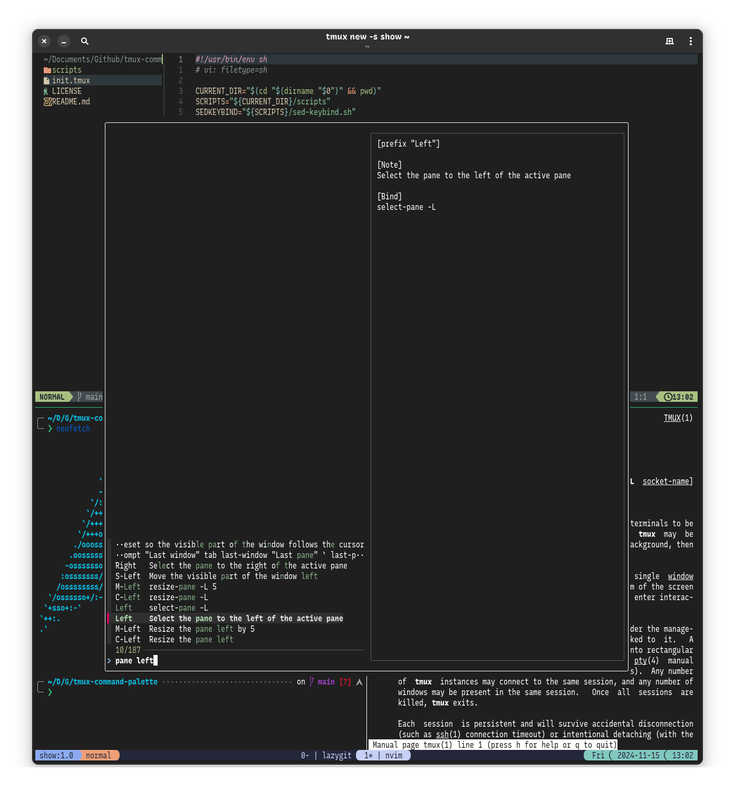
Command Palette
Installation
Requirements:
TPM (Tmux Plugin Manager)
-
Install tpm.
-
Add this plugin to the list of TPM plugins in
~/.tmux.conf:set -g @plugin 'lost-melody/tmux-command-palette' -
Press
prefixthenI(in tmux) to install it.
Manually
Optionally, you may clone this repo and simply run the initialization script in ~/.tmux.conf:
run-shell $PATH_TO_CMDPALETTE/init.tmux
Configuration
Custom Render Command
By default, mdcat is used to render preview contents. If it is not installed, cat is used instead.
Custom render command can be used via:
set -g @cmdpalette-render-cmd 'bat -l md -f -pp'
Keybindings Table
Set key tables that command palette should bind keys for:
# leave empty for all tables
set -g @cmdpalette-tables 'root,prefix,copy-mode-vi'
Use custom keys for key tables:
# 'prefix ?' -> cmdpalette 'prefix', defaults to '?'
set -g @cmdpalette-key-prefix 'prefix ?'
# 'prefix BSpace' -> cmdpalette 'root'
set -g @cmdpalette-key-root 'prefix BSpace'
# 'copy-mode-vi C-/' -> cmdpalette 'copy-mode-vi'
set -g @cmdpalette-key-copy-mode-vi 'copy-mode-vi C-/'
Custom Command List
Command list is a shell script that is sourced by the palette entry file, where we register a series of tmux commands.
First create the shell script:
mkdir -p ~/.config/tmux-command-palette
touch ~/.config/tmux-command-palette/commands.sh
Then register commands in the file:
# commands.sh
tmux_cmd --icon " " --note "Rename session" -- \
command-prompt -p "session name:" "rename-session %1"
shell_cmd --icon " " --note "Launch firefox" -- \
firefox
local editor="${EDITOR:-"vim"}"
popup_cmd --icon " " --note "Edit this list of commands" --flags "-E" -- \
${editor} "${cmdfile}"
With tmux_cmd, shell_cmd, popup_cmd defined in the entry file:
tmux_cmd [--note string] [--icon string] -- [command]
shell_cmd [--note string] [--icon string] -- [command]
popup_cmd [--note string] [--icon string] -- [command]
Custom key binding for raising the command palette:
# same to the script file name, defaults to 'commands'
set -g @cmdpalette-cmdlists 'commands'
# 'prefix P' -> cmdpalette 'commands'
set -g @cmdpalette-cmd-commands 'prefix P'
Now we can press prefix then P and choose our commands from the palette.