Cerebro Linux/MacOS file and folder search
March 30, 2020 · View on GitHub
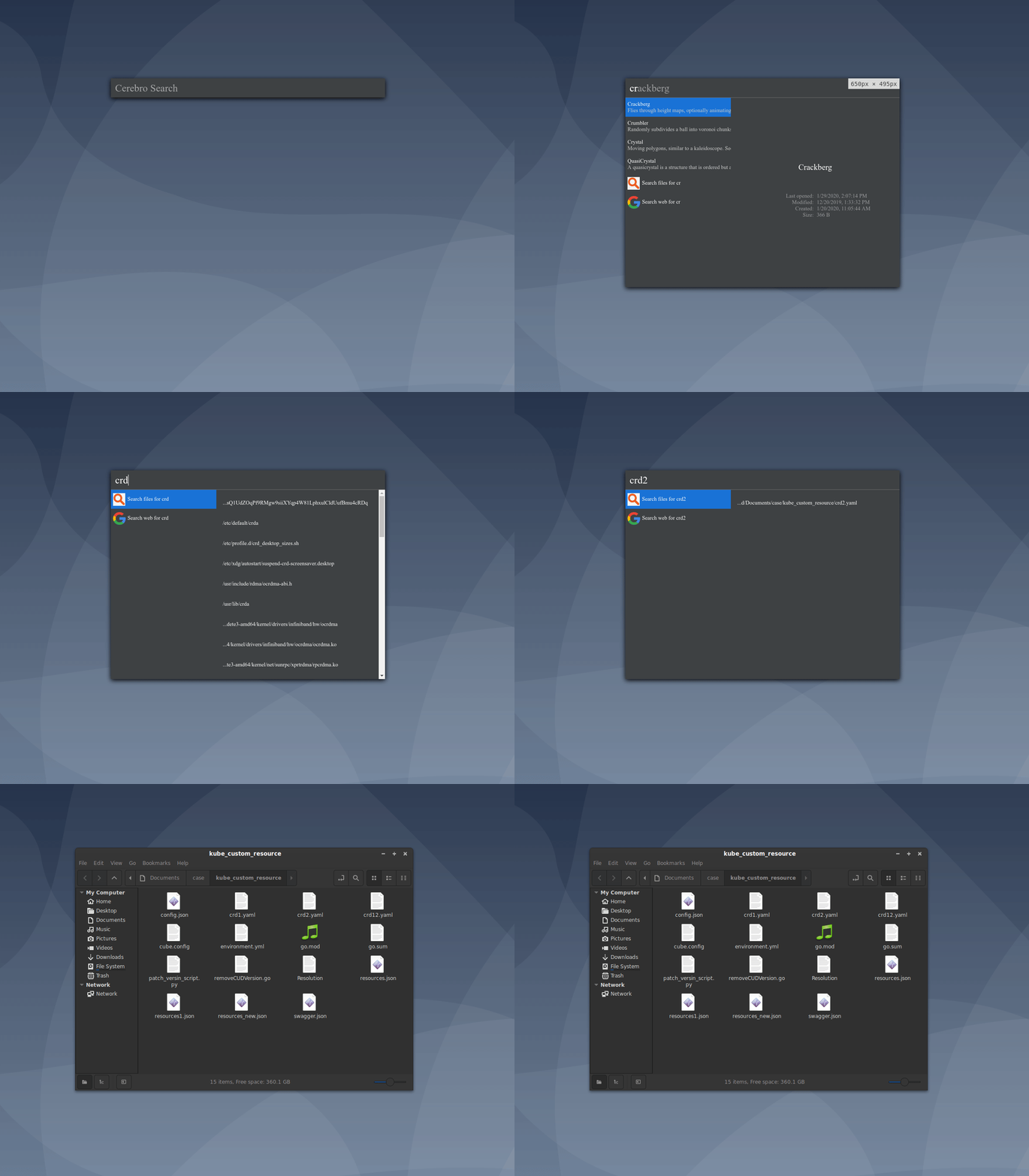
Cerebro plugin to locate files and folders in system
Prerequisites
This tool requires locateit indexes files which provides fast search results.
Debian and Ubuntu
sudo apt-get install locate
Prepare locate command for first use
To update the mlocate.db database before first use, run:
sudo updatedb
Installation
The plugin is avaialable on npm
To add plugin
- Go to you cerebro folder typically
$XDG_CONFIG_HOME/Cerebro/or~/.config/Cerebro/ cd ./pluginsyarn add cerebro-file-search-locate
To run locally use
git clone https://github.com/lucky125111/cerebro-file-search.git
yarn install
yarn start
Usage
In Cerebro, type file name or path of path to look for. Currently the file search will show only first 100 results. Clicking the file will reveal it in the folder explorer
Features
- Typically files will by searched by only file name
- If you include '/' paths will be searched
- On click the file will be shown in window explorer
- Use your keyboard to navigate the entire interface. Intuitive and does what you expect
Remark
This plugin is only available on Linux and MacOS, since Windows doesn't have locate package
Related
- Cerebro – main repo for Cerebro app
- cerebro plugin boilerplate – boilerplate used to create this plugin
- es-everything-plugin - windows version utilizing everything cli
TODO's
- Prefered folders to be shown at the beginning of the list
- Reveal in explorer on ctrl+enter, open on enter
- Separate list of folders excluded from search to separate file
- Support for regular expressions