nomad-term
April 10, 2020 · View on GitHub
A terminal multiplexer based on xmonad
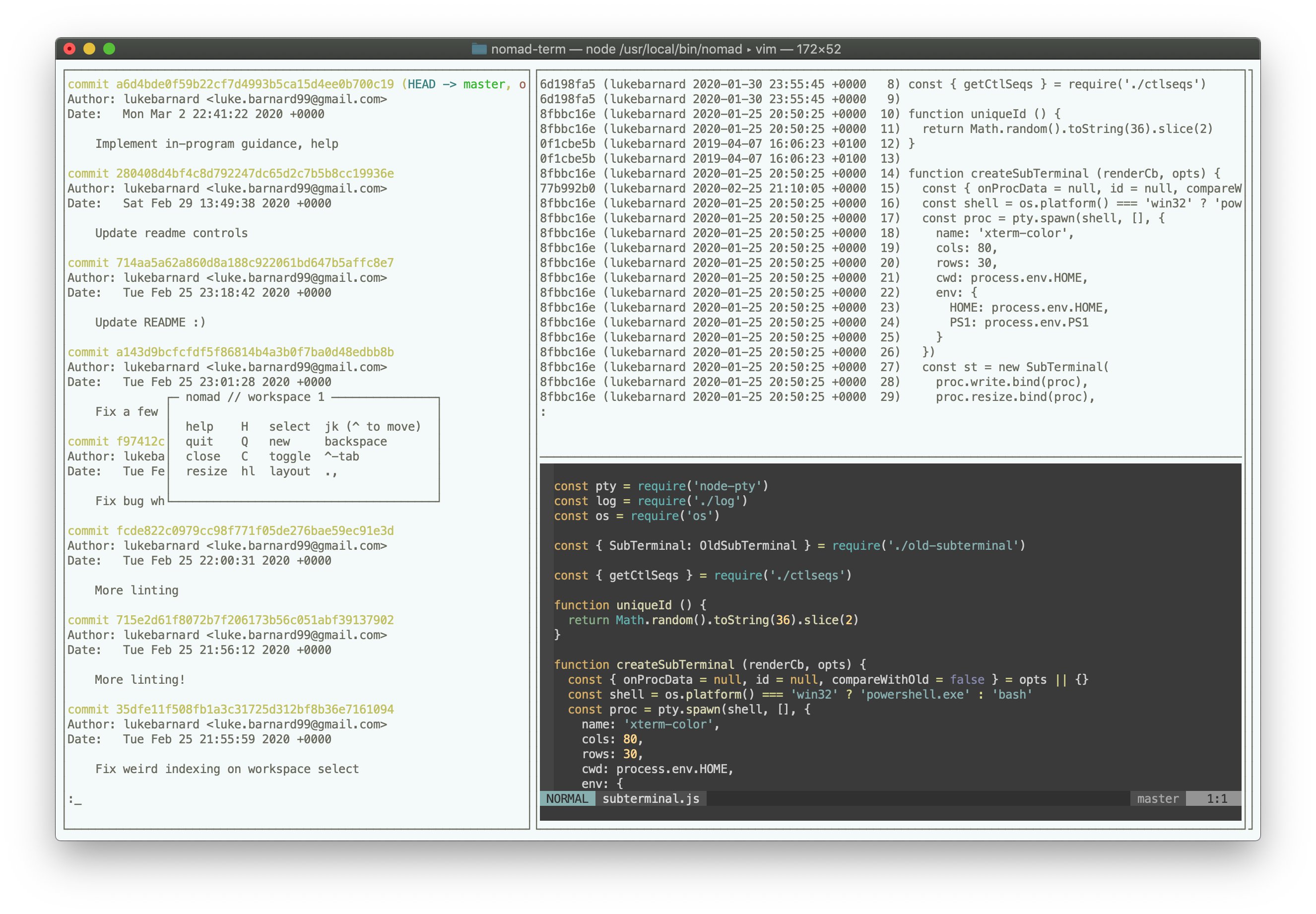
nomad-term is a terminal multiplexer that provides a similar interface to the tiling window manager, xmonad. It uses node-pty to fork each child process within a virtual pseudoterminal, maintaining an in-memory visual representation of program output. These "sub-terminals" are arranged as a grid and can be controlled with keyboard controls, with a very similar UX to xmonad.
Installation
Disclaimer - Please use at your own risk:
- nomad-term is not yet officially released, this is a POC.
- nomad-term has not been audited for security and may be vulnerable to malicious attacks via the output of a program running within it.
- The author will exercise best effort to make sure any security patches are communicated, including for that of dependencies.
Make sure Node.js is installed, e.g. via nvm.
Clone git repo into nomad-term directory
$ git clone git@github.com:lukebarnard1/nomad-term.git
Install dependencies
$ cd nomad-term
$ npm install
Install into /usr/local/bin/
$ ln -s $(pwd)/index.js /usr/local/bin/nomad
Usage
$ nomad
Keyboard controls
| shift-tab | toggle between input/movement |
|---|
Modes
input: send all key strokes to the selected terminal
move: use key strokes to control nomad
Movement controls
| key combination | action |
|---|---|
| shift-tab | toggle between input and movement modes |
| backspace | create a new terminal |
| shift-c | close selected terminal |
| j | select next terminal |
| k | select previous terminal |
| h | decrease main terminal size |
| l | increase main terminal size |
| , | increase number of primary terminals |
| . | decrease number of secondary terminals |
| ␣ (space) | select next layout: normal / full |
| shift-j | swap current terminal with next terminal |
| shift-k | swap current terminal with previous terminal |
| [0-9] | select workspace n |
| shift-[0-9] | move selected terminal to workspace n |