coc-markmap
January 4, 2025 · View on GitHub

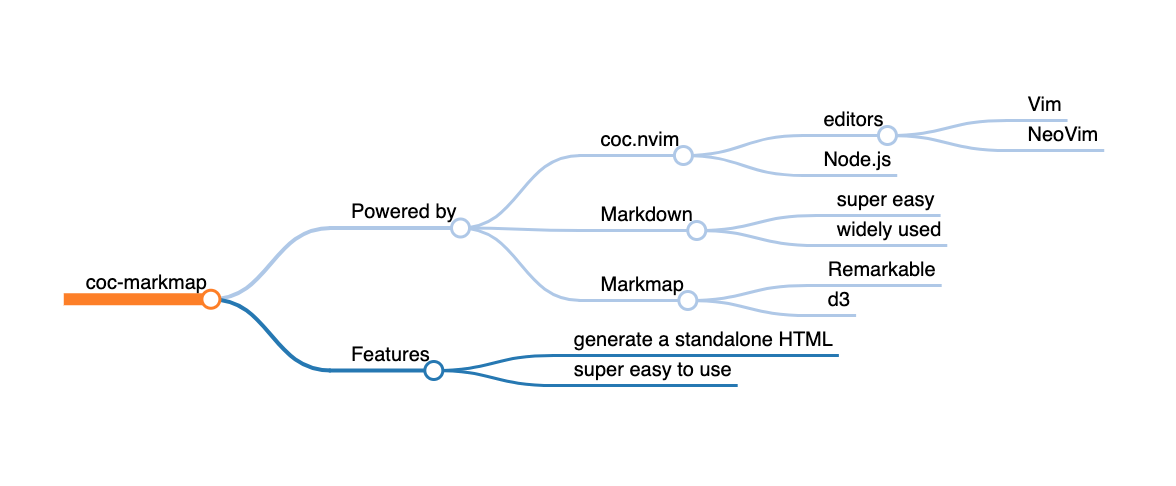
Visualize your Markdown as mindmaps with markmap.
This is an extension for coc.nvim.
If you prefer a CLI version, see markmap-cli.
Note: coc-markmap uses markmap-cli under the hood, and supports more features by connecting the Markmap with the current buffer, such as highlighting the node under cursor.

Installation
First, make sure coc.nvim is started.
Then install with the Vim command:
:CocInstall coc-markmap
Usage
You can run the commands below in a buffer of Markdown file.
Generating a markmap HTML
:CocCommand markmap.create
Inline all assets to work offline:
:CocCommand markmap.create --offline
This command will create an HTML file rendering the markmap and can be easily shared.
The HTML file will have the same basename as the Markdown file and will be opened in your default browser. If there is a selection, it will be used instead of the file content.
Watching mode
:CocCommand markmap.watch
This command will start a development server, watch the current buffer and track your cursor.
The markmap will update once the markdown file changes, and the node under cursor will always be visible in the viewport on cursor move.
:CocCommand markmap.unwatch
The command will unwatch the current buffer.
Configurations
CocConfig
You can change some global configurations for this extension in coc-settings.json.
First open the settings file with :CocConfig.
Key mappings
There is no default key mapping, but you can easily add your own:
" Create markmap from the whole file
nmap <Leader>m <Plug>(coc-markmap-create)
Commands
It is also possible to add a command to create markmaps.
command! -range=% Markmap CocCommand markmap.create <line1> <line2>
Now you have the :Markmap command to create a Markmap, either from the whole file or selected lines.