symfony-carve
August 22, 2026 · View on GitHub


Symfony bundle that renders Carve markup to HTML using carve-php.
Carve is "Djot minus the footguns": a lightweight markup language with consistent, unambiguous syntax.
Installation
composer require markup-carve/symfony-carve
Register the bundle (Symfony Flex does this automatically; otherwise add it to config/bundles.php):
return [
    // ...
    MarkupCarve\SymfonyCarve\CarveBundle::class => ['all' => true],
];
Usage
Service
use MarkupCarve\SymfonyCarve\CarveRenderer;

public function show(CarveRenderer $carve): Response
{
    $html = $carve->render('# Hello *world*');
    $text = $carve->renderText('# Hello *world*');
    $markdown = $carve->renderMarkdown('# Hello *world*');

    return new Response($html);
}
Twig
{# filter #}
{{ article.body|carve }}

{# function #}
{{ carve('# Inline /snippet/') }}

{# plain text and Markdown filters (escaped normally by Twig) #}
{{ article.body|carve_text }}
{{ article.body|carve_markdown }}
Only the HTML output from carve is marked safe, so Twig does not double-escape it. The
carve_text and carve_markdown filters are not HTML and Twig escapes them normally. Safe mode
only affects HTML rendering; profiles apply to all three output formats.
Configuration
# config/packages/carve.yaml
carve:
    safe_mode: true      # sanitize HTML (default: true)
    raw_html: strip      # strip | escape | allow (default: strip)
    profile: null        # null | full | article | comment | minimal (default: null)
    diagrams: []         # diagram presets to enable (default: none)
| Key | Type | Default | Description |
|---|---|---|---|
safe_mode | bool | true | Enable HTML sanitization. Keep this on for untrusted input. |
raw_html | enum | strip | How raw HTML is handled when safe_mode is on: strip, escape, allow. |
profile | enum|null | null | Restrict markup features using full, article, comment, or minimal. |
diagrams | string[] | [] | Diagram fenced-block presets to enable (see below). Off by default. |
Setting safe_mode: false disables sanitization entirely. Only do this for fully trusted input.
Safe mode only affects HTML output. Profiles restrict available constructs for HTML, plain-text,
and Markdown output; null leaves all constructs available.
Diagrams
By default a fenced block like ``` plantuml renders as a plain code block. Listing a
preset under diagrams turns that fence into a hydration element for a client-side renderer:
# config/packages/carve.yaml
carve:
    diagrams: ['plantuml', 'mermaid']
Now ``` plantuml renders as <pre class="plantuml">...</pre> and ``` mermaid
as <pre class="mermaid">...</pre>, ready for a browser library to pick up.
| Preset | Fence word(s) | Output |
|---|---|---|
mermaid | mermaid | <pre class="mermaid"> |
plantuml | plantuml, puml | <pre class="plantuml"> |
d2 | d2 | <pre class="d2"> |
graphviz | dot, graphviz | <pre class="graphviz"> |
wavedrom | wavedrom | <pre class="wavedrom"> |
vega_lite | vega-lite | <div class="vega-lite"><script type="application/json"> |
chart | chart | <div class="chart"><script type="application/json"> |
abc | abc | <pre class="abc"> |
The bundle only emits the markup - it does not ship or load any renderer. You supply the client side:
- Graphviz, D2 render fully offline (no server, no external call) with the WebAssembly helpers
from
@markup-carve/carve-grammars:renderDiagrams(orrenderGraphvizDiagrams/renderD2Diagrams). - PlantUML has no practical in-browser renderer; render it via a Kroki
server with the same package's
renderKrokiDiagramshelper.⚠️ Privacy / GDPR: the default Kroki server is the public
https://kroki.io, so the PlantUML source is sent to a third party outside your domain. For sensitive content, or to stay offline, point the helper'sserveroption at a self-hosted or localhost Kroki, and disclose the external call to end users where required. - Mermaid, WaveDrom, Vega-Lite, Chart.js, ABC each need their own browser library loaded on the page (mermaid.js, wavedrom, vega-embed, chart.js, abcjs).
Unknown names in the whitelist are rejected by config validation; the accepted values are exactly the presets above.
Demo
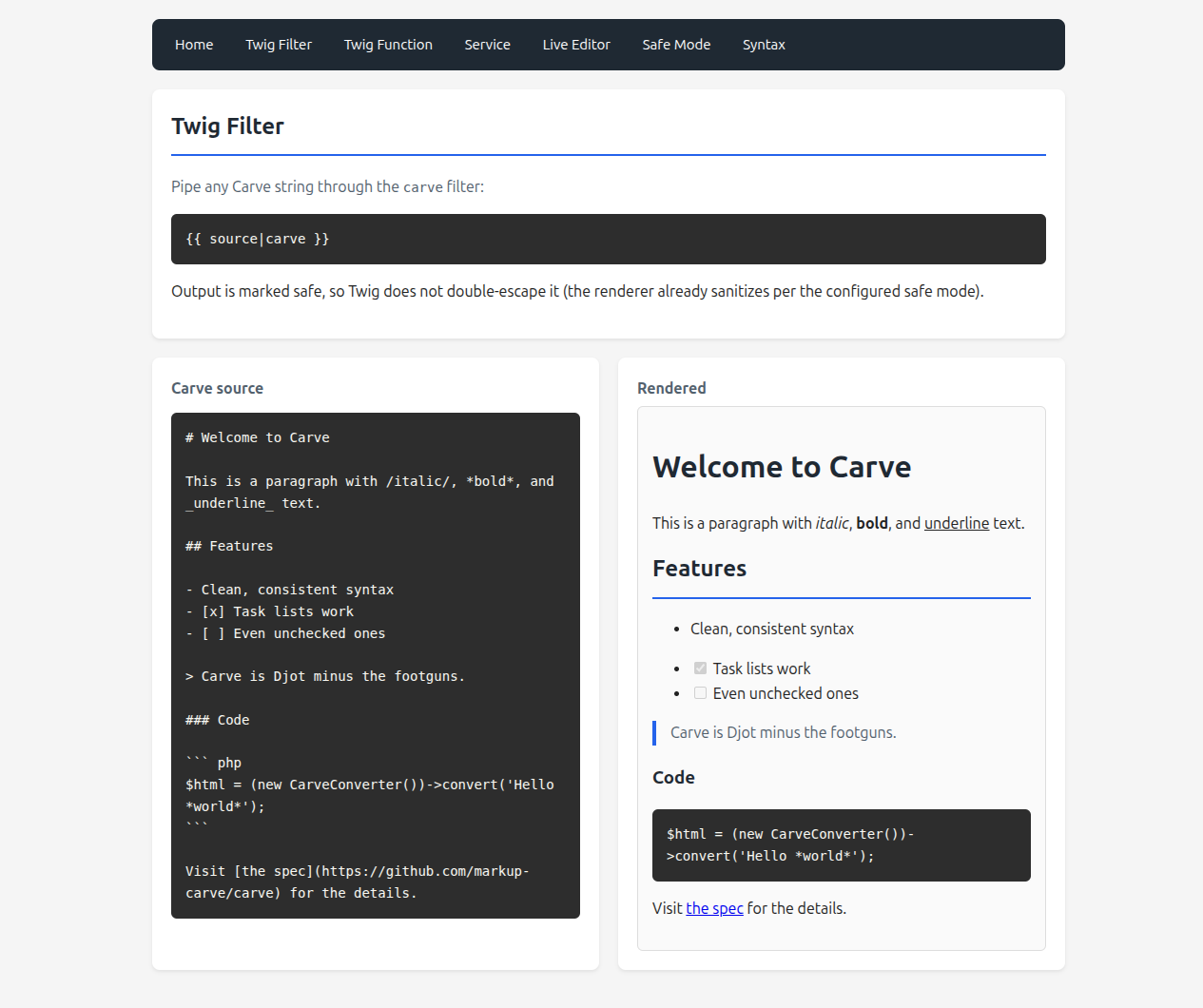
A full runnable demo app lives at symfony-carve-demo: the Twig filter and function, the CarveRenderer service, a live editor, a safe-mode comparison, and a syntax gallery.