Handy for Raycast
March 17, 2026 · View on GitHub
Control Handy — offline speech-to-text — directly from Raycast.
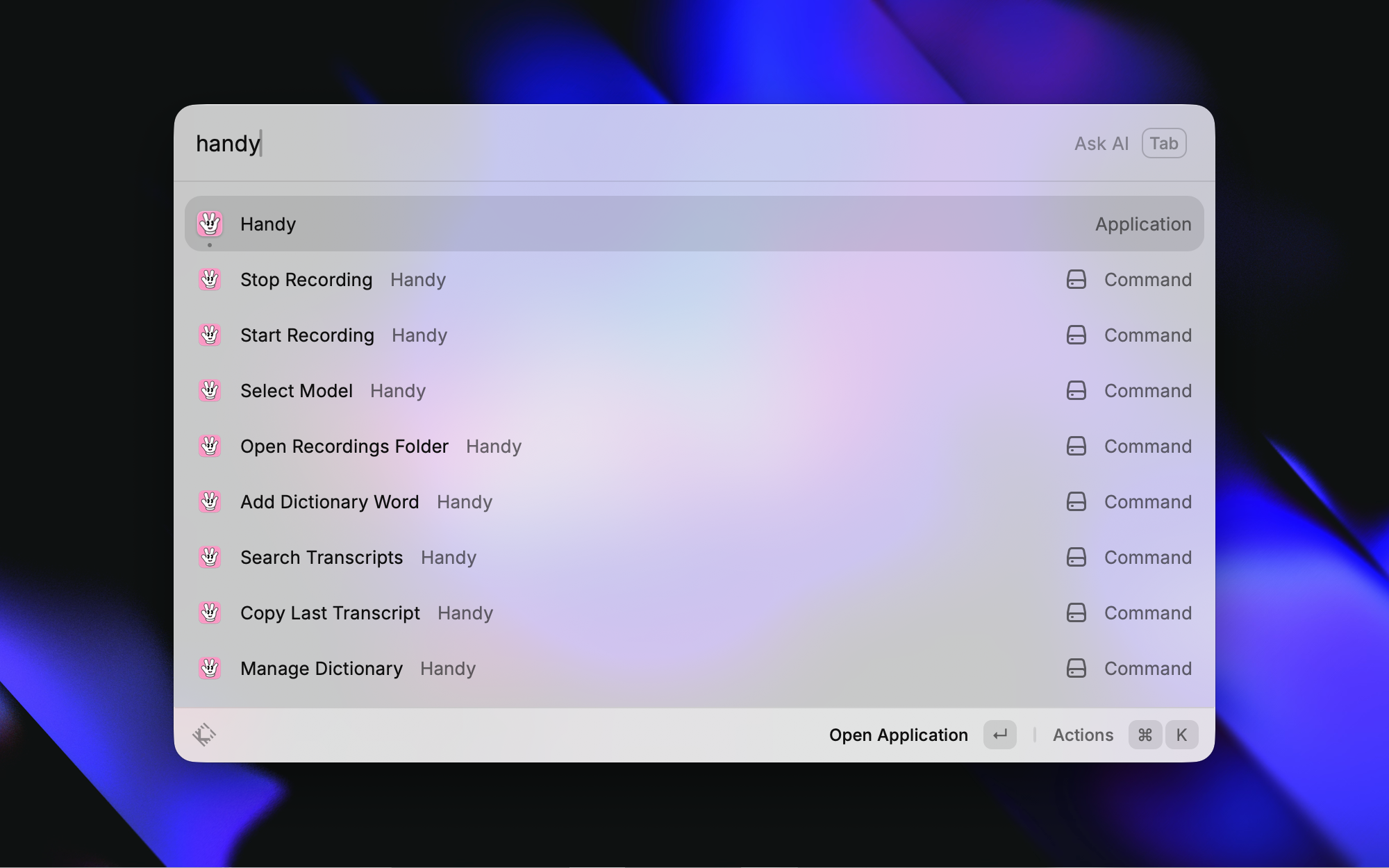
Commands
| Command | Description |
|---|---|
| Toggle Recording | Toggle Handy's transcription recording on/off |
| Copy Last Transcript | Copy the most recent transcription to clipboard |
| Paste Last Transcript | Paste the most recent transcription into the active app |
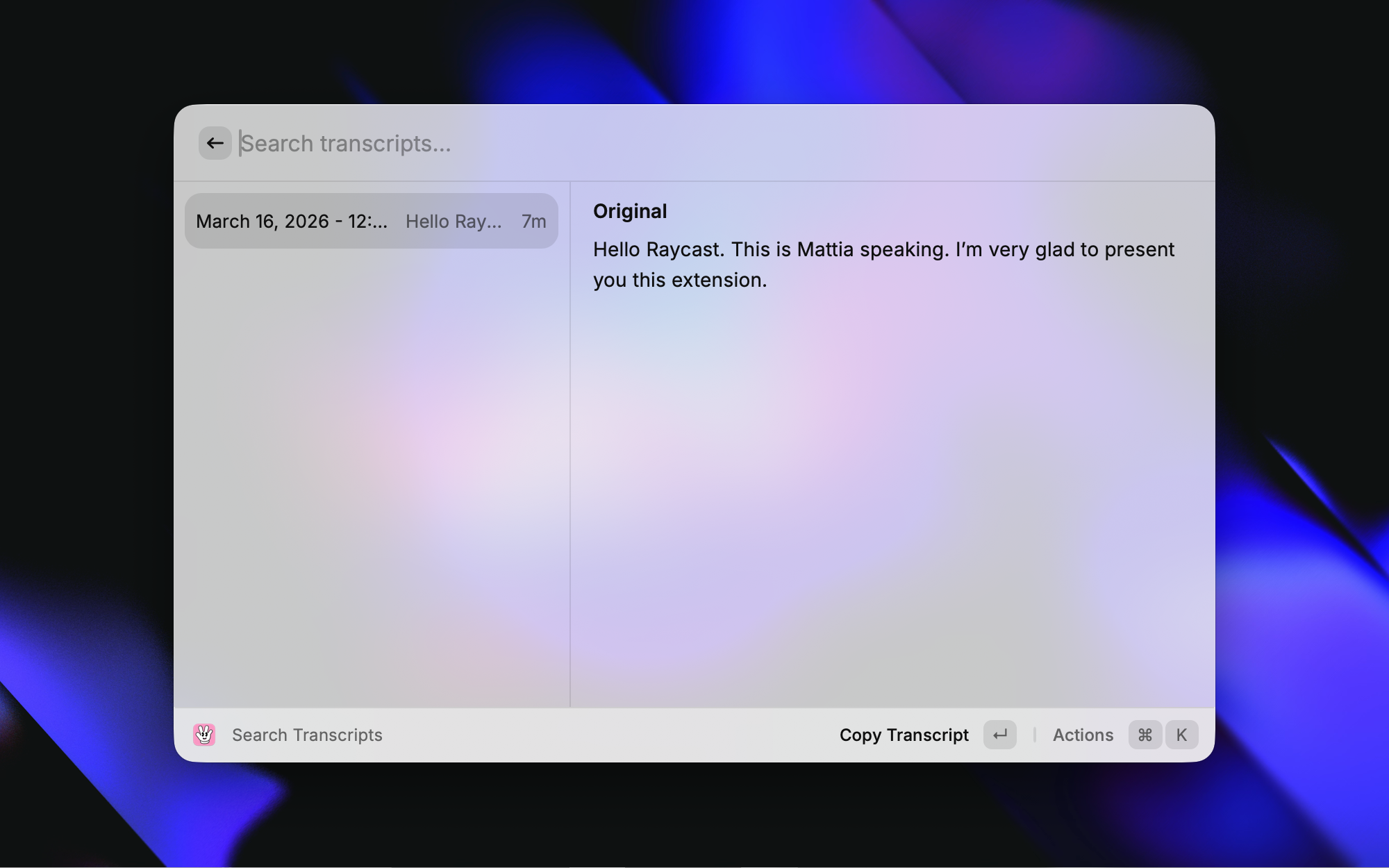
| Search Transcripts | Browse history, copy, save, delete, reveal in Finder |
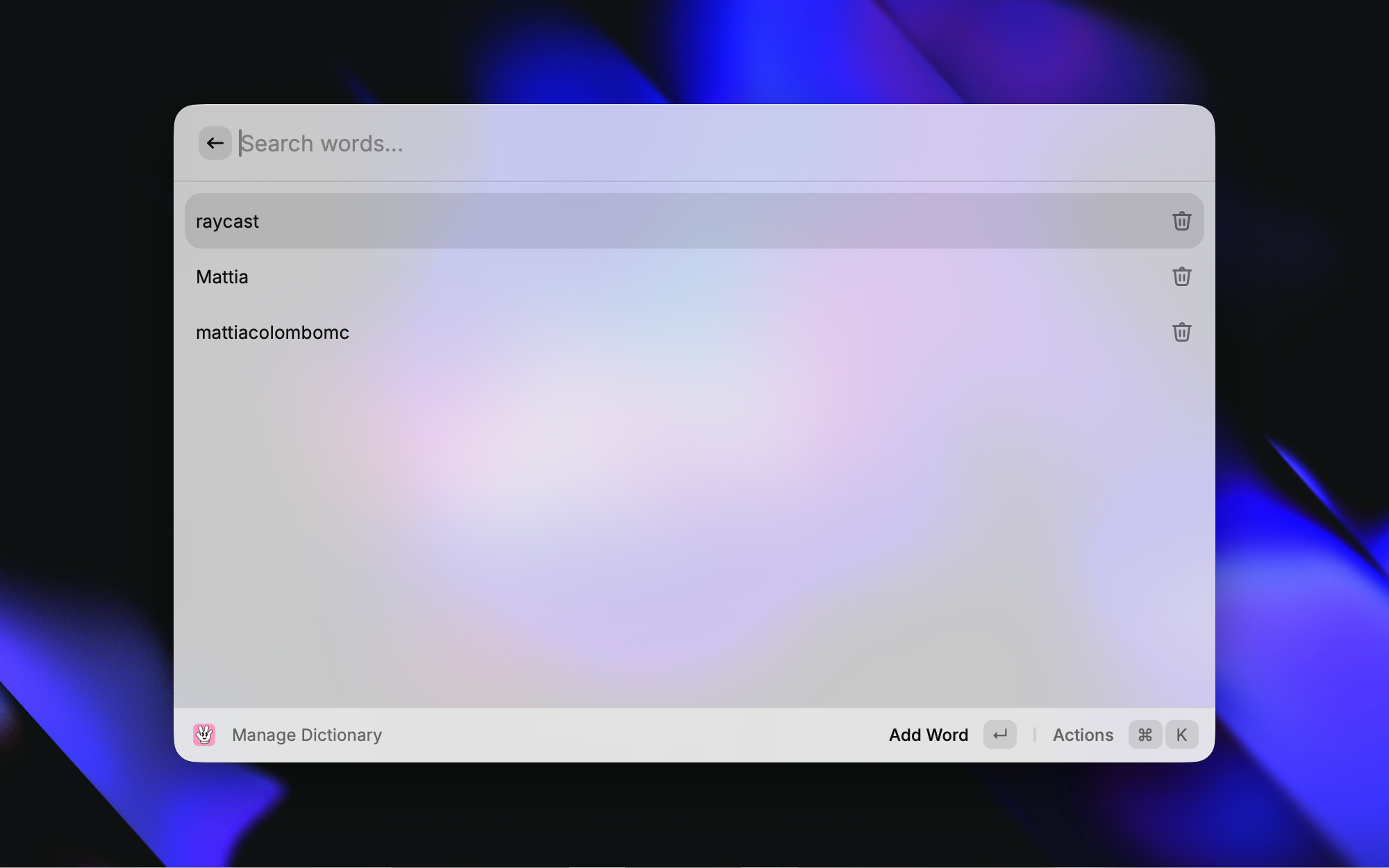
| Add Dictionary Word | Quickly add a word to Handy's custom dictionary |
| Manage Dictionary | View, add, and delete custom dictionary words |
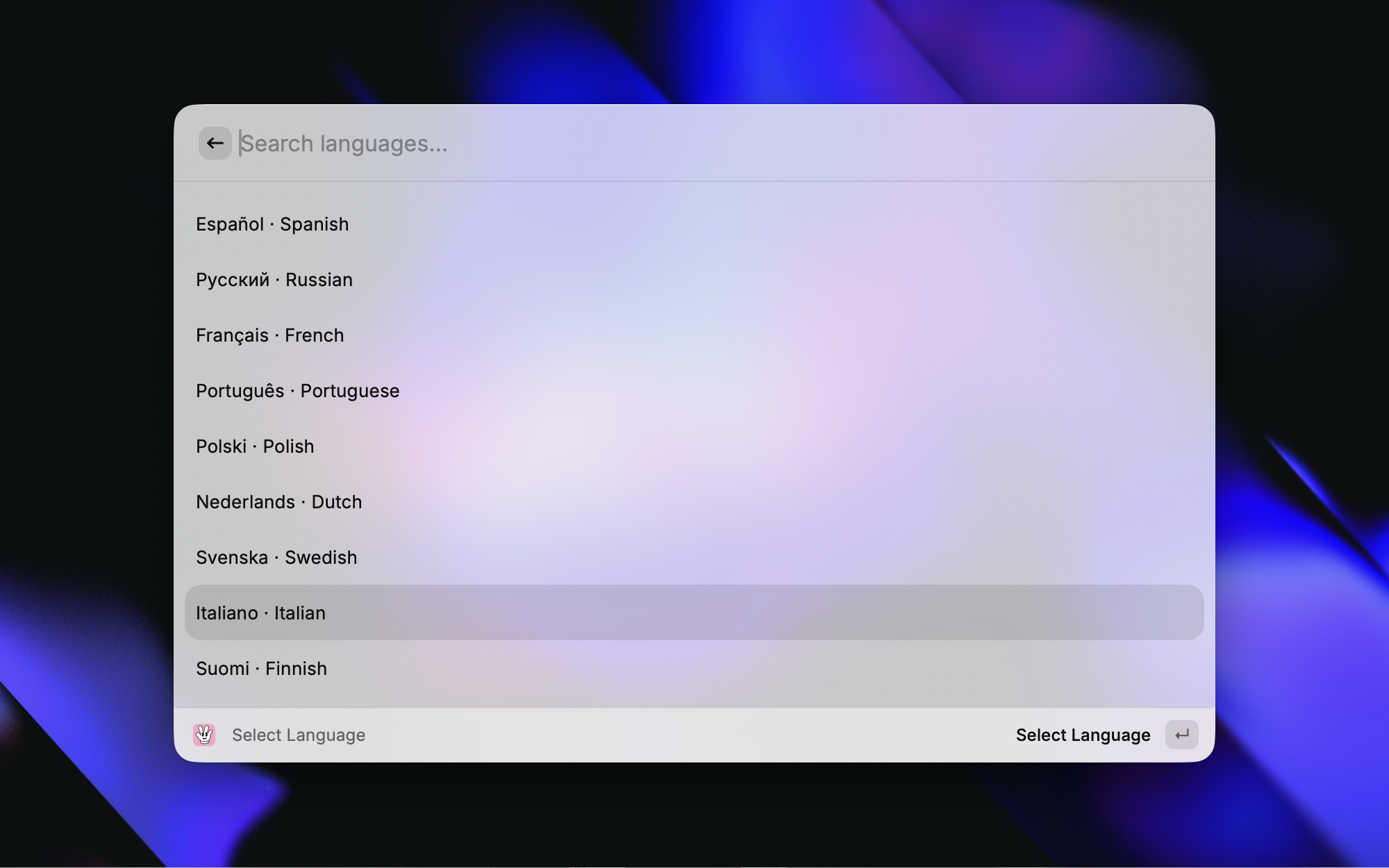
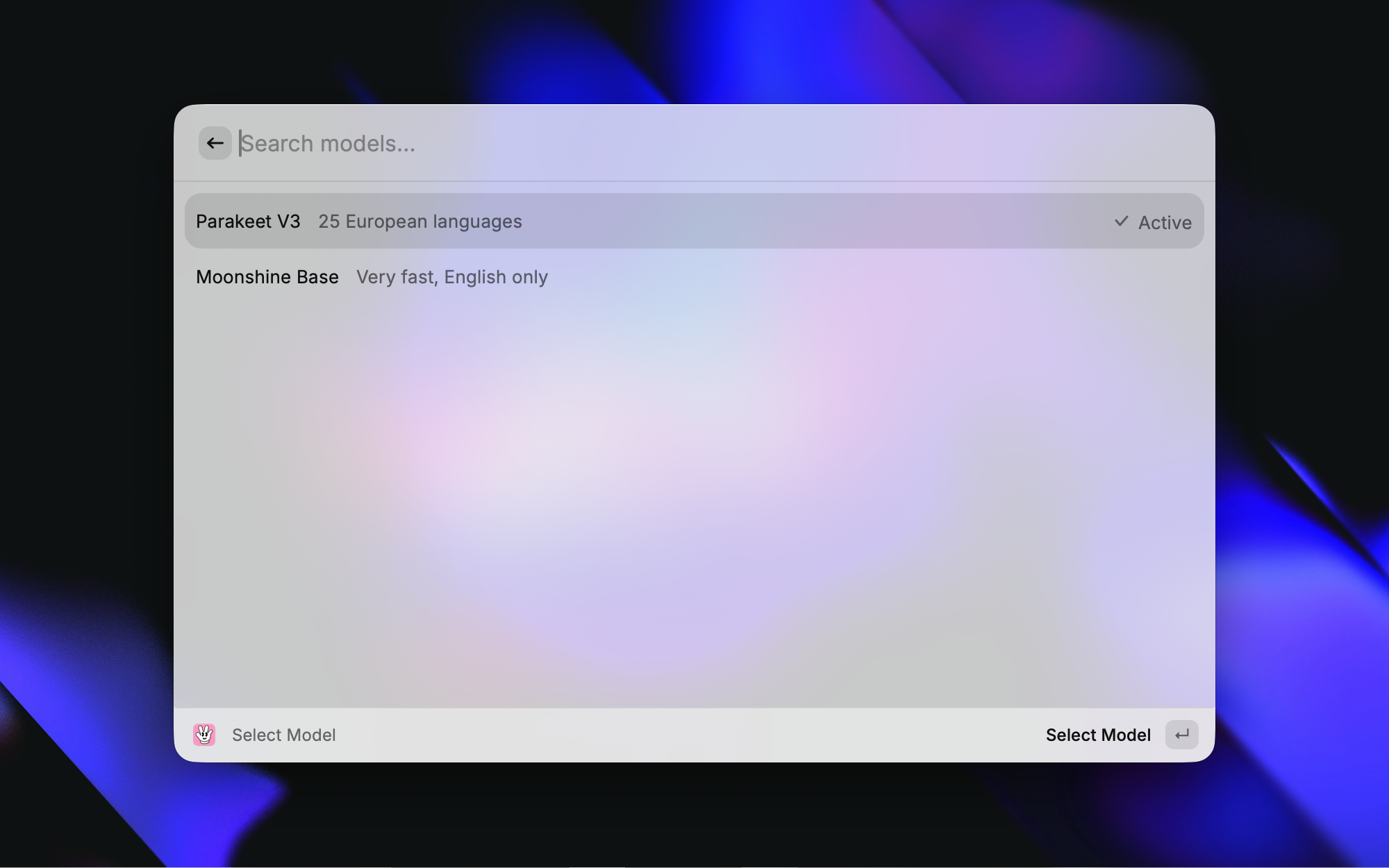
| Select Model | Switch the active transcription model |
| Open Recordings Folder | Open the recordings directory in Finder |
Screenshots
Setup
- Install and launch Handy
- In Raycast Preferences → Extensions → Handy, set Handy Binary Path if Handy is not installed at the default location (
/Applications/Handy.app/Contents/MacOS/Handy)
Requirements
- macOS
- Handy installed and configured with at least one downloaded model