:wind_face: Zephyr
August 14, 2026 · View on GitHub
A Zsh framework as nice as a cool summer breeze
Zsh is a wonderful shell, but out-of-the-box it needs a boost. That's where Zephyr comes in.
Zephyr combines some of the best parts from Prezto and other Zsh frameworks, removes bloat and dependencies, and prioritizes speed and simplicity.
Zephyr can be thought of as a fast, lightweight set of independent Zsh features, and is designed to be one of the first things you load to build your ideal Zsh config.
Combine Zephyr with a plugin manager and some awesome plugins and you'll have a powerful Zsh setup that rivals anything out there.
Project goals
Zephyr allows you to take an a la carte approach to building your ideal Zsh configuration. Other Zsh frameworks are meant to be used wholesale and are not truly modular. Zephyr is different - each of its plugins works independently, and are designed to pair well with a modern Zsh plugin manager like antidote. Zephyr can be used in whole or in part, and plays nice with other popular plugins. Zephyr brings together core Zsh functionality that typically is not available elsewhere as standalone plugins - while favoring a build-your-own composable Zsh config.
Prompt
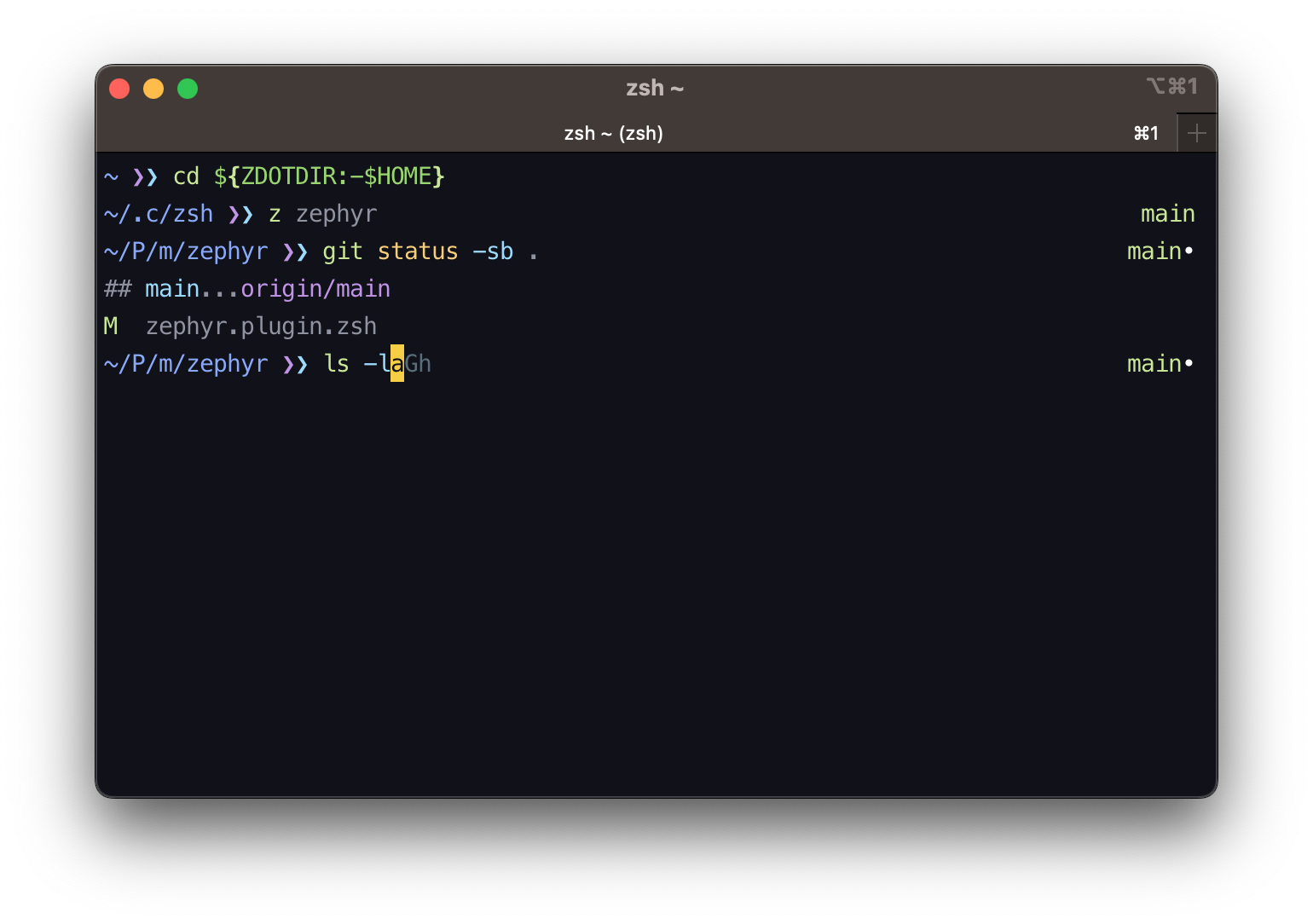
Zephyr comes with an (optional) Starship prompt config.
Install
Using a Plugin manager
If your plugin manager supports using sub-plugins, you can load Zephyr that way as well.
Antidote is one such plugin manager. You can load only the parts of Zephyr you need like so:
# .zsh_plugins.txt
# pick only the plugins you want and remove the rest
mattmc3/zephyr path:plugins/color
mattmc3/zephyr path:plugins/completion
mattmc3/zephyr path:plugins/compstyle
mattmc3/zephyr path:plugins/confd
mattmc3/zephyr path:plugins/directory
mattmc3/zephyr path:plugins/editor
mattmc3/zephyr path:plugins/environment
mattmc3/zephyr path:plugins/history
mattmc3/zephyr path:plugins/homebrew
mattmc3/zephyr path:plugins/macos
mattmc3/zephyr path:plugins/prompt
mattmc3/zephyr path:plugins/utility
mattmc3/zephyr path:plugins/zfunctions
Or, if you're running antidote >2.1, you can use the new using directive:
# .zsh_plugins.txt
# pick only the plugins you want and remove the rest
using:mattmc3/zephyr path:plugins
color
completion
compstyle
confd
directory
editor
environment
history
homebrew
macos
prompt
utility
zfunctions
Manually
Add the following snippet to your .zshrc:
# Clone Zephyr.
[[ -d ${ZDOTDIR:-~}/.zephyr ]] ||
  git clone --depth=1 https://github.com/mattmc3/zephyr ${ZDOTDIR:-~}/.zephyr

# Use zstyle to specify which plugins you want. Order matters.
zephyr_plugins=(
  zfunctions
  directory
  editor
  history
)
zstyle ':zephyr:load' plugins $zephyr_plugins

# Source Zephyr.
source ${ZDOTDIR:-~}/.zephyr/zephyr.zsh
Plugins
- autosuggest - Suggest commands from history as you type
- color - Make terminal things more colorful
- completion - Load and initialize the built-in zsh completion system
- compstyle - Load and initialize a completion style system
- confd - Source a Fish-like
conf.ddirectory - directory - Set options and aliases related to the dirstack and filesystem
- editor - Override and fill in the gaps of the default keybinds
- environment - Define common environment variables
- history - Load and initialize the built-in zsh history system
- history-search - Search history from Up and Down using what's already typed
- homebrew - Functionality for users of Homebrew
- macos - Functionality for macOS users
- prompt - Load and initialize the built-in zsh prompt system
- utility - Common shell utilities, aimed at making cross platform work less painful
- zfunctions - Lazy load a Fish-like functions directory
Customization
Zephyr uses Zsh's zstyles to let you easily customize your config. Unlike environment variables which pollute your environment, zstyles make it easy to handle more robust configuration.
Reminder: zstyle settings need to be set prior to loading Zephyr.
The customizations are detailed below.
Common
To selectively load plugins when sourcing zephyr.plugin.zsh directly, use the
zstyle ':zephyr:load' plugins ... array. Order matters.
zstyle ':zephyr:load' plugins \
  environment \
  homebrew \
  color \
  compstyle \
  completion \
  directory \
  editor \
  history \
  prompt \
  utility \
  zfunctions \
  macos \
  confd
Or, to skip the list and take a ready-made one, use
zstyle ':zephyr:load' plugins-preset .... There are two: default is the list above,
and is what you get when you set neither zstyle, while all adds the plugins that are
otherwise opt-in.
zstyle ':zephyr:load' plugins-preset 'all'
A plugins list of your own wins over any preset. The macos plugin is left out of a
preset entirely off macOS, and everything else checks its own requirements as it loads.
Plugins from elsewhere
A bare plugin name is always Zephyr's own, so nothing you clone can quietly replace one. To load plugins out of another tree, register it under a name of your choosing and say where each plugin comes from:
zstyle ':zephyr:load:contrib' omz ${ZDOTDIR:-$HOME/.zsh}/contrib/ohmyzsh
zstyle ':zephyr:load' plugins environment editor omz:git omz:history
A registered tree holds plugins/<name>/<name>.plugin.zsh, the same layout Zephyr uses,
which is also how an Oh-My-Zsh clone is laid out. Clone one wherever you pointed the
zstyle:
git clone --depth=1 https://github.com/ohmyzsh/ohmyzsh \
  ${ZDOTDIR:-$HOME/.zsh}/contrib/ohmyzsh
omz:history is then that tree's history plugin and history is still Zephyr's, so the
two can be loaded side by side or one without the other. A prefix that isn't registered
lists the names that are, and a plugin missing from a tree names the directory searched.
Being found is not the same as working. Many Oh-My-Zsh plugins expect $ZSH,
$ZSH_CACHE_DIR, and Oh-My-Zsh's own library functions to exist already, none of which a
bare clone provides.
Your own plugins and your overrides both live in $ZSH_CUSTOM, which answers bare names
only. A plugin found there replaces Zephyr's of the same name rather than adding to it,
and a plugin Zephyr has never heard of loads from there by name alone. It defaults to
your Zsh config directory.
export ZSH_CUSTOM=${ZDOTDIR:-$HOME/.zsh}
zstyle ':zephyr:load' plugins editor mine
Qualified names skip $ZSH_CUSTOM entirely: omz:git is that tree's git, always. If you
keep an override for a tree's plugin there, load it as a bare name instead.
To use your home directory instead of using XDG Base Directories:
zstyle ':zephyr:plugin:*' use-xdg-basedirs no
conf.d
Change the confd directory used for conf.d:
':zephyr:plugin:confd' directory ${HOME:-$ZDOTDIR}/.zshrc.d
editor
Disable editor features with 'no'. Features are enabled by default:
zstyle ':zephyr:plugin:editor' 'prepend-sudo' yes
zstyle ':zephyr:plugin:editor' 'glob-alias' no
zstyle ':zephyr:plugin:editor' 'magic-enter' no
zstyle ':zephyr:plugin:editor' 'pound-toggle' yes
zstyle ':zephyr:plugin:editor' 'symmetric-ctrl-z' no
zfunctions
Change the zfunctions directory:
':zephyr:plugin:zfunctions' directory ${HOME:-$ZDOTDIR}/.zfuncs
Why don't you include...
Q: Why don't you include programming language plugins (eg: Python, Ruby)?
A: These kinds of plugins can be very opinionated, and are in need of lots of upkeep
from maintainers that use those languages. Language plugins are already available via
Oh-My-Zsh and Prezto, and can always be installed with a plugin manager that supports
subplugins.
Q: Why don't you also include popular plugins the way Prezto does (eg:
zsh-autosuggestions, zsh-history-substring-search)?
A: These kinds of utilities are already available as standalone plugins. Zephyr aims
to include only core Zsh functionality that you can't already easily get via a plugin
manager, with a few exceptions for convenience. I have experimented with
including submodules similar to Prezto, but was not happy with the result. Simpler is
better.
Credits
Zephyr is a derivative work of the following great projects: