Examples
August 21, 2020 · View on GitHub
Note: For full screen views, make sure that the surrounding ZStack uses
.edgesIgnoringSafeArea(.vertical)to avoid whitespace at the bottom on iOS.
Basic Usage
Embed your view content in a ZStack with the Drawer as the last element. The heights parameter defines a list of resting heights for the drawer.
ZStack {

    ScrollView {
        //...
    }

    Drawer(heights: [100, 340]) {
        Color.blue
    }
}.edgesIgnoringSafeArea(.vertical)
Multi-height drawer with haptic impact
<img src=https://raw.githubusercontent.com/maustinstar/swiftui-drawer/master/Docs/Media/white-drawer.gif width=200 align="right" />

Drawer {
    ZStack {

        RoundedRectangle(cornerRadius: 12)
            .foregroundColor(.white)
            .shadow(radius: 100)

        VStack(alignment: .center) {
            Spacer().frame(height: 4.0)
            RoundedRectangle(cornerRadius: 3.0)
                .foregroundColor(.gray)
                .frame(width: 30.0, height: 6.0)
            Spacer()
        }
    }
}
.rest(at: .constant([100, 340, UIScreen.main.bounds.height - 40]))
.impact(.light)
Example 2
<img src=https://raw.githubusercontent.com/maustinstar/swiftui-drawer/master/Docs/Media/blue-drawer.gif width=200 align="right" />
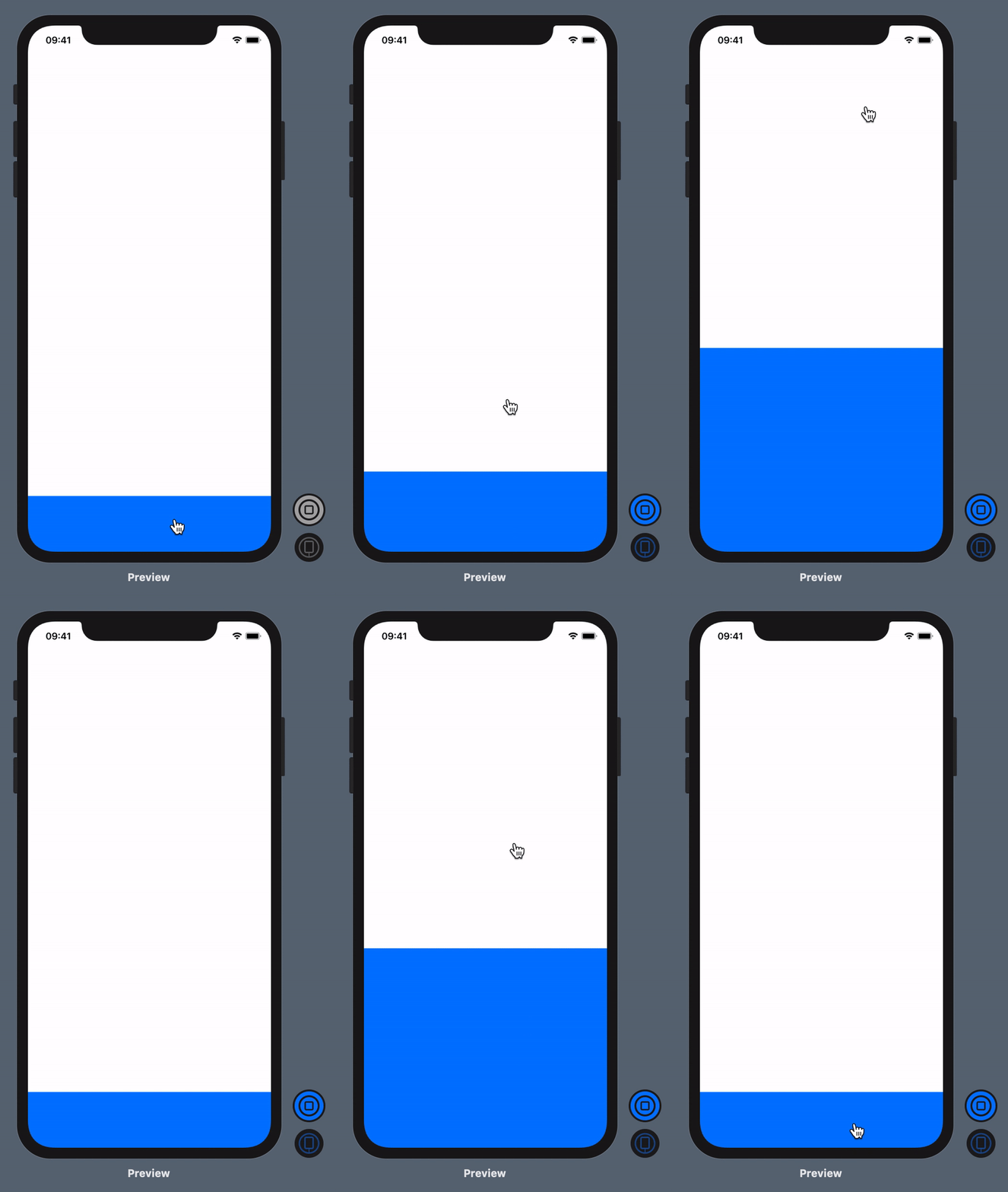
A basic two-height drawer.
Drawer {
    Color.blue
}.rest(at: .constant([100, 340]))