rose-pine-tmux
May 21, 2023 · View on GitHub
Minimal tmux theme based on rose-pine colour palette.
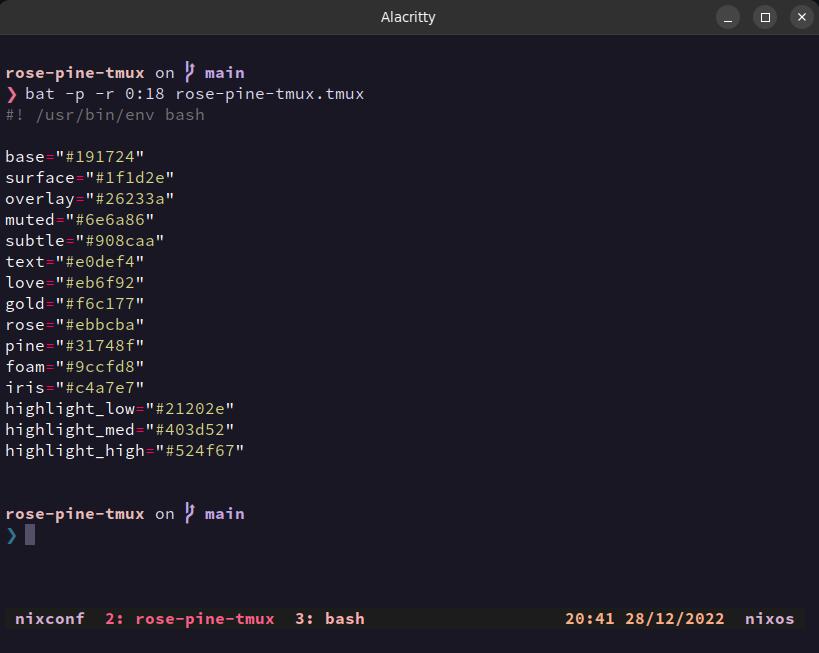
Set Options
Following options can be set in .tmux.conf.
Time format
Time format can be changed by setting @rosepine_time_format:
set -g @rosepine_time_format "%I:%M %p"
%I: Hour as decimal number (12-hour clock)%M: Minute as decimal number%p: "AM" or "PM"%R: [Default] Hour and minute in 24-hour notation (%H:%M).
See strftime manpage for more details.
Date format
Date format can be changed by setting @rosepine_date_format:
set -g @rosepine_date_format "%D"
%m: Month as a decimal number%d: Day of the month as a decimal number%y: Year as a decimal number without the century%Y: Year as a decimal number including the century%D: Equivalent to %m/%d/%y (American format)%F: Equivalent to %Y/%m/%d (ISO 8601 format)%d/%m/%Y: [Default] Date in non-American format
See strftime manpage for more details.
Installation with Tmux Plugin Manager (recommended)
Add this plugin to the list of TPM plugins in .tmux.conf:
set -g @plugin 'mcanueste/rose-pine-tmux'
Hit prefix + I to fetch the plugin and source it.
Manual Installation
Clone the repo:
$ git clone https://github.com/mcanueste/rose-pine-tmux /some/path/to/download
Add this line to the bottom of .tmux.conf:
run-shell /some/path/to/download rose-pine-tmux.tmux
Reload tmux environment
$ tmux source-file ~/.tmux.conf