README.md
September 16, 2026 · View on GitHub
┌┬┐┌─┐┌─┐┌─┐┬ ┬┌┬┐┬ ┬┬┌─┐
│││├┤ │ ┬├─┤│ │ │ ├─┤││
┴ ┴└─┘└─┘┴ ┴┴─┴ ┴ ┴ ┴┴└─┘
@megalithic 🗿
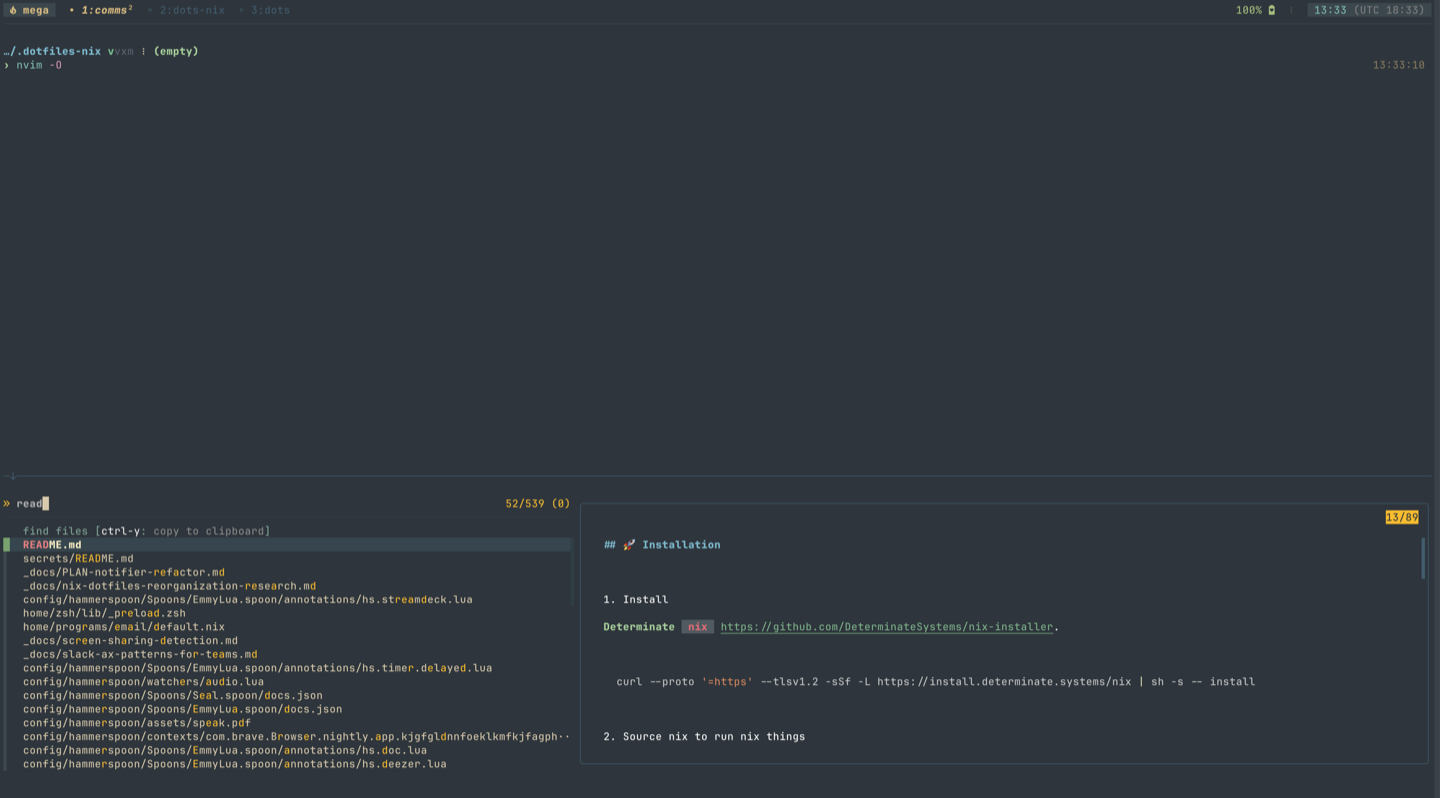
Installation
bootstrap.sh is the MacOS first-install and migration entry point. Run it in
an interactive terminal on a new machine or when the machine still needs base
setup. Do not run it as root.
Run the current remote script:
bash -c "$(curl -fsSL https://raw.githubusercontent.com/megalithic/dotfiles/HEAD/bootstrap.sh)"
Without flags, bootstrap prompts for a hostname and defaults to the current short hostname. To select a host without the prompt:
bash -c "$(curl -fsSL https://raw.githubusercontent.com/megalithic/dotfiles/HEAD/bootstrap.sh)" -- --host myhostname
From an existing checkout, run:
cd ~/.dotfiles
sh bootstrap.sh --host "$(hostname -s)"
Use --force only when bootstrap should overwrite conflicting whole-file
dotfile targets:
bash -c "$(curl -fsSL https://raw.githubusercontent.com/megalithic/dotfiles/HEAD/bootstrap.sh)" -- --force --host myhostname
Bootstrap has no dry-run mode. It changes machine state: it may install Command
Line Tools and Homebrew, install or update standalone mise at
~/.local/bin/mise, set the MacOS hostname, clone or update ~/.dotfiles,
apply managed links, install tools/packages/apps, run first-install hooks, set
fish as the login shell, attempt to refresh mise.lock, and run final health
checks. If an existing checkout is dirty, the current script stashes its
changes before pulling.
Host configuration
Bootstrap normalizes the selected hostname, exports it as MISE_ENV, and uses
that value while mise loads configuration. After dotfiles are applied, mise
merges this host "overlay" over the global config:
~/.config/mise/config.toml
~/.config/mise/config.$MISE_ENV.toml
Confirm the active global and host configuration without installing missing tools:
MISE_AUTO_INSTALL=false mise cfg
After bootstrap succeeds, fully quit and reopen the terminal so the fish login
shell and host environment take effect. Bootstrap runs a limited
mise/scripts/check-system check before exiting; this first pass skips the full
missing-tool check. If it reports failures, restart the terminal and run the
full check:
mise run doctor
A MacOS App Management permission failure also requires quitting and reopening the terminal after granting access, then rerunning bootstrap.
Machine updates
After initial bootstrap, use the recurring machine updater instead of rerunning bootstrap:
mise run up
Normal runs mutate machine state and stream each phase directly to the terminal. To print each phase without running it, use the updater's dry-run mode:
mise run up -- --dry-run
mise/scripts/update-machine runs these phases sequentially and stops on the
first failure:
update:tools- update standalone mise, plugins, and declared toolsupdate:packages- apply and upgrade declared system packagesupdate:dotfiles- force-apply managed dotfile targetsinstall:fonts- install declared Nerd Fonts when inputs changedupdate:system- build signed miccheckd, notiwatchd, and avwatchd binaries, configure Helium, apply LaunchAgents, and apply MacOS defaultsupdate:nvim- update Neovim plugins and Treesitter parsersupdate:fnox- refresh the fnox cache and generated secret artifactsupdate:pi- update Pi settings, tools, and extensionsreload:hammerspoon- reload Hammerspoon
Task declarations live in config/mise/config.toml. Multi-step mise helpers
live in mise/scripts/; shared Swift sources and their signed build helper stay
in lib/. List current public tasks with:
mise tasks ls
🐉 Thar be dragons
I am pushing updates constantly, so there are NO guarantees of stability with my config!
Warning
I highly recommend you dig into the scripts and configs to see what all is going on (because it does a lot more than what I'm describing in this README) before you -- all willy-nilly, throw caution to the wind -- install a stranger's shell scripts. 🤣
✨ Accoutrements
- mise
- ghostty
- tmux
- fish
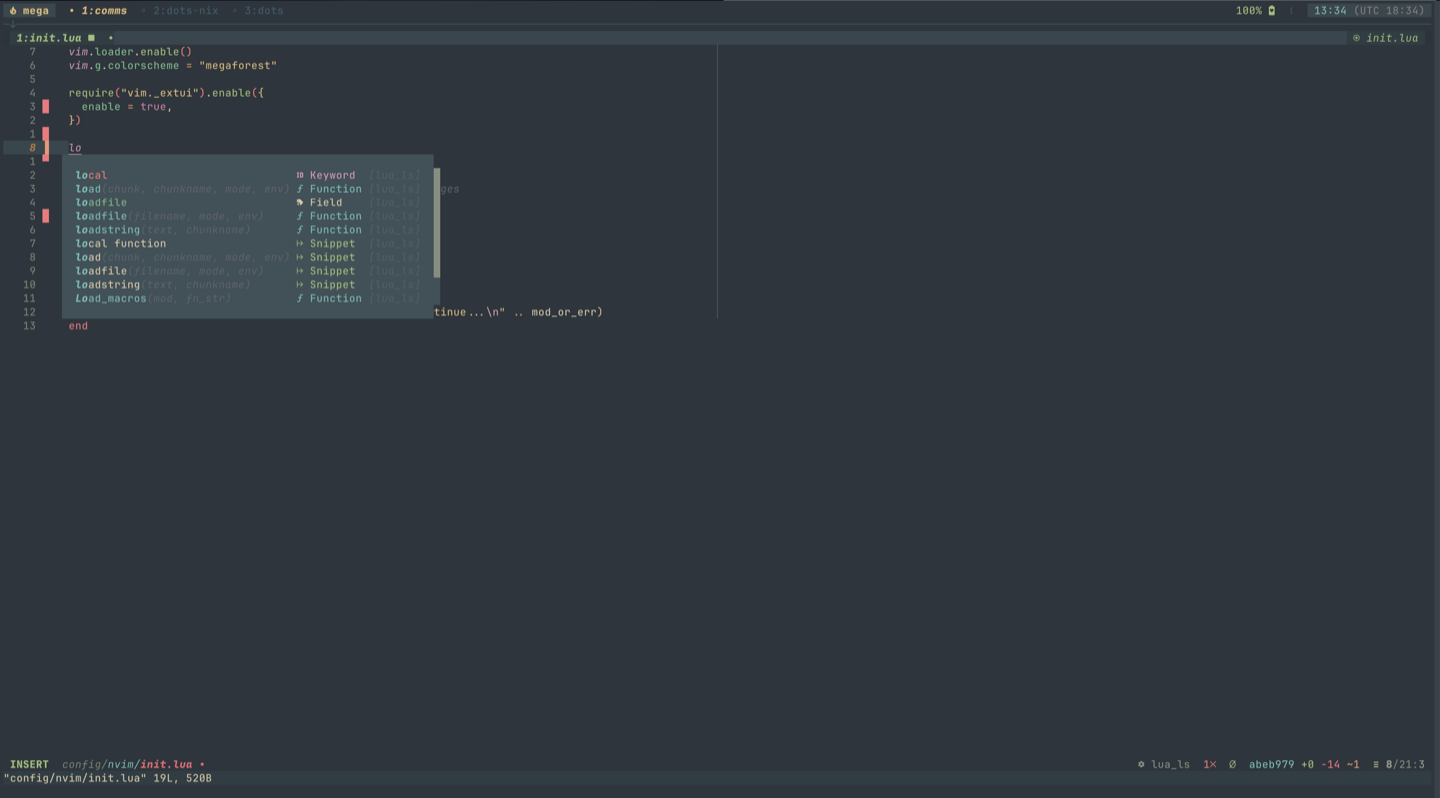
- neovim
megaforestfor all the colours/themes- jetbrains mono font
- hammerspoon
- kanata (Leeloo v1.13/ZMK)