Contributing
May 17, 2026 · View on GitHub
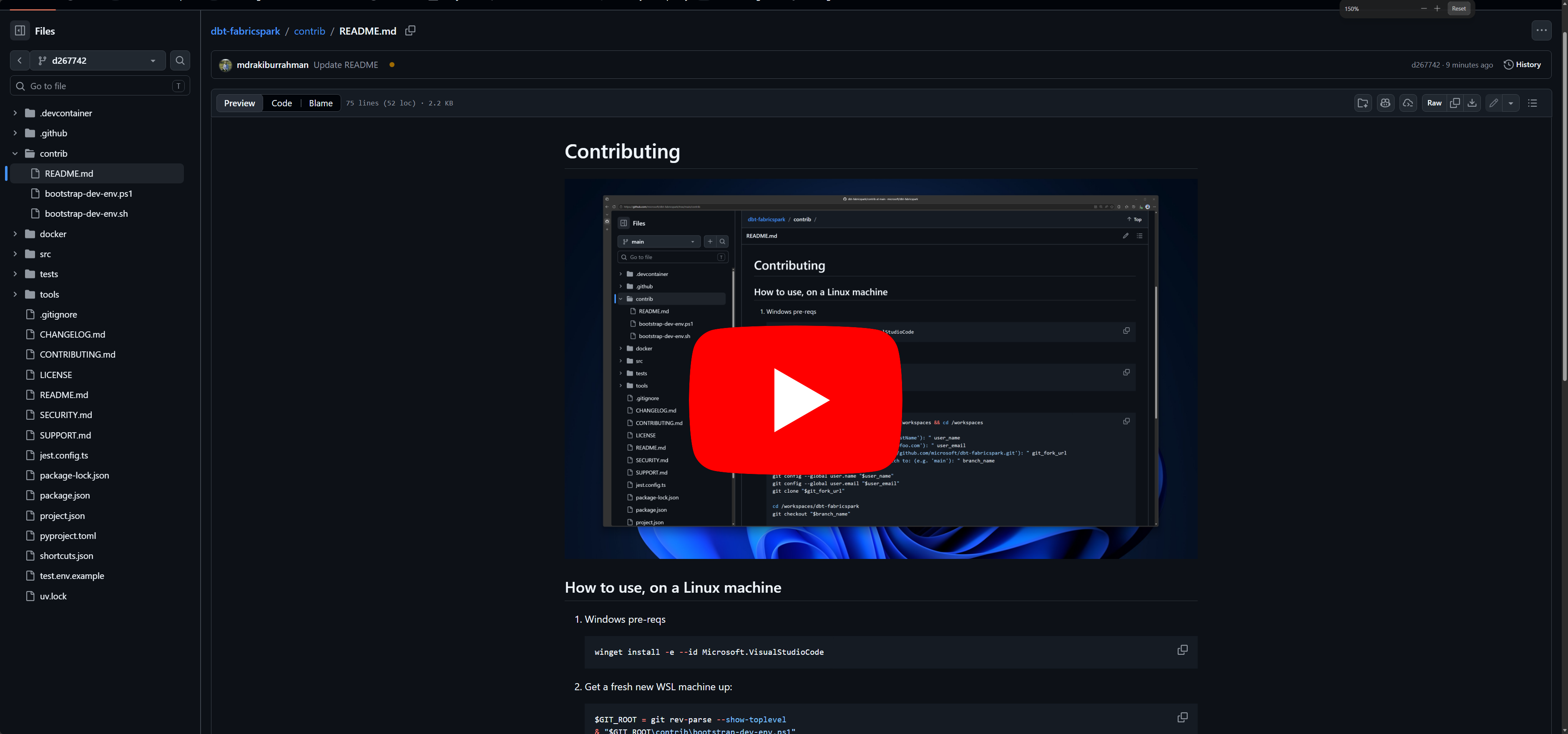
If you're a windows user, we only use windows to get into WSL - everything is Linux from there.
Spark and Livy are notoriously hard to run on Windows. Therefore, the development environment we support is Linux, using VSCode Devcontainer. This repo's CI runs the exact same devcontainer.
Therefore, if the tests pass locally, they are highly likely to pass in CI as well.
How to use, on a Linux machine
-
Windows pre-reqs
winget install -e --id Microsoft.VisualStudioCode -
Get a fresh new WSL machine up:
$GIT_ROOT = git rev-parse --show-toplevel & "$GIT_ROOT\contrib\bootstrap-dev-env.ps1" -
Clone the repo, and open VSCode in it:
sudo mkdir -p /workspaces && sudo chmod 777 /workspaces && cd /workspaces read -p "Enter your name (e.g. 'FirstName LastName'): " user_name read -p "Enter your email (e.g. 'your-alias@foo.com'): " user_email read -p "Enter your git fork (e.g. 'https://github.com/microsoft/dbt-fabricspark.git'): " git_fork_url read -p "Enter the existing branch to switch to: (e.g. 'main'): " branch_name git config --global user.name "$user_name" git config --global user.email "$user_email" git clone "$git_fork_url" cd /workspaces/dbt-fabricspark git checkout "$branch_name" code . -
Run the bootstrapper script, that installs all tools idempotently:
GIT_ROOT=$(git rev-parse --show-toplevel) chmod +x ${GIT_ROOT}/contrib/bootstrap-dev-env.sh && ${GIT_ROOT}/contrib/bootstrap-dev-env.sh -
Launch the devcontainer:
cd /workspaces/dbt-fabricspark HEX=$(printf '%s' "$(wslpath -w .)" | xxd -ps -c 256) code --folder-uri "vscode-remote://dev-container+${HEX}/workspaces/dbt-fabricspark" -
Install recommended developer tooling (optional):
curl -fsSL https://gh.io/copilot-install | bash $HOME/.local/bin/copilot --yolo -
Login to github and ensure to authorize
Microsoftif you're an employee (optional):gh auth login -
Create a
test.envfile with the two Fabric workspace IDs and display names — you needContributoron both. The functional test suite uses two workspaces:- Workspace 1 (
WORKSPACE_ID_1/WORKSPACE_NAME_1) — the primary workspace where dbt models are materialized during tests. - Workspace 2 (
WORKSPACE_ID_2/WORKSPACE_NAME_2) — the secondary workspace that hosts a seeded fixture lakehouse, used to verify cross-workspace 4-part naming end-to-end.
GIT_ROOT=$(git rev-parse --show-toplevel) read -p "Enter Fabric workspace 1 ID: " ws1_id read -p "Enter Fabric workspace 1 display name: " ws1_name read -p "Enter Fabric workspace 2 ID: " ws2_id read -p "Enter Fabric workspace 2 display name: " ws2_name { echo "WORKSPACE_ID_1=${ws1_id}" echo "WORKSPACE_NAME_1=${ws1_name}" echo "WORKSPACE_ID_2=${ws2_id}" echo "WORKSPACE_NAME_2=${ws2_name}" } > "${GIT_ROOT}/test.env" - Workspace 1 (
-
All build and tests should now run green:
npx nx run dbt-fabricspark:build
npx nx run dbt-fabricspark:test --output-style=stream